A Yellow Diamond Around a Study Group
The diamond shaped photo of students bending over a book and a laptop has a thick yellow frame and magenta bands on a dark plum page. The title ACADEMIC ASSIGNMENT is in magenta and white. It is a bold cover for a student who wants to stand out.
Diamond Frame, Magenta Bands and Rotated Text
The page is 8.5 x 11 inches, portrait, one page. A magenta bar at the upper left holds a placeholder line. The year 20XX is rotated at the upper right. A tilted line of text runs along the lower right edge of the diamond.
Title, By Line and Tilted Line
ACADEMIC and ASSIGNMENT are stacked, with BY: NAME SURNAME in yellow. The top bar reads LOREM IPSUM IS SIMPLY DUMMY TEXT and the tilted line reads LOREM IPSUM TEXT REPLACEMENT. Use the bar for the course and the tilted line for the date.
Using the Tilted Line
- Keep it short.
- Use the date.
- Check the angle.
- Use yellow text.
- Delete if not needed.
Dark Backgrounds and Ink
The plum page is dark and uses plenty of toner. Print a draft in grayscale to check the layout.
Magenta and Yellow Together
The two colours are loud. Keep text white or yellow for clarity.
Printing the Magenta Diamond Cover
Use a laser printer and 120 gsm paper. A shop print will be richer.
Step by Step Editing of the Magenta Yellow Diamond Frame Design
- On the magenta yellow diamond frame design, click the main headline and type your own words, keeping a similar length.
- Retype every name, date and contact line on the magenta yellow diamond frame design, checking each against a trusted source.
- Search the magenta yellow diamond frame design for the words Lorem and Company so that no placeholder remains.
- Click any logo or photo on the magenta yellow diamond frame design, choose Replace Image and resize the new picture to fit.
- Zoom the magenta yellow diamond frame design to full size and read each line aloud before you save it.
- Keep a clean master of the magenta yellow diamond frame design without private details, so later versions start tidy.
Planning Group Study Sessions
Set a regular time and a goal for each session, and agree who takes notes. Short, focused meetings produce better work than long, vague ones.
Credits and References Page
End the paper with a references page in the style your course requires. Check each reference for accuracy and consistent format.
Keeping a Submission Checklist
Before you upload, tick off the file name, the word count, the references, the cover details and the format. A short checklist prevents avoidable mistakes at the last minute.
Rewarding Yourself After Submission
Plan a small break once you have uploaded the paper. Rest improves the next piece of work, and finishing on time deserves recognition.
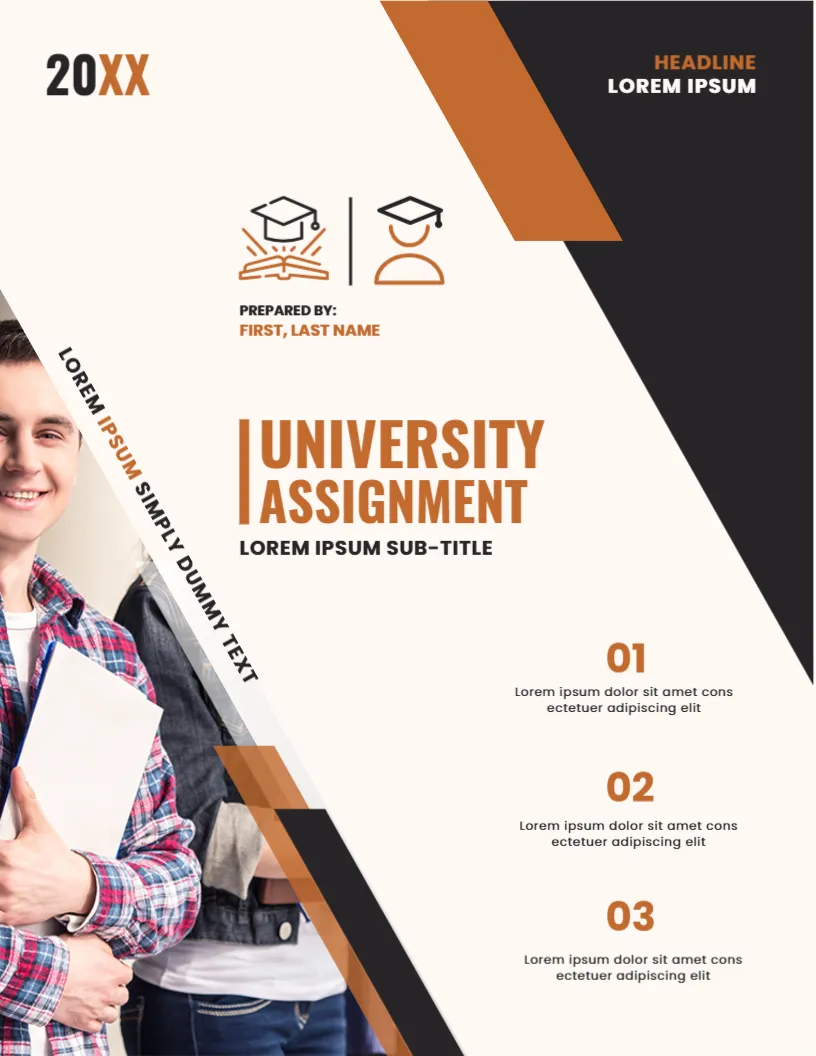
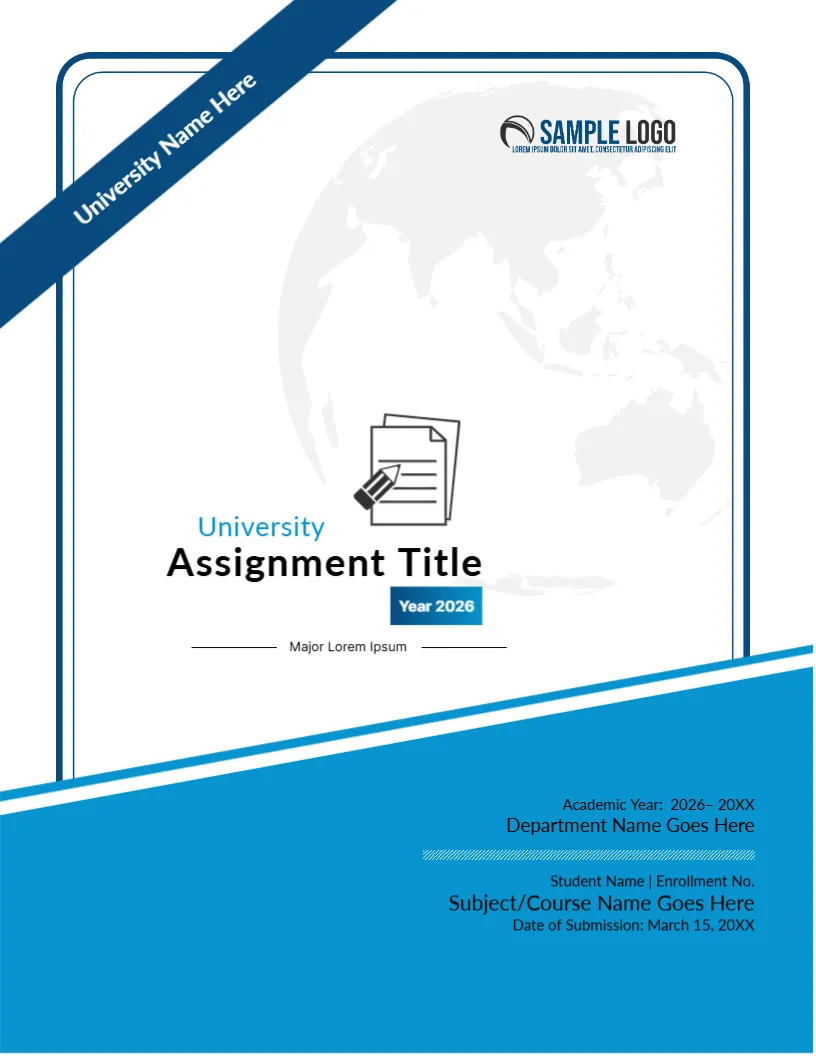
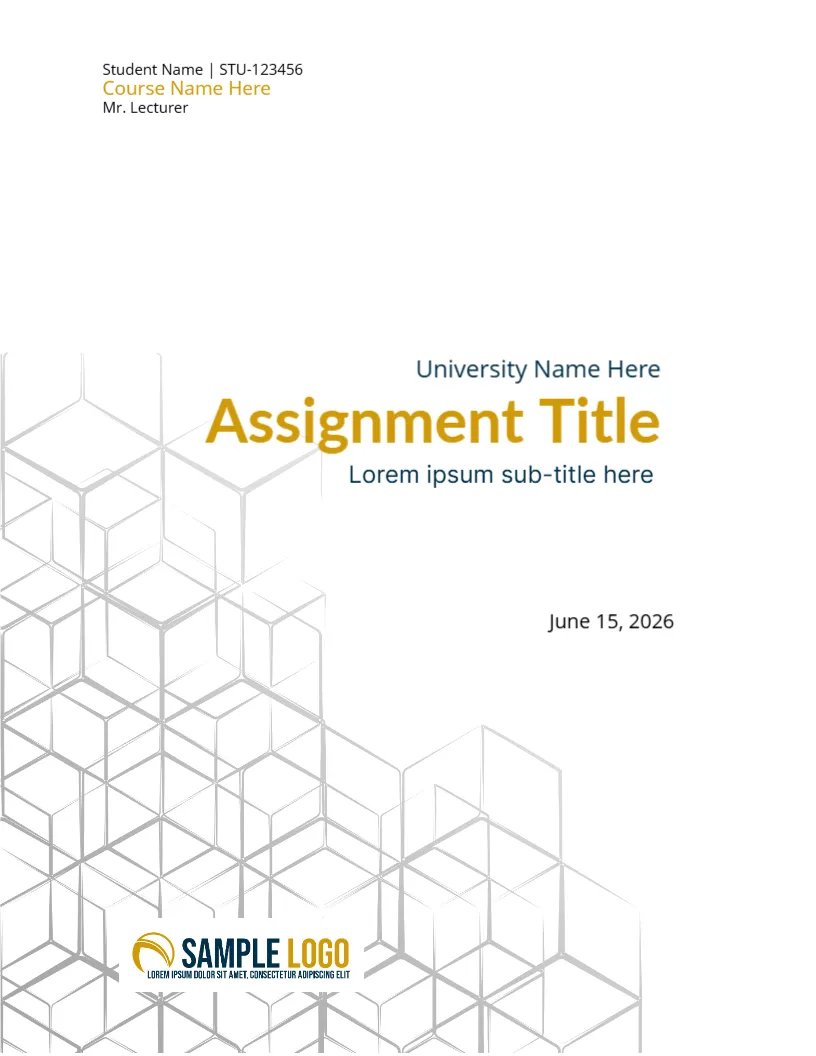
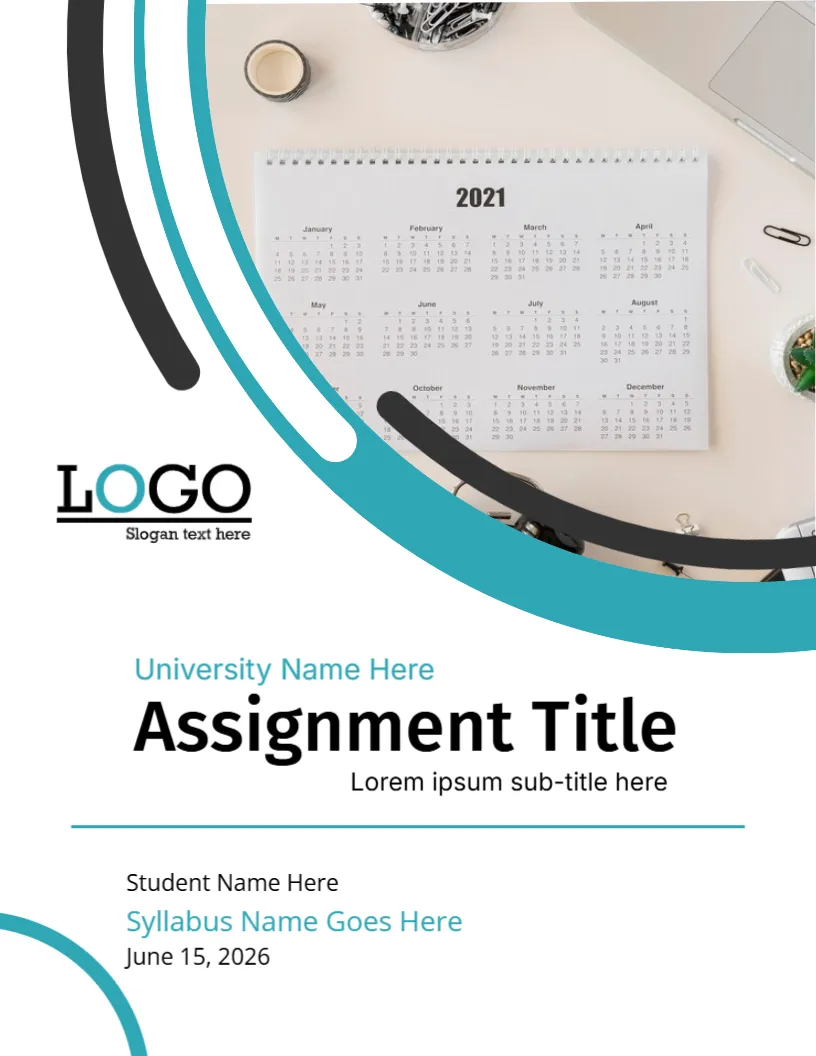
For comparison, open the academic assignment cover page. Consider the creative university assignment cover. Similar designs include the student assignment cover page. Find more designs next to the magenta yellow diamond frame design in assignment cover pages.