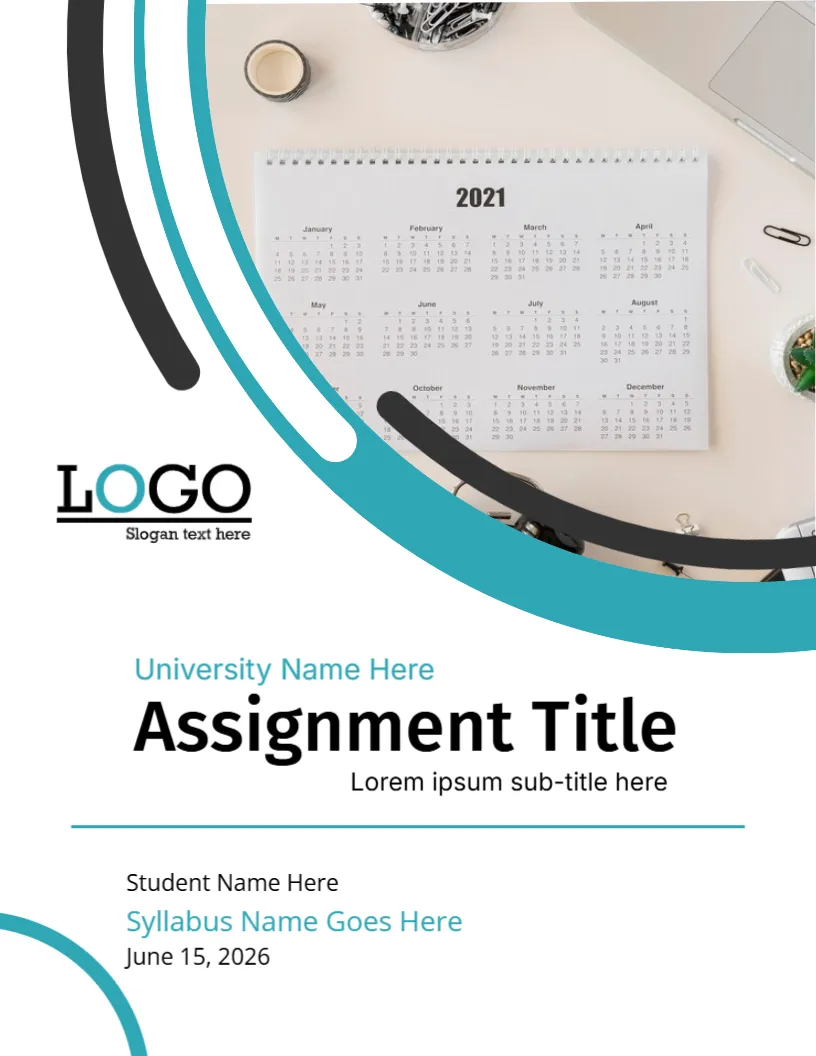
A Desk Calendar Behind a Teal Arc
The photo of a wall calendar and office supplies tells your marker that the work is about planning and timelines. Teal and black arcs sweep across it, and the title sits under a thin teal rule. It suits assignments on syllabi, schedules, course plans and curriculum design.
Photo, Arcs and Rule
The page is 8.5 x 11 inches, portrait, one page. The photo fills the top of the page. A thick teal arc and a thin black arc curve around its edge. A teal rule divides the title from the student block. A quarter circle in teal sits at the lower left.
Title, Student and Syllabus Lines
University Name Here is in teal above Assignment Title and Lorem ipsum sub-title here. Below the rule, Student Name Here, Syllabus Name Goes Here in teal and June 15, 2026 are listed. The calendar in the photo shows the year 2021, so replace the photo with a current picture or one without a visible year.
What to Put in the Syllabus Line
- The course syllabus name.
- The unit code.
- The term or semester.
- The instructor.
- The week of the topic.
Replacing the Calendar Photo
The calendar shows 2021, which looks old. Use Replace Image to add a picture of your own, or a calendar without a year.
Planning Assignments Around a Syllabus
Mark every deadline on the syllabus in the first week. Break the assignment into stages with dates, and start early.
Printing the Calendar Cover
Print on 120 gsm paper in colour. The photo is large and needs a colour printer.
Step by Step Editing of the Syllabus Calendar Teal Design
- On the syllabus calendar teal design, click the main headline and type your own words, keeping a similar length.
- Retype every name, date and contact line on the syllabus calendar teal design, checking each against a trusted source.
- Search the syllabus calendar teal design for the words Lorem and Company so that no placeholder remains.
- Click any logo or photo on the syllabus calendar teal design, choose Replace Image and resize the new picture to fit.
- Zoom the syllabus calendar teal design to full size and read each line aloud before you save it.
- Keep a clean master of the syllabus calendar teal design without private details, so later versions start tidy.
Linking the Syllabus to the Paper
State on the first page which learning outcome of the syllabus your assignment addresses. Markers like to see the link, and it shows you read the course plan.
Creating a Study Timeline
Count backwards from the deadline and set dates for reading, drafting and editing. Put the plan in a calendar and tick off each step.
Scheduling Revision After Submission
Once the paper is handed in, note the date marks will be released. Use the feedback to improve the next assignment, and keep a copy of the cover and the paper in a folder named for the course.
A related layout is the assignment cover page. Also worth a look: university assignment cover page template. Next to try is the assignment cover page design. Every syllabus calendar teal style alternative sits in assignment cover pages.