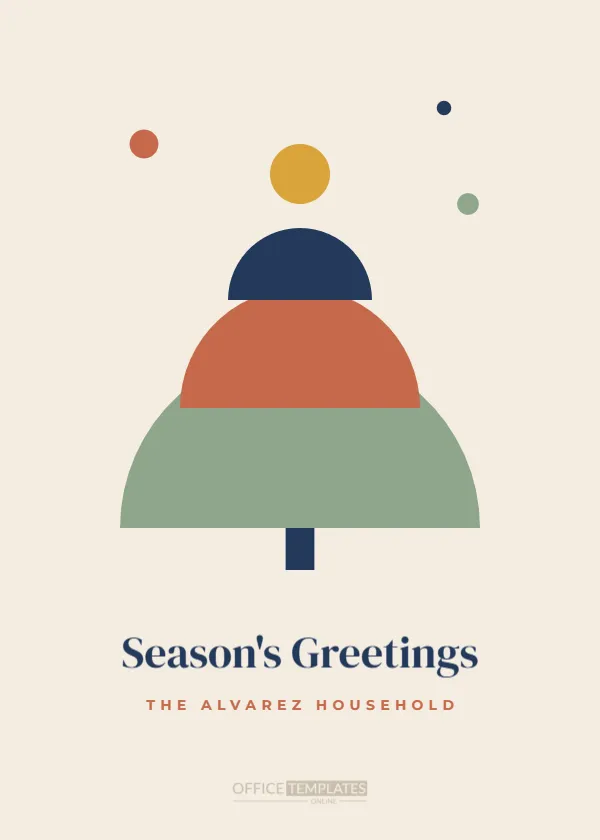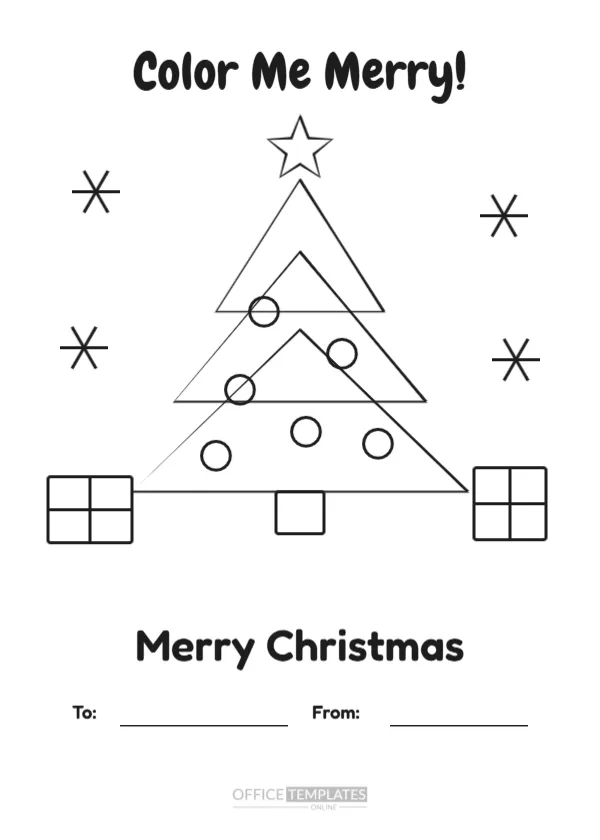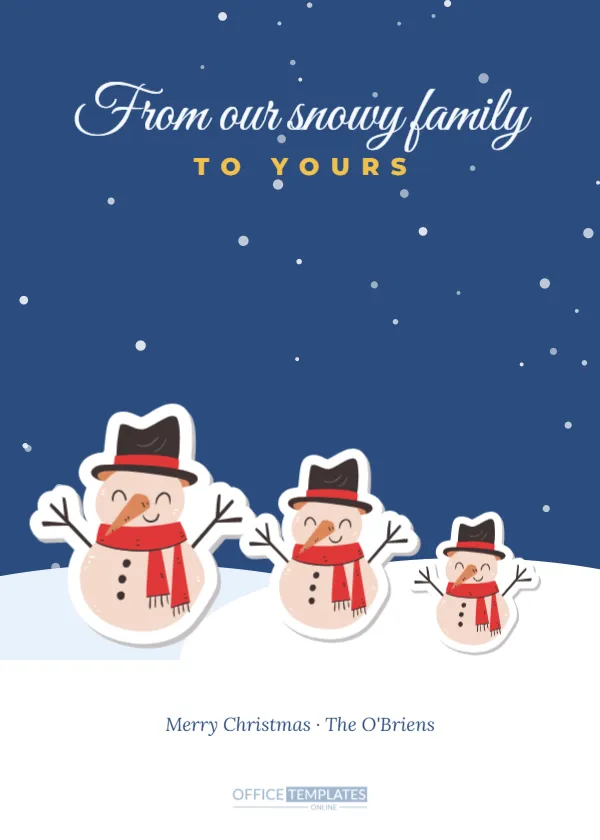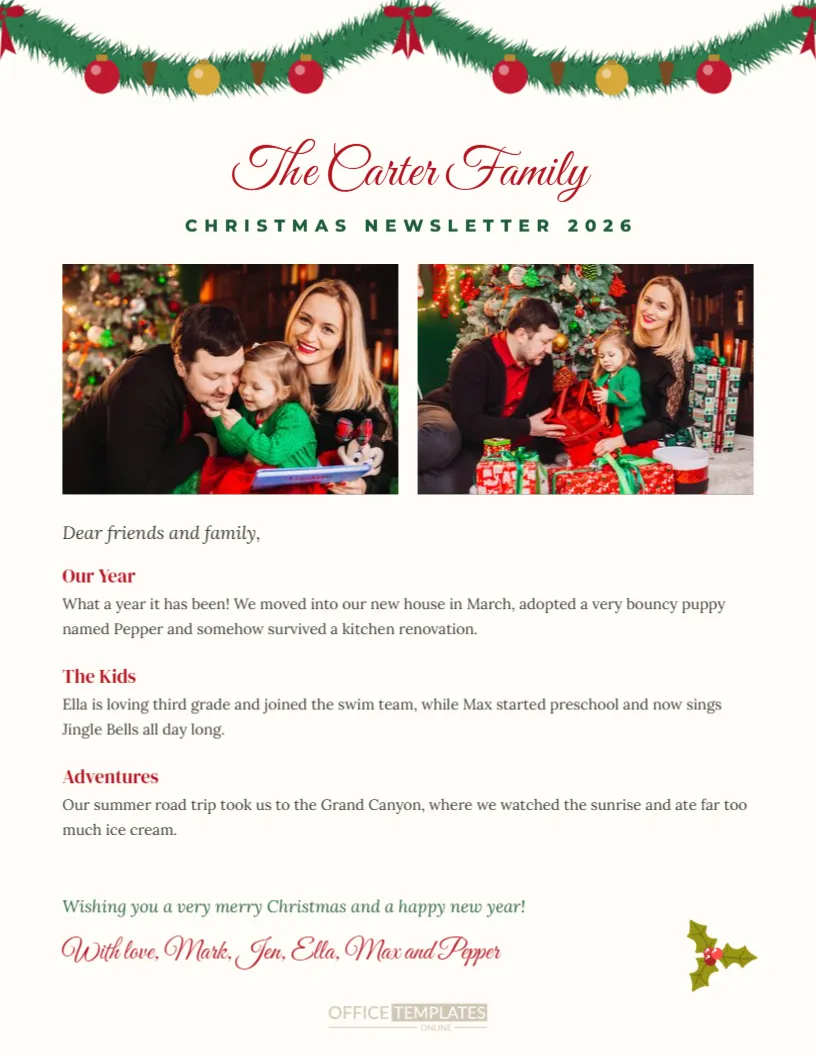
The Christmas letter is a long-loved tradition, a chance to share the family’s news of the year with friends and relatives near and far. This US Letter template turns the annual letter into a festive family newsletter. A fir garland with red and gold baubles hangs across the top of a soft cream page. The Carter Family appears in red script with CHRISTMAS NEWSLETTER 2026 in green capitals. Two photo frames sit side by side, followed by a Dear friends and family greeting and three short sections with red headings, Our Year, The Kids and Adventures, each with a paragraph of news. A closing wish and a script signature from the whole family finish the letter.
The Tradition of the Christmas Letter
Christmas letters became popular in the twentieth century as families moved apart and wanted to keep everyone updated. Today they remain a cherished way to share milestones, travels and funny moments. A well-designed newsletter makes the letter enjoyable to read and easy to skim.
Adding Two Family Photos
Click each frame and choose Replace Image to upload photos. Use one family portrait and one candid highlight of the year, such as a holiday or a new pet. Landscape photos fit the frames best.
Writing the Newsletter Sections
Each section has a heading and a short paragraph. Edit the headings to suit your news, such as New Home, Work Updates, School and Sports, or Our Travels. Keep paragraphs short and lively, so readers enjoy every section.
Tips for a Great Christmas Letter
Keep it positive but genuine, include funny moments, mention each family member, and keep it to one page. Avoid long lists of achievements; readers enjoy stories more than boasts.
Editing the Family Name and Year
Click the script title to type your family name, and update the year in the green line. Change the signature to list your family members and pets.
Printing the Christmas Newsletter
Download a PDF and print on US Letter paper. The cream background prints well on home printers. Fold the letter in thirds to fit a standard envelope, or tuck it into a card.
Combining the Letter With a Card
Many families send the newsletter inside a Christmas card. Pair it with any card from this collection, such as a photo card or a wreath card, for a complete greeting.
Emailing the Christmas Newsletter
Download the newsletter as a PDF or image and email it to friends and family. Digital newsletters are perfect for relatives abroad and save postage.
A Newsletter for Large Families
Large or extended families can add more sections by duplicating a heading and paragraph. Reduce the photo size slightly if you need more space.
Newsletter for Grandparents
Grandparents can write a newsletter about their travels, hobbies and grandchildren’s visits. It keeps the whole family connected.
Changing the Newsletter Colours
The red, green and cream palette is classic Christmas. Change the heading colours to navy and gold for an elegant look, or remove the garland for a year-round family update.
Proofreading Your Letter
Read the letter aloud before printing to catch typos and awkward sentences. Ask a family member to check names and dates.
Keeping a Newsletter Archive
Save each year’s newsletter in a folder. Over time, they form a family history that children will love reading when they grow up.
Newsletters for Clubs and Churches
Clubs, churches and small organisations can adapt the template for a Christmas newsletter to members, changing the sections to events and highlights.
Christmas Newsletter Questions
Can I add more photos?
Yes. Add frames from the Elements panel.
Can I add a second page?
Yes. Add a page in the editor for more news.
Can I remove the garland?
Yes. Select it and delete.
Christmas Letter Writing Prompts
If you are not sure what to write, try these prompts: What was the funniest moment of the year? Where did you travel? What new skill did someone learn? What are you most grateful for? What are you looking forward to next year? Answering a few of these questions gives your newsletter structure and personality, and readers enjoy the variety.
Keeping the Newsletter Humble and Warm
Christmas letters are sometimes teased for sounding boastful. Balance achievements with everyday moments and a little humour, and acknowledge challenges honestly if the year was hard. Readers connect with genuine stories, such as the camping trip where it rained every day, more than with a list of awards.
Including Friends’ News Requests
End the letter by inviting friends to share their own news, such as: We would love to hear how your year has been. It turns the newsletter into a conversation and often leads to replies, calls, and reunions in the new year.
Newsletter Layout Tips
Keep headings short, use photos that complement the text, and leave some white space so the page does not feel crowded. One page is ideal for most readers.
Children Writing Their Own Sections
Let older children write their own short section in their own words. Relatives love hearing directly from the kids, and it becomes a sweet record of how they wrote and what they cared about each year.
Newsletter Fonts and Readability
The newsletter uses a clear serif for body text and a festive script only for the family name, which keeps it easy to read. If you add more sections, keep body text at a comfortable size for older readers and avoid long paragraphs. Breaking news into short sections with headings helps everyone find the updates they care about most.
Printing Newsletters on Holiday Paper
Some families print the newsletter on festive paper with a subtle border or snowflake pattern. If you do, remove the cream background in the editor so the paper’s design shows through.
Newsletter Mailing Timing
Post newsletters in early December so they arrive before the busy final week.
Send Your Family Newsletter This December
Add your photos and news, then print or email your Christmas newsletter. A festive family letter keeps loved ones close and celebrates the story of your year.