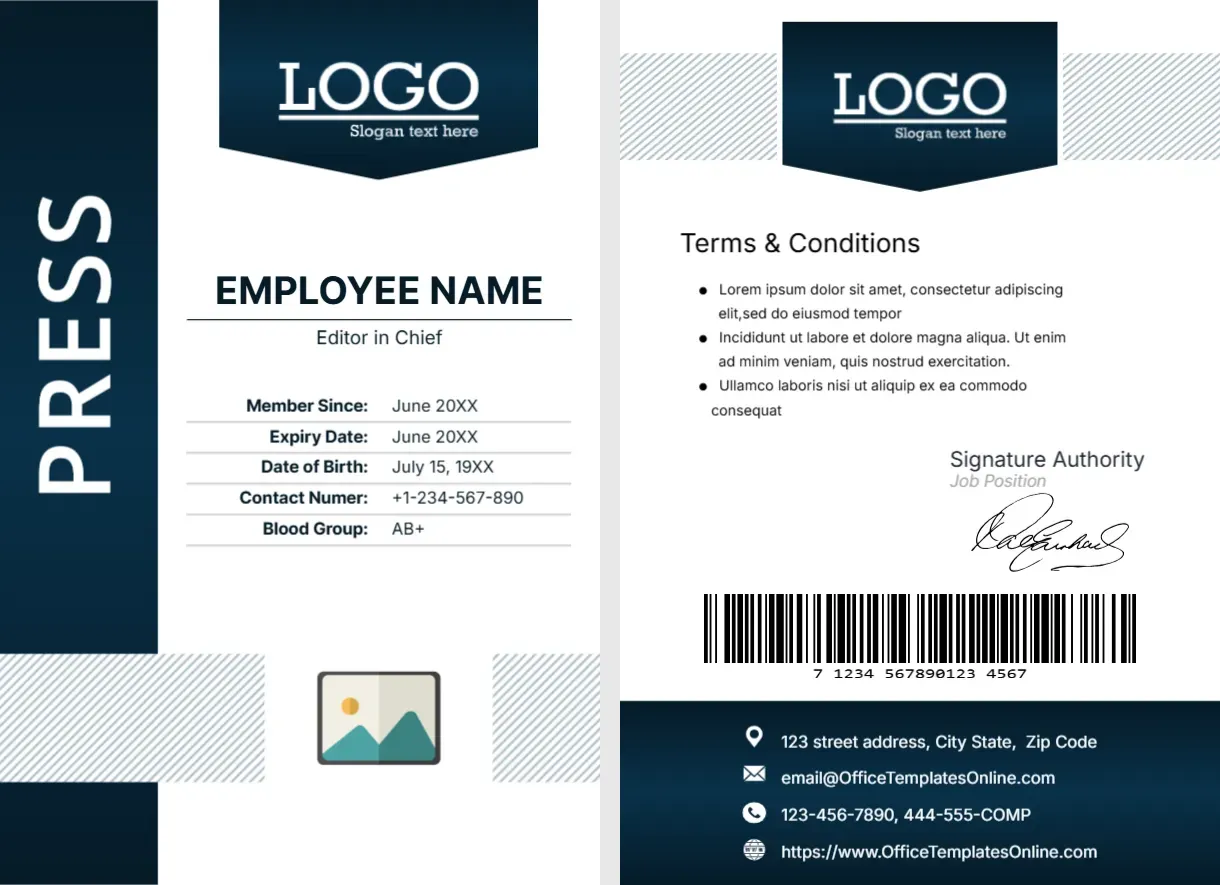
A Navy Shield Header and a Tall PRESS Bar for Editors
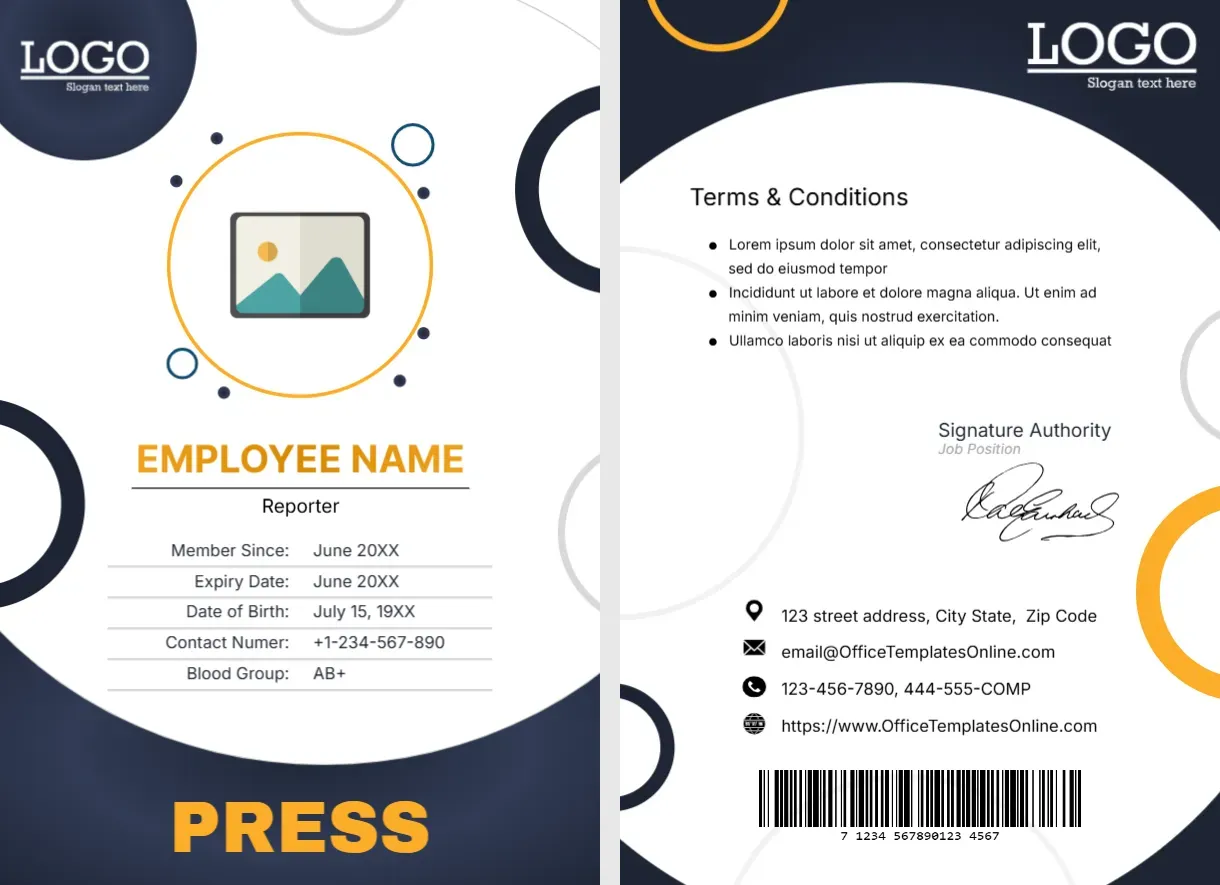
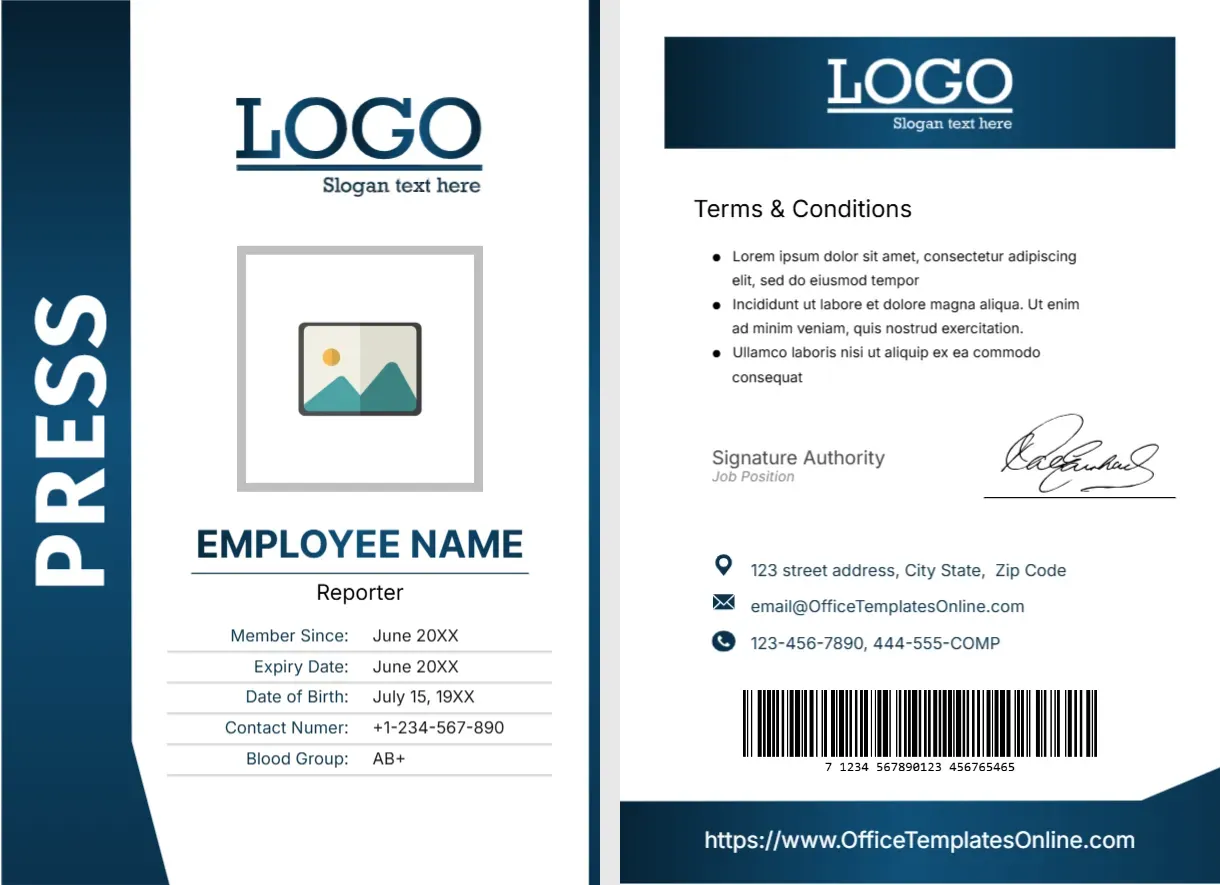
The front of this portrait card has a tall navy bar with PRESS in white capitals along the left, and a navy shield shaped header with a white LOGO. EMPLOYEE NAME is set in navy with Editor in Chief beneath, over a five row table. A photo placeholder sits low between pale striped panels. The back repeats the shield, with terms, a signature, a barcode and a navy contact foot.
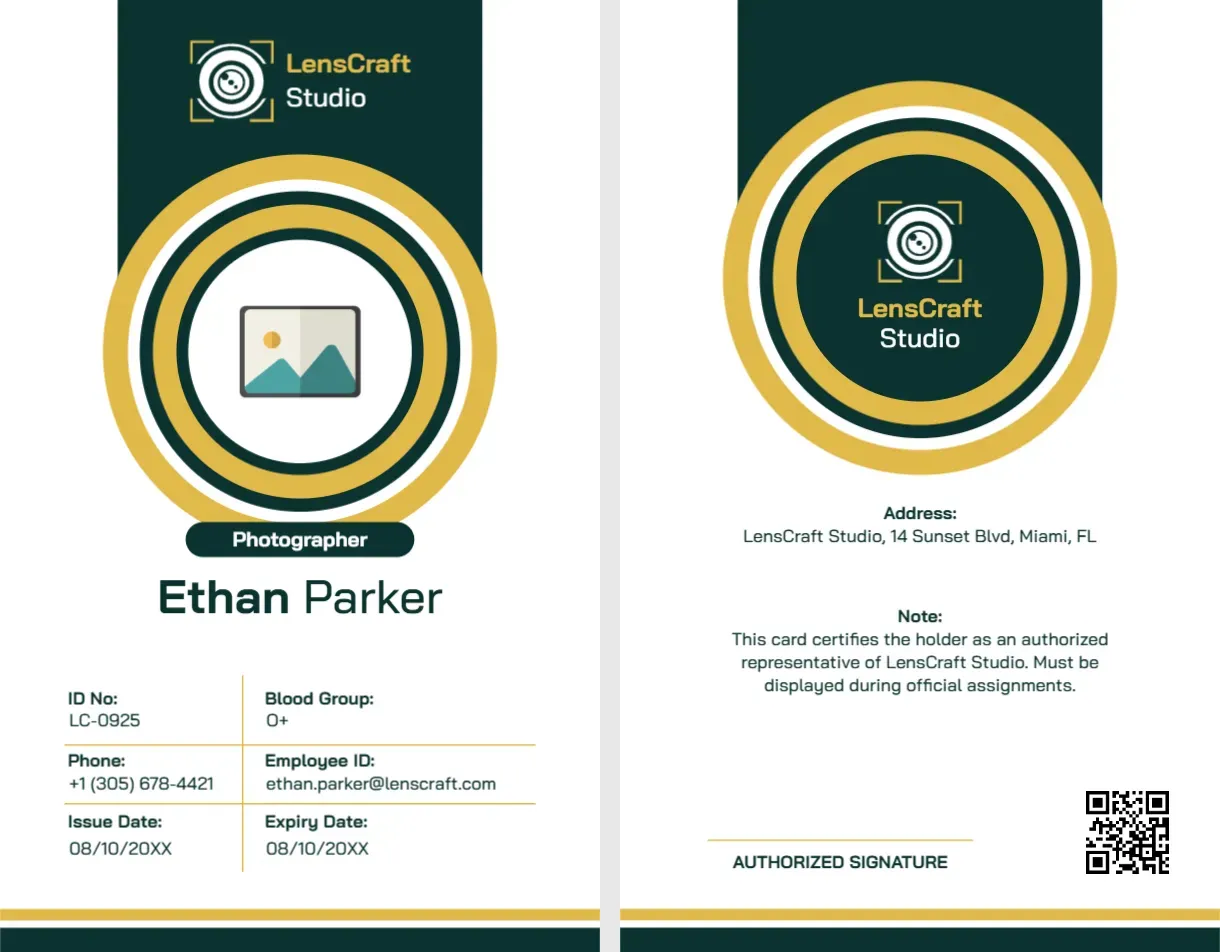
A Front and Back Photographer Card
The card is 2.63 x 3.88 inches. The photo sits at the bottom of the front, which is unusual, so keep the portrait fairly small and centred.
Title, Table and Contacts
Replace EMPLOYEE NAME and Editor in Chief. Fill Member Since, Expiry Date, Date of Birth, Contact Numer and Blood Group, and correct Numer to Number. On the back, replace the Lorem terms, the signature authority and the contact block.
Preparing the Editor Card
- Place the low photo.
- Type name and title.
- Correct Contact Numer.
- Fill the table.
- Update the back.
A Senior Look for Senior Roles
The navy shield and the calm layout feel authoritative, which suits an editor or a head of desk. It is less playful than the ring designs in the same set.
Photo at the Foot
Putting the photo below the table is a distinctive choice. It leaves the top for the name and title, but check that the face stays visible after trimming.
Striped Panels Beside the Photo
Pale diagonal stripes sit beside the photo. They add texture to the lower part, and they hold the eye in the centre of the card.
Titles That Fit the Line
Editor in Chief is a short title. Longer titles, such as Deputy Managing Editor, need a smaller size, so reduce the font a few points to keep them on one line.
A Back That Matches the Front
The back repeats the shield and the navy foot. Use the same wording and style for every card in the newsroom, and the set looks consistent.
Handling Cards for Leaders
Senior staff often have access to many areas. Make sure the card carries the right expiry date, and review access rights whenever a role changes.
Printing for a Newsroom
A newsroom can print cards on site with a desktop card printer. For a large team, order from a card service, supplying the file as a PDF.
Step by Step Editing of the Press News Editor Identity Card Navy Shield Design
- On the press news editor identity card navy shield design, click the main headline and type your own words, keeping a similar length.
- Retype every name, date and contact line on the press news editor identity card navy shield design, checking each against a trusted source.
- Search the press news editor identity card navy shield design for the words Lorem and Company so that no placeholder remains.
- Click any logo or photo on the press news editor identity card navy shield design, choose Replace Image and resize the new picture to fit.
- Zoom the press news editor identity card navy shield design to full size and read each line aloud before you save it.
- Keep a clean master of the press news editor identity card navy shield design without private details, so later versions start tidy.
A related layout is the news editor card. Also worth a look: media manager card. Next to try is the press journalist card. Looking beyond the press news editor identity card navy shield design? See all ID card templates.