One Standard Card for Every Employee
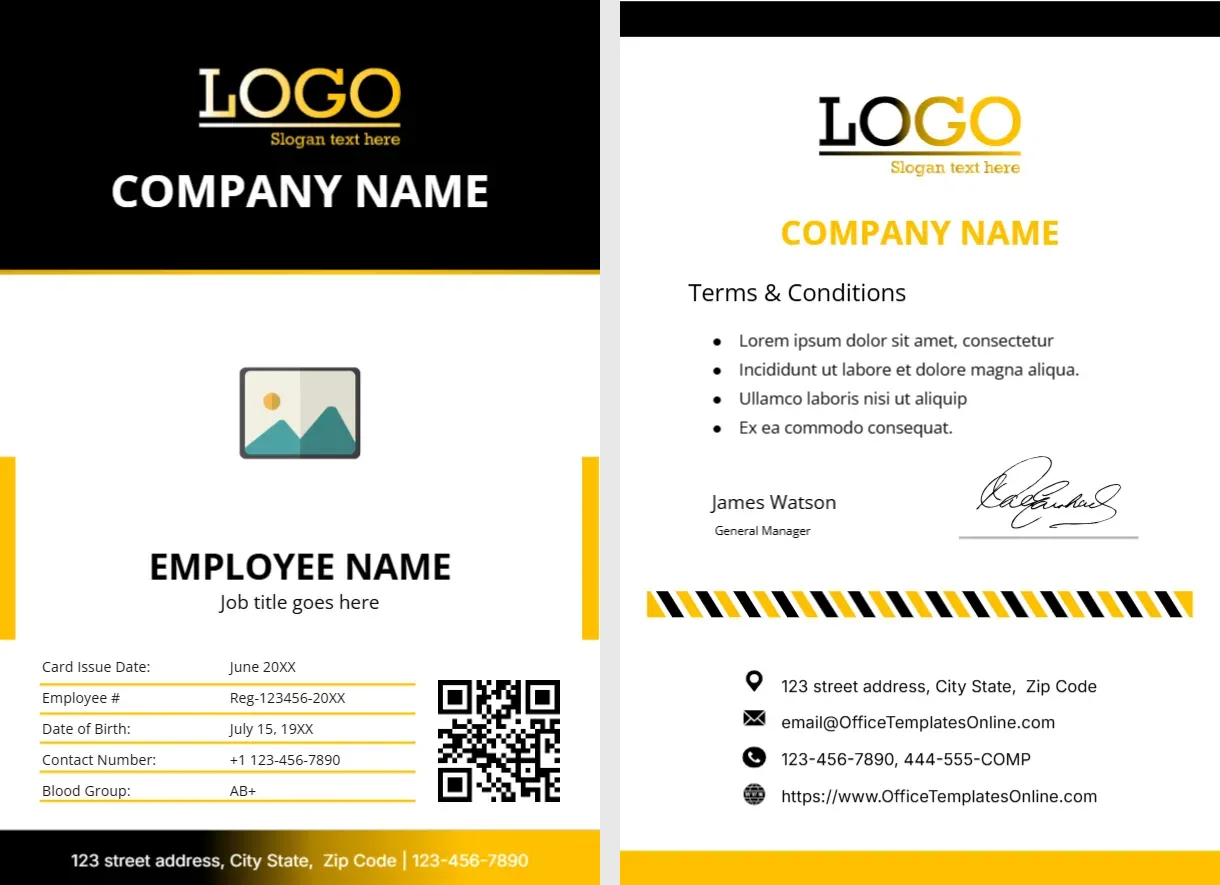
A company with more than a handful of staff needs a standard ID. It gives each person a way into the building, a way to prove who they work for, and a visible sign of belonging. It also makes your business look organised to visitors and clients. This business ID card is a clean, modern design in black and orange, with fields for the details most companies print: a name, a title, an employee number, a department and contact information.
Employee Card Front: Black Header, Orange Corners
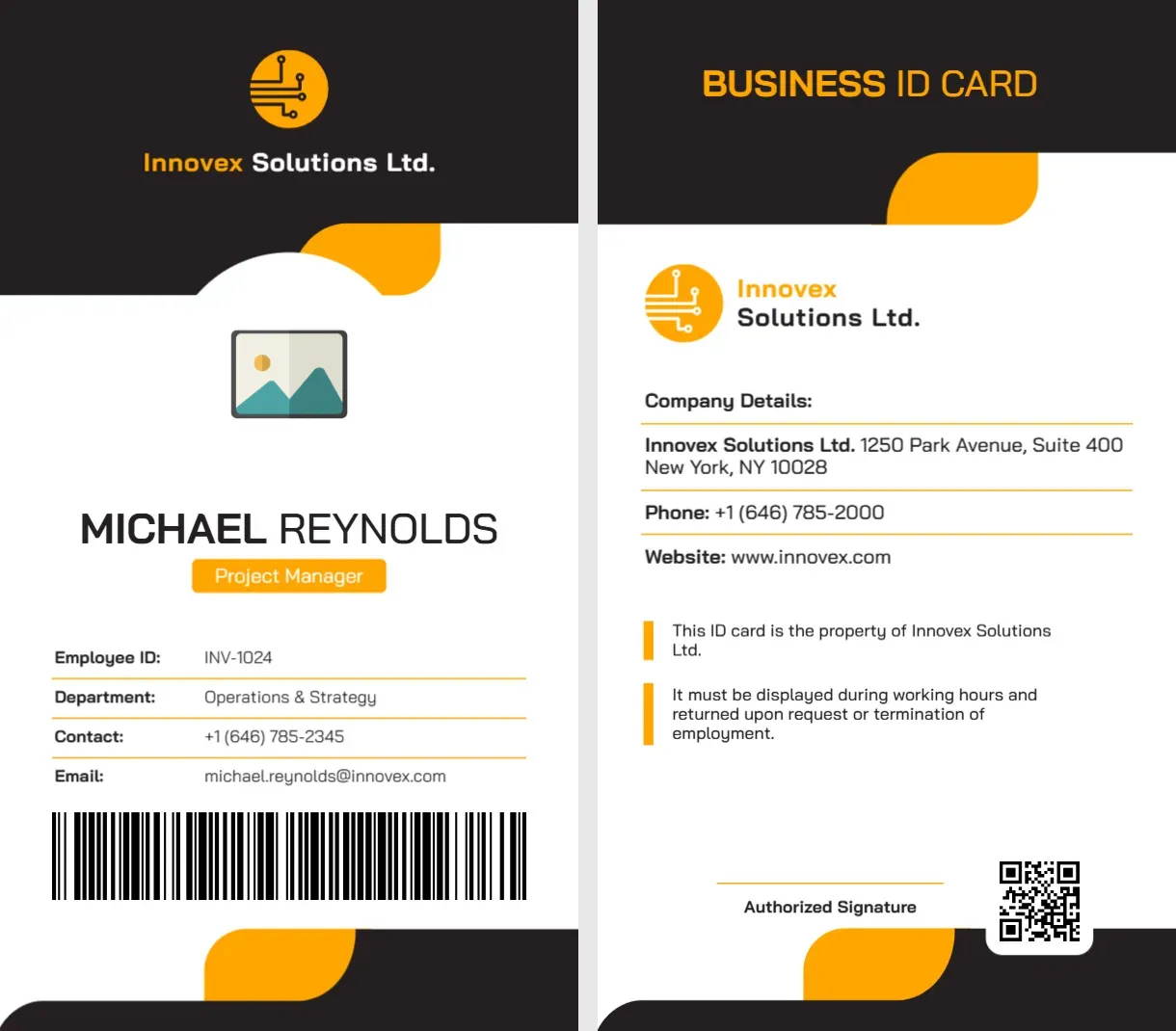
The card is portrait, 2.13 x 3.8 inches. The top is solid black with an orange circuit style logo above the company name, Innovex Solutions Ltd., in orange and white. Orange rounded corners lead into a white cut-out holding the photo placeholder. Below, MICHAEL REYNOLDS is in dark capitals, with an orange tag reading Project Manager. A table with orange underlines lists Employee ID: INV-1024, Department: Operations and Strategy, Contact: +1 (646) 785-2345 and Email: [email protected]. A wide barcode picture sits below, and orange and black corners close the card. The font is Bai Jamjuree.
Employee Card Back: Company Details and Notes
The back is white with a black header that reads BUSINESS ID CARD in orange. The logo and company name come next, then Company Details: Innovex Solutions Ltd., 1250 Park Avenue, Suite 400, New York, NY 10028, Phone: +1 (646) 785-2000 and Website: www.innovex.com. Two orange bar notes say: This ID card is the property of Innovex Solutions Ltd. It must be displayed during working hours and returned upon request or termination of employment. A QR code and Authorized Signature line finish the card.
Decide What the Barcode Does
The long barcode on the front is a sample picture. If your company uses door access or a time clock, replace it with a real code that your system can read, or switch to a card technology, such as a proximity chip, that is added separately. If you do not need a code, delete it, and make the photo larger.
Titles and Departments
Use the title in your HR system, not an informal one. The department line is helpful in large organisations where people do not know each other. If you have contractors or part time staff, change the tag text to show their status, such as Contractor or Part Time.
| Status | Tag text |
|---|---|
| Full time | The job title |
| Contractor | CONTRACTOR |
| Intern | INTERN |
| Visitor | VISITOR |
Policies on the Back
The two notes on the back are sensible defaults. You may want to add one about reporting a lost card, one about not lending it to others, and one about wearing it visibly. Keep to three short lines, since the space is limited.
Photo Standards
Use the same background and framing for every employee’s photograph, so the cards look like a set. Click the placeholder and choose Replace Image. Update photographs every few years.
Printing Employee Cards
For daily use, PVC cards are best. If you print on paper, use 250 to 300 gsm and laminate. Print both sides, aligned, and add a lanyard slot. Keep a register of cards issued.
For a corporate card in blue, see the corporate professional ID card. School staff have their own layout in the teacher ID card. More are in ID cards.