Green and Navy Shapes With a Role Tag and Contacts
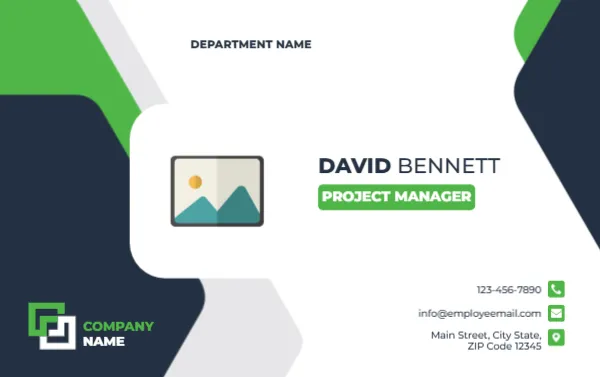
A navy panel with a lime green stripe fills the left of this landscape card, and a rounded white shape holds a photo placeholder. DEPARTMENT NAME sits at the top. DAVID BENNETT is set in bold navy, over a green tag reading PROJECT MANAGER. A COMPANY NAME logo sits at the lower left, with three contact lines on the right.
A Landscape Card With Contact Details
The card is 3.375 x 2.125 inches. It serves as a name badge and a mini business card, since it carries a phone, an email and an address.
Name, Role and Contacts
Replace DAVID BENNETT, PROJECT MANAGER, DEPARTMENT NAME and COMPANY NAME. Edit the phone, the email and the address lines, which use sample values such as 1234567890 and [email protected].
Preparing the Manager Card
- Insert the photo.
- Type name and role.
- Set the department.
- Replace the contacts.
- Swap the logo.
A Card for Client Facing Managers
Project managers meet clients, contractors and suppliers, so contact details on the card save time. A phone and an email printed on the card speed up follow up.
Green for Progress
Green suggests progress and growth, which feels right for project roles. The navy base adds seriousness, so the pairing feels dependable.
A Rounded White Pocket for the Photo
The white shape around the photo has rounded corners that echo the green tab. Keep the photo inside this shape, since the curves cut into the corners.
Role Tag Wording
The green tag can hold a longer title, such as Senior Project Manager. If the words do not fit, shorten the title or widen the tag in the editor.
Printing on Heavy Stock
A 300 gsm card stock gives the card a solid feel in the hand. Matte coating avoids fingerprints on the navy area.
Keeping Contact Details Current
Dates change, and so do offices. Review the cards once a year and reprint where numbers or addresses have changed.
Handing Out the Card
Give the card at project kick off meetings, so clients know how to reach you. Add a handwritten mobile number only if you are comfortable sharing it.
Step by Step Editing of the Project Manager Name Card Green Navy Contacts Design
- On the project manager name card green navy contacts design, click the main headline and type your own words, keeping a similar length.
- Retype every name, date and contact line on the project manager name card green navy contacts design, checking each against a trusted source.
- Search the project manager name card green navy contacts design for the words Lorem and Company so that no placeholder remains.
- Click any logo or photo on the project manager name card green navy contacts design, choose Replace Image and resize the new picture to fit.
- Zoom the project manager name card green navy contacts design to full size and read each line aloud before you save it.
- Keep a clean master of the project manager name card green navy contacts design without private details, so later versions start tidy.
Consider the team leader name card. Similar designs include the executive name card. Compare it with the worker ID badge. The rest of the series around the project manager name card green navy contacts design is in ID card templates.