A Red Header and a Faint World Map for Photographers
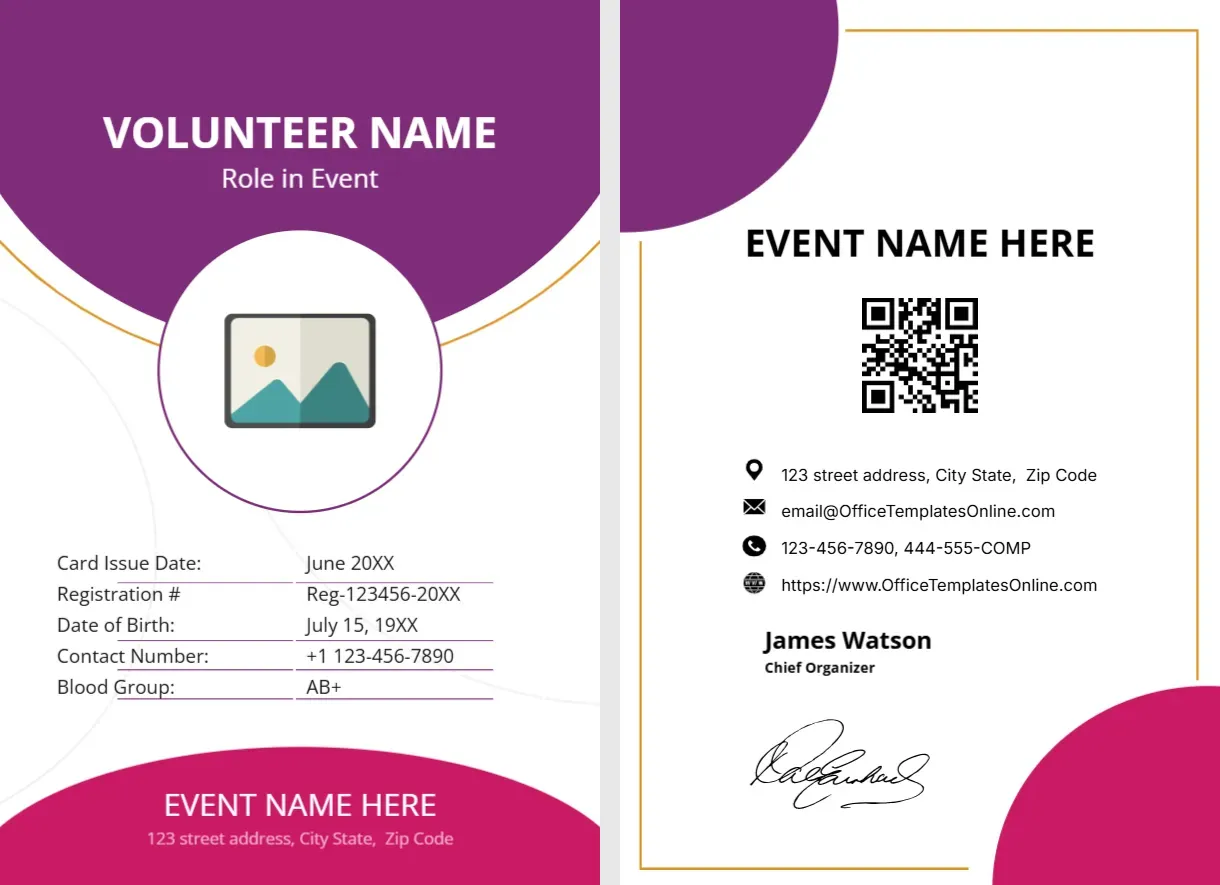
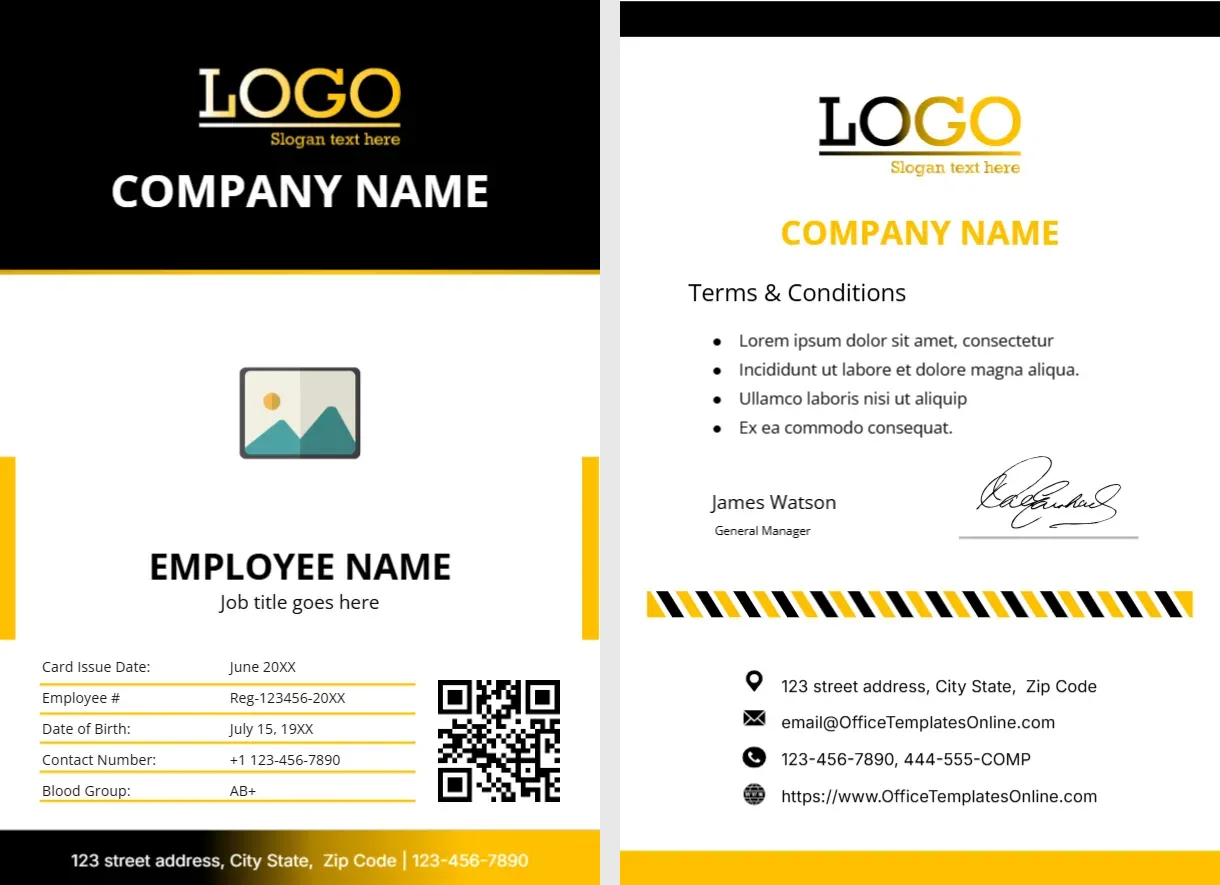
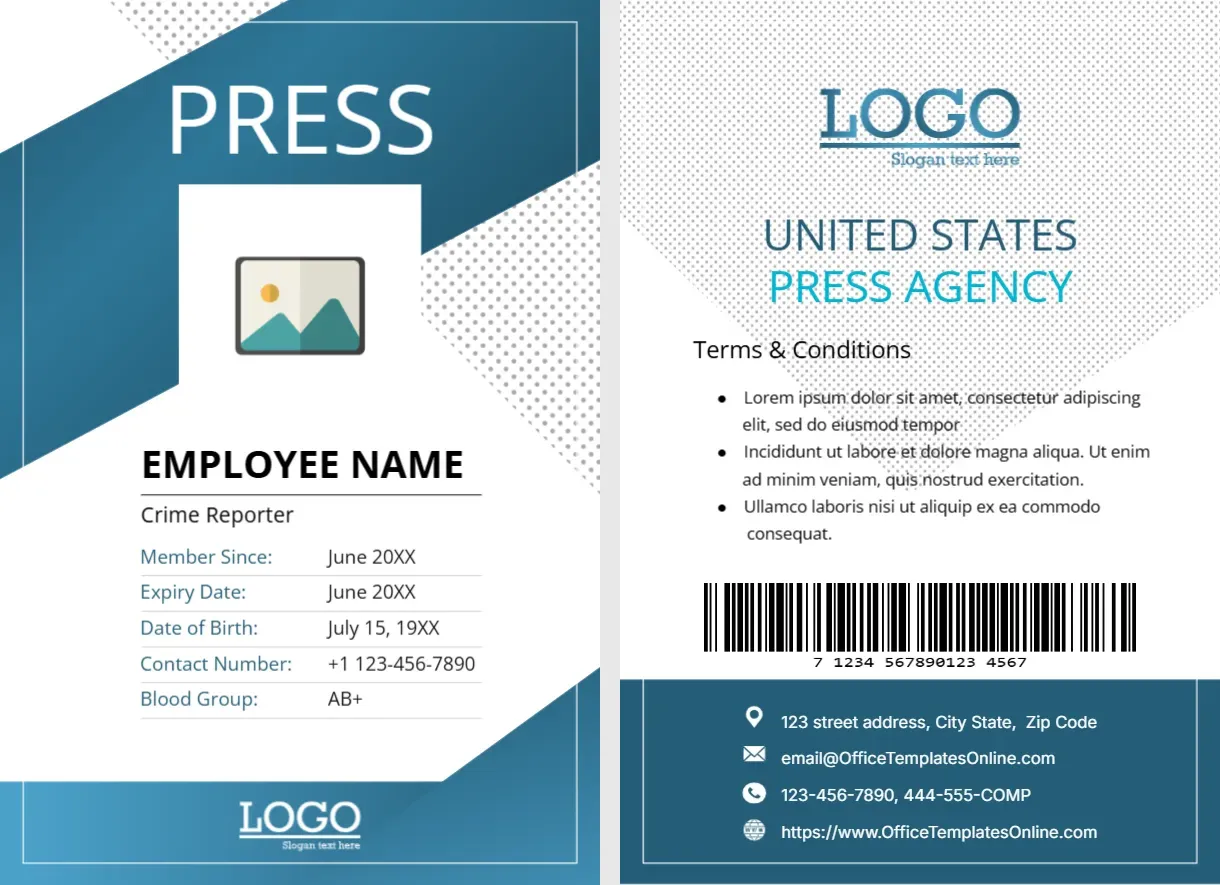
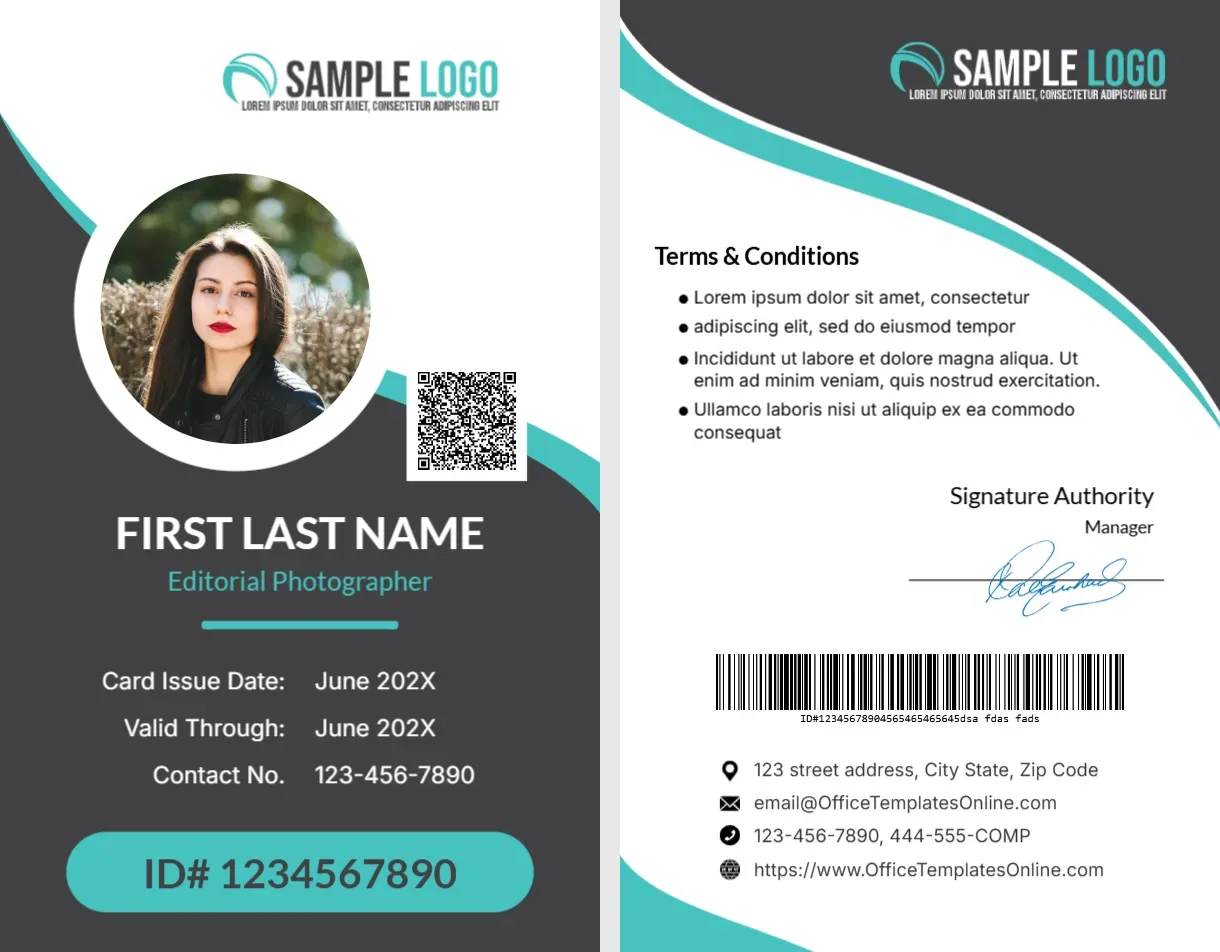
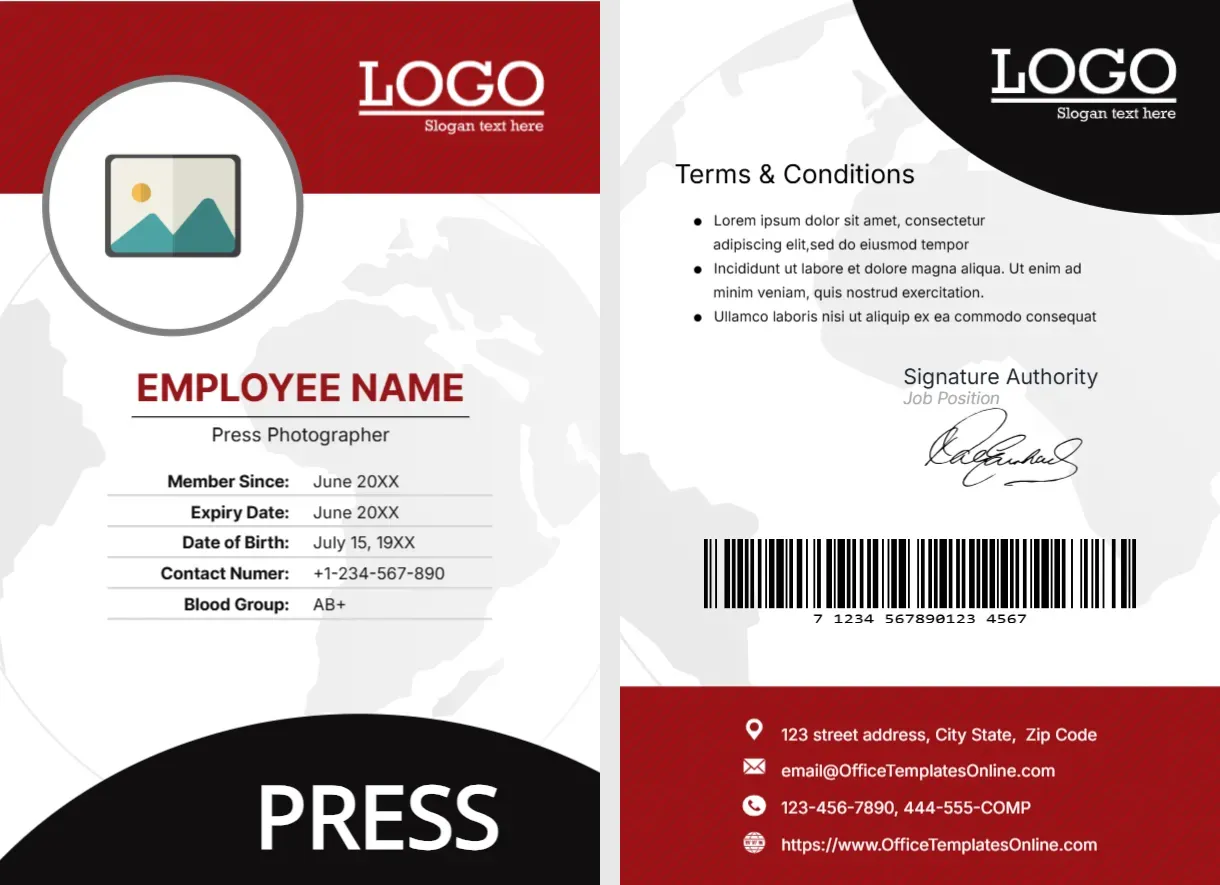
The front of this portrait card has a red header with a white LOGO, a round photo placeholder with a grey ring, and a pale world map behind the text. EMPLOYEE NAME is set in red, with Press Photographer and a five row table beneath, and a black curved foot reads PRESS. The back has a black corner, terms, a signature, a barcode and a red contact block.
A Dual Sided Press Pass
The card is 2.63 x 3.88 inches. Both sides are included, and the pale map runs behind the text on both.
Replacing the Sample Text
Replace EMPLOYEE NAME and Press Photographer, then the member and expiry dates, the birth date, the phone and the blood group. Correct Contact Numer to Contact Number. Edit the back terms and the red contact block with real details.
Preparing the Red Photographer Card
- Insert a round photo.
- Type name and title.
- Correct Contact Numer.
- Edit the table rows.
- Fix the red contact block.
A Global Feel for Travelling Staff
The faint world map suits photographers who travel for assignments. It adds a worldly touch without distracting from the information.
Red as a Press Colour
Red is energetic and has long been used by news brands. Bright red with black gives the card a serious, headline like feel.
A Round Photo With a Grey Ring
The photo sits in a grey ringed circle that overlaps the header. It looks neat, but faces should be centred and not too close.
Barcode on the Back
The barcode in the middle of the back is a picture, so replace it with a real one linked to the card number if your venue scans cards.
Contact Block in Red
The red strip at the foot of the back holds the street address, the email, the phone and the website. White text on red is readable, but a long address may need two lines.
Printing the Map Lightly
The map is very pale. It may vanish on a low quality print, which is fine, but on a good print it gives subtle depth.
Replacing Old Cards
Collect cards when a photographer leaves, and issue a new one at renewal. Keep a list of valid card numbers at the front desk.
Step by Step Editing of the Identity Card Photographer Red World Map Design
- On the identity card photographer red world map design, click the main headline and type your own words, keeping a similar length.
- Retype every name, date and contact line on the identity card photographer red world map design, checking each against a trusted source.
- Search the identity card photographer red world map design for the words Lorem and Company so that no placeholder remains.
- Click any logo or photo on the identity card photographer red world map design, choose Replace Image and resize the new picture to fit.
- Zoom the identity card photographer red world map design to full size and read each line aloud before you save it.
- Keep a clean master of the identity card photographer red world map design without private details, so later versions start tidy.
You may also like the blue diagonal photographer card. For comparison, open the editorial photographer card. Consider the photographer ID card. The rest of the series around the identity card photographer red world map design is in ID card templates.