A Blue Diagonal Header and a QR Code for Photographers
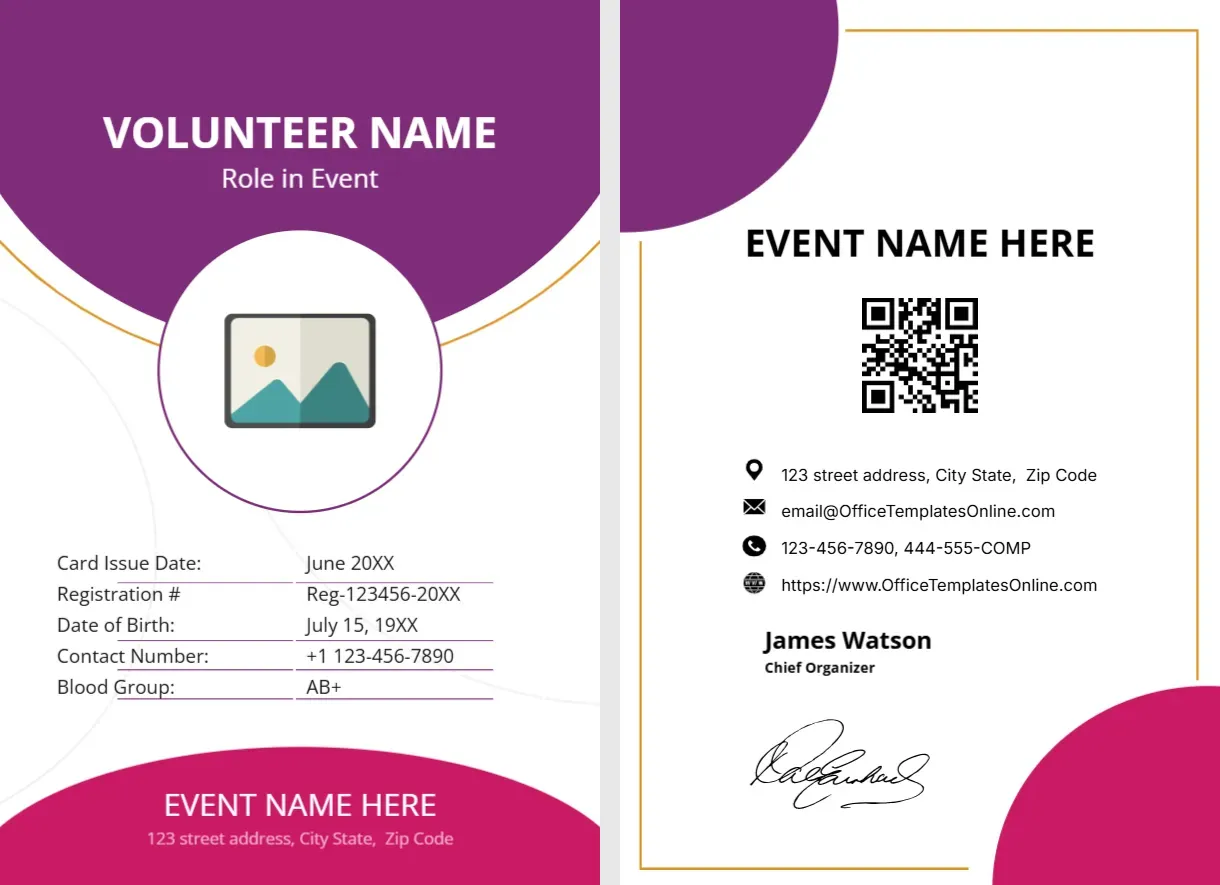
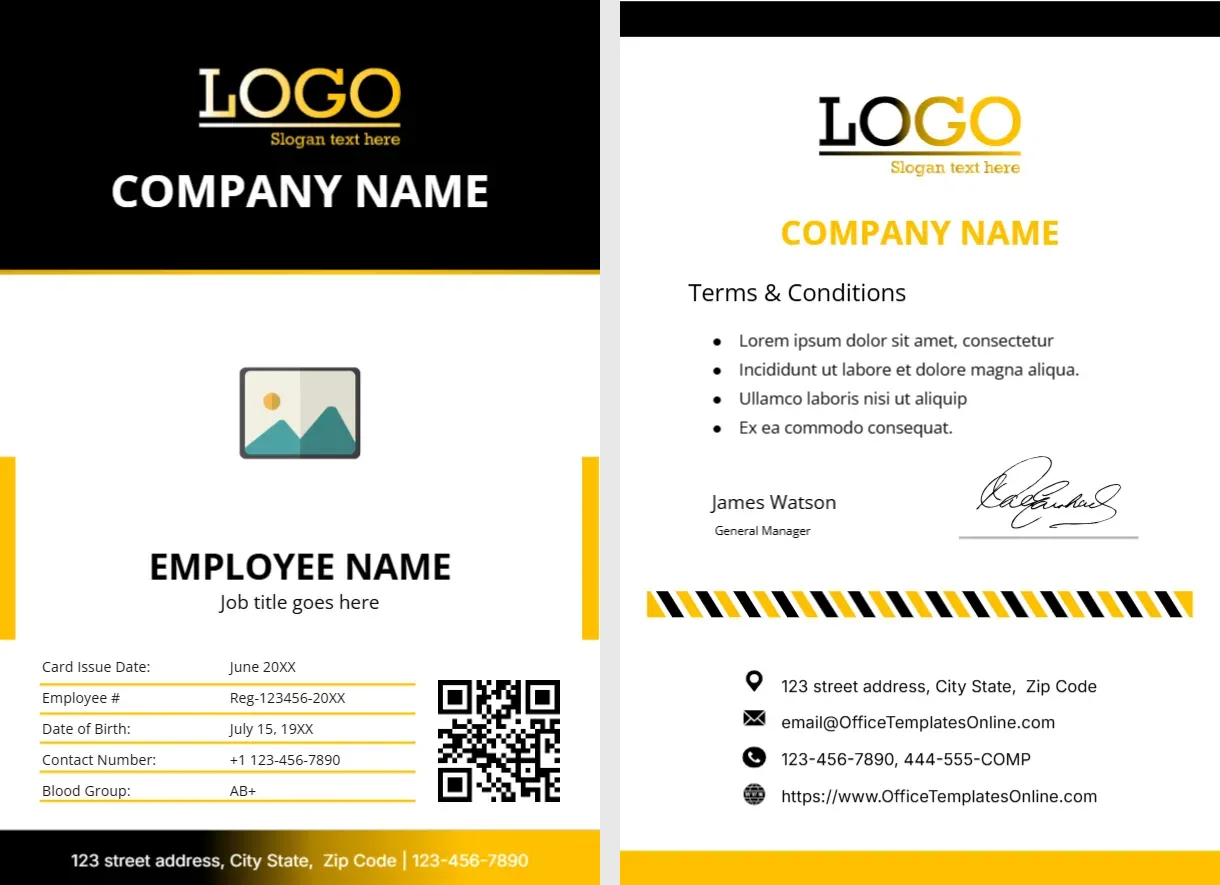
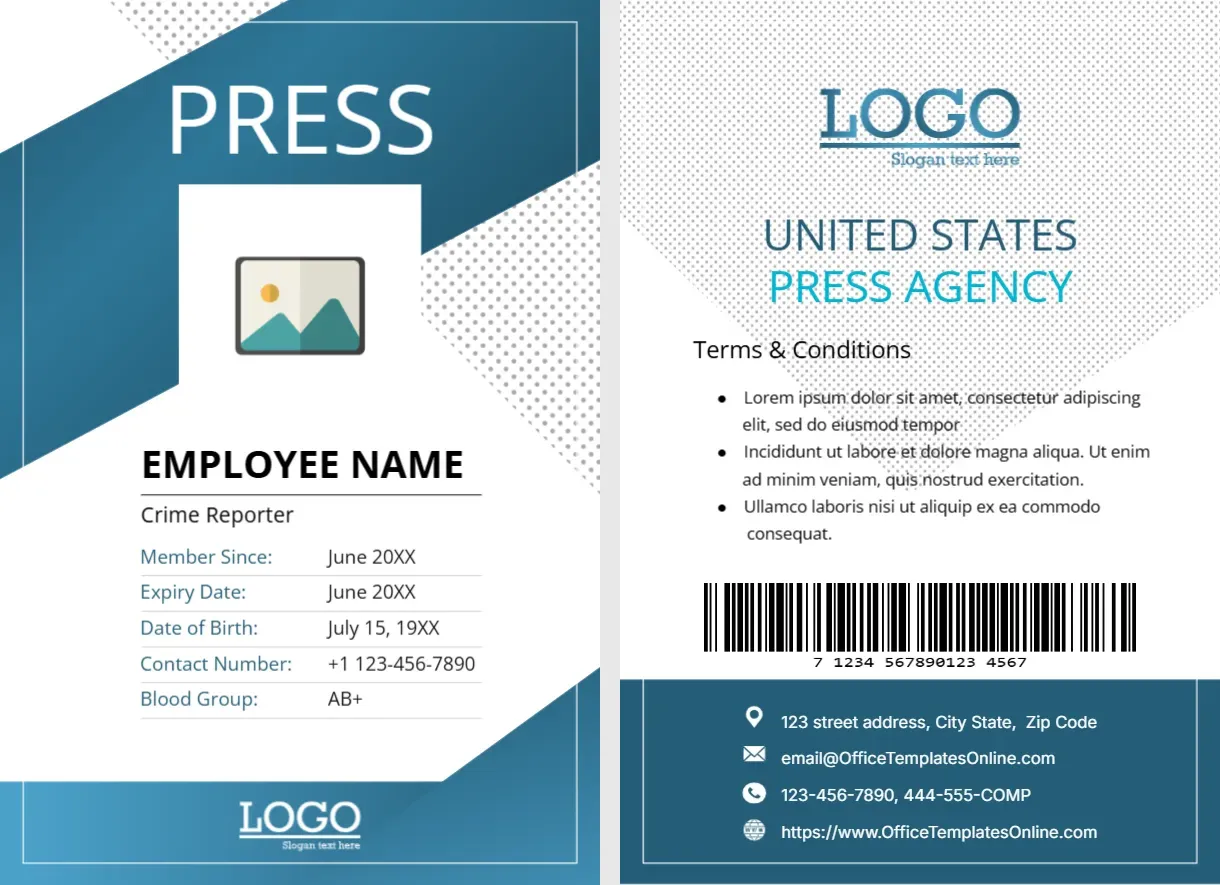
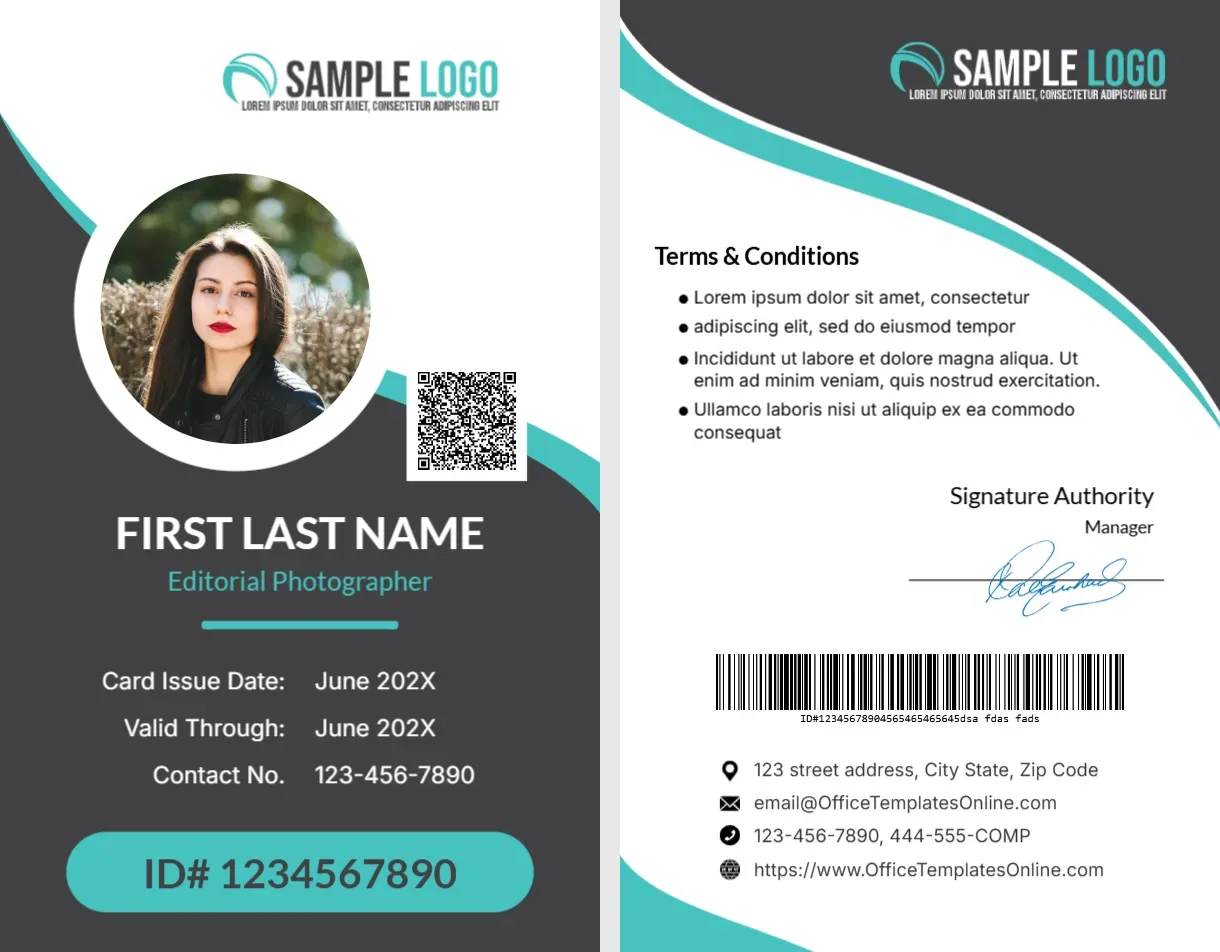
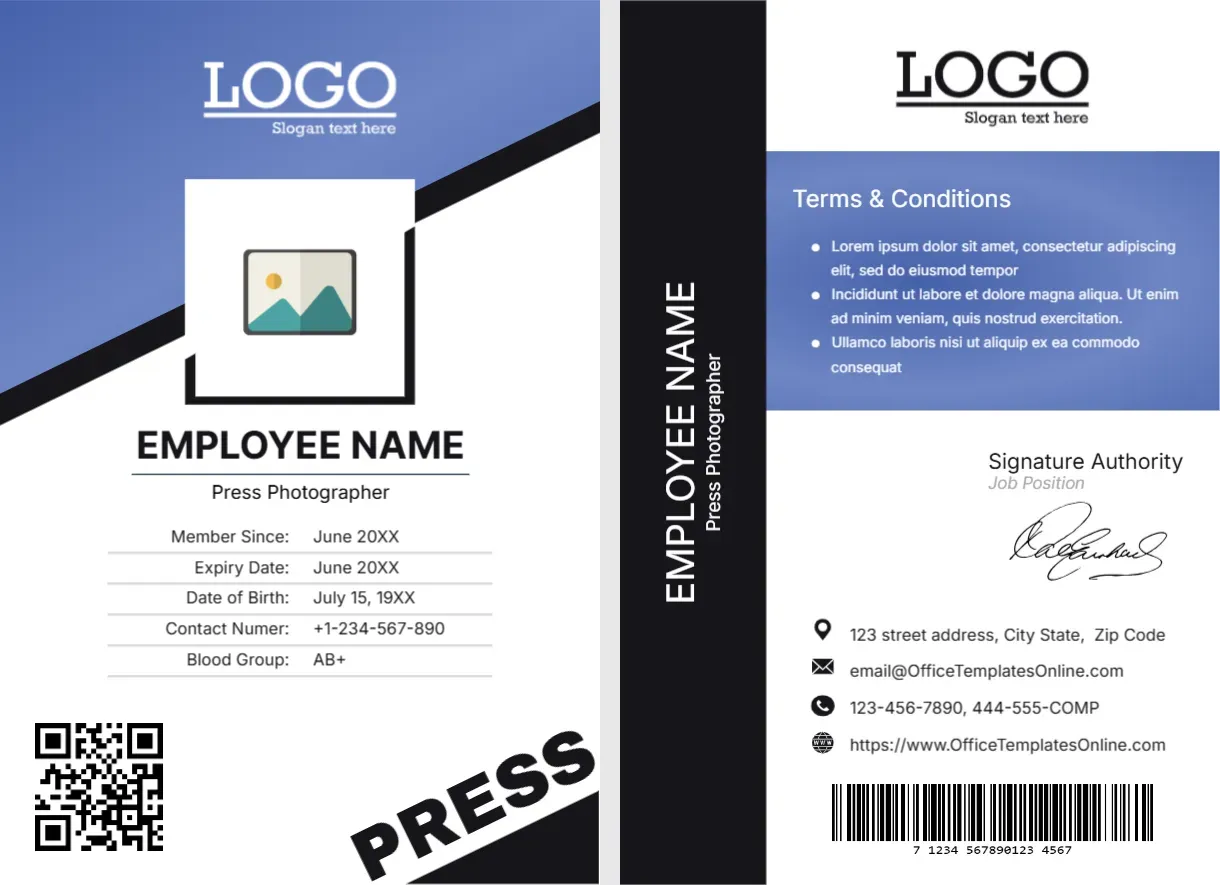
The front of this portrait card has a periwinkle blue header cut by a black diagonal, with a white LOGO and a black outlined photo box. EMPLOYEE NAME sits in black, with Press Photographer under it and a five row table. A QR code sits at the lower left, with PRESS written at a slant on a black corner. The back has a black side bar with the name set vertically, terms, a signature, contacts and a barcode.
A Reporter Card With Two Faces
The card is 2.63 x 3.88 inches. The front carries identity and a QR code, and the back carries terms and contacts.
Fields, QR and Back Text
Replace EMPLOYEE NAME, Press Photographer, the dates, the birth date, the phone and the blood group, and fix Contact Numer to Contact Number. Link the QR code to a real page, and edit the vertical name on the back and the Lorem terms.
Preparing the Photographer Card
- Insert the photo.
- Type name and title.
- Fix Contact Numer.
- Link the QR code.
- Edit the back.
Accreditation at Events
Photographers often need to show a card to gain access to a pit, a stage side or a court. A QR code on the card lets organisers check validity with a phone.
A Periwinkle Header With a Black Slash
The blue header and black diagonal give the card a modern look. The slash echoes the angle of the word PRESS in the corner.
A Vertical Name on the Back
The back shows the name and the title set vertically in a black bar. It is a handy detail, because the card is easy to identify when it flips on a lanyard.
Testing the QR Code
Test the QR code on two different phones before printing. If you laminate, a glossy finish can cause glare, so choose matte pouches.
Equipment Notes on the Back
Some organisations add equipment or access notes in the terms. Keep this to a short line, and avoid listing serial numbers that could be misused.
Photographer Credits and Rights
Whether a card allows a photographer to publish pictures depends on the agreement with the event. The card is only identification, not a licence.
Archiving Issued Passes
Log every card with name, number and expiry date. A short register helps when an organiser asks you to confirm a photographer.
Step by Step Editing of the Press Photographer Id Card Blue Diagonal Qr Design
- On the press photographer id card blue diagonal qr design, click the main headline and type your own words, keeping a similar length.
- Retype every name, date and contact line on the press photographer id card blue diagonal qr design, checking each against a trusted source.
- Search the press photographer id card blue diagonal qr design for the words Lorem and Company so that no placeholder remains.
- Click any logo or photo on the press photographer id card blue diagonal qr design, choose Replace Image and resize the new picture to fit.
- Zoom the press photographer id card blue diagonal qr design to full size and read each line aloud before you save it.
- Keep a clean master of the press photographer id card blue diagonal qr design without private details, so later versions start tidy.
Compare it with the red photographer card. You may also like the editorial photographer card. For comparison, open the camera operator card. The rest of the series around the press photographer id card blue diagonal qr design is in ID card templates.