A Spiral Notebook Panel for Class Participation
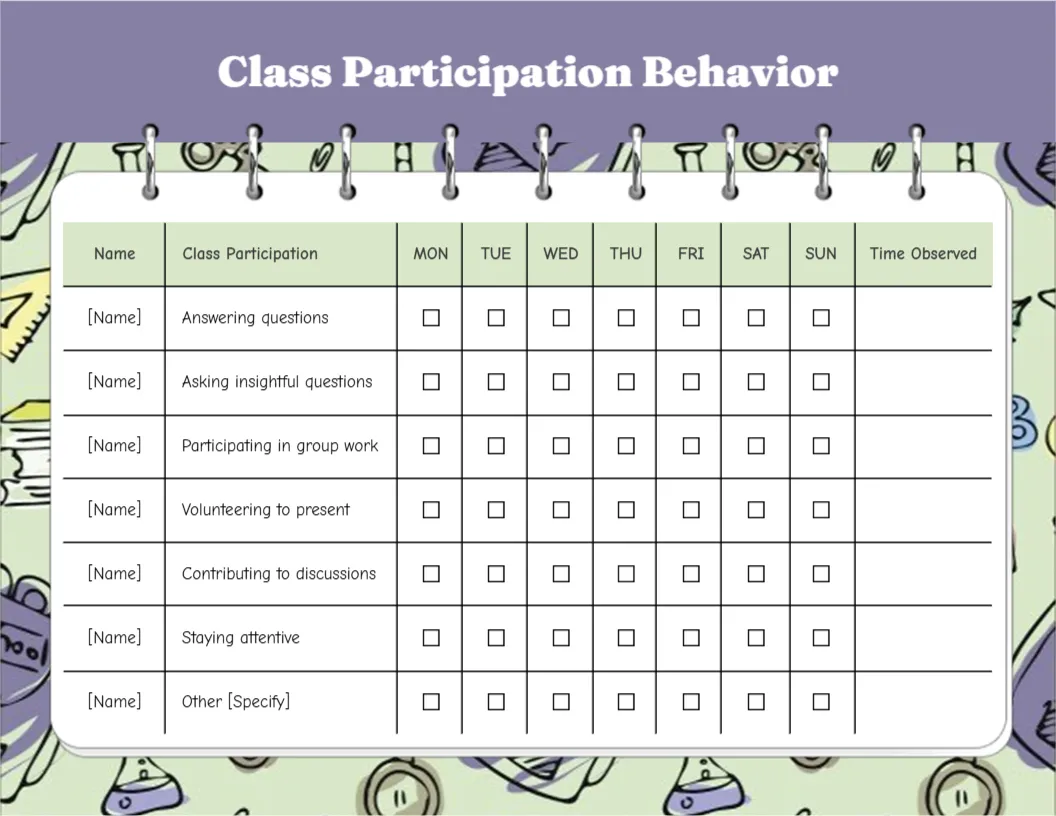
A lilac header carries Class Participation Behavior in white serif letters. Below, a white panel with spiral rings at the top looks like a notebook page, set on a mint background covered with school doodles of flasks, rulers and gears. A mint header row reads Name, Class Participation, Monday to Sunday and Time Observed. Six skills are listed: Answering questions, Asking insightful questions, Participating in group work, Volunteering to present, Contributing to discussions and Staying attentive, plus an Other row.
Notebook Style Grid
The chart is 11 x 8.5 inches, landscape. The spiral rings give it a school feel, and the Time Observed column helps teachers note which lesson the participation happened in.
Weekend Columns in a School Chart
The chart includes Saturday and Sunday, which most classes will not need. Delete those columns or use them for weekend clubs and homework discussions. Replace [Name] with each student’s name.
Setting Up the Participation Chart
- Type student names.
- Delete or keep weekend columns.
- Adjust the skills.
- Tick during lessons.
- Note the lesson time.
Encouraging Quiet Students
Quiet students may participate in small ways. Tick Staying attentive or Participating in group work to recognise their effort. Some pupils find speaking up hard, so a tick for listening carefully can build their confidence.
Group Work Records
Teachers can use the chart for a whole group, one name per row. A quick tick during group tasks takes seconds and gives a fair record over the term.
Printing the Doodle Background
The doodles print softly. A black and white copy keeps the grid clear. Print a class set on light card so the sheets survive a week in a folder.
Linking to Reports
Notes from the chart help when writing reports about class engagement. Specific examples from the chart make report comments more personal.
Student Self Reflection
Older students can tick their own boxes and compare with the teacher’s view. Reflection helps older students take ownership of how they engage in class.
Using the Participation Chart
Review it weekly with the class.
Step by Step Editing of the Class Participation Notebook Design
- On the class participation notebook design, click the main headline and type your own words, keeping a similar length.
- Retype every name, date and contact line on the class participation notebook design, checking each against a trusted source.
- Search the class participation notebook design for the words Lorem and Company so that no placeholder remains.
- Click any logo or photo on the class participation notebook design, choose Replace Image and resize the new picture to fit.
- Zoom the class participation notebook design to full size and read each line aloud before you save it.
- Keep a clean master of the class participation notebook design without private details, so later versions start tidy.
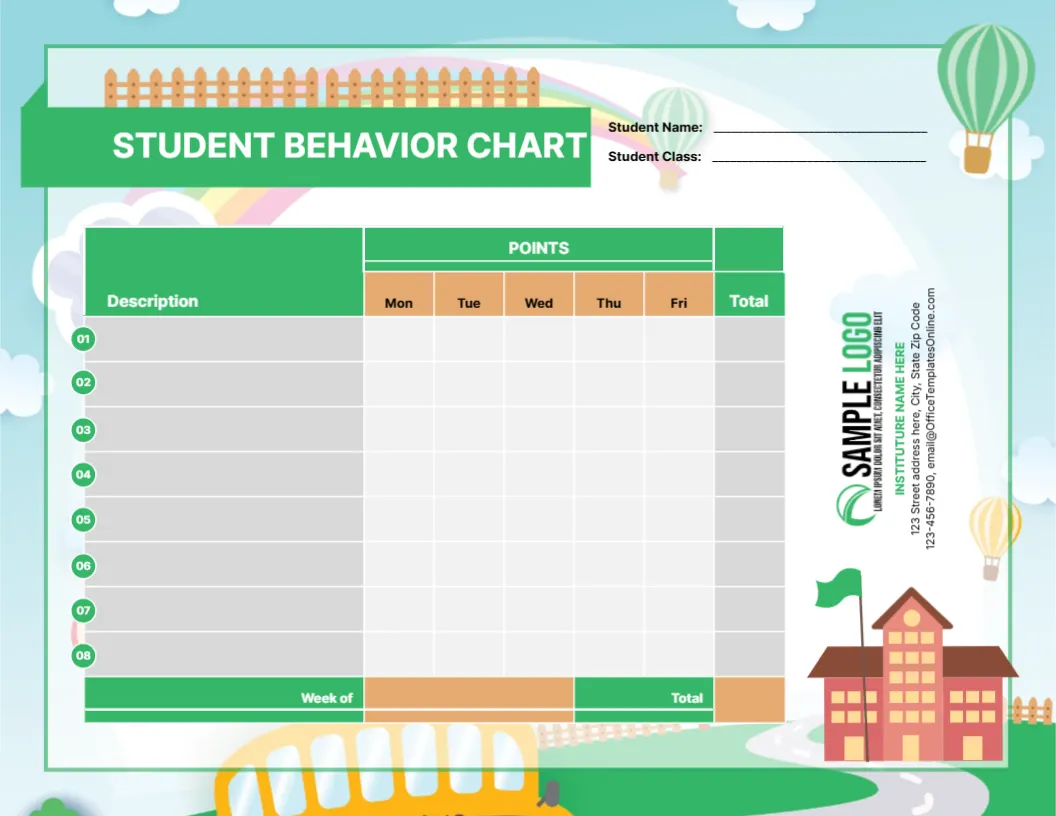
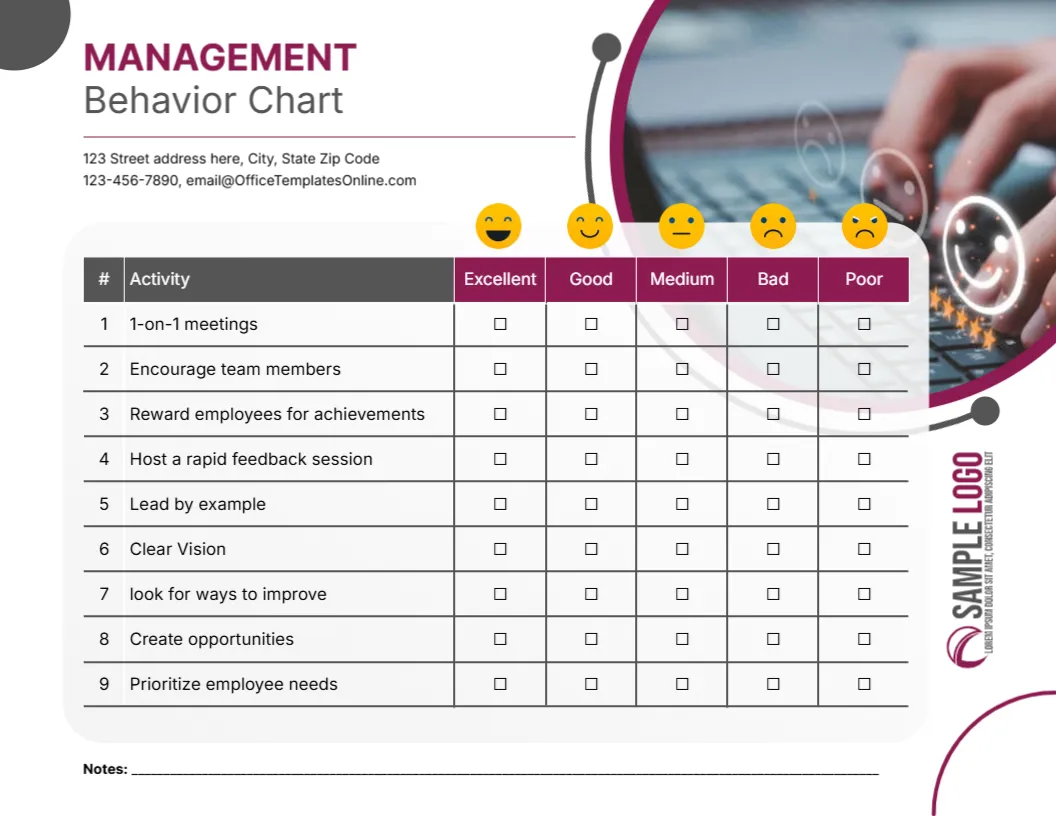
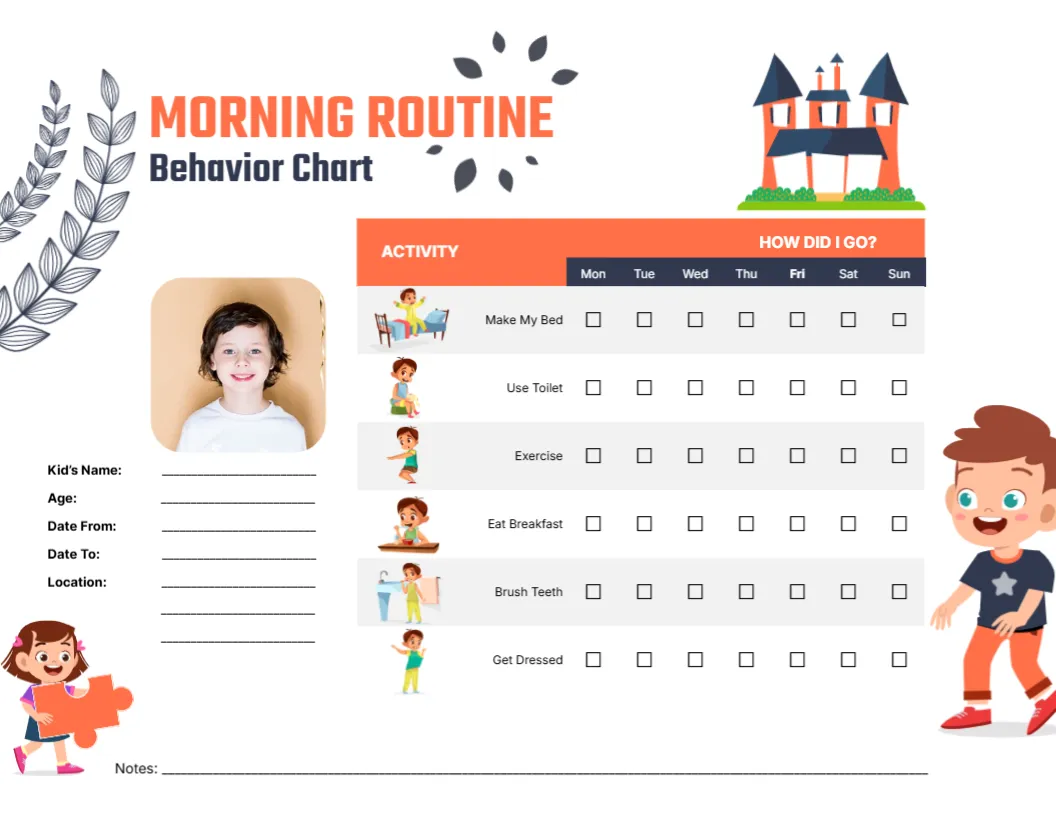
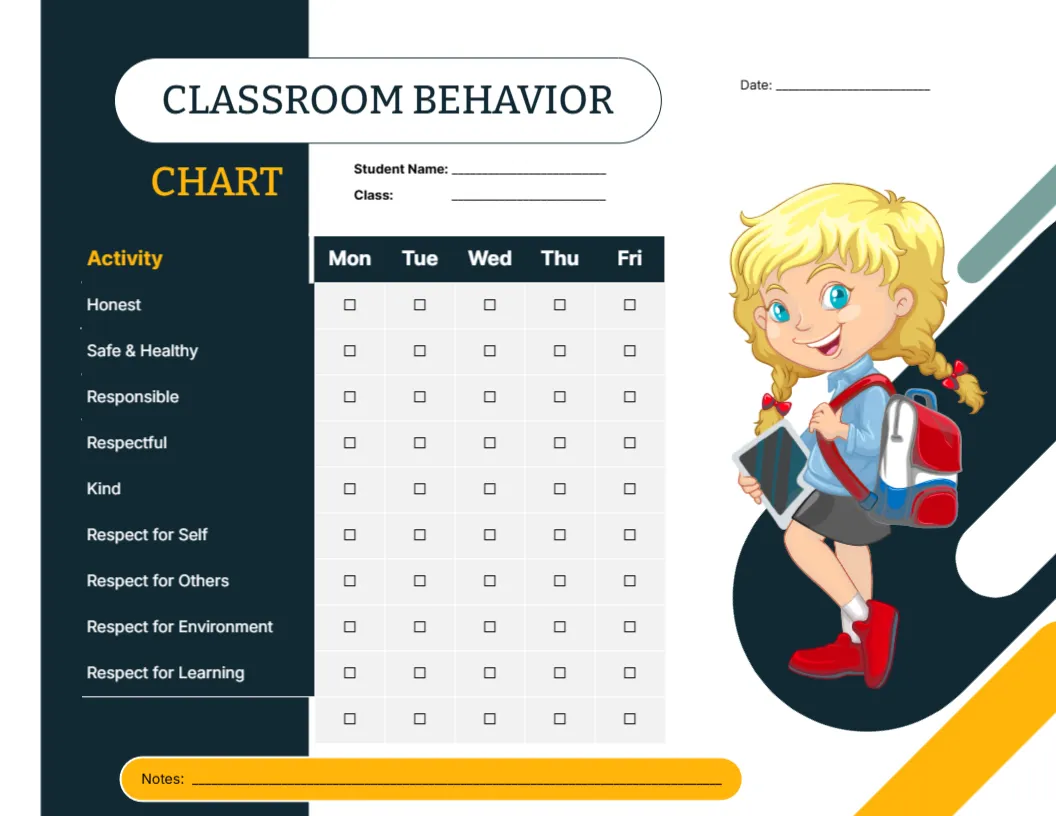
Compare it with the classroom behavior chart. You may also like the coral listening skills chart. For comparison, open the following directions chart. Find more designs next to the class participation notebook design in behavior chart templates.