Daily Points and Weekly Totals for Student Behavior
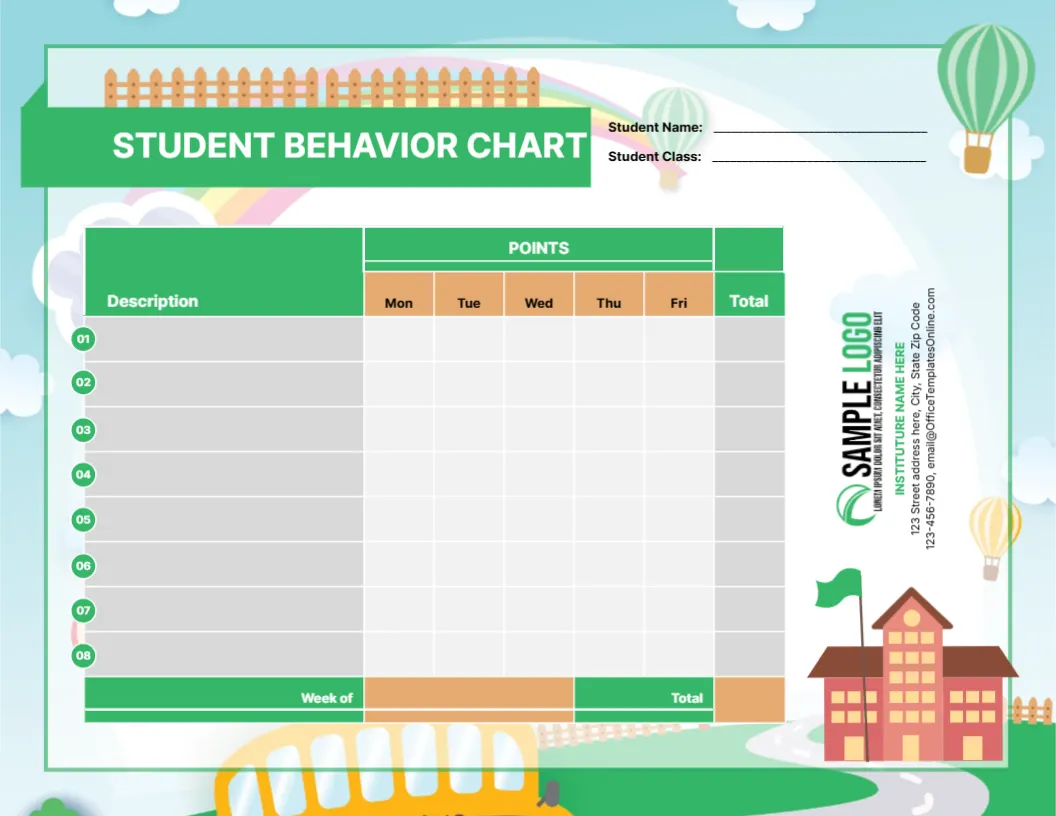
A sky blue scene with clouds, a rainbow, hot air balloons, a fence and a school building frames this landscape chart, with a yellow school bus peeking in at the bottom. A green banner reads STUDENT BEHAVIOR CHART, with lines for the student’s name and class. The table has a Description column with eight numbered rows, a POINTS header over Monday to Friday columns and a Total column. A Week of row and a grand total sit at the foot.
Points Instead of Ticks
The chart is 11 x 8.5 inches, landscape. Instead of tick boxes, each day has a blank cell for points, which suits classrooms that score behaviour from 1 to 3 or award stars.
A Typo in the School Block
The vertical school block on the right reads INSTITUTURE NAME HERE, which should be INSTITUTE NAME HERE. Replace it with your school name, and change the address and the template site’s email. The eight description rows are blank, so write the behaviours you want to track.
Setting Up the Points Chart
- Fix and replace the school name.
- Write eight behaviours.
- Decide your point scale.
- Add up daily totals.
- Fill in the week and grand total.
Choosing a Point Scale
Keep it simple: 2 points for great, 1 for good, 0 for needs work. Write the scale on the board so students know the rules. Children who can see the scale understand why they earned a score.
Rewards for Weekly Totals
Set a target total, such as 50 points, for a small reward like choosing a class game. Rewards work best when they are quick and predictable.
Behaviours to List
Good descriptions are specific, such as Hand up before speaking or Homework handed in. Vague words like Good are harder to score fairly.
Printing the Sky Scene
The background is colourful. Print one in colour for display and photocopy others in black and white.
Tracking Over Several Weeks
Keep each week’s sheet in a folder. Comparing totals over a term shows progress clearly.
Using the Points Chart
Add up the totals every Friday.
Step by Step Editing of the Student Points School Bus Design
- On the student points school bus design, click the main headline and type your own words, keeping a similar length.
- Retype every name, date and contact line on the student points school bus design, checking each against a trusted source.
- Search the student points school bus design for the words Lorem and Company so that no placeholder remains.
- Click any logo or photo on the student points school bus design, choose Replace Image and resize the new picture to fit.
- Zoom the student points school bus design to full size and read each line aloud before you save it.
- Keep a clean master of the student points school bus design without private details, so later versions start tidy.
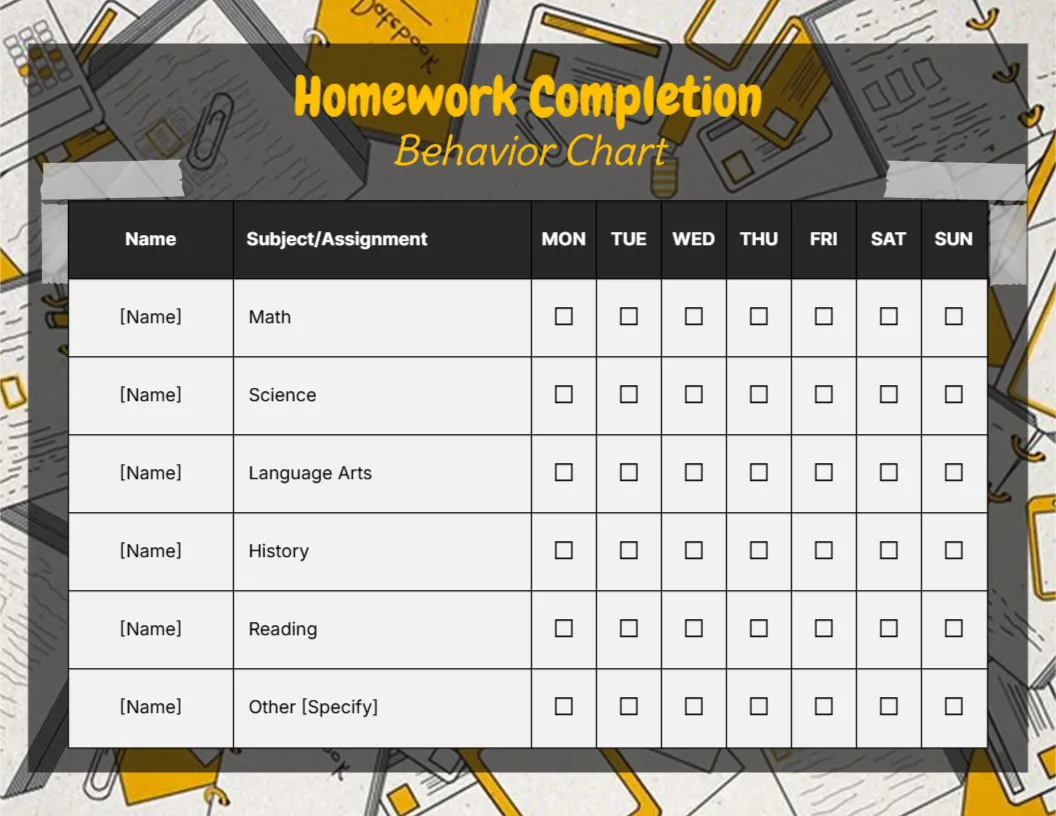
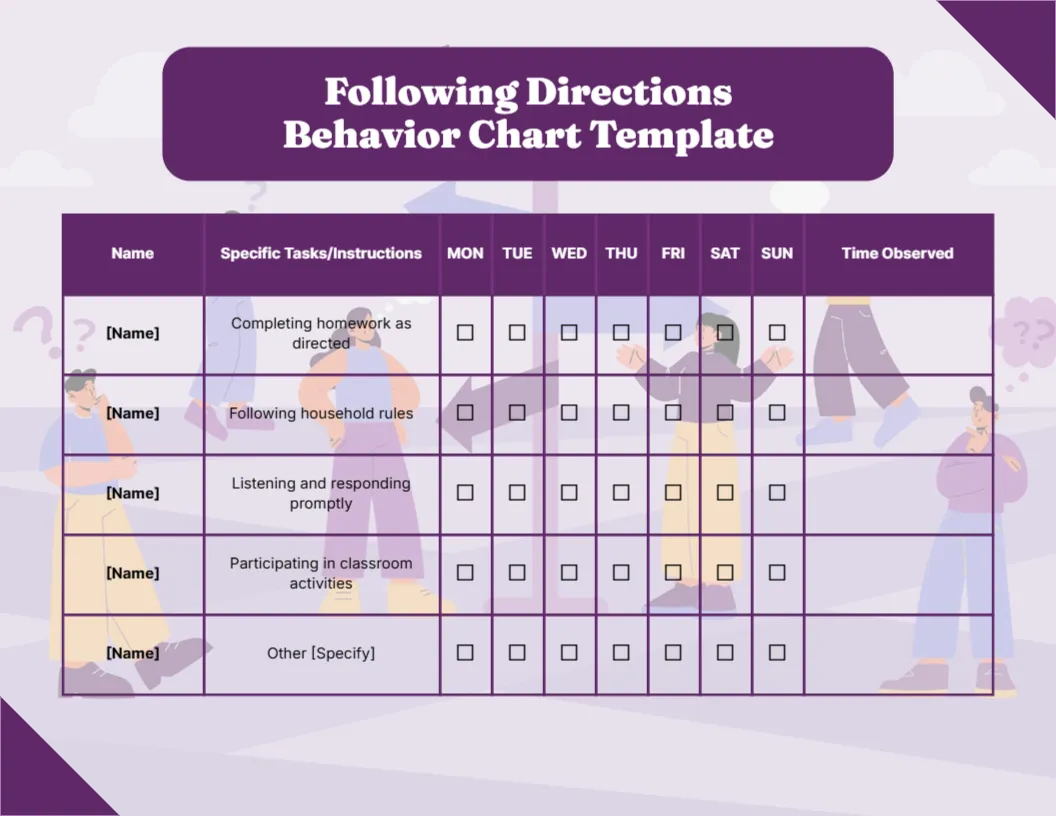
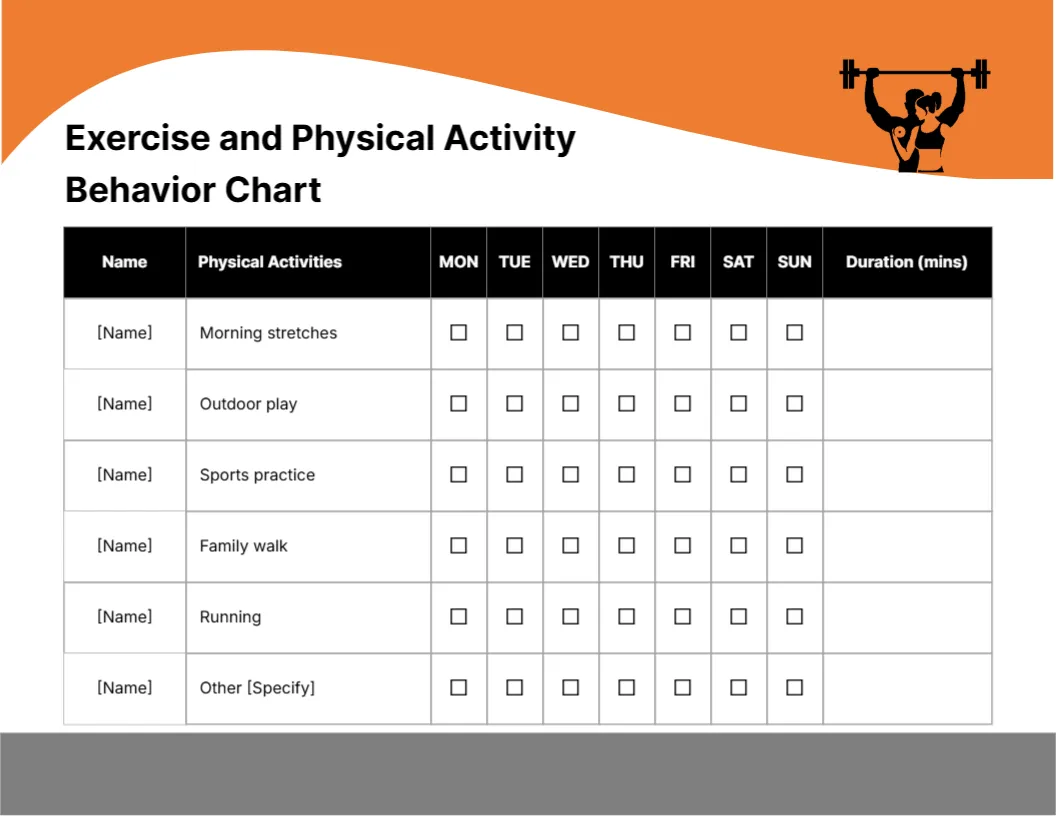
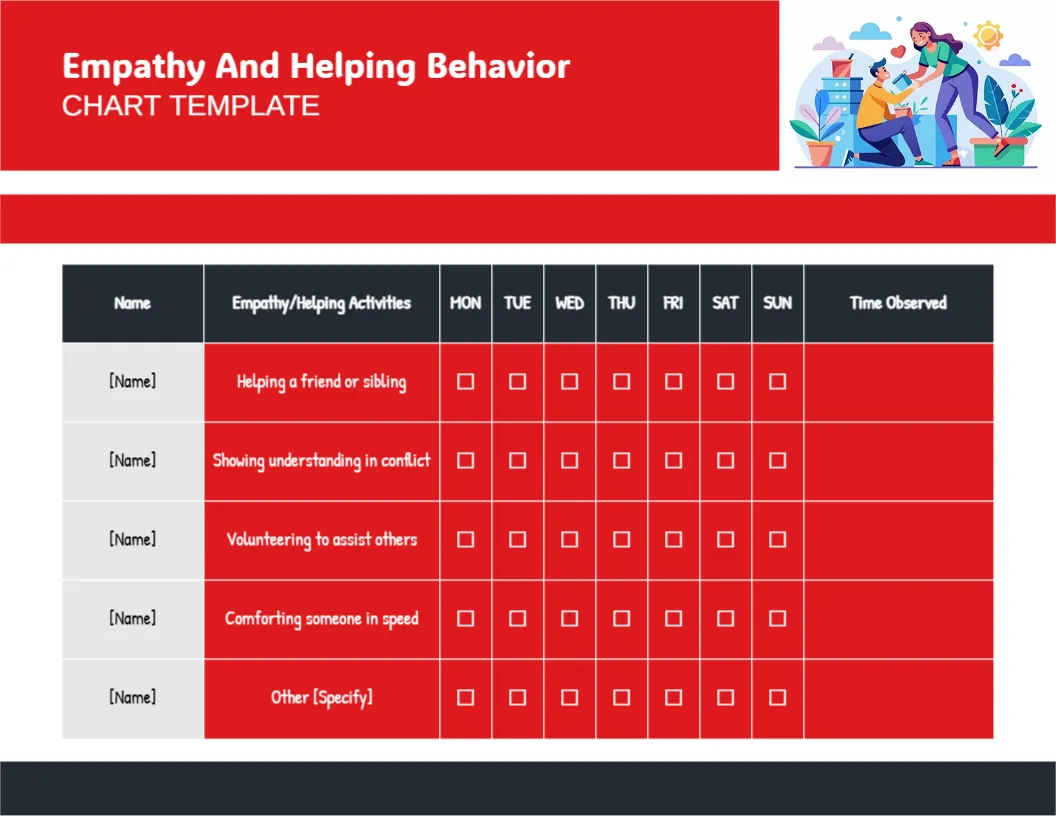
Compare it with the classroom behavior chart. You may also like the positive behaviour chart. For comparison, open the homework completion chart. Find more designs next to the student points school bus design in behavior chart templates.