Purple Panels and Signposts for Following Directions
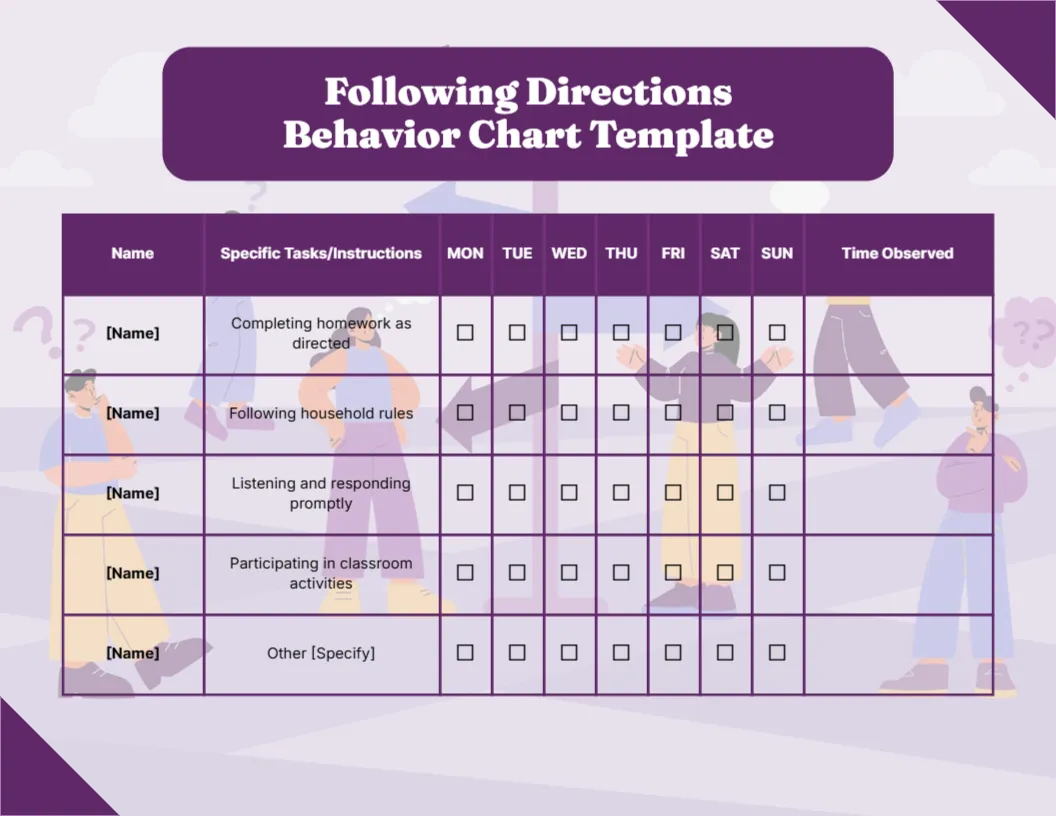
A lilac background shows faded figures with question marks around a signpost, hinting at choosing the right way. A purple rounded panel carries Following Directions Behavior Chart Template in white serif. A purple header row reads Name, Specific Tasks/Instructions, Monday to Sunday and Time Observed. Four tasks are listed: Completing homework as directed, Following household rules, Listening and responding promptly and Participating in classroom activities, plus an Other row.
Home and School Tasks Together
The chart is 11 x 8.5 inches, landscape. The tasks mix home and school, so parents and teachers can share the same sheet.
The Template Word and Specific Instructions
The title includes Template, which you can delete. The rows are fairly general, so make them specific to your child, such as Shoes off at the door or Start homework by 5 PM. Specific instructions are easier to tick fairly.
Setting Up the Directions Chart
- Delete Template from the title.
- Make the tasks specific.
- Type the child’s name.
- Tick each day.
- Note when it happened.
Clear, Short Instructions
Children follow directions better when they are short and given one at a time. The chart works best alongside clear instructions. A child who gets one instruction at a time is more likely to complete it and earn a tick.
Home and School Links
Send the chart to school so teachers can tick the classroom row. Shared charts give a full picture. A short note from the teacher alongside the ticks helps parents follow up at home.
Faded Background in Print
The figures are faded, so the grid stays clear in colour or black and white. The purple header stays dark in copies, so the column names remain easy to read.
Praising Prompt Responses
Praise quick responses specifically, for example You put your coat on straight away. Specific praise tells children exactly what to repeat.
Children With Extra Needs
Some children need visual prompts. Add small pictures beside each task. A simple drawing, such as a backpack for School bag ready, helps young readers.
Using the Directions Chart
Review it together each weekend.
Step by Step Editing of the Following Directions Purple Signpost Design
- On the following directions purple signpost design, click the main headline and type your own words, keeping a similar length.
- Retype every name, date and contact line on the following directions purple signpost design, checking each against a trusted source.
- Search the following directions purple signpost design for the words Lorem and Company so that no placeholder remains.
- Click any logo or photo on the following directions purple signpost design, choose Replace Image and resize the new picture to fit.
- Zoom the following directions purple signpost design to full size and read each line aloud before you save it.
- Keep a clean master of the following directions purple signpost design without private details, so later versions start tidy.
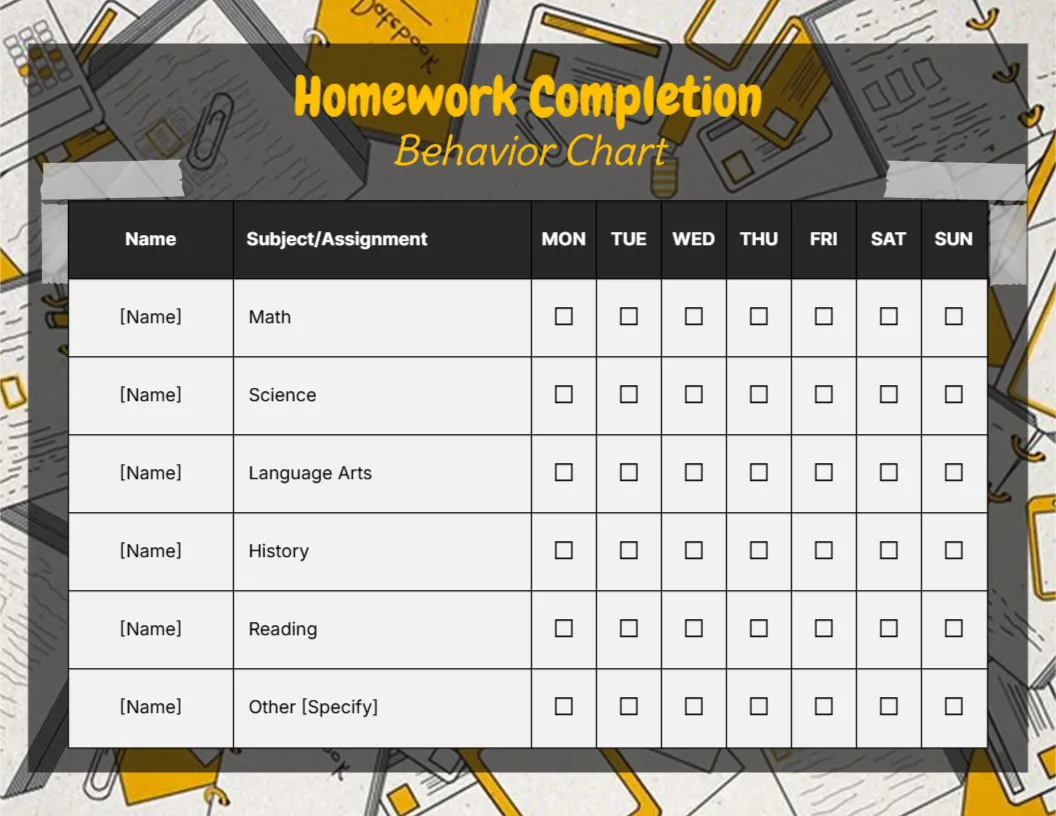
Another option is the listening skills chart. A related layout is the notebook style participation chart. Also worth a look: homework completion chart. The rest of the series around the following directions purple signpost design is in behavior chart templates.