A Desk Collage and Five Subjects for Homework Tracking
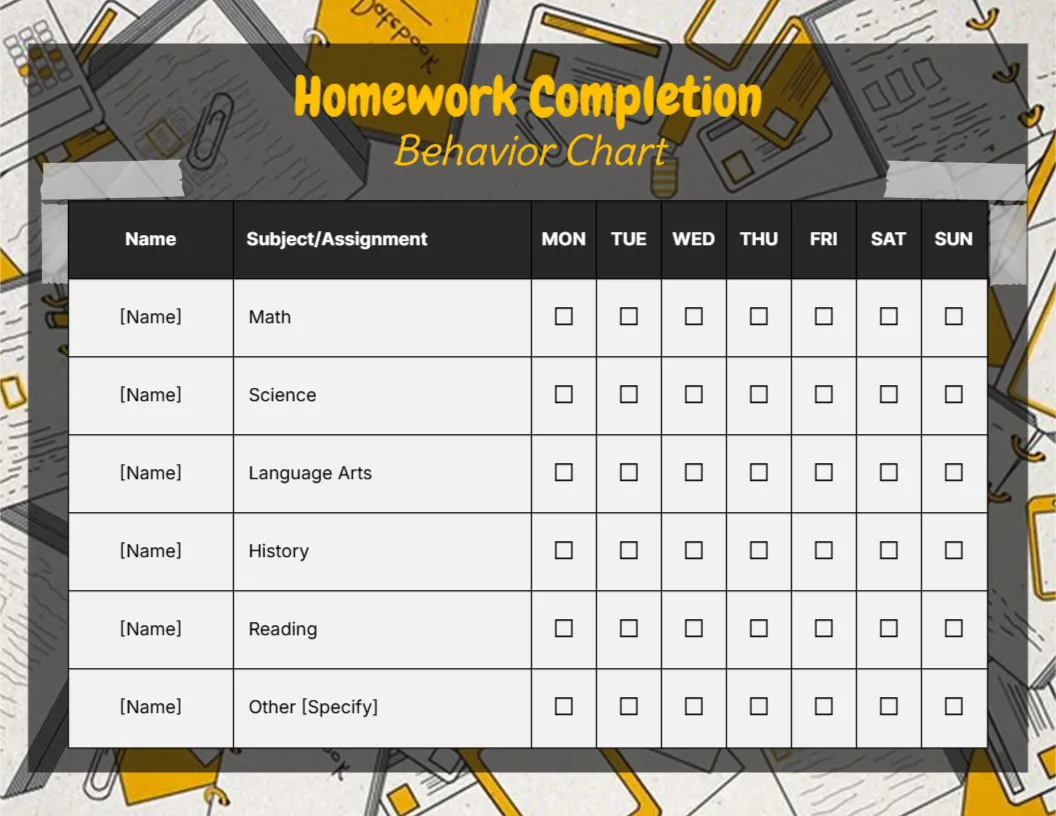
A grey and yellow collage of notebooks, calculators, paper clips and pencils fills the background, with a dark grey panel taped on top. Homework Completion runs in bold yellow and Behavior Chart in a yellow script. A black header row reads Name, Subject/Assignment and Monday to Sunday. Five subjects are listed: Math, Science, Language Arts, History and Reading, plus an Other row.
Subjects by Day
The chart is 11 x 8.5 inches, landscape. Each subject has seven tick boxes, so children can mark homework done for each day it is set. The table spans most of the page, so the boxes are large enough for young children to tick neatly.
Subjects to Match the Timetable
Change the subjects to match the school timetable, such as English, Art or a second language. Replace [Name] with the child’s name, or use one row per sibling if they share a chart.
Setting Up the Homework Chart
- Match subjects to the timetable.
- Type the child’s name.
- Tick when homework is done.
- Check weekly.
- Reward a full week.
A Homework Routine
A set time and place for homework helps children settle. The chart reminds them which subjects are due. A quiet desk away from the television helps children concentrate.
Weekend Homework
Many schools set weekend tasks. Use the Saturday and Sunday boxes to track them. Ticking weekend work stops it from being forgotten until Sunday night.
Teachers and Tutors
Tutors can use the chart to track work between sessions. Bring the sheet to each session to discuss what went well.
Printing the Collage
The grey collage uses ink. A black and white copy keeps the table clear. Laminate one colour copy and reuse it with a dry wipe pen.
Celebrating Effort
Praise effort, not just completion, so children keep trying with hard subjects. Small praise for a tough maths sheet can make a big difference.
Using the Homework Chart
Check it together every Friday. A short check each evening stops unfinished work piling up before the weekend.
Step by Step Editing of the Homework Completion Yellow Script Design
- On the homework completion yellow script design, click the main headline and type your own words, keeping a similar length.
- Retype every name, date and contact line on the homework completion yellow script design, checking each against a trusted source.
- Search the homework completion yellow script design for the words Lorem and Company so that no placeholder remains.
- Click any logo or photo on the homework completion yellow script design, choose Replace Image and resize the new picture to fit.
- Zoom the homework completion yellow script design to full size and read each line aloud before you save it.
- Keep a clean master of the homework completion yellow script design without private details, so later versions start tidy.
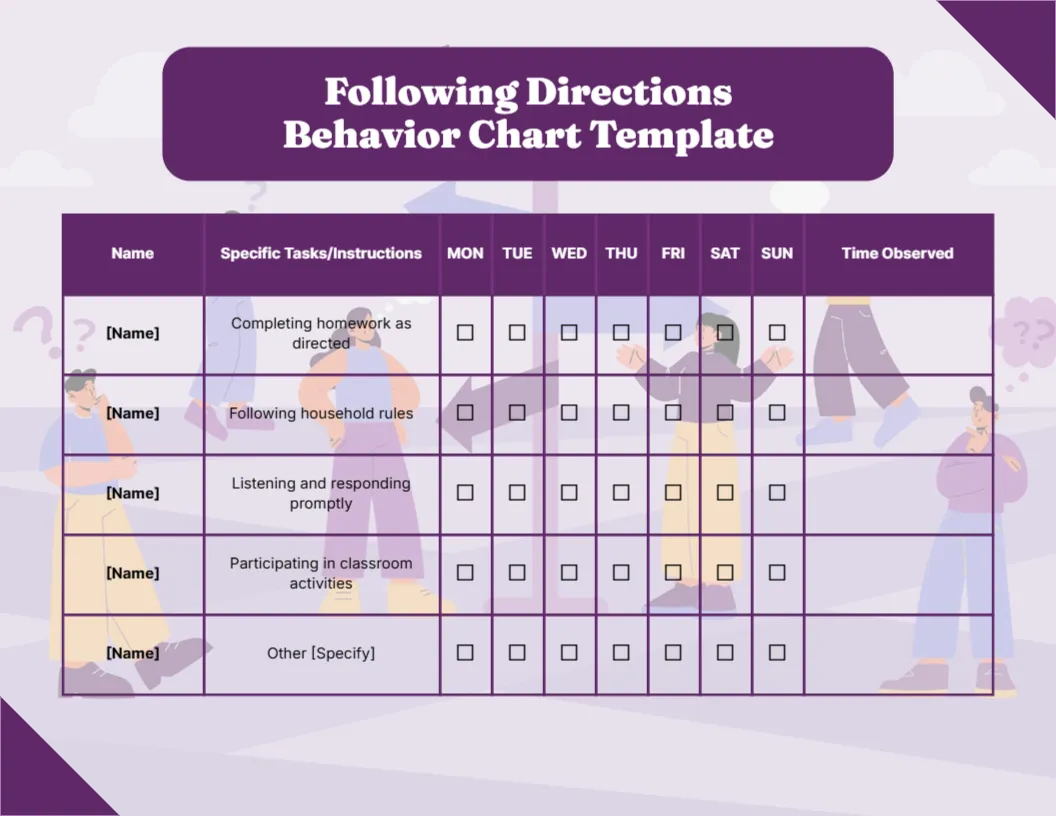
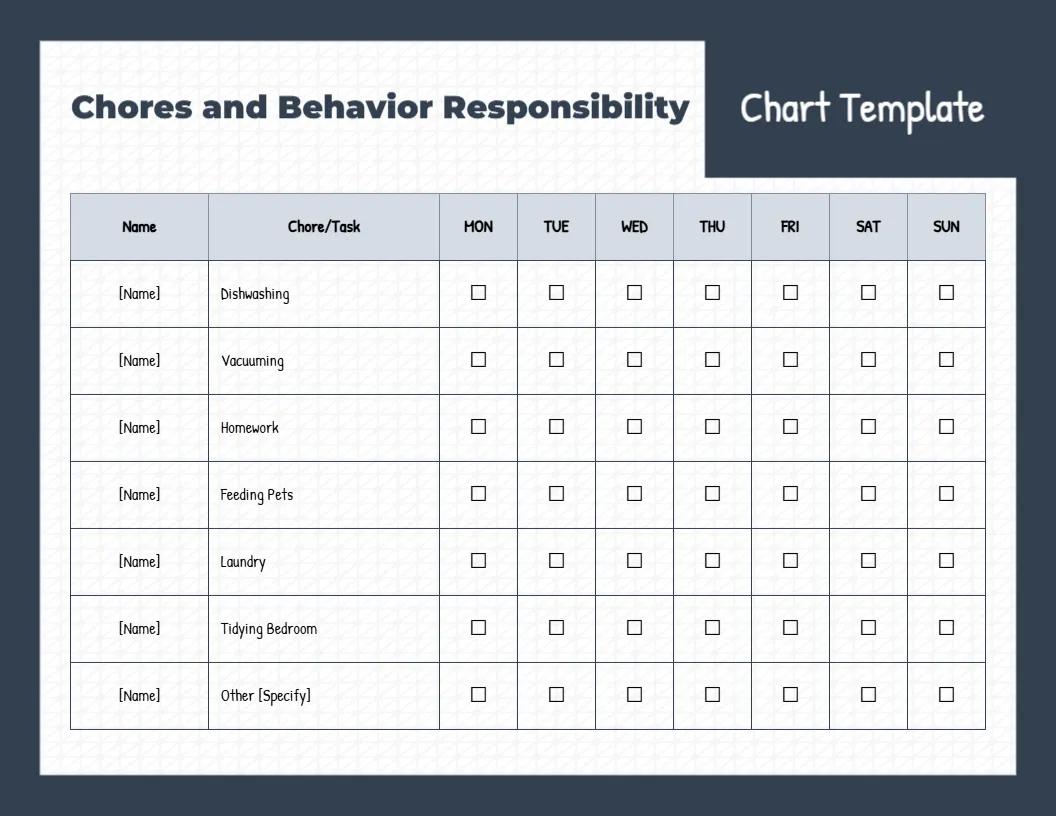
You may also like the student points chart. For comparison, open the chores and responsibility chart. Consider the following directions chart. Find more designs next to the homework completion yellow script design in behavior chart templates.