Time Slots and a Tablet Photo for a Screen Time Chart
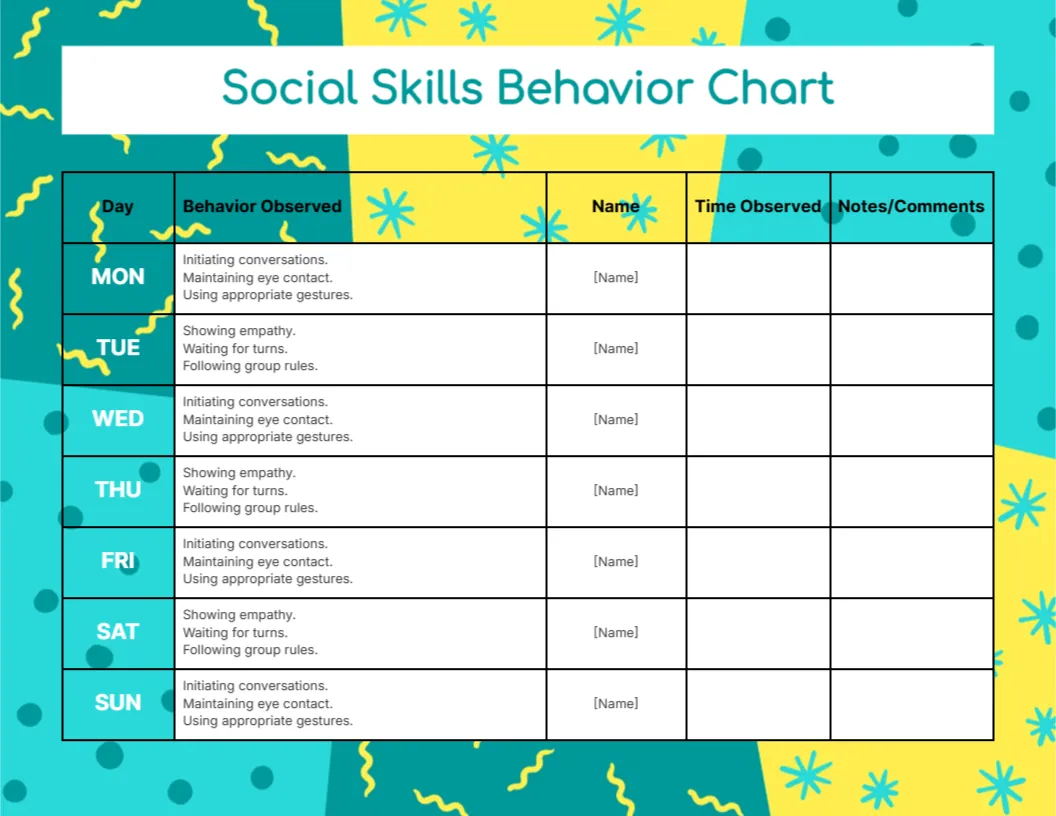
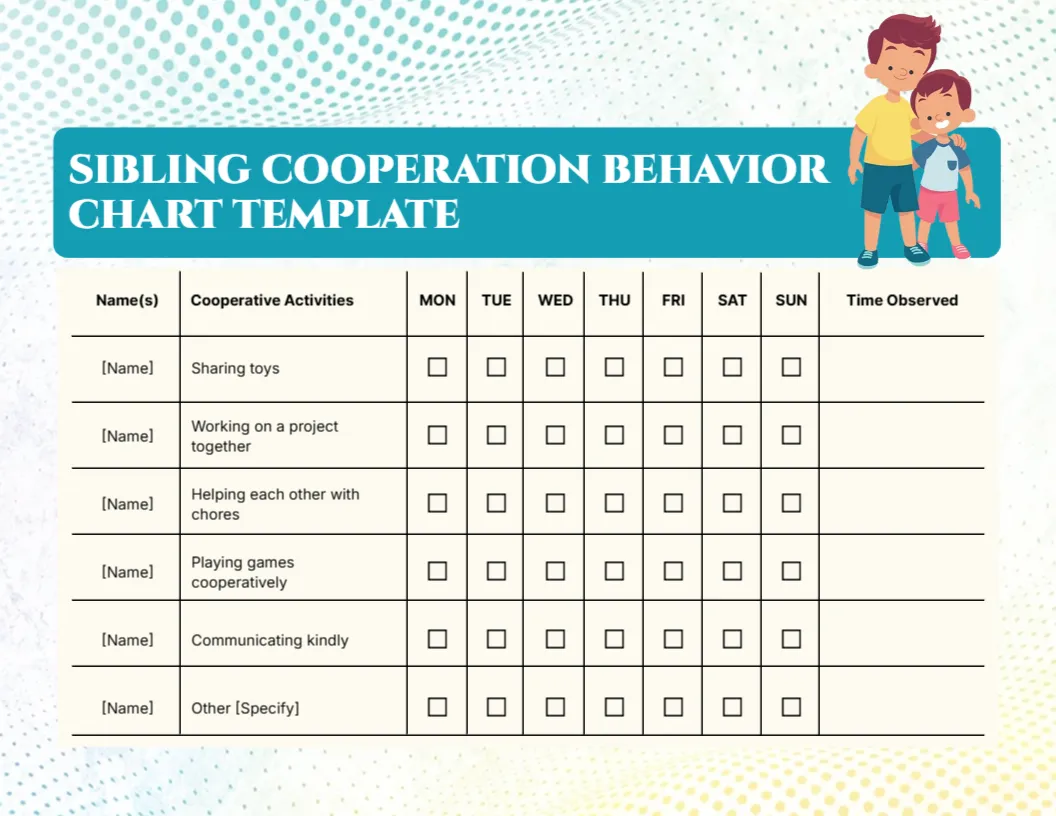
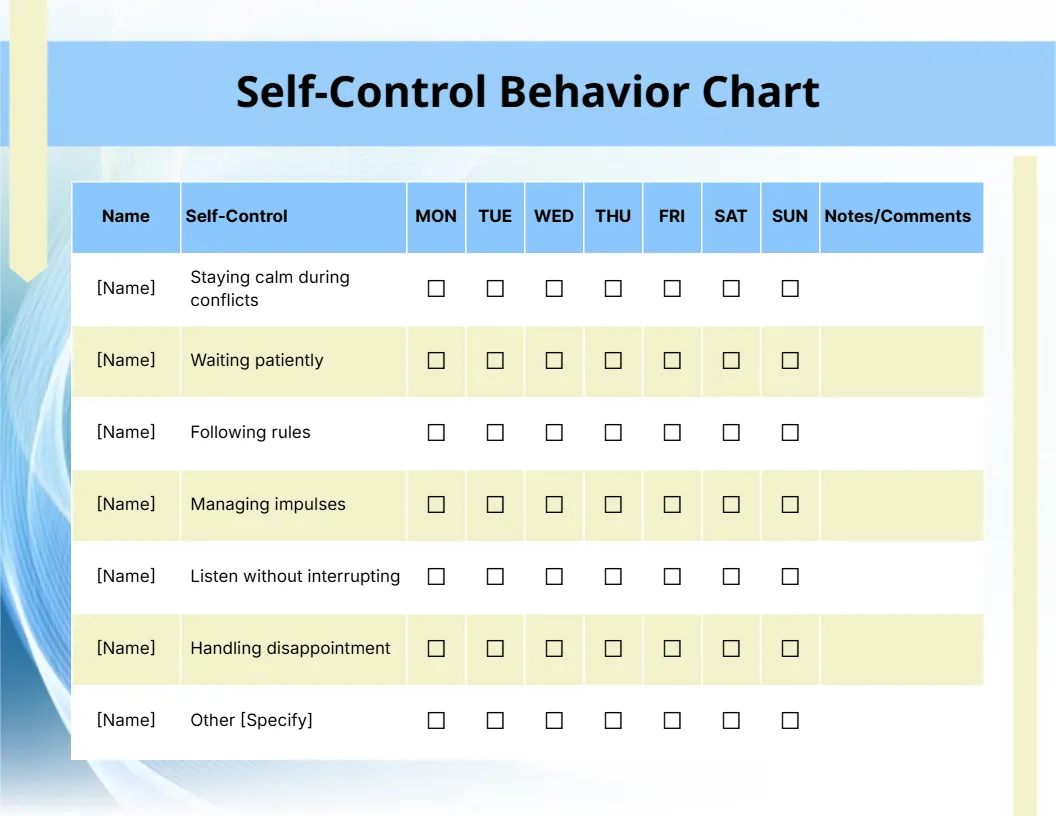
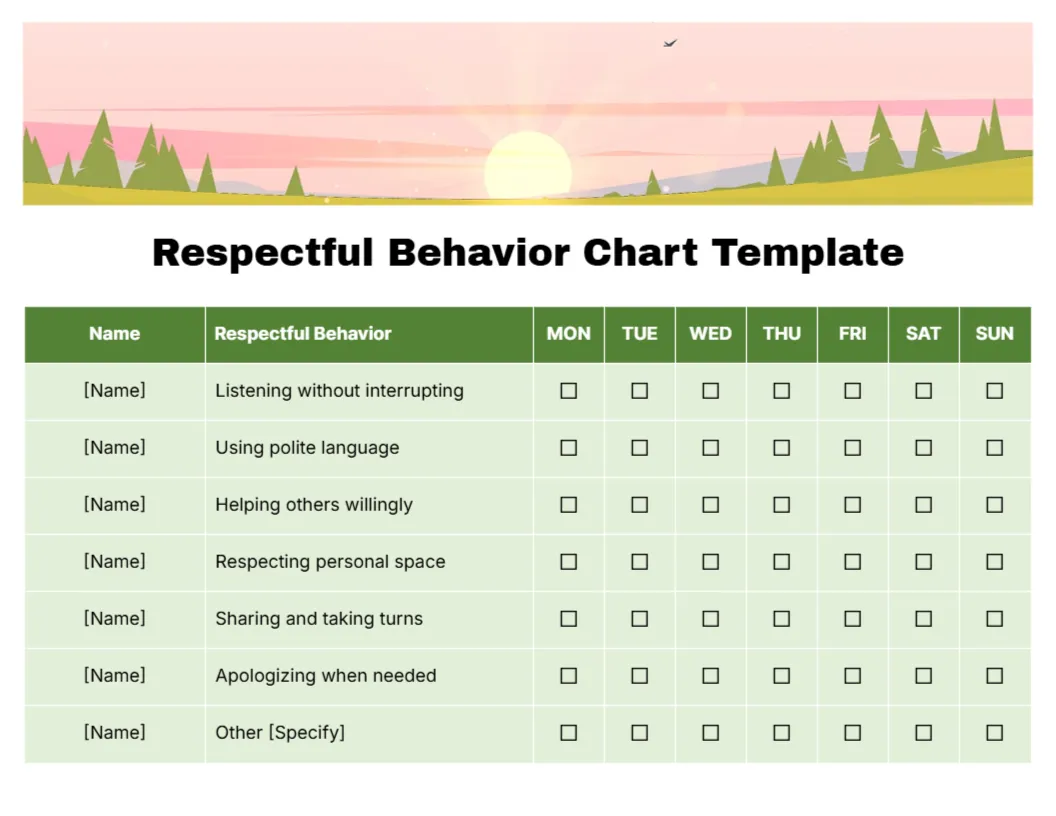
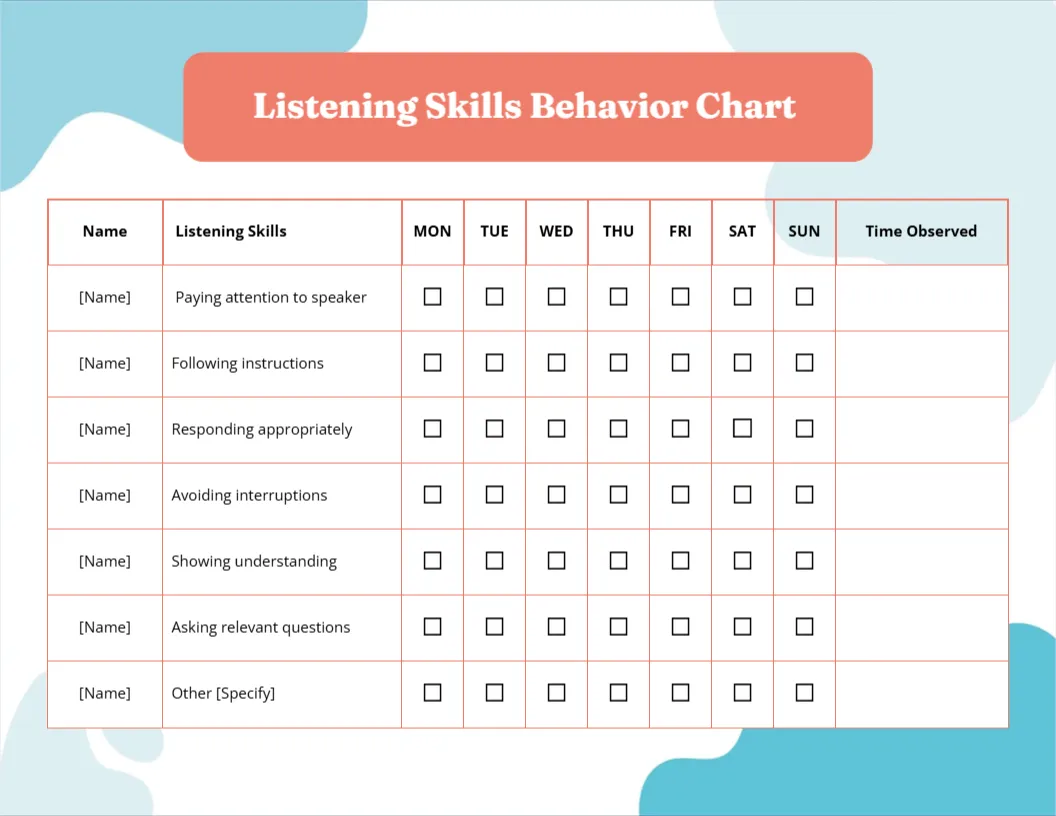
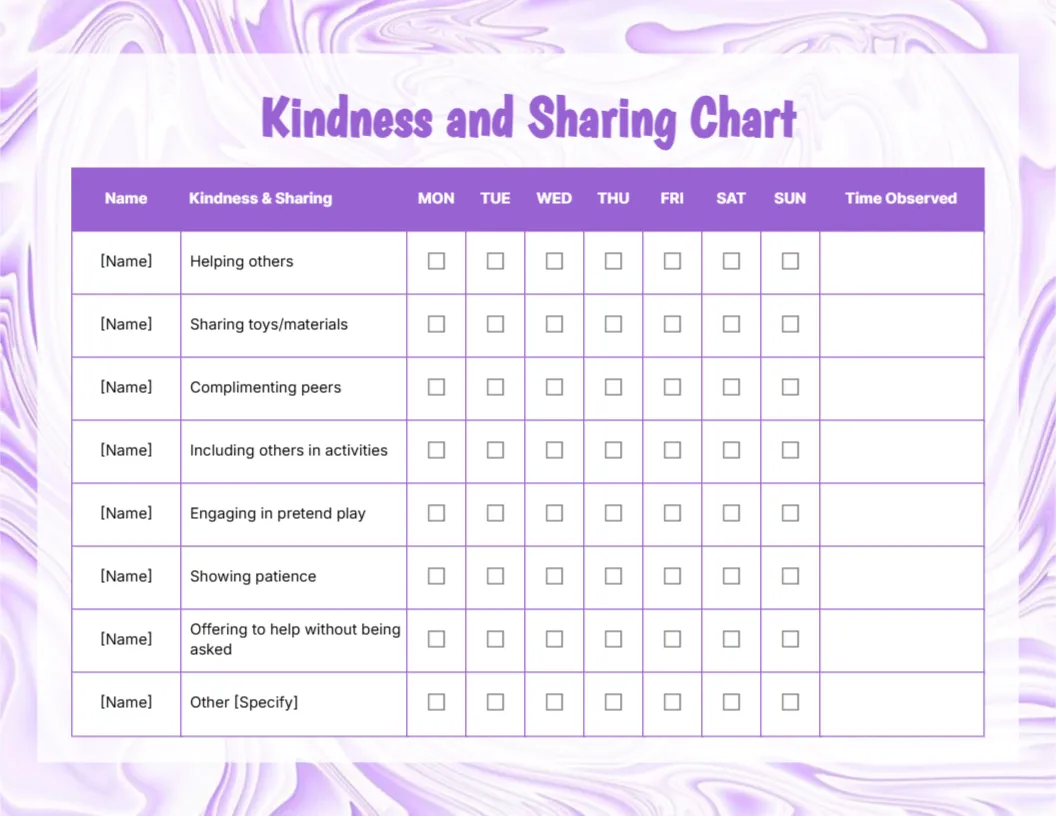
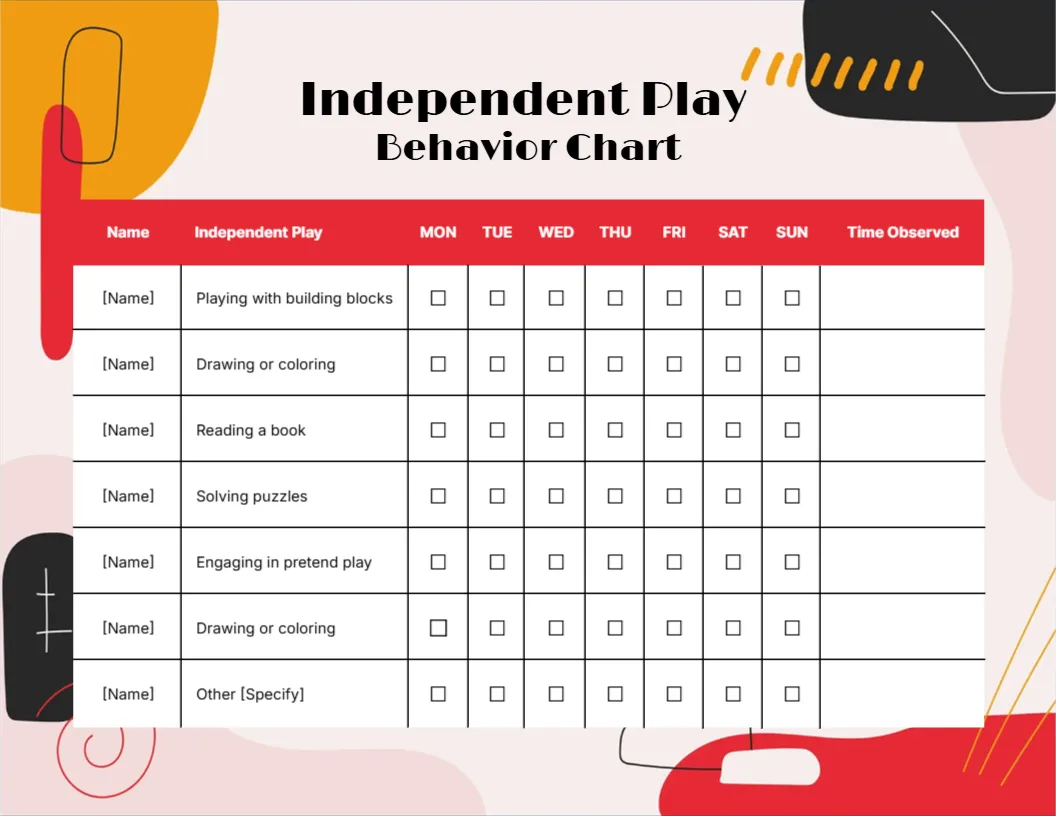
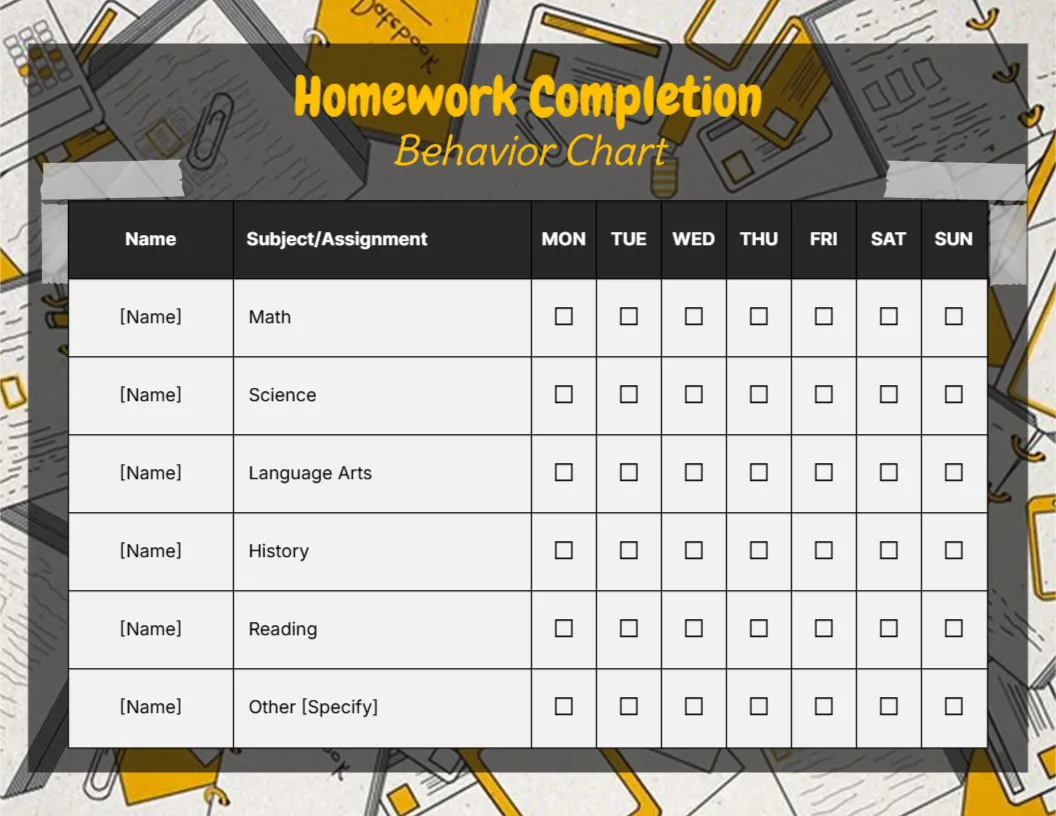
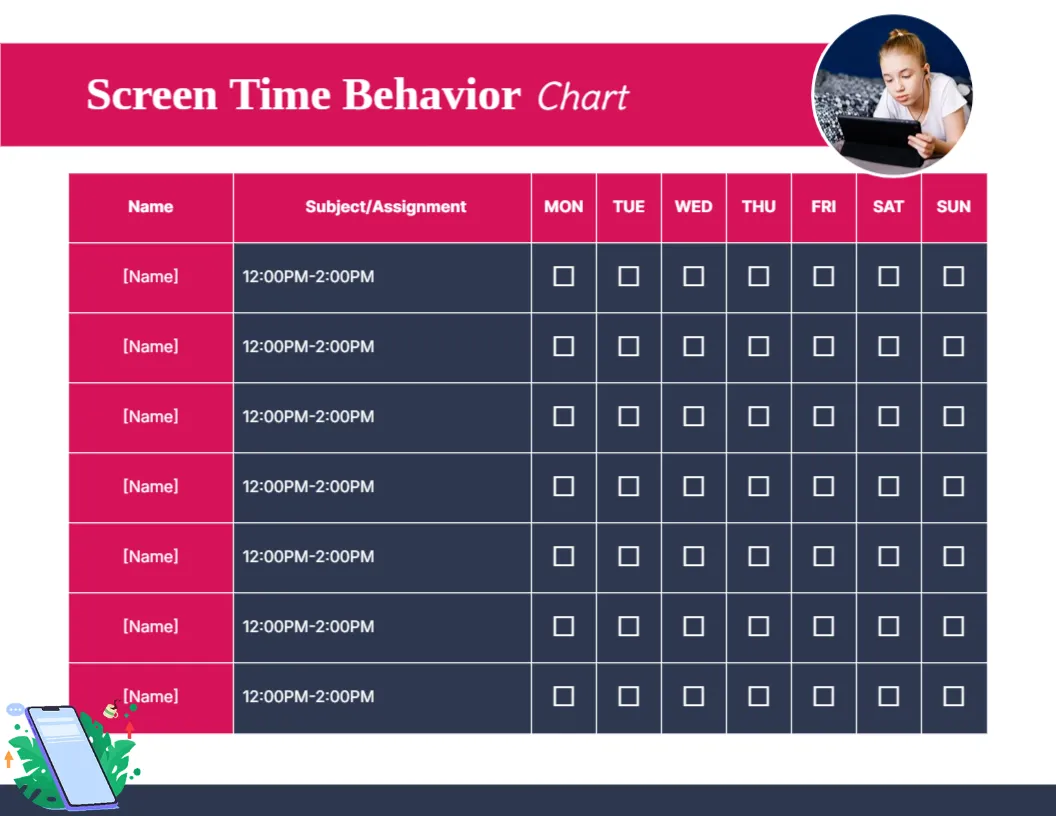
A hot pink header carries Screen Time Behavior Chart in white, with a round photo of a girl using a tablet at the right. A pink header row reads Name, Subject/Assignment and Monday to Sunday. Seven rows have pink [Name] cells and navy cells, each with the time slot 12:00PM to 2:00PM and seven white tick boxes. A small phone illustration with leaves sits at the lower left.
Time Slots by Day
The chart is 11 x 8.5 inches, landscape. Each row is a time slot, so families can mark when screens were allowed or used.
A Copied Header and Repeated Times
The second column is labelled Subject/Assignment, which was copied from the homework chart. Rename it Time Slot or Allowed Time. Every row shows the same 12:00PM to 2:00PM, so type the real slots, such as 4 PM to 5 PM after homework and 7 PM to 7:30 PM before bed.
Setting Up the Screen Chart
- Rename the Subject column.
- Type your real time slots.
- Type names.
- Tick when limits are kept.
- Review weekly.
Agreeing Limits Together
Children accept screen limits better when they help set them. Agree the slots and write them on the chart together. Writing the agreed slots on the chart avoids daily debates.
Ticking Kept Limits
Tick when the child turns off the screen on time. It rewards self control rather than screen use. Praise children for switching off without a reminder.
Printing Navy Rows
The navy rows use ink. Print one in colour and laminate it for weekly reuse. A dry wipe pen makes it easy to update slots when routines change.
Screens for Homework
Separate homework screen time from fun screen time so the chart stays fair. A separate row for homework time keeps the fun limit clear.
Screen Free Rewards
A week of kept limits can earn a family outing or game night. Screen free rewards help children enjoy other activities.
Using the Screen Time Chart
Review limits each weekend.
Step by Step Editing of the Screen Time Pink Navy Tablet Design
- On the screen time pink navy tablet design, click the main headline and type your own words, keeping a similar length.
- Retype every name, date and contact line on the screen time pink navy tablet design, checking each against a trusted source.
- Search the screen time pink navy tablet design for the words Lorem and Company so that no placeholder remains.
- Click any logo or photo on the screen time pink navy tablet design, choose Replace Image and resize the new picture to fit.
- Zoom the screen time pink navy tablet design to full size and read each line aloud before you save it.
- Keep a clean master of the screen time pink navy tablet design without private details, so later versions start tidy.
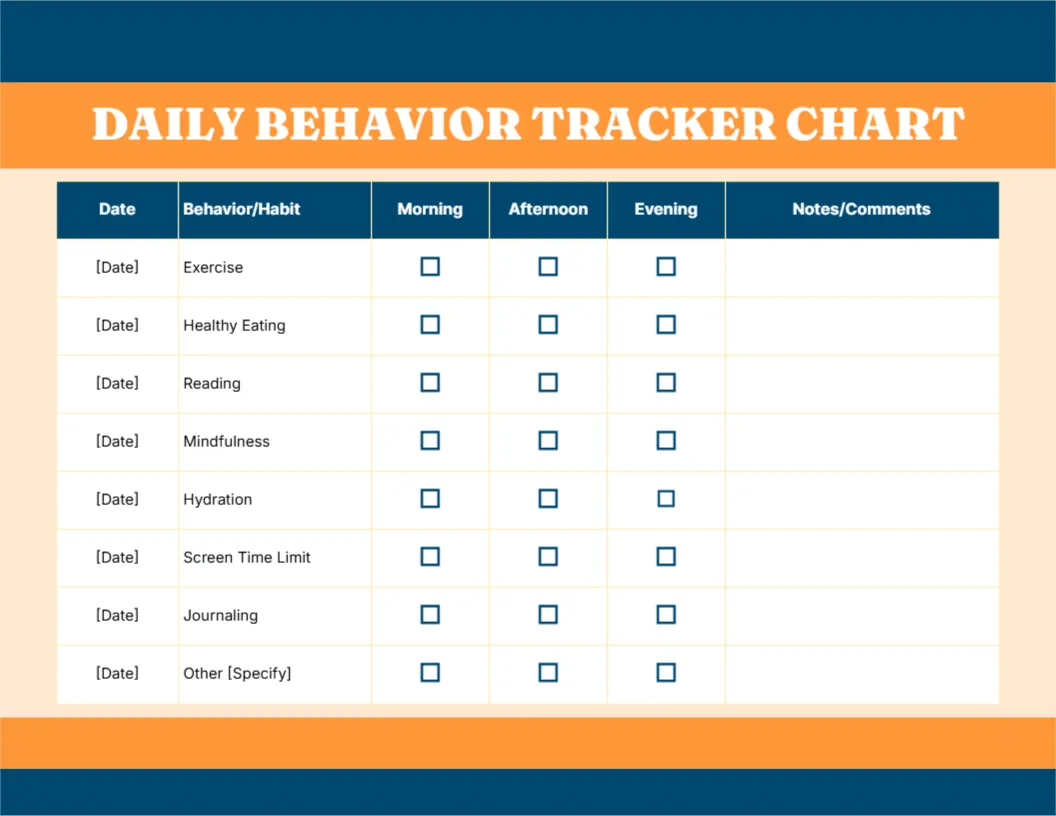
Consider the bedtime routine chart. Similar designs include the self control chart. Compare it with the daily behavior tracker. Looking beyond the screen time pink navy tablet design? See all behavior chart templates.