Architect Resume Template with Floor Plan Drawing
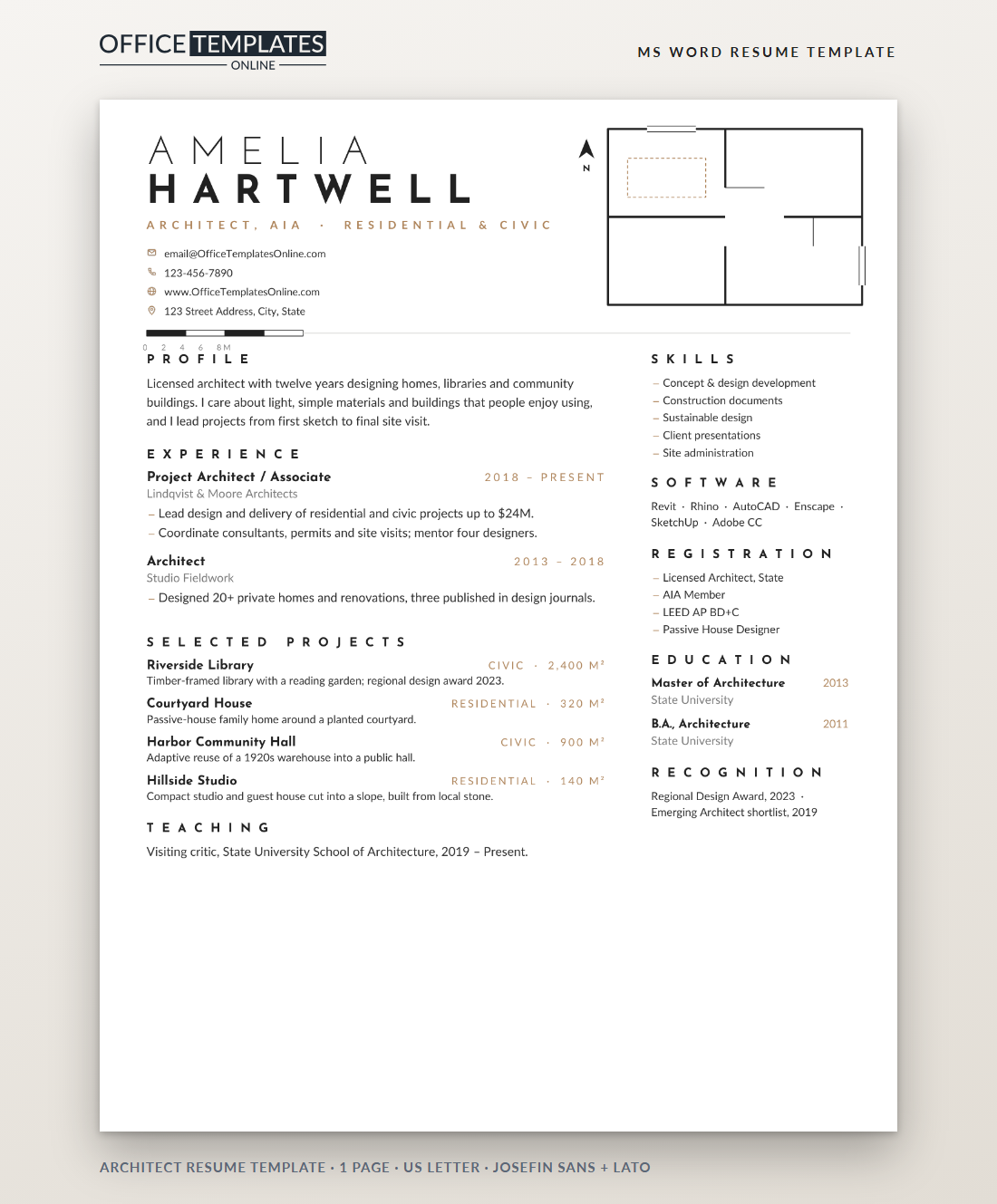
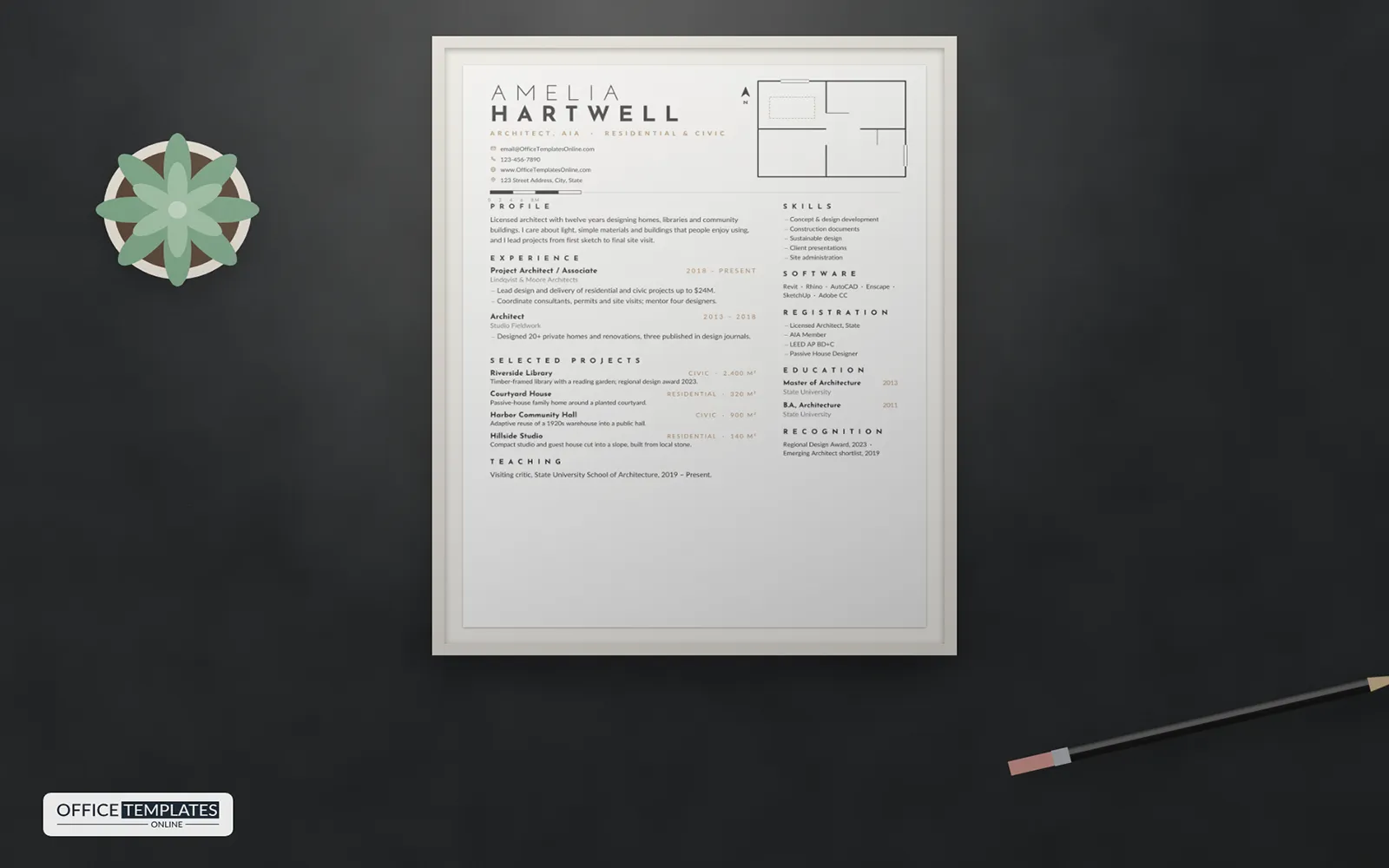
Architects are trained to say a lot with very little: a few well-placed lines, generous white space, and a clear hierarchy. This resume follows the same discipline. Its only decoration is a small floor plan drawn in fine lines, a north arrow, and a scale bar- the quiet graphic language every architect uses every day.
Drawn Like a Plan
In the top-right corner, a floor plan is drawn in thin black lines: outer walls, internal partitions, two door swings shown as arcs, windows drawn as double lines, and a dashed piece of furniture in warm tan. A small north arrow sits beside it. On the left, your first name is set in light, widely spaced Josefin Sans capitals with your surname in bold beneath, followed by your registration, specialties, and contact details.
A black and white scale bar with distance marks forms the divider below the header, then extends into a fine grey line. The body is set in two calm columns, with section titles in very widely spaced capitals and no heavy rules or boxes.
Projects With Typology and Area
Architecture firms want to know the types and sizes of projects you have worked on. The Selected Projects section lists each one with its name in bold, its typology and area aligned to the right in small tan capitals, such as Civic · 2,400 m², and a single line describing the design idea or recognition. Four projects fit comfortably; choose the ones closest to the firm's work.
What to Include at Each Stage
| Stage | Emphasize |
| Architectural assistant or graduate | Studio projects, software, internships, competitions |
| Project architect | Project delivery, coordination, construction documents, site visits |
| Associate or director | Client relationships, team leadership, fee and program management |
| Sole practitioner | Built work, publications, awards and teaching |
Registration and Credentials
List your license and the state or country it covers, professional memberships such as the AIA or RIBA, and sustainability credentials such as LEED, Passive House, or WELL. These sit in the right column with your skills, software, education, and recognition. If you are working towards licensure, note your progress, for example, AXP hours complete; ARE 4 of 6 passed.
Keeping It Minimal
Minimal design works only when every element earns its place. Keep bullets short, avoid long software lists, and let white space breathe. Use the profile to state your design values in two sentences. A portfolio link belongs in your contact details; the resume's job is to make the reader want to open it.
Answering the Portfolio Review
Most architecture interviews include a portfolio review. Pick two projects from your Selected Projects list and prepare to walk through them: the brief, the site, your design moves, the constraints, and what you personally drew or decided. Interviewers want to know your role clearly, so say I where it was you and we where it was the team. Bring a printed set of key drawings in case the screen fails.
Redrawing the Plan in Word
- The floor plan, door arcs, windows, north arrow, and scale bar are shapes in the page header. Double-click near the top of the page to move, recolor, or delete them.
- Project typology and area sit on tab stops, so they always align to the right edge of the column.
- Section titles are spaced text; change the wording without losing the spacing.
Typefaces and Print
Josefin Sans and Lato are free from Google Fonts. The resume fits one US Letter page. Print it on heavy uncoated paper for interviews, where the fine lines look their best, and send a PDF with a link to your portfolio. Keep the Word file too, so you can reorder projects for each practice you approach.












