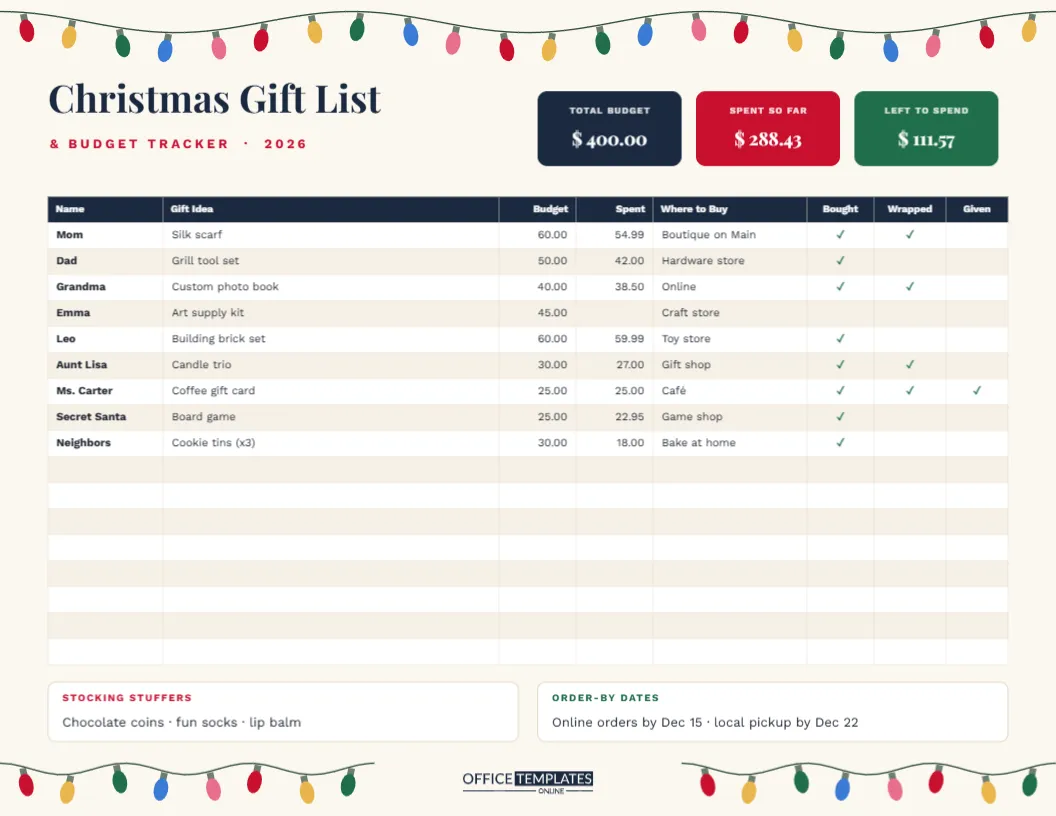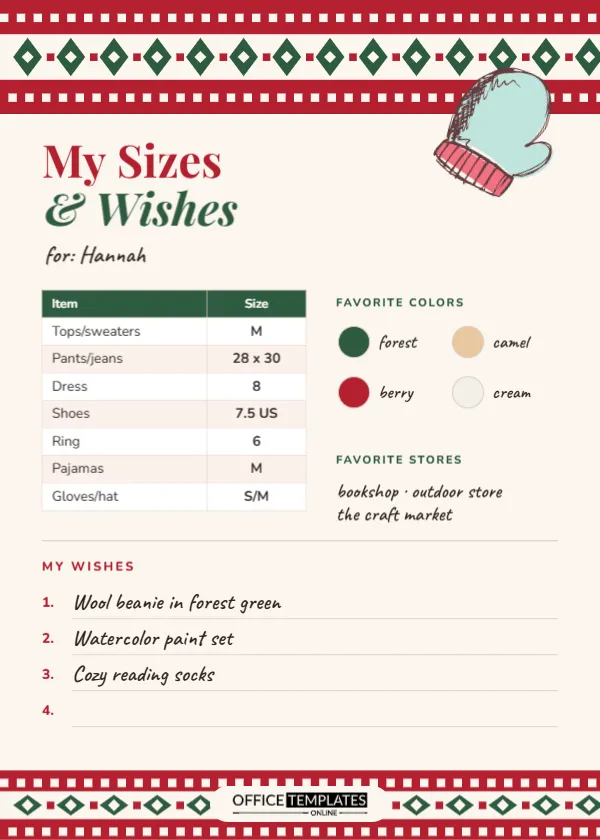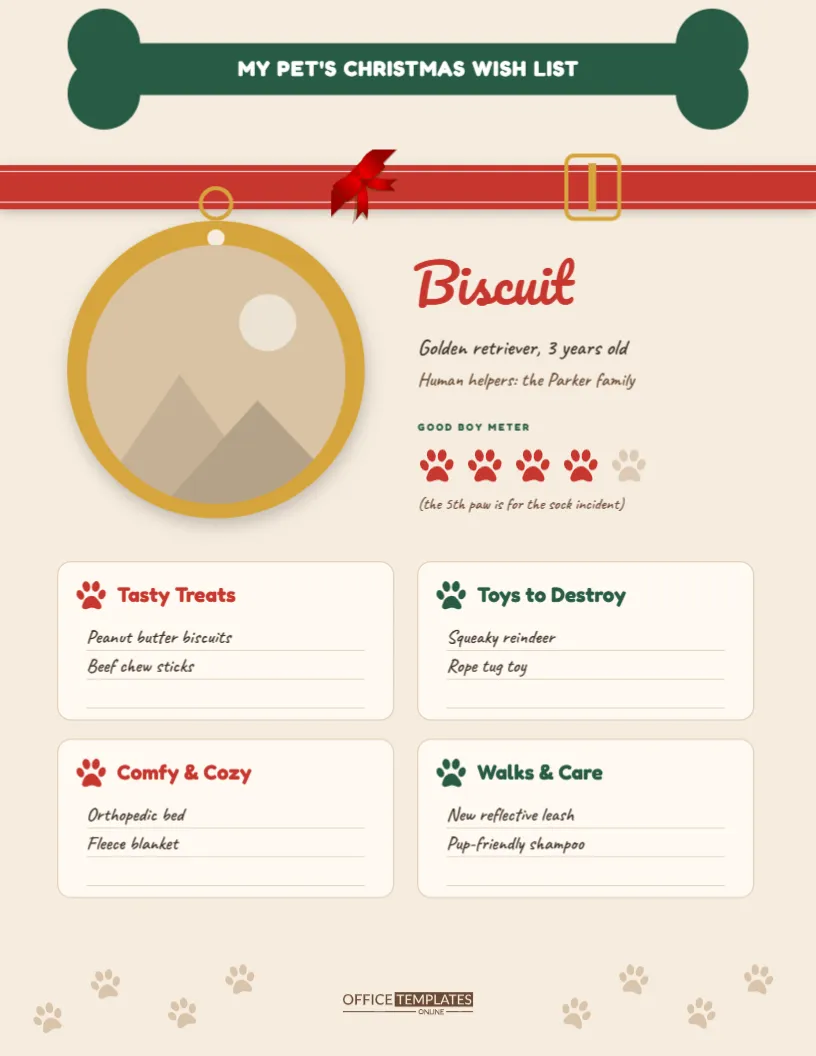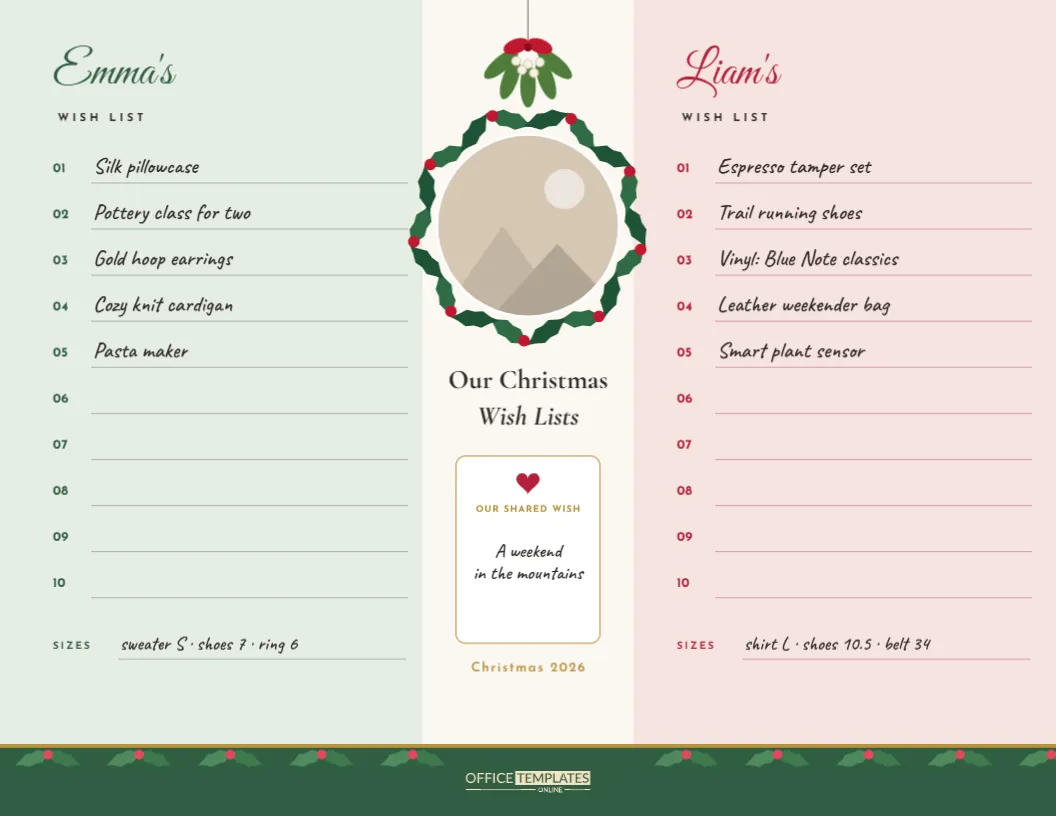
Let’s be honest: a Christmas list can be cute. This one is made for teens and anyone who loves the soft, cosy coquette look you see all over Pinterest and TikTok, with cream paper, red ribbon bows, gingham, and handwritten notes. Add your own photo, write your wishes on the notebook page, and you have a wishlist that looks good enough to post and is still clear enough for your family to actually shop from.
Polaroid, Bows and a Notebook Page
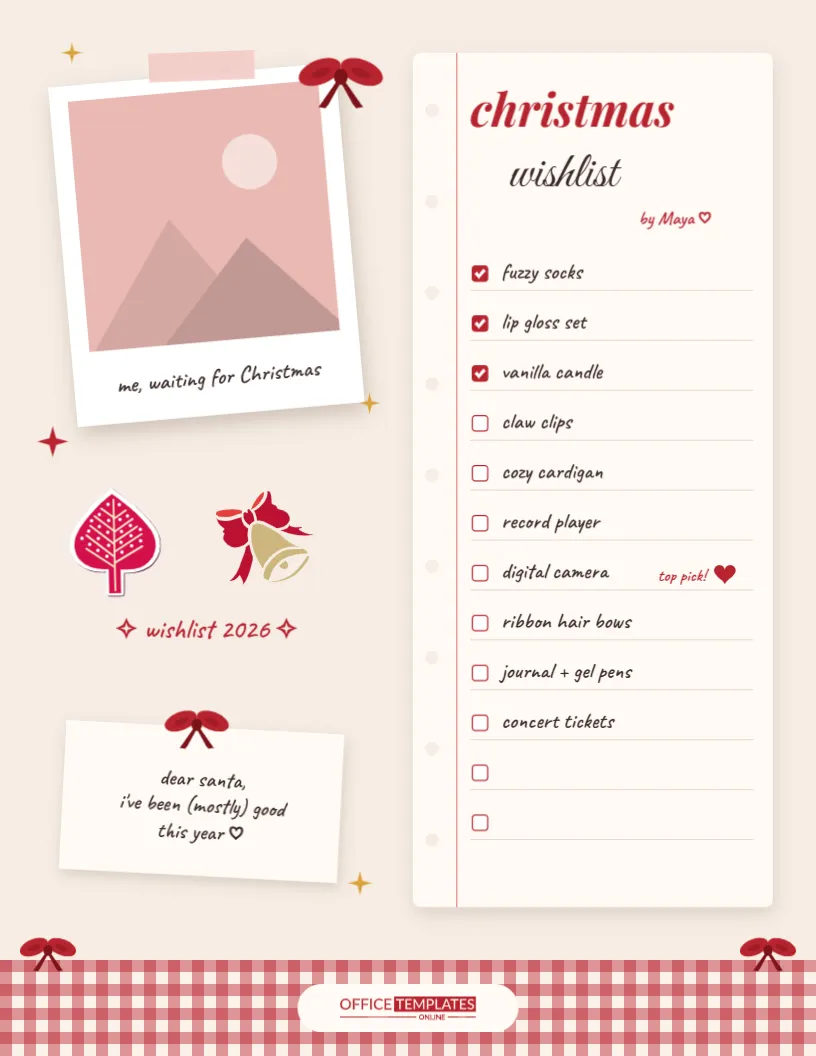
It’s a US Letter page, 8.5 x 11 inches, in warm cream. On the left there’s a white Polaroid photo, tilted slightly, with a strip of pink washi tape at the top and a caption underneath (me, waiting for Christmas). A red ribbon bow is tied to its corner, and little gold and red sparkles are scattered around it. Below the photo, you’ll find a pink Christmas tree sticker, a golden bell with a red bow, wishlist 2026 in handwriting, and a small sticky note that says Dear Santa, I’ve been (mostly) good this year.
On the right is a notebook page with a pink margin line and punched holes. Christmas is written in red italic, wishlist underneath in a flowing script, and Maya signs it off. Below are twelve lines, each with a little checkbox. The first three are already ticked in red, and one line has a top pick! note with a heart. A strip of red and cream gingham runs along the bottom of the page with two small bows and our logo in red.
Aesthetic Wish List Ideas
If you need inspiration, here’s what’s often on aesthetic Christmas lists right now. Mix and match:
- Cosy: fuzzy socks, a chunky knit cardigan, a heated throw blanket, fleece pajamas.
- Beauty: lip gloss or lip oil sets, a skincare fridge, claw clips, ribbon hair bows, a nice perfume.
- Room decor: a vanilla or cinnamon candle, fairy lights, a mini record player, framed prints.
- Memories: a digital or instant camera, a photo printer, a scrapbook kit.
- Creative: a journal and gel pens, stickers, a watercolour set, a crochet kit.
- Experiences: concert tickets, a cafe gift card, a pottery class with a friend.
Tip: add a colour or size after each item (cardigan, cream, size S) so nobody has to guess.
Putting Your Photo in the Polaroid
The Polaroid photo is a real photo frame in the editor. Click the picture area and choose Replace Image, then upload your photo. It fills the square window of the Polaroid, just like a real instant photo, and stays the same size. Some ideas that look great: a mirror selfie in your Christmas sweater, your pet in a Santa hat, a photo with your friends, or a flat-lay of cosy things you love.
Want to edit the caption? Click it and type something new: not me refreshing the gift tracker, main character energy, or just your name.
Styling Your Wishlist
- Your list: click any line on the notebook to type. Leave the last lines blank so you can add things later, or delete the extra checkboxes.
- Ticks: the ticked boxes are small red squares with a white check. Copy a ticked box over an empty one to tick something you’ve already been given, or just use them to mark your favourites.
- Colours: every bow is one grouped object, so you can recolour it in one click. Try pink bows for a softer look, or dark green for a classic Christmas vibe.
- Stickers: the tree and bell are editable vector stickers. Recolour them from their colour swatches, move them around, or delete them.
- Your name: change Maya to your name.
Five Ways to Share Your List
- Download it as a PNG and send it in the family group chat.
- Print it and stick it on the fridge where everyone will see it.
- Post it to your story (crop it or use our Instagram story wishlist template).
- Send it to one relative who is organising gifts for the whole family.
- Keep a copy for yourself, and tick things off after Christmas to remember who gave what for your thank-you notes.
Printing Tips for a Cute Printout
For the best result, print on US Letter at actual size (or fit to page on A4) using a colour printer. Matte photo paper or bright white card makes the photo and gingham pop, and a thicker paper doesn’t curl when it’s stuck to a wall. If you’re printing at school or a library, a PDF download keeps everything exactly where it should be.
Keeping Your Wishlist Realistic
A pretty list works best when it’s honest. Put a mix of small and bigger things on it, so people with different budgets can find something. Mark one or two true favourites as a top pick, as the sample does with the digital camera. And remember that your family knows you: leaving a couple of lines blank for surprises can end up giving you the best present of all.
A Quick Budget Check
Before you send the list, look at it the way a parent or grandparent will. If everything on it costs a lot, add a few small wishes that are just as fun, like stickers, a lip balm, or a cute keyring. If there is one big item you really want, say so, and suggest that a few people could chip in together for it. Writing the rough price next to an item, like a digital camera (about $80), helps people plan without awkward questions. A list with something for every budget means more people can join in and fewer gifts end up duplicated.
Wishlist FAQ
Can I use this if I’m not a teen?
Of course. Plenty of adults love this style too; just change the photo and the name.
Can I change the fonts?
Yes. Select any text and choose another font from the editor’s font list.
What size is the page?
US Letter, 8.5 x 11 inches, portrait.
Your Most Aesthetic Christmas Yet
Pop in your photo, write your wishes, and send it to the people who love spoiling you. Cute, clear, and very you.