Sales Representative Resume Template with KPI Sidebar
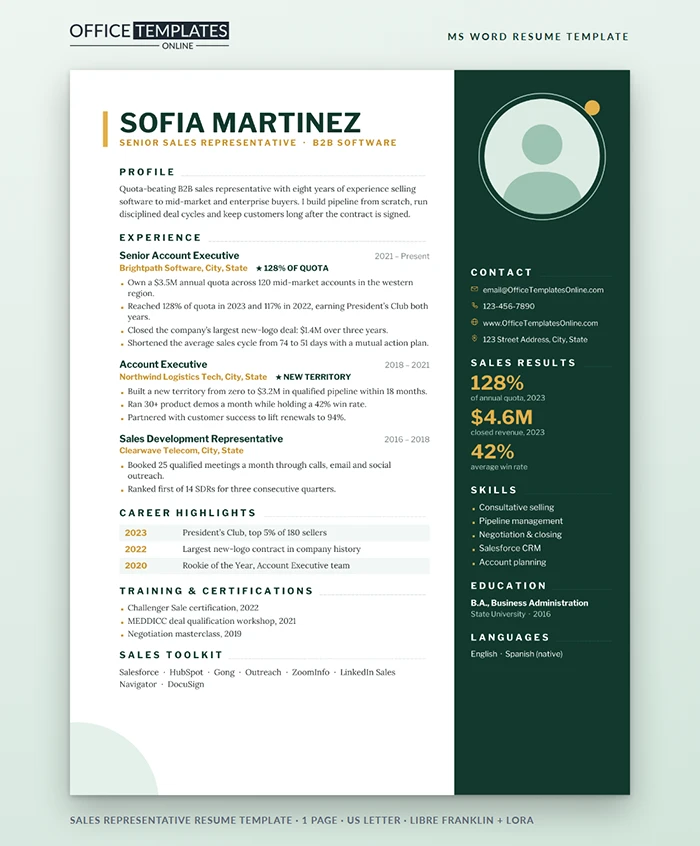
Sales managers hire numbers. They want to know your quota, how often you beat it, and how big your deals were, and they want it fast. This template puts your results where the eye lands first: big gold figures in a dark green sidebar, right next to your photo.
Built Around Your Numbers
The right side of the page is a deep forest green column. At the top sits a round photo in a pale mint ring with a small gold dot, followed by contact details with gold icons, a Sales Results block of three large gold figures, five skills with gold square bullets, education, and languages.
The white left side opens with your name in heavy Libre Franklin capitals beside a short gold bar, then your title in spaced gold letters. Each section heading trails a fine line to the edge of the column. Body text is Lora, a friendly serif that keeps longer bullets readable.
Before and After: Rewriting Weak Sales Bullets
| Before | After |
| Responsible for managing a territory | Own a $3.5M annual quota across 120 mid-market accounts. |
| Exceeded targets | Reached 128% of quota in 2023 and 117% in 2022 |
| Worked on large deals | Closed the company's largest new-logo deal: $1.4M over three years |
| Improved the sales process | Cut the average sales cycle from 74 to 51 days with a mutual action plan. |
| Made lots of calls | Booked 25 qualified meetings a month through calls, email, and social |
Which Three Figures Belong in the Sidebar?
Pick the three numbers a sales leader would ask about in the first five minutes. For account executives, that is usually quota attainment, revenue closed, and win rate. Sales development reps do better with meetings booked, pipeline created, and conversion rate. Account managers should lead with retention, expansion revenue, and net revenue retention. Whatever you choose, make sure you can explain how each was measured.
The Highlight Stars and Career Table
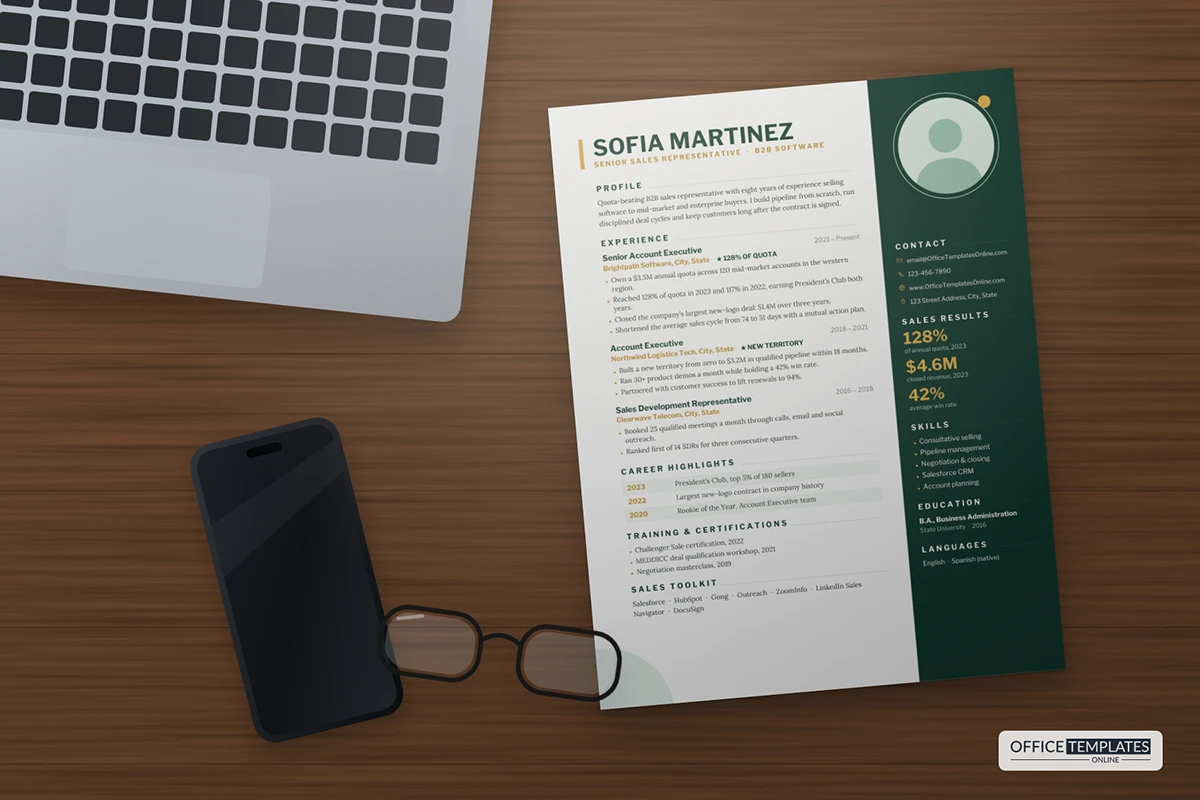
Next to each employer, you can add a short starred highlight, such as 128% of quota, so a skimmer catches your best result without reading the bullets. Further down, a Career Highlights table lists awards and records by year in alternating tinted rows, followed by training and your sales toolkit. Delete any row you do not need; the table closes up neatly.
Retail, Inside Sales and Field Sales
The same page adapts to different sales jobs. Retail associates can fill the sidebar with average basket size, upsell rate, and customer reviews mentioning them by name. Inside sales reps usually show calls or demos per week, conversion rate, and revenue per month. Field reps do well with territory size, new accounts opened, and year-on-year growth. Change the starred highlights to match, and rename "Sales Toolkit" to the point-of-sale or CRM systems you actually use.
Editing the Sidebar and Photo
- The green column, mint ring, gold dot, name bar, and corner circle are Word shapes in the page header. Double-click the top of the page and use Shape Fill to recolor them.
- Right-click the photo and choose Change Picture. If your new photo shows square corners, open Picture Format, then Crop, Crop to Shape, and Oval.
- The KPI figures, skills, and contact lines are normal text in the sidebar, so type over them directly.
Quick Answers
Should a sales resume include a photo?
In the United States and Canada, it is usually left out; in much of Europe, the Middle East, and Asia, it is common. Delete the photo and the ring if you prefer, and move the contact block up.
Which fonts do I need?
Libre Franklin and Lora, both free on Google Fonts. The page is one US Letter sheet; save a PDF for applications so the dark sidebar arrives exactly as designed.












