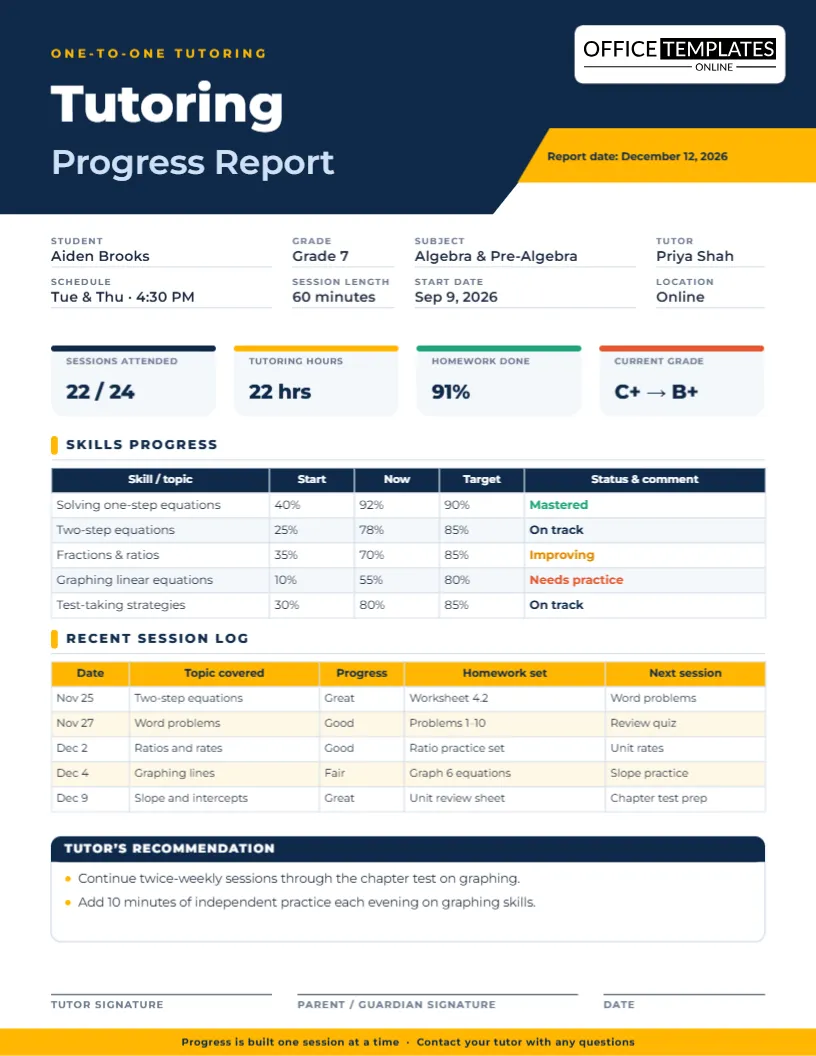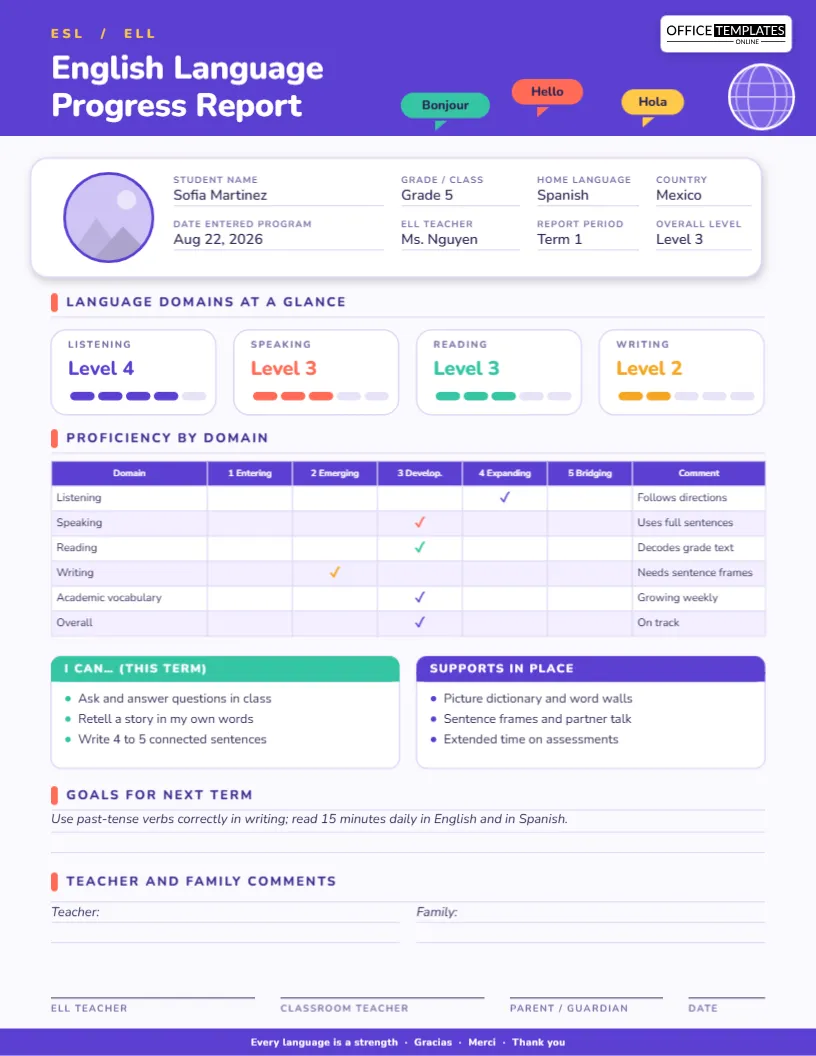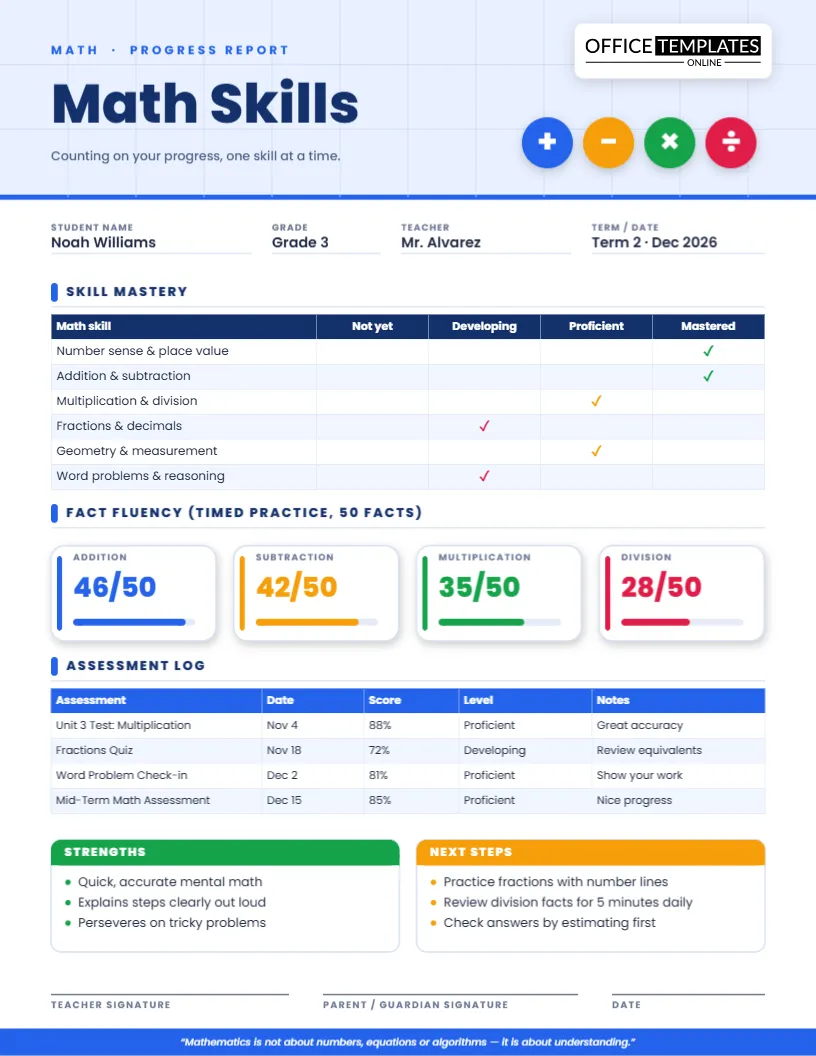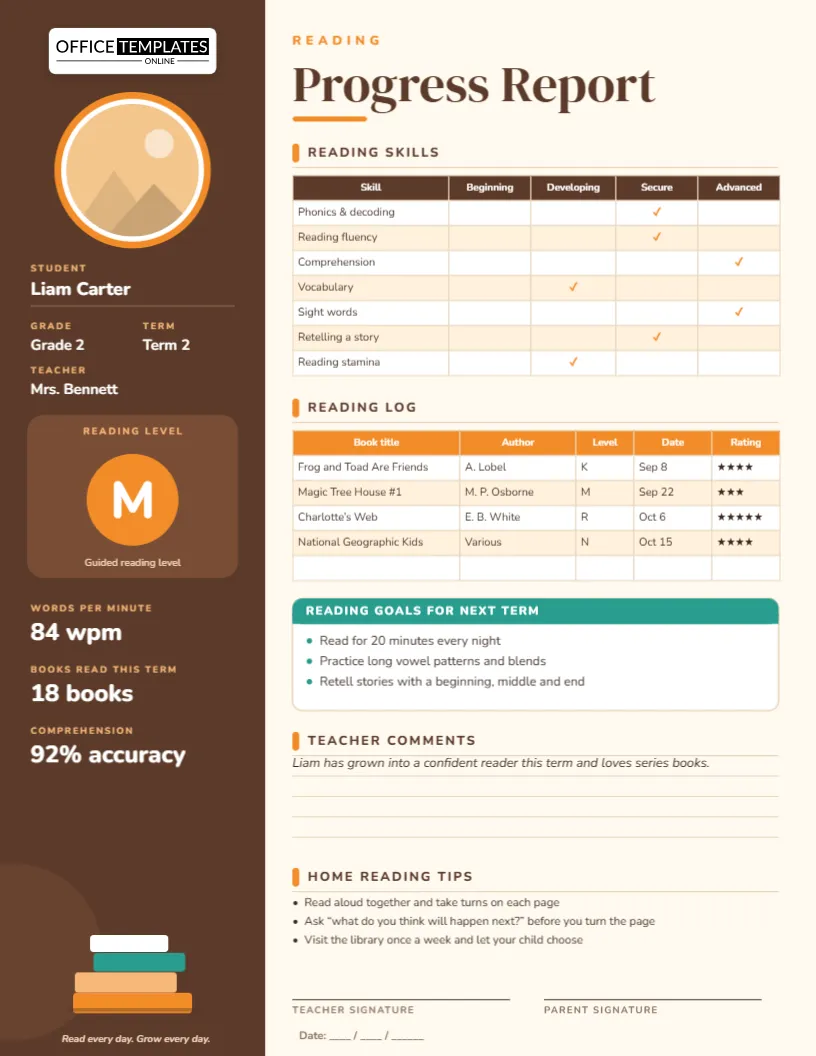
Beyond attendance: what a youth report should measure
Teenagers do not want a report card that looks like a school worksheet, and youth leaders know that faith cannot be measured by a number. Still, students and parents benefit from a thoughtful summary of growth: how consistently a student takes part, what they have studied, how they serve and where they are growing. This youth group discipleship progress report template offers a bold, modern page that feels made for teens while giving leaders a structure they can use with confidence.
The header that speaks to teens
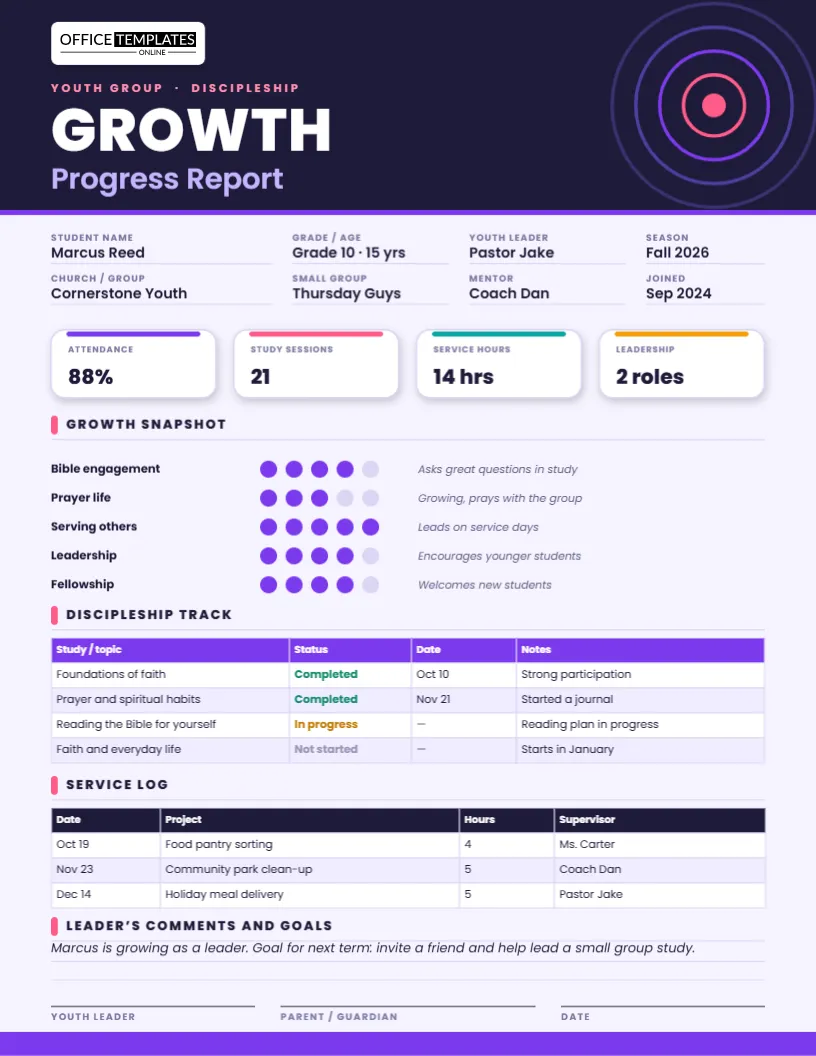
A deep indigo header with concentric electric-violet and coral rings and the single word “GROWTH” set in heavy type gives the page energy. Below it, the words “Progress Report” and “Youth Group · Discipleship” tell parents what they are holding. Our logo plate sits at the top left.
Eight details that set the scene
The fields cover the student’s name, grade and age, youth leader, season, church or group, small group, mentor and the date they joined. Naming the mentor and small group is a quiet reminder that discipleship happens in relationships.
The four tiles
- Attendance: a percentage of gatherings attended.
- Study sessions: the number of Bible studies or small group sessions completed.
- Service hours: hours spent serving the church or community.
- Leadership: roles held, such as greeter, worship team member or small group helper.
Rename any tile to fit your ministry, for example “Mission trip days” or “Retreats attended”.
The growth snapshot
Five rows use rows of small dots instead of stars: Bible engagement, prayer life, serving others, leadership and fellowship. Filled violet dots show the student’s current level from one to five, with an italic note at the right explaining the rating. Dots keep the page modern and avoid the feeling of a test, and the notes help leaders write something specific and encouraging. To change a rating, recolor a dot.
The discipleship track
A table lists studies or topics with a status (Completed, In progress or Not started), a date and a note. Sample topics include foundations of faith, prayer and spiritual habits, reading the Bible for yourself and faith and everyday life. Use it to record the curriculum your group follows and to show the student the road ahead.
The service log
A second table lists each service project with a date, description, hours and supervisor. It is helpful for the student, for the church and for teens who need to record volunteer hours for school or scholarship applications. Ask a supervisor to initial the log if you want an official record.
Five mentor conversation starters
- “What has been the best part of youth group this term?”
- “When did you feel closest to God, and what were you doing?”
- “What is one question about faith you want to explore?”
- “How can we help you serve in a way that fits your gifts?”
- “What is one goal you would like to work toward by next term?”
Write the student’s answers to the last question in the leader’s comments and goals area.
A note on privacy and safety
Youth reports involve minors, so handle them with care. Share each report only with the student and their parents or guardians, follow your church’s safeguarding policies, and avoid recording sensitive personal information. Keep the tone encouraging and factual, and make sure a second adult is aware of any private conversations noted in the report.
Setting it up
- Open the template in the editor and update the student and group details.
- Type your tile values and recolor the growth dots.
- Fill in the track and service log tables, adding or deleting rows.
- Write comments and a goal, sign and date.
- Download the report as a PDF, PNG or JPG.
Print and share
The report is US Letter, 8.5 x 11 inches. Print it in color on standard paper, or share the PNG or JPG digitally with teens who prefer their phone. The PDF is ideal for email. Save one file per student and update it each term to show growth over a whole year.
Common questions
Can I use it for a college or young adults group?
Yes. Change the header wording and the topics, and the layout works well for older groups.
Can I remove the ratings?
Yes. Delete the dots and keep the notes if you prefer a purely descriptive report.
Can I add a section for retreats or mission trips?
Yes. Add rows to the service log or the discipleship track.
Running a term review night
Some youth groups gather parents and students once a term for a relaxed review evening with snacks and a short presentation. Print each report and hand it out at the start, and let students describe one thing they are proud of. Keep the tone light and celebratory, and finish with prayer and a plan for the next season.
Setting goals with teens
Good goals for teenagers are specific, small and chosen by the student. Instead of “read the Bible more”, try “read one chapter of a Gospel before bed on weekdays.” Write the goal in the comments area, agree on a check-in date and revisit it in the next report. Students who choose their own goals are far more likely to follow through.
Celebrating without comparing
Teens are quick to compare themselves with their friends. Avoid ranking students, and keep reports private. Highlight each student’s unique gifts, such as encouragement, creativity, service or leadership, and remind them that growth is a journey, not a race. A report that helps a student feel seen and valued will encourage them long after the page is filed.
Involving parents well
Parents often wonder how their teenager is doing in a place they do not see. Send the report with a short note inviting them to ask their teen one open question about it, rather than quiz them. Suggest they thank their student for serving, and remind them that they are welcome to contact you with questions. A little partnership between leaders and parents creates a much stronger safety net for young people.
Show every student that their growth matters. Open the template, add their story and download a report that feels made for teens.