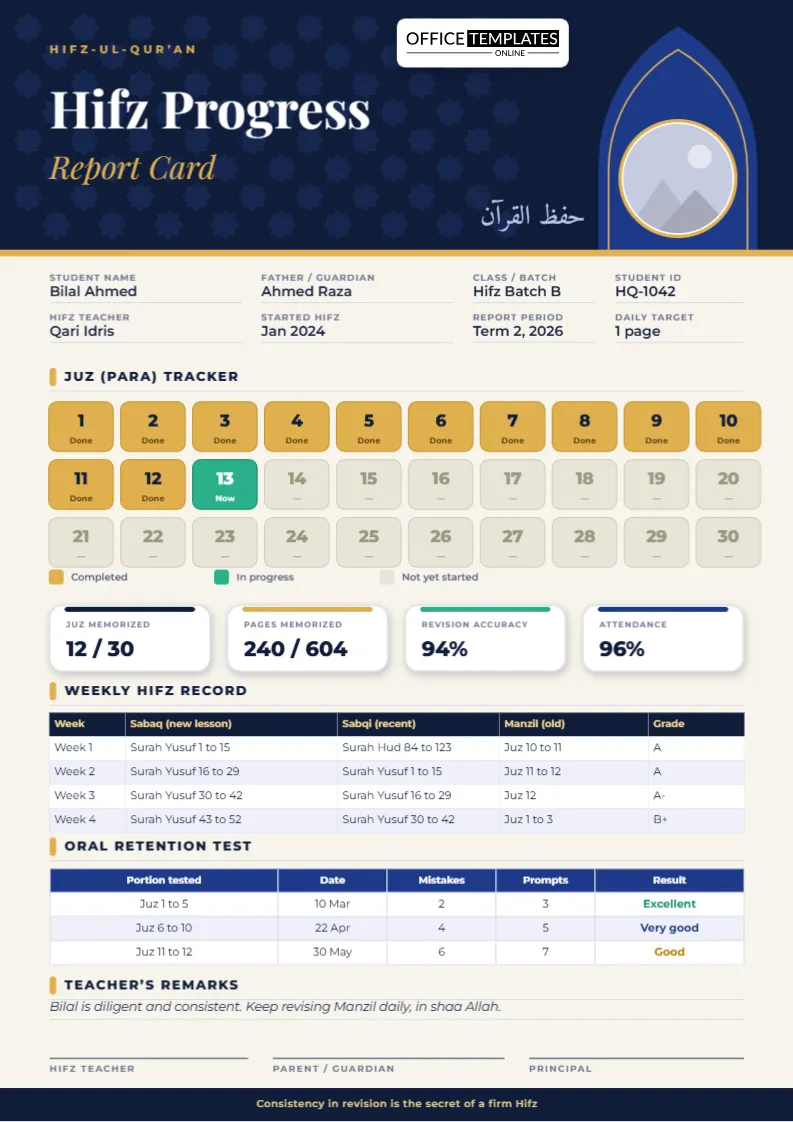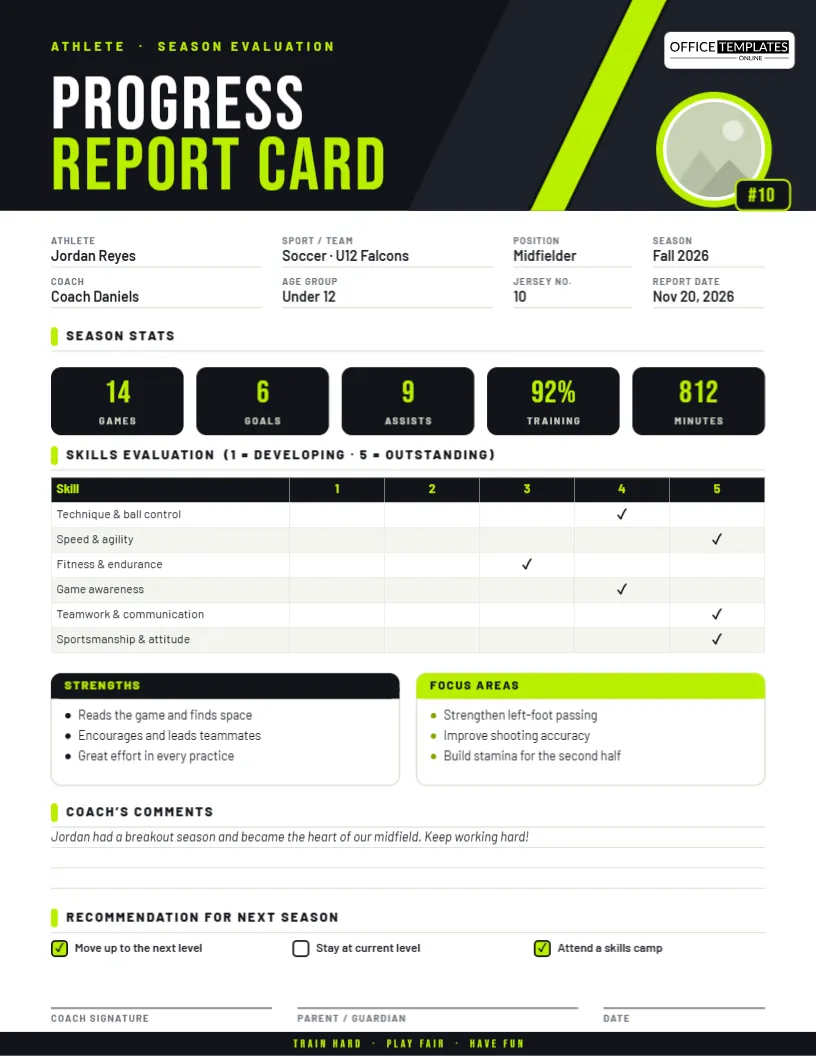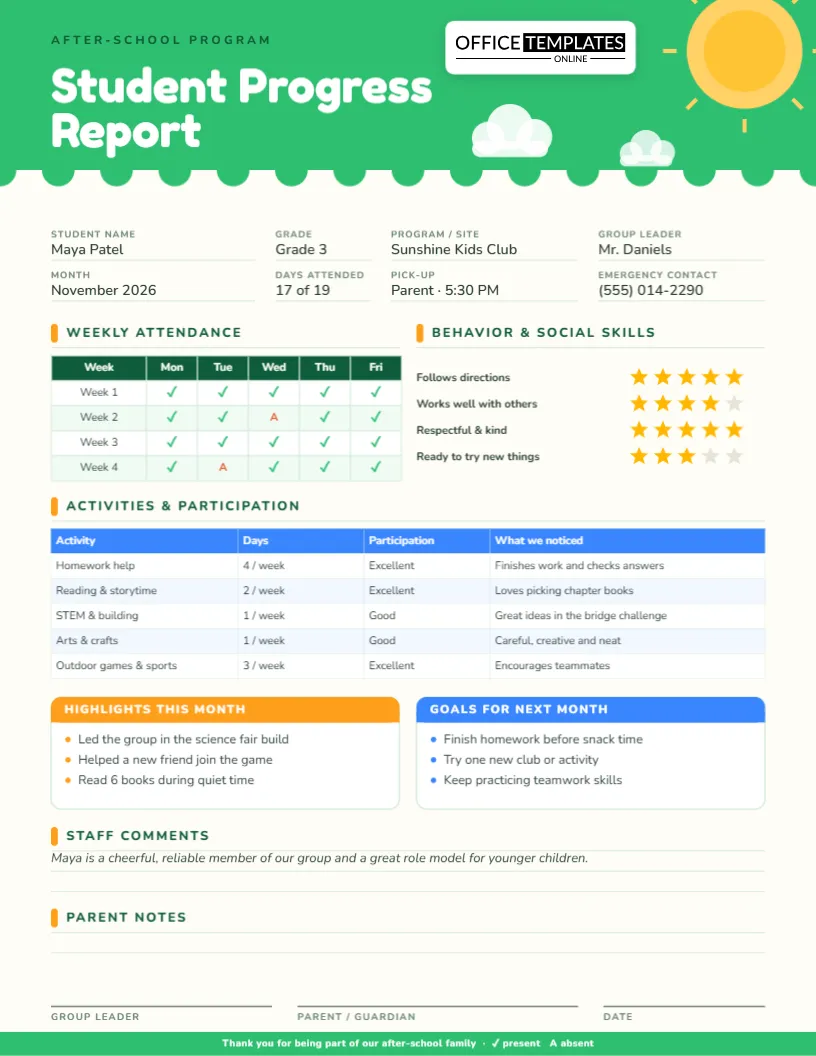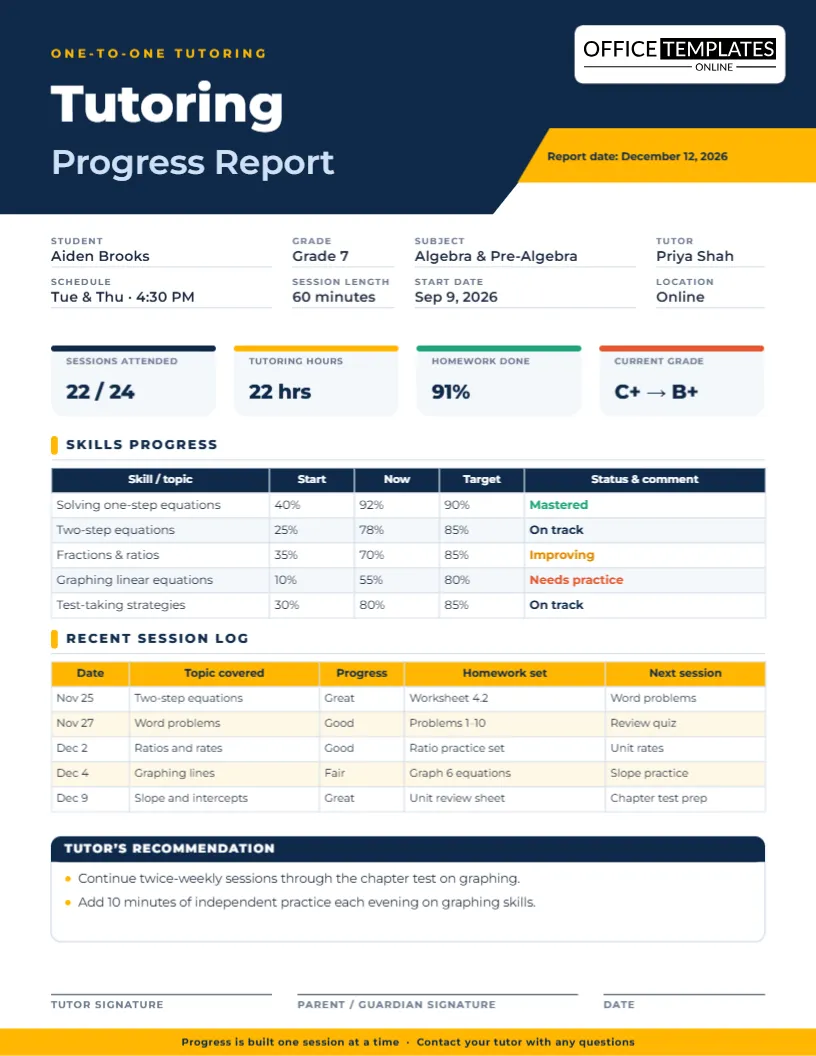
Every teacher knows the moment: a parent sits down, the clock starts, and you have about fifteen minutes to explain a whole term of learning. The parent-teacher conference progress report on this page exists for that moment. It puts grades, effort, strengths, worries and next steps on one clean sheet of US Letter paper, so the conversation is about the child rather than about hunting for information.
Why a written summary changes the meeting
Families remember far less of a spoken update than teachers hope. A page they can hold, reread at home and show to the other parent turns a passing chat into a record. It also protects you: when a goal, a concern or an agreement is written down and signed, nobody has to rely on memory three months later.
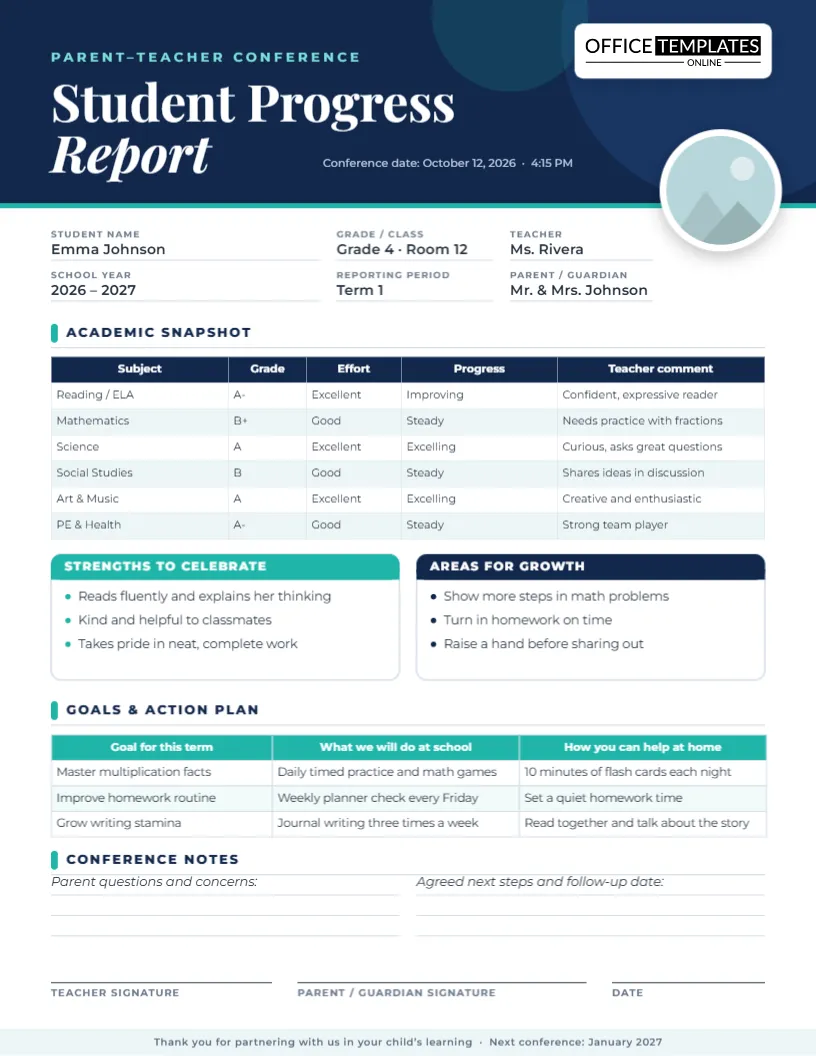
This layout was designed to be scanned in under a minute. A navy header carries the conference date and the student’s photo, and the eye then travels down through the academic snapshot, the two feedback boxes and the action plan, ending at the signature lines.
The fifteen-minute conference, minute by minute
- Minutes 0 to 2: Welcome the family and point to the strengths box first. Starting with what is going well lowers everyone’s guard.
- Minutes 2 to 6: Walk down the academic snapshot table. Six subject rows show the grade, the effort level, the direction of progress and a short comment.
- Minutes 6 to 9: Move to Areas for growth. Name no more than three items and connect each one to something concrete.
- Minutes 9 to 13: Fill in the goals and action plan together. Every goal gets one action for school and one for home, which keeps responsibility shared.
- Minutes 13 to 15: Use the conference notes area to capture questions, agree a follow-up date and sign.
What each part of the page is for
Student details and photo
Name, grade and class, teacher, school year, reporting period and parent or guardian sit at the top, next to a round photo frame. Replace the placeholder with a school portrait, or delete the frame if your school prefers no photos.
Academic snapshot
This is a real editable table, not a picture of one. Add a row for conduct or attendance, remove a subject you do not report on, or type standards-based scores such as “Meeting” and “Approaching” in place of letter grades.
Strengths to celebrate and Areas for growth
Two colored cards with three bullet lines each. Teal frames the positives and navy frames the work ahead, so the tone is visible before anyone reads a word.
Goals and action plan
A three-column table: the goal, what the school will do, and how the family can help. It is the most valuable part of the page, because it turns a discussion into commitments.
Conference notes and signatures
Two ruled areas for parent questions and agreed next steps, plus teacher, parent and date lines. The thank-you footer mentions the next conference so the calendar is already in view.
Phrases that keep the conversation constructive
- “Emma reads fluently and explains her thinking, which is a real strength.”
- “The next step in math is showing every step so we can see her reasoning.”
- “At school we will practice multiplication facts daily; at home ten minutes of flash cards would help.”
- “Let’s talk again in three weeks and look at this page together.”
Get it ready in five steps
Open the template in the editor and click any line of text to retype it. Use Replace Image on the header photo, edit the table cells directly or through Manage Data, rewrite the two feedback boxes, and finish the goals table. When the page is ready, download it as a PDF for printing or as a PNG or JPG to email ahead of the meeting. Preparing a full class takes an afternoon because you only change the details, never the layout.
Printing, signing and filing
The page is US Letter, 8.5 x 11 inches. Print at actual size on standard paper and hand the family one copy while keeping one for your records. If you send it in advance, a PDF opens identically on every phone and computer. Store signed copies alongside your conference log so they are easy to find at the next meeting.
Questions teachers ask before using it
- Can I use letter grades, percentages or standards-based scores?
- Yes. The grade column is plain text, so use whatever your school reports.
- Does the student need to be present?
- Not at all, but the layout works well for student-led conferences, where the child talks through the strengths and goals themselves.
- Can I add my school logo?
- Yes. Upload your crest from the editor and place it beside the title.
- Is the parent signature required?
- It is optional. Keep it if you want a record of attendance; delete the line if your school does not need one.
- How do I reuse the report each term?
- Reopen the file, change the period, grades and goals, and download again. The design stays the same.
A worked example: Emma’s October conference
Ms. Rivera opens the template a week before the meeting and changes the date to October 12 at 4:15 PM. She types Emma’s grades, notes that reading is improving and mathematics is steady, and replaces the sample comments with her own. In the strengths box she writes that Emma reads fluently and helps classmates. In the growth box she lists showing math steps and turning in homework on time.
At the meeting she hands Emma’s parents the printed page and says, “Let’s start with what is going well.” Twelve minutes later the goals table is complete: master multiplication facts, improve the homework routine and grow writing stamina, each with a school action and a home action. Both parents sign, and Ms. Rivera writes January as the follow-up month in the notes area.
Preparing families before they arrive
- Email the PDF a day or two early so families can note questions in advance.
- Ask parents to bring one thing they would like the teacher to know about their child.
- Invite older students to attend and speak to one strength and one goal.
- Offer a phone or video option and send the same page to those families.
After the conference: a follow-up plan
- Scan or save the signed copy to the student’s folder the same day.
- Send a short thank-you message that restates the two agreed goals.
- Put the follow-up date in your calendar and add a check-in note to the next report.
- Share any specific supports with other teachers who work with the child.
When the conversation is difficult
Some meetings carry worrying news. The page helps because the structure is calm and consistent: strengths first, then growth areas, then a shared plan. Keep language factual, focus on behaviors that can change and let the goals table carry the weight. Families leave with a plan, not a verdict, which makes the next conversation easier to begin.
Give every family a clear, confident summary of their child’s term. Open the template, add your students’ details and have the whole class ready before the first appointment.