Civil Engineer Resume Template with Arch Bridge Drawing
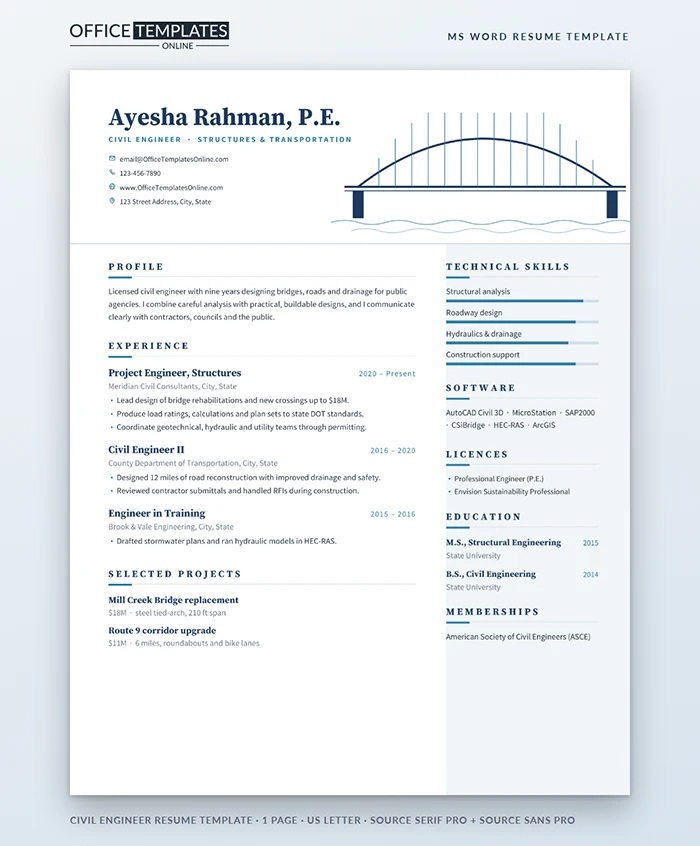
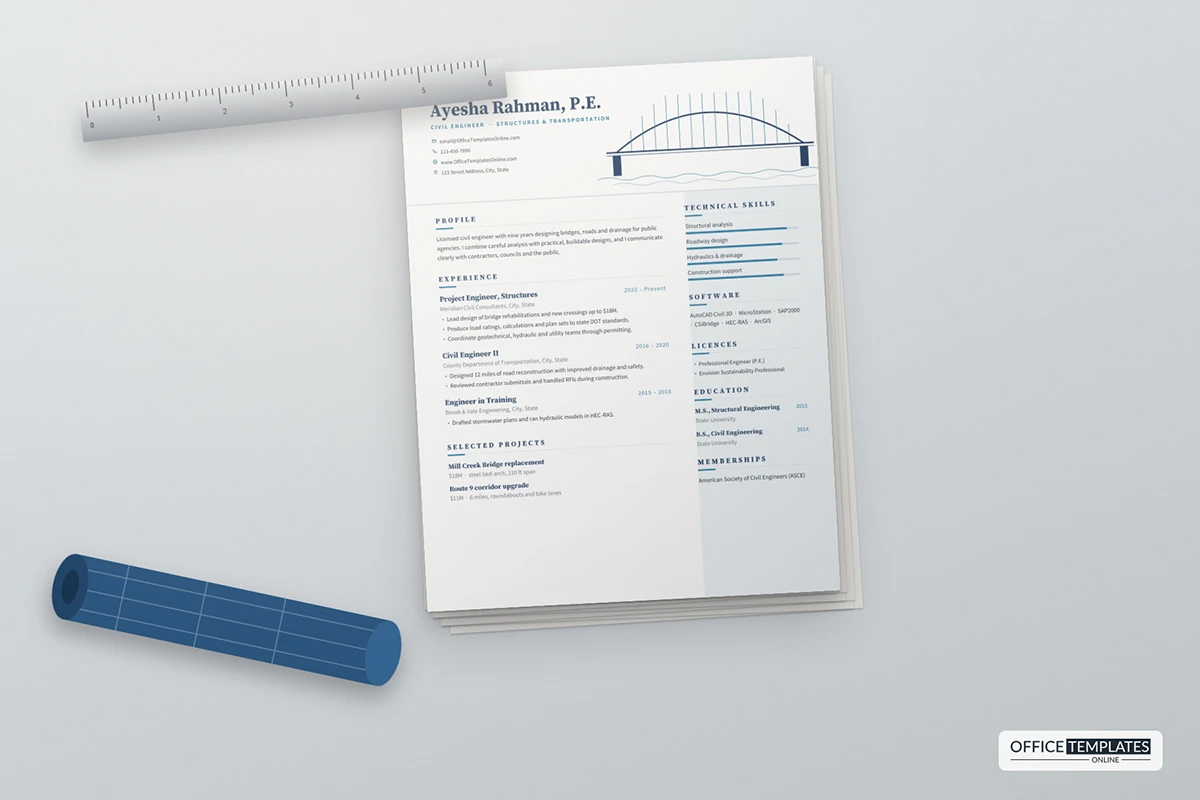
Civil engineers build things that last for generations, and a good resume should feel just as solid. This template opens with a clean line drawing of an arch bridge spanning a river, the kind of sketch you might find in the margin of a design notebook, and follows it with a calm, well-organized layout that lets your projects and license do the talking.
The Bridge Drawing
To the right of your name, a steel-blue arch rises over a double-lined deck. Thin vertical hangers drop from the arch to the deck, two navy piers stand at either end, and two lines of soft waves run underneath. It is drawn with real Word shapes, so it stays crisp at any zoom. Your name and P.E. designation sit on the left in Source Serif Pro, with your specialism in spaced blue capitals and your contact details stacked below.
Layout of the Rest of the Page
A fine rule separates the header from the body. The main column holds your profile, experience and selected projects; the right column has a pale blue-grey background and lists technical skills with bars, software, licenses, education and memberships. Headings use a short blue underline that runs into a longer pale line, which keeps the page orderly without heavy boxes.
How to Describe Engineering Projects
Hiring managers want to know three things about each project: what it was, how big it was, and what you did. The selected projects section handles the first two with a bold name and one short line, for example, $18M · steel tied-arch, 210 ft span. Your experience bullets then cover your role: design lead, calculations, plan sets, permitting, construction support. Use the standards and agencies you worked with, such as a state DOT, when they are relevant to the job.
Disciplines and What to Emphasize
| Discipline | Skills to rate | Software to list |
| Structural | Analysis, steel and concrete design, load rating | SAP2000, CSI Bridge, RISA |
| Transportation | Roadway design, traffic, safety | Civil 3D, Open Roads, Synchro |
| Water resources | Hydraulics, stormwater, drainage | HEC-RAS, SWMM, ArcGIS |
| Geotechnical | Foundations, slope stability, testing | PLAXIS, gINT, Slide |
EIT or Licensed Engineer?
Engineers in training should list their EIT certification in the licenses section, show internship and co-op projects in the experience area, and add exam progress, such as a PE exam scheduled for spring. Licensed engineers can add the states they are licensed in and any specialty credentials. If you hold an Envision or LEED credential, it signals experience with sustainable infrastructure, which many public agencies now ask for.
Writing a Strong Engineering Summary
Keep the profile to three sentences. The first says what you design and for whom, such as bridges and roads for public agencies. The second gives your experience level and license. The third explains how you work: careful analysis, buildable designs, and clear communication with contractors and the public. Avoid lists of software here; they belong in the side column. A short, confident summary shows the same judgement you bring to a design review.
Editing the Drawing and Text in Word
- The arch, hangers, deck, piers, water lines, rule, and side background are shapes in the page header. Double-click near the top of the page to select them; recolor or delete them as you wish.
- Skill bars are two-cell tables; drag the boundary to adjust each level.
- All text, including project names and values, is ordinary Word text.
Typefaces and PDF Output
Source Serif Pro and Source Sans Pro are free on Google Fonts. The resume is one US Letter page. Export a PDF for online portals; the bridge drawing and fine rules will stay sharp, even when a reviewer zooms in on a large screen.












