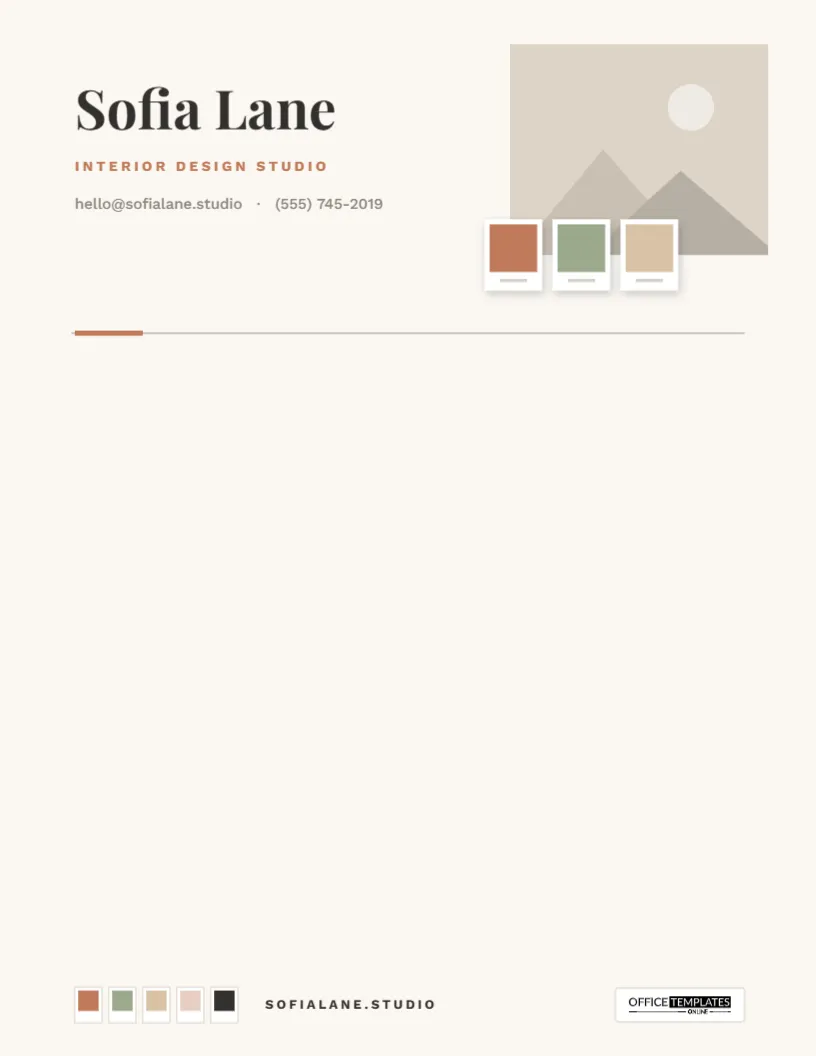
Interior designers sell with images: a mood board on the first visit, a palette on the second, and a room that looks like the board on the last. This Interior Designer Letterhead Template brings that visual language to your paperwork. The header is arranged like a mood board, with a room photo, three paint-color chips, and your name in a refined serif, so every proposal and estimate looks like it came from someone with taste.
A Mood Board You Can Mail
On the right of the header sits a room photograph, the image that sets the tone for the whole page. Overlapping its lower-left corner, three paint chips in terracotta, sage, and warm sand sit on small white cards with a soft shadow, like samples pinned to a board. On the left, your name is set in Playfair Display, with Interior Design Studio in terracotta capitals and your email and phone beneath. A fine charcoal rule with a short terracotta tab closes the header.
At the foot, five small swatches in terracotta, sage, sand, blush, and charcoal sit in a row beside your studio web address, showing the complete palette at a glance, with the Office Templates Online logo on the right. The background is a soft linen white, and the page between is blank.
Matching the Chips to Each Project
The chips are the most personal part of the design, and they can change with every client. A workflow many designers enjoy:
- Once a concept is agreed, pick the three key colors of the scheme: usually a main wall color, an accent, and a neutral.
- Look up their hex codes; most paint brands list a digital color value for each shade on their websites.
- Select the chips, click Ungroup, and recolor each chip with a project color.
- Swap the header photo for a render, an inspiration image, or a photo of the room as it is now.
- Write your concept summary or proposal in the blank area.
The result is a letter that doubles as a concept board, personal to each client and instantly recognizable as yours.
Documents It Dresses Up
Design proposals and scope-of-work letters. Fee estimates and retainer agreements. Concept summaries and palette explanations. Procurement lists and order confirmations. Letters to contractors and trades. Project handover notes with care instructions for new finishes. Thank-you notes after a reveal. Anything a client might keep in a folder deserves to look as considered as the room you are designing for them.
Setting Up Your Studio Details
- Open the template and click Sofia Lane to type your name or studio name.
- Edit the terracotta line to your specialty: Residential Interiors, Home Staging, Kitchen & Bath Design.
- Update your email, phone, and web address.
- Click the room photo, choose Replace Image, and upload your own; the frame keeps its size and crops the picture to fit.
- Recolor the chips and swatches if you want your studio palette rather than the sample one.
- Save the page as a PDF, PNG, or JPG.
Size-wise, it is a standard US Letter sheet, 8.5 by 11 inches, in portrait orientation.
Who Gets the Most From It
The mood-board header suits anyone who works with color, texture, and space. Residential interior designers and decorators are the obvious fit, but it works just as well for home stagers preparing a property for sale, kitchen and bath designers, color consultants, furniture and upholstery makers, visual merchandisers, and small design-and-build firms. Students putting together a design portfolio can use it too, as a cover letter for internship and job applications, where a considered page says more about their eye than any adjective could. If your work is judged by how things look, this letterhead lets your letters be judged the same way.
Photo Tips for the Header
- Use a landscape image; the frame is wider than it is tall.
- Choose a room with a clear focal point, such as a sofa, a bed, or a kitchen island, rather than a detail shot.
- Natural light and straight vertical lines make a space look professional; correct any lens tilt before uploading.
- Remember that the chips cover the lower-left corner, so keep the key part of the room toward the top right.
- Use your own portfolio projects or images you have permission to share.
Presenting a Concept in One Page
A concept letter is where the mood-board header really pays off, because the page already looks like the start of a presentation. Keep the written part focused. Open with the feeling you are aiming for in a single sentence: A calm, sunlit living room that works for Saturday mornings and dinner parties alike. Follow with three short paragraphs on color, materials and furniture, referring back to the chips at the top so the client connects words and colors. Finish with the next step and a timeline, such as samples to review, a site visit, or a deadline for approvals. One page, one idea, and the images do the rest.
The Print Finish
Print the PDF at 100% scale. A smooth, bright white 28–32 lb (105–120 gsm) paper shows the photo and chip colors most accurately; textured stocks can dull a photograph. Because screens and printers render color differently, don’t rely on printed chips for final paint decisions; they are a visual guide, and clients should see physical samples before choosing. For email, send the PDF, which keeps the photo sharp and the layout intact.
Designers Also Ask
Can I use a render instead of a photo?
Yes. Any image works in the frame, including 3D renders and inspiration images.
Can I add more chips?
Ungroup the chips and duplicate one to add another; the footer swatches work the same way.
Is it suitable for architects or home stagers?
Yes. Change the title line and use a photo from your own work.
Can I remove the chips altogether?
Yes. Click the group of chips and delete it for a cleaner photo header.
Show clients your eye before they see your work. Add your photo, set your palette, and download your interior designer letterhead.