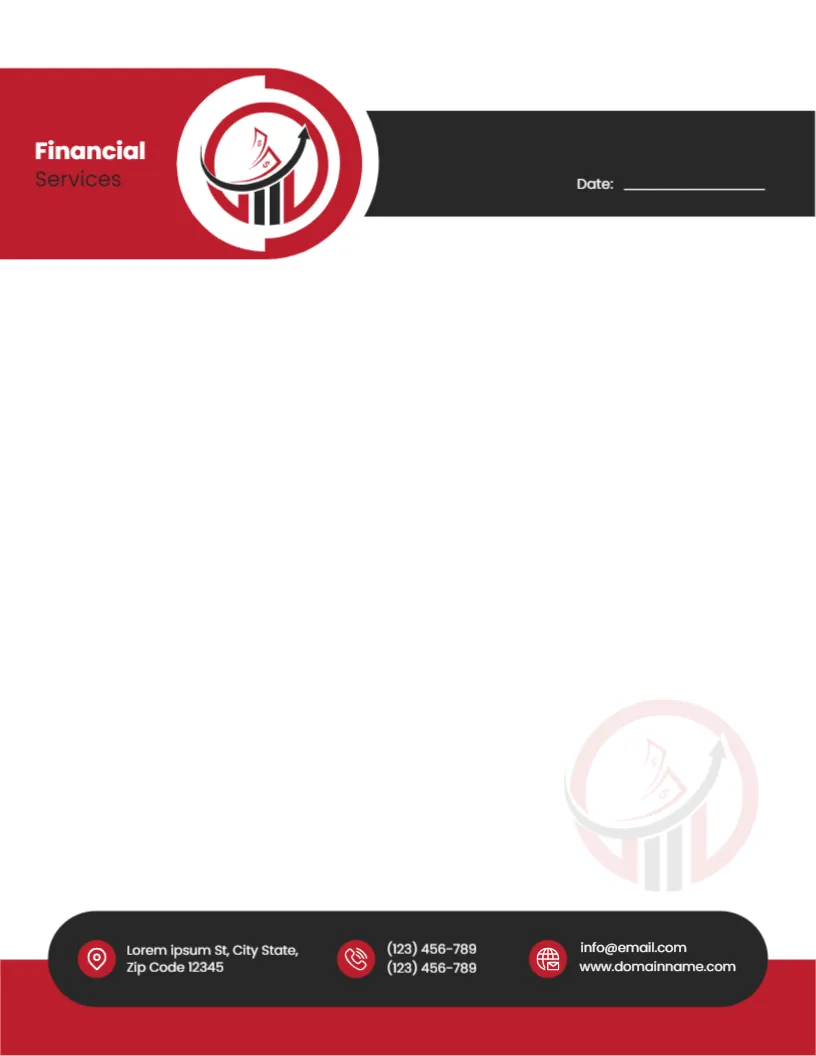
A Rising Arrow Logo in Red and Black for Financial Services
A crimson block with rounded corners holds Financial Services in white and grey at the top left of this letterhead, joined to a black band at the right. A round logo between them shows red bars, banknotes and a rising arrow. A date line sits on the black band. A faint copy of the logo sits in the lower right. At the foot, a rounded black bar on a crimson strip carries three red icons with the address, two phones and an email and website.
Strong, Confident Colours
The page is 8.5 x 11 inches. Red and black feel decisive and confident, which suits investment firms, accountants and financial advisers.
Financial Firm Name and Contact Bar
Replace Financial Services with your firm’s name and swap the chart logo. The rounded black bar holds placeholder contacts. Financial firms often need to show regulatory details, so add them in a small line above the bar if required.
Setting Up the Financial Letterhead
- Type the firm name.
- Swap the logo.
- Replace contacts.
- Add regulatory details.
- Export a master.
Statements, Reports and Client Letters
Financial firms send statements, portfolio reviews, engagement letters and tax reminders. A consistent letterhead helps clients trust that letters are genuine.
Authorisation Details on Financial Letters
Many regulators require financial firms to display authorisation details on correspondence. Check your local rules, since this layout is not financial or legal advice.
Printing the Crimson and Black Header
Crimson and black print boldly on bright white paper. Check that the rounded corners of the header stay smooth in print.
Protecting Against Fraud
Clients are wary of fake letters. A consistent letterhead and contact details help them recognise genuine correspondence.
Sending Sensitive Financial Letters
Financial letters contain account details and personal data. Send them securely and keep copies under your data protection procedures.
Matching Report Cover Pages
Use the same header on cover pages for portfolio reviews and annual statements to give clients a consistent experience.
Using the Financial Letterhead
Lock the master file to prevent changes.
Step by Step Editing of the Financial Red Black Chart Design
- On the financial red black chart design, click the main headline and type your own words, keeping a similar length.
- Retype every name, date and contact line on the financial red black chart design, checking each against a trusted source.
- Search the financial red black chart design for the words Lorem and Company so that no placeholder remains.
- Click any logo or photo on the financial red black chart design, choose Replace Image and resize the new picture to fit.
- Zoom the financial red black chart design to full size and read each line aloud before you save it.
- Keep a clean master of the financial red black chart design without private details, so later versions start tidy.
You may also like the consulting firm letterhead. For comparison, open the law firm letterhead. Consider the business letterhead. The rest of the series around the financial red black chart design is in letterhead templates.