A Heart Logo and Heartbeat Line for a Cardiologist
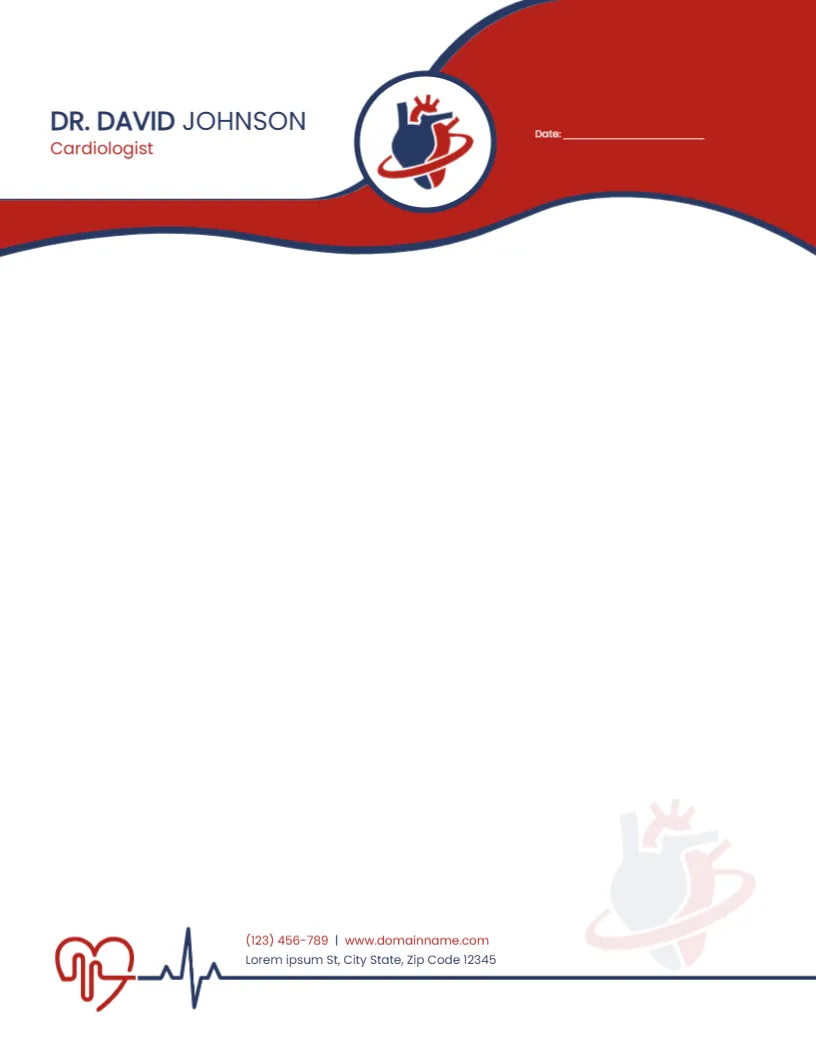
A bold red wave edged with navy sweeps across the top of this letterhead, with a round white badge holding a navy and red heart wrapped in a red ring. The doctor’s name, DR. DAVID JOHNSON in the sample, sits at the top left in navy capitals with Cardiologist in red below, and a short date line sits on the red band at the right. At the foot, a red heart outline leads into a navy heartbeat line that runs across the page under the phone, website and street address. A faint copy of the heart sits as a watermark in the lower right.
Wide Writing Space on Letter Paper
The page is 8.5 x 11 inches, the US letter size. The header and footer take only the top fifth and the bottom strip, which leaves a large white area for referral letters, reports and patient correspondence typed in the editor or in your word processor.
Name, Specialty and Contact Lines
Replace the sample name and specialty with your own, and type your phone, website and practice address in the footer. The sample phone reads (123) 456 789, which is one digit short, so check your full number. The date line can be typed or left blank for handwriting.
Setting Up the Cardiologist Letterhead
- Type the doctor name and specialty.
- Replace the phone and website.
- Type the practice address.
- Save a master copy.
- Print or export a PDF for each letter.
Letters a Cardiologist Writes
Specialists send referral replies to family doctors, clinic summaries, fitness to fly or drive letters and insurance reports. A recognisable letterhead makes these letters look professional and easy for other clinicians to file. This is a stationery layout only, so the medical content and any legal wording remain your responsibility.
Typing Letters on the Letterhead
Most doctors type the body text in a word processor. Export the letterhead as a PDF or image, set it as the page background and type over the white area, or print a stack of blank letterheads and run them through the printer again with the letter text.
Keeping the Watermark Faint
The heart watermark is very light so it does not fight with typed text. If you change its colour, keep the opacity low, since a strong watermark makes letters hard to read and photocopy.
Printing the Red and Navy Wave
Red and navy print well on bright white paper. For large batches, a print shop will give even colour on the wave and a crisp heartbeat line.
Matching Clinic Stationery
Use the same heart logo and red and navy colours on appointment cards, envelopes and prescription pads so patients recognise the practice at a glance.
Patient Privacy in Letters
Letters often contain personal health details. Send them securely and follow your local rules on medical records and data protection.
Using the Cardiologist Letterhead
Keep the master file and update it when contact details change.
Step by Step Editing of the Cardiologist Red Heart Wave Design
- On the cardiologist red heart wave design, click the main headline and type your own words, keeping a similar length.
- Retype every name, date and contact line on the cardiologist red heart wave design, checking each against a trusted source.
- Search the cardiologist red heart wave design for the words Lorem and Company so that no placeholder remains.
- Click any logo or photo on the cardiologist red heart wave design, choose Replace Image and resize the new picture to fit.
- Zoom the cardiologist red heart wave design to full size and read each line aloud before you save it.
- Keep a clean master of the cardiologist red heart wave design without private details, so later versions start tidy.
Next to try is the cardiologist prescription pad. Have a look at the dermatologist letterhead. Another option is the pediatrician letterhead. Looking beyond the cardiologist red heart wave design? See all letterhead templates.