A Stethoscope Line and Mother and Child Logo for a Pediatrician
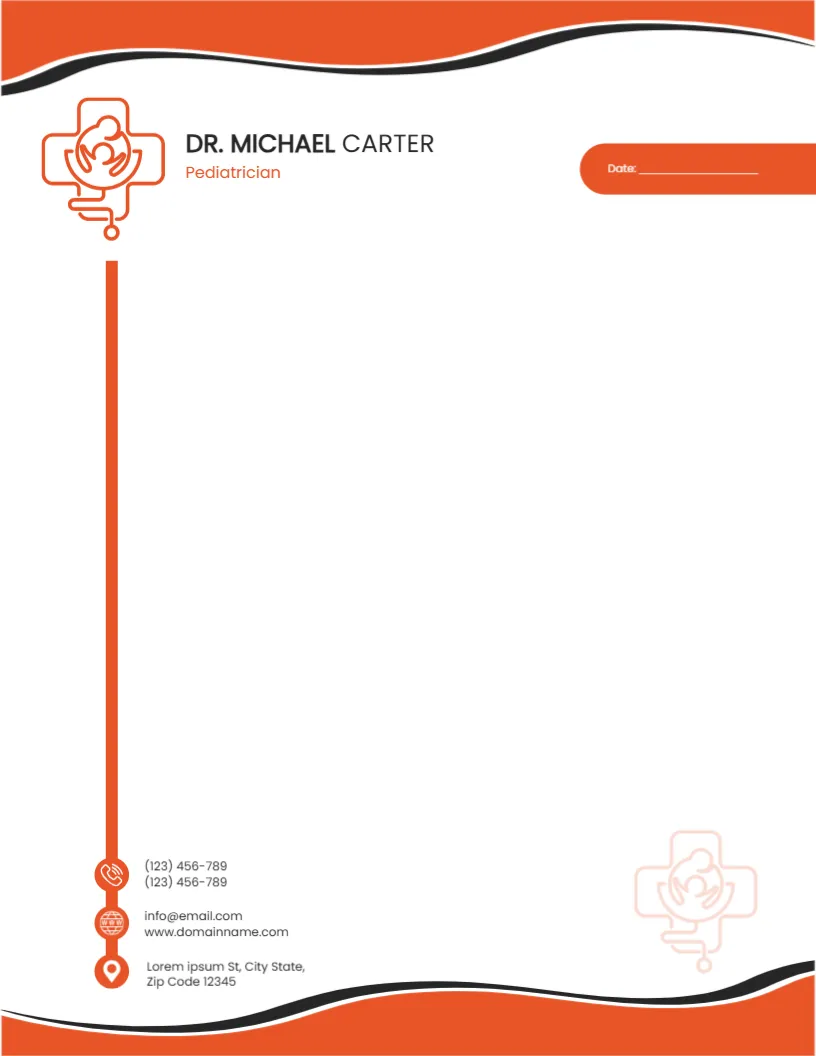
Orange and black waves run across the top and bottom of this letterhead. An orange line drawing of a mother holding a child inside a medical cross sits at the top left, with a stethoscope tube dropping from it in a thick orange line down the left margin. DR. MICHAEL CARTER sits in dark capitals with Pediatrician in orange, and an orange pill on the right holds the date line. The stethoscope line ends at three orange icons for phones, email and website, and the address, with a faint copy of the logo in the lower right.
A Side Rule That Frames the Letter
The page is 8.5 x 11 inches. The orange stethoscope line frames the left side of the writing area, giving the page structure without crowding it.
Name, Title and Contacts
Type the doctor’s name and keep or change Pediatrician. The contact column lists two phone numbers, an email, a website and an address, all placeholders. The phone numbers are one digit short in the sample, so type your full numbers.
Setting Up the Pediatrician Letterhead
- Type the doctor name.
- Set the title.
- Replace the contacts.
- Type the address.
- Export a master PDF.
Letters for Families and Schools
Pediatricians write school and nursery letters, vaccination summaries, referral replies and letters for parents. A friendly orange letterhead feels warm to families while staying professional.
Warm Colours for Children’s Clinics
Orange feels cheerful and approachable, which suits children’s clinics. If your clinic brand uses another colour, recolour the waves and the side line together.
Printing the Side Line
The side line reaches nearly the full height of the page. Most printers handle it well, but check that it does not get clipped at the bottom margin.
Matching Prescription Pads
Pair the letterhead with a matching prescription pad or appointment card in the same orange for a consistent clinic identity.
Medical Content and Advice
The letterhead is a layout. The medical content of each letter is written and checked by the doctor, and any forms must follow local regulations.
Updating Contact Details
Keep the master file so you can update phone numbers or addresses quickly when the clinic moves or adds lines.
Using the Pediatrician Letterhead
Store it with your clinic templates.
Step by Step Editing of the Pediatrician Orange Stethoscope Design
- On the pediatrician orange stethoscope design, click the main headline and type your own words, keeping a similar length.
- Retype every name, date and contact line on the pediatrician orange stethoscope design, checking each against a trusted source.
- Search the pediatrician orange stethoscope design for the words Lorem and Company so that no placeholder remains.
- Click any logo or photo on the pediatrician orange stethoscope design, choose Replace Image and resize the new picture to fit.
- Zoom the pediatrician orange stethoscope design to full size and read each line aloud before you save it.
- Keep a clean master of the pediatrician orange stethoscope design without private details, so later versions start tidy.
Next to try is the pediatric prescription pad. Have a look at the cardiologist letterhead. Another option is the healthcare provider letterhead. Find more designs next to the pediatrician orange stethoscope design in letterhead templates.