Caring Hands and a Green Cross for a Healthcare Provider
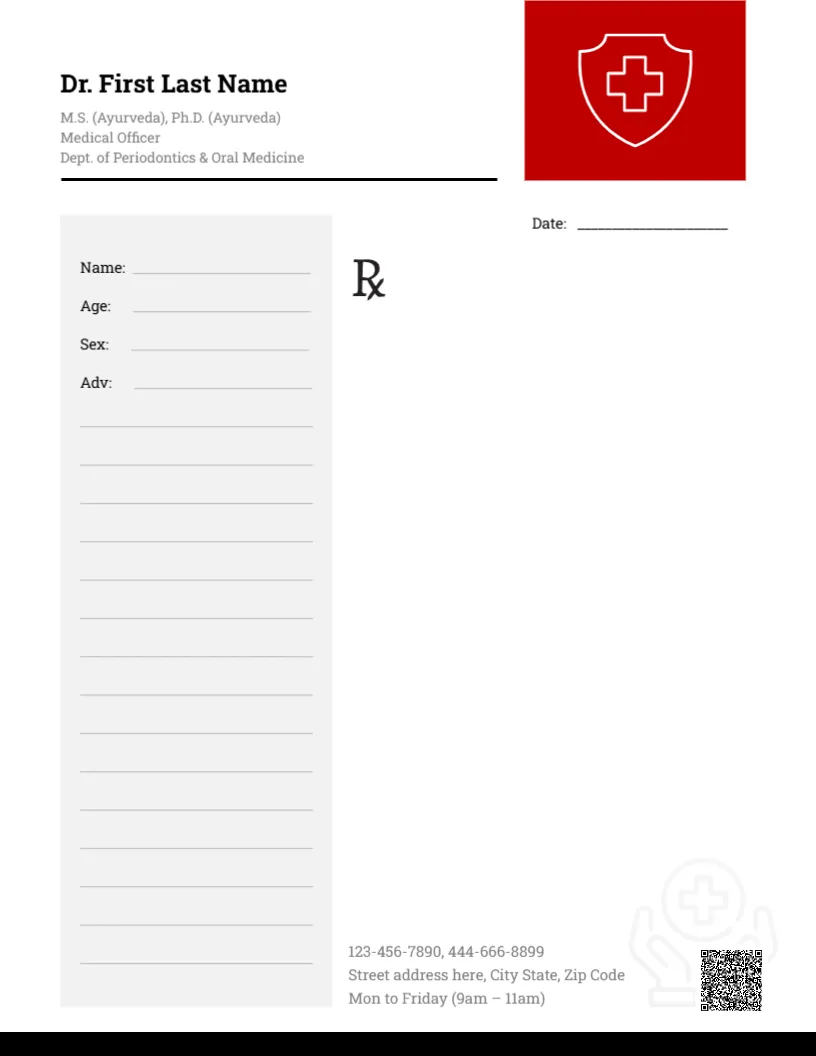
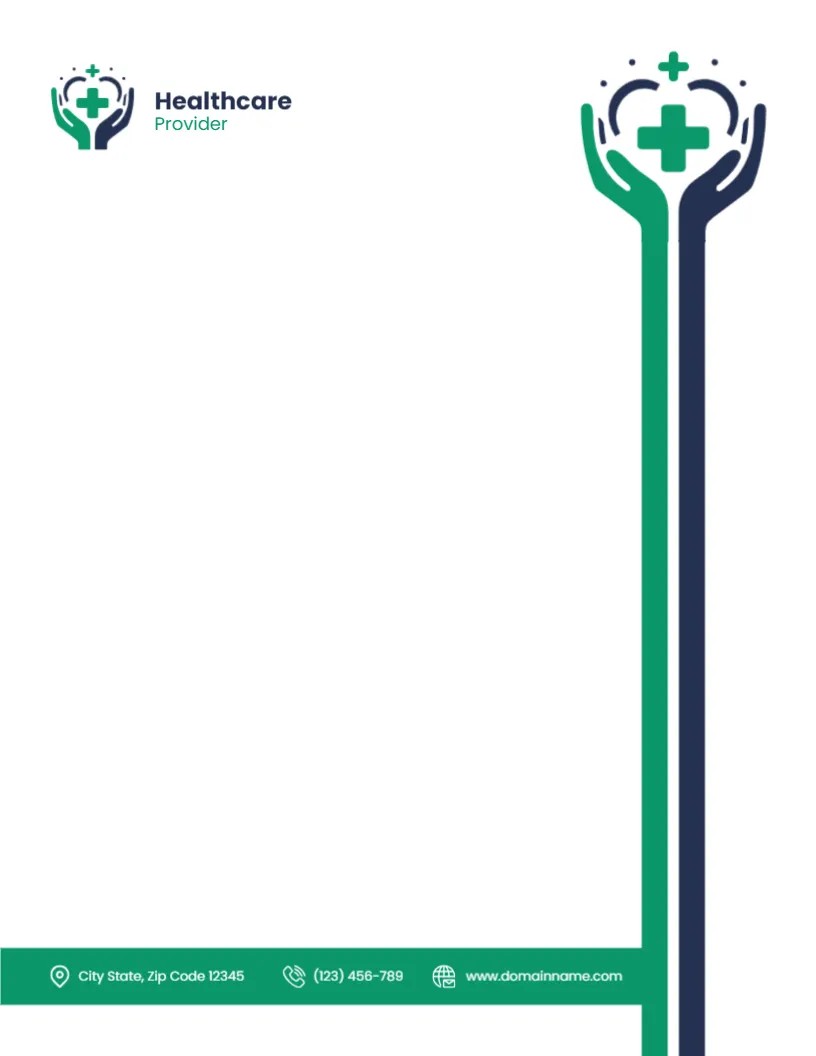
A logo of green and navy hands cradling a green cross under a small arc of dots sits at the top left beside Healthcare in navy and Provider in green. A larger version of the same logo sits at the top right, and its two arms extend as tall green and navy lines all the way down the right side of the page. At the foot, a green band runs across to meet the lines, carrying the town, a phone number and a website in white.
A Tall Logo That Frames the Page
The page is 8.5 x 11 inches. The logo’s long arms form a striking right hand border, while the green footer band closes the bottom. The writing area sits to the left of the lines.
A Missing Street Line
The footer shows City State, Zip Code 12345 with no street line, a phone and a website. Add your full street address, and replace the phone and website. Replace Healthcare Provider with your organisation’s name.
Setting Up the Healthcare Letterhead
- Type the organisation name.
- Add the street address.
- Replace phone and website.
- Add a date line.
- Export a master PDF.
For Clinics, Home Care and Health Charities
The caring hands symbol suits clinics, home care services, nursing agencies and health charities. It feels warm and supportive rather than clinical.
Adding a Date Line
There is no date line in the sample. Add one at the top right under the large logo, or type the date into each letter.
Typing Around the Tall Lines
Set the right margin of your letters so text stops well before the green and navy lines. A margin of about two and a half inches on the right keeps the layout balanced.
Printing Green and Navy
Both colours print well on white paper. Check that the long lines do not break or get clipped at the bottom margin.
Patient Letters and Privacy
Letters about patients contain sensitive information. Send them securely and follow local data protection rules.
Matching Appointment Cards
Use the hands logo on appointment cards and leaflets for a consistent identity.
Using the Healthcare Letterhead
Save the master in your practice templates.
Step by Step Editing of the Healthcare Provider Hands Cross Design
- On the healthcare provider hands cross design, click the main headline and type your own words, keeping a similar length.
- Retype every name, date and contact line on the healthcare provider hands cross design, checking each against a trusted source.
- Search the healthcare provider hands cross design for the words Lorem and Company so that no placeholder remains.
- Click any logo or photo on the healthcare provider hands cross design, choose Replace Image and resize the new picture to fit.
- Zoom the healthcare provider hands cross design to full size and read each line aloud before you save it.
- Keep a clean master of the healthcare provider hands cross design without private details, so later versions start tidy.
Compare it with the dermatologist letterhead. You may also like the nonprofit letterhead. For comparison, open the cardiologist letterhead. Every healthcare provider hands cross style alternative sits in letterhead templates.