A Red Shield and Cross on a Clean Doctor’s Pad
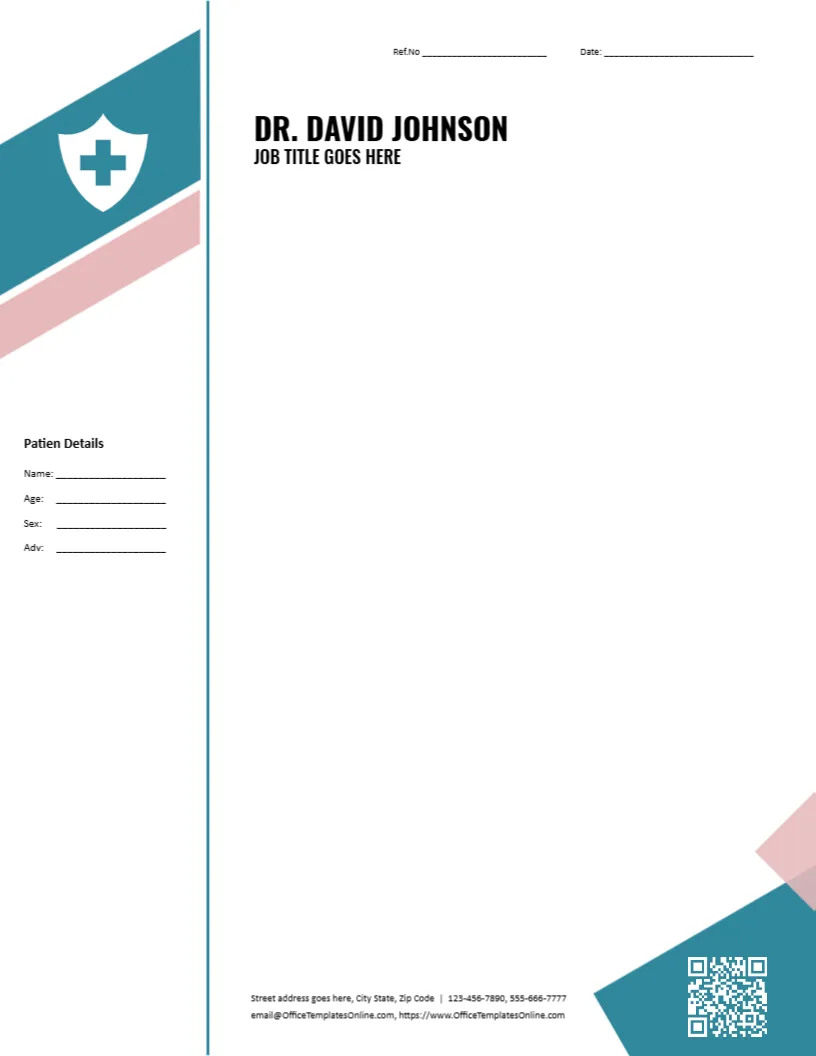
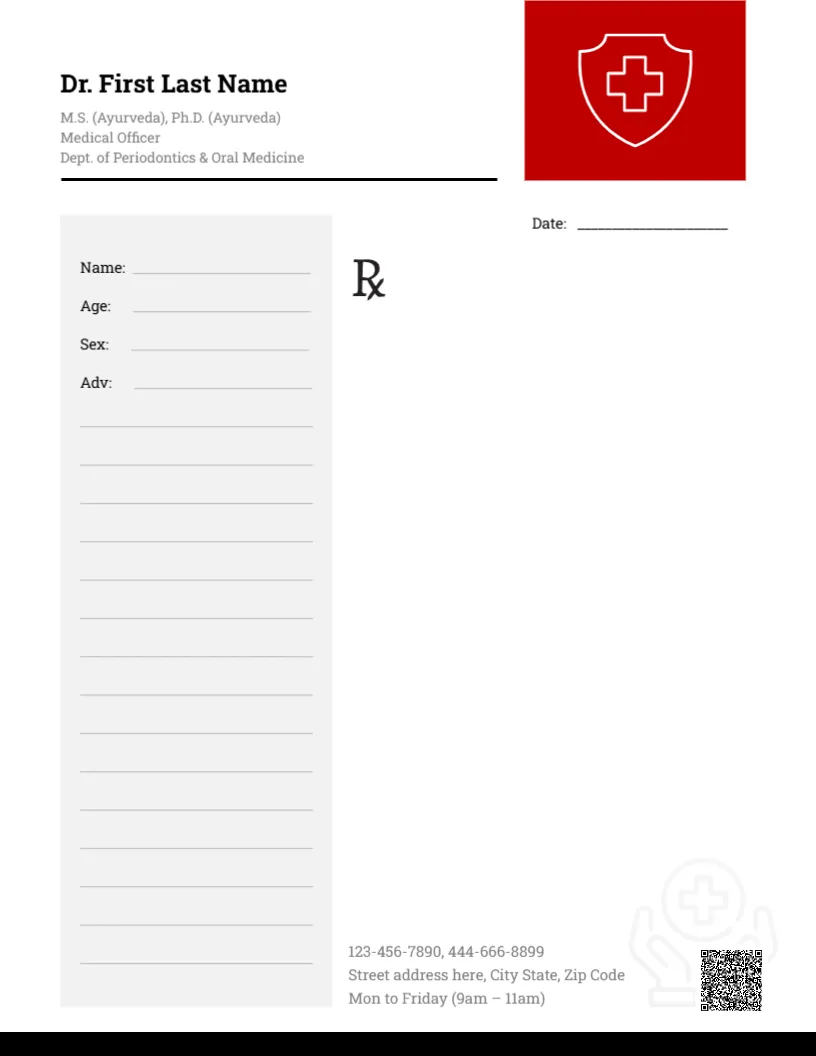
A bold red square at the top right of this pad holds a white outlined shield with a cross. The doctor’s name sits at the top left in black serif, with the credentials in grey and a black rule beneath. A date line sits under the red square. A grey panel on the left holds Name, Age, Sex and Adv labels with many ruled lines, and the Rx symbol sits in the open area at the right. Phones, the address and hours sit at the foot beside a faint hands and cross watermark and a QR code, above a black bar.
Patient Panel on the Left
The page is 8.5 x 11 inches. Placing the patient panel on the left and the Rx area on the right suits doctors who read details before writing the prescription.
A General Design With Dental Credentials
The grey credentials under the name mention Ayurveda and a dental periodontics department, which does not fit a general practice. On a general doctor’s pad, replace it with your own medical degree, specialty and registration number. The footer hours read Mon to Friday (9am to 11am), so set your real times.
Setting Up the Red Shield Pad
- Type the doctor’s name.
- Replace the credentials.
- Set real hours.
- Update phones and address.
- Replace the QR code.
A Neutral Design for General Practice
The shield and cross suit general practitioners, urgent care clinics and family doctors. The serif name feels traditional and trustworthy.
Legal Requirements for Prescriptions
Many regulators require the prescriber’s registration number, signature and address on prescriptions. Check your local rules, since this is a layout, not legal or medical advice.
Printing the Red Square
The red square prints boldly. Make sure the white shield outline stays crisp.
Notes and Referrals
The pad also works for sick notes and referral letters where formal forms are not required.
Tear Off Pads
Ask a print shop for gummed pads of 50 or 100 sheets.
Patient Confidentiality
Store copies securely and follow privacy rules.
Using the Red Shield Pad
Keep pads at each consulting desk.
Step by Step Editing of the Doctors Red Shield Grey Panel Design
- On the doctors red shield grey panel design, click the main headline and type your own words, keeping a similar length.
- Retype every name, date and contact line on the doctors red shield grey panel design, checking each against a trusted source.
- Search the doctors red shield grey panel design for the words Lorem and Company so that no placeholder remains.
- Click any logo or photo on the doctors red shield grey panel design, choose Replace Image and resize the new picture to fit.
- Zoom the doctors red shield grey panel design to full size and read each line aloud before you save it.
- Keep a clean master of the doctors red shield grey panel design without private details, so later versions start tidy.
Next to try is the heart watermark prescription pad. Have a look at the psychiatrist prescription pad. Another option is the gynecologist prescription pad. Looking beyond the doctors red shield grey panel design? See all letterhead templates.