A Doctor’s Page With a Side Column for Patient Details
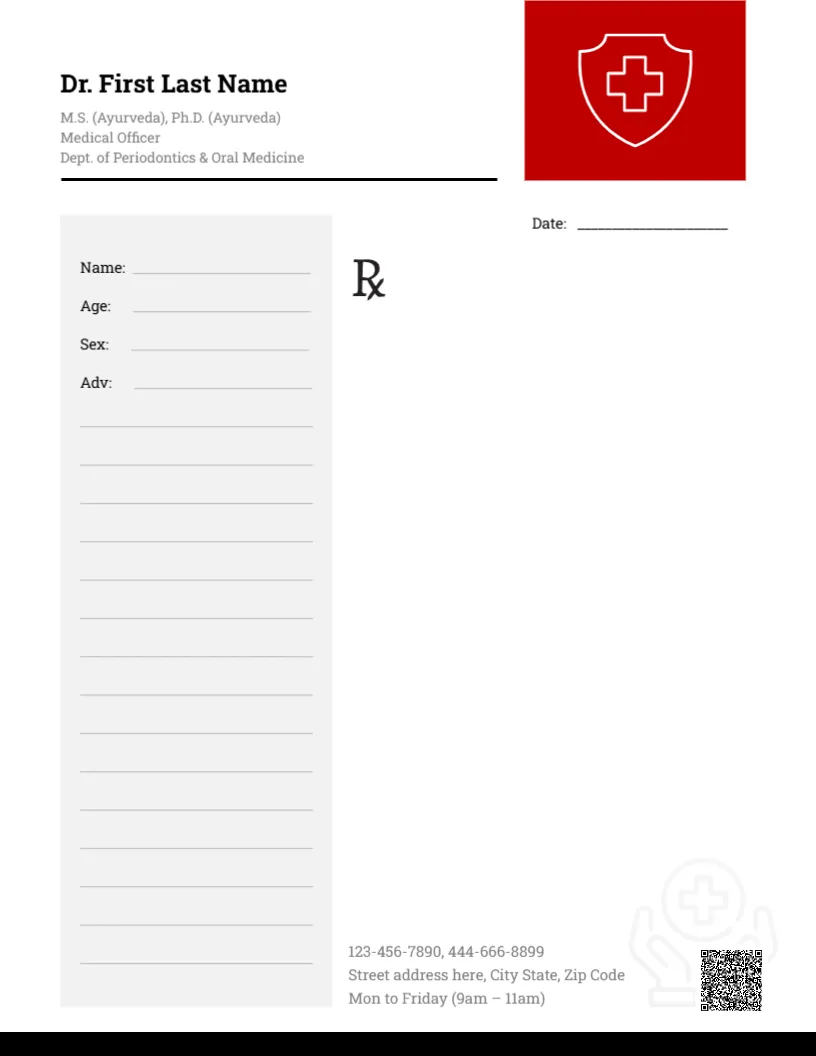
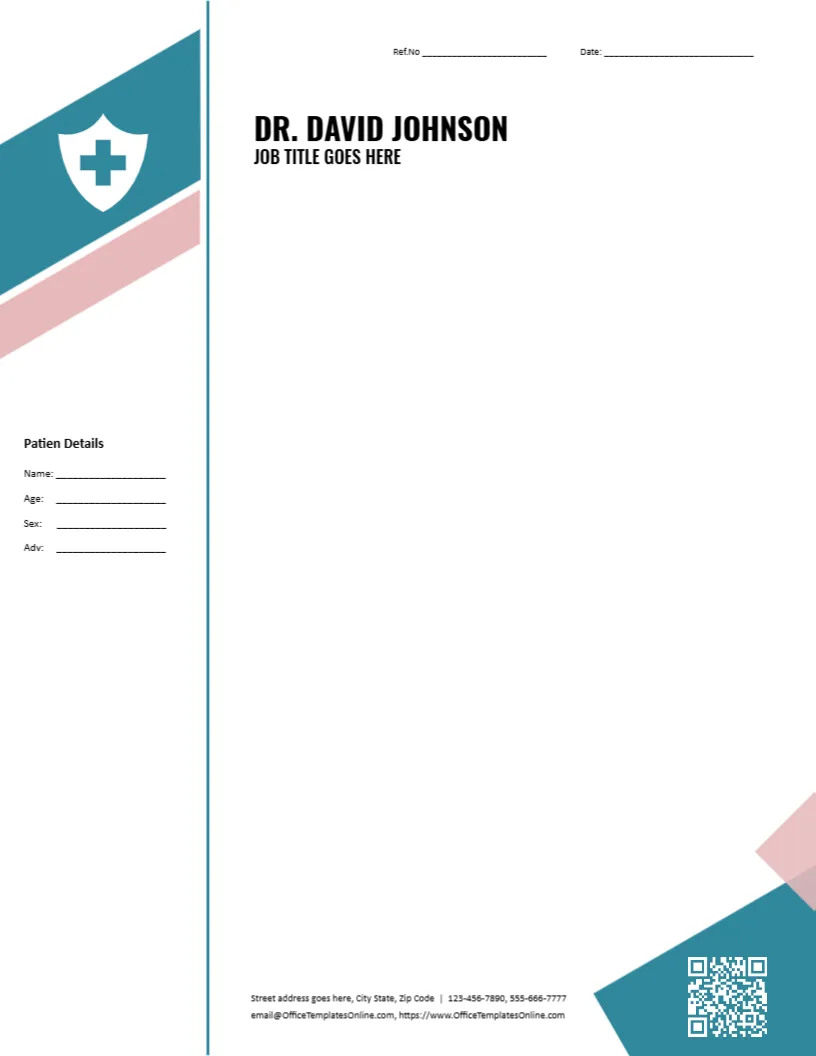
A doctor writes prescriptions notes, referral letters, medical certificates and advice sheets, and often needs a place to record who the patient is. This letterhead provides it: a narrow side column holds patient fields, while the main area stays open for the note. A teal shield stands in for a logo. It suits a named doctor in private practice, a visiting consultant or a clinic physician.
The Header With Name and Job Title
The page is 8.5 x 11 inches, portrait, one page. The header shows DR. DAVID JOHNSON with the line JOB TITLE GOES HERE below it, next to a teal shield. Replace the name with your own, and the job title with your specialty or role, such as General Physician or Consultant Paediatrician. Add your degrees on a separate smaller line if your local custom expects them.
The Patient Details Column
A column on the side lists four fields: Name, Age, Sex and Adv. The last one is short for advice. The heading in the template reads Patien Details, with a missing letter, so click it and correct it to Patient Details before you print. With the fields in a column, you can fill them by hand with a pen after printing, which many clinics prefer.
Ref. No and Date
Two lines at the top give a Ref.No and a Date. The reference is useful as a case or visit number. For a certificate or a referral, the date is the key fact, so write it in full. Keep a copy of every letter you give to a patient, in line with your local record keeping rules.
Contact Lines in the Footer
The footer shows a street address, two phone numbers, an email and a website. Clinics should add consulting hours and an emergency number if appropriate. Keep the layout clean: a patient will look first at the phone number and the address.
Uses for a Doctor’s Letterhead
- Referral letters to specialists and laboratories.
- Medical certificates for work, school or travel.
- Summary letters after a consultation.
- Advice sheets on diet, rest and follow up visits.
- Letters to employers and insurers, with the patient’s consent.
This is a stationery layout, not a medical or legal document. Content and format of certificates and prescriptions are set by your local rules, so follow them.
Editing the Template Online
All text lines are editable, including the labels in the side column. The shield and decorative shapes are pictures and graphics. To use your clinic logo instead of the shield, choose Replace Image. If you do not need the side fields, delete them and the page will still look balanced.
Printing for Handwriting
If you plan to fill fields by hand, print on a smooth 100 gsm paper that takes ink without smudging. A matte finish works best. For digital letters, type into the fields before export, and do not use the page for anything that requires a controlled prescription pad.
Related Pages for Other Specialists
This page is personal and flexible. If you are a specialist, such as a cardiologist or a dentist, a page with your discipline and symbol can help patients recognise your practice.
For a centre rather than a person, see the medical practice letterhead. A general practitioner page is the general practitioner letterhead. For another named doctor page, see the letterhead for general practitioners. More are in letterheads.