Purple Rounded Bars and a Shopping Cart for Retail Businesses
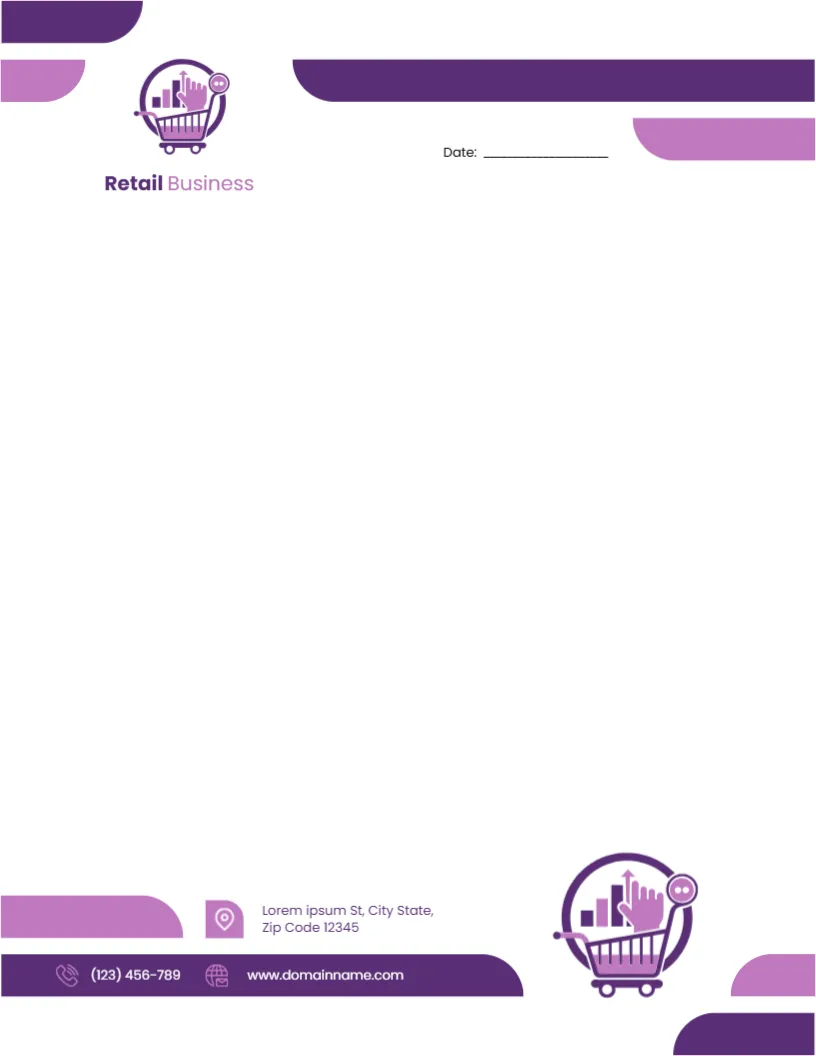
Rounded purple and lilac bars stretch across the top and bottom of this letterhead. A purple circle logo with a shopping cart, a rising bar chart and a hand cursor sits at the top left above Retail Business in purple and lilac, and a date line sits at the right. A larger copy of the logo sits in the lower right corner, beside a purple footer bar with a phone and website and a lilac location icon with the address. It feels friendly and approachable, like a well run local shop.
Playful Rounded Shapes
The page is 8.5 x 11 inches. The rounded bars feel friendly and modern, suiting shops, online stores and retail chains.
Shop Name in Purple and Lilac
Replace Retail Business with your shop name and swap the cart logo if you have your own. The footer holds placeholders for the address, phone and website. Add an email line if customers place orders or ask questions by email.
Setting Up the Retail Letterhead
- Type the shop name.
- Swap the logo.
- Replace contacts.
- Add an email.
- Export a master.
Supplier and Customer Letters
Retailers write to suppliers, landlords and customers about orders, returns and promotions. A friendly letterhead keeps letters on brand.
Online Shop Letters
The cart and cursor logo suits online stores. Add the website prominently, since customers will look for it.
Printing Purple and Lilac
Purple prints richly on bright white paper. Check that the lighter lilac bars stay distinct from the deep purple, since pale shades can fade on some printers.
Invoices and Receipts in the Same Style
Use the same purple header on invoices, receipts and packing slips so every document a customer receives looks like part of your brand.
Letters About Sales and New Stock
Send regular customers letters about seasonal sales or new arrivals on the letterhead. A printed letter can stand out among emails.
Returns and Consumer Rights
Letters about returns or refunds should follow consumer protection rules in your area. The letterhead provides the layout only.
Using the Retail Letterhead
Keep it as the default for shop correspondence.
Step by Step Editing of the Retail Purple Cart Design
- On the retail purple cart design, click the main headline and type your own words, keeping a similar length.
- Retype every name, date and contact line on the retail purple cart design, checking each against a trusted source.
- Search the retail purple cart design for the words Lorem and Company so that no placeholder remains.
- Click any logo or photo on the retail purple cart design, choose Replace Image and resize the new picture to fit.
- Zoom the retail purple cart design to full size and read each line aloud before you save it.
- Keep a clean master of the retail purple cart design without private details, so later versions start tidy.
For comparison, open the marketing agency letterhead. Consider the hospitality letterhead. Similar designs include the party planner letterhead. Every retail purple cart style alternative sits in letterhead templates.