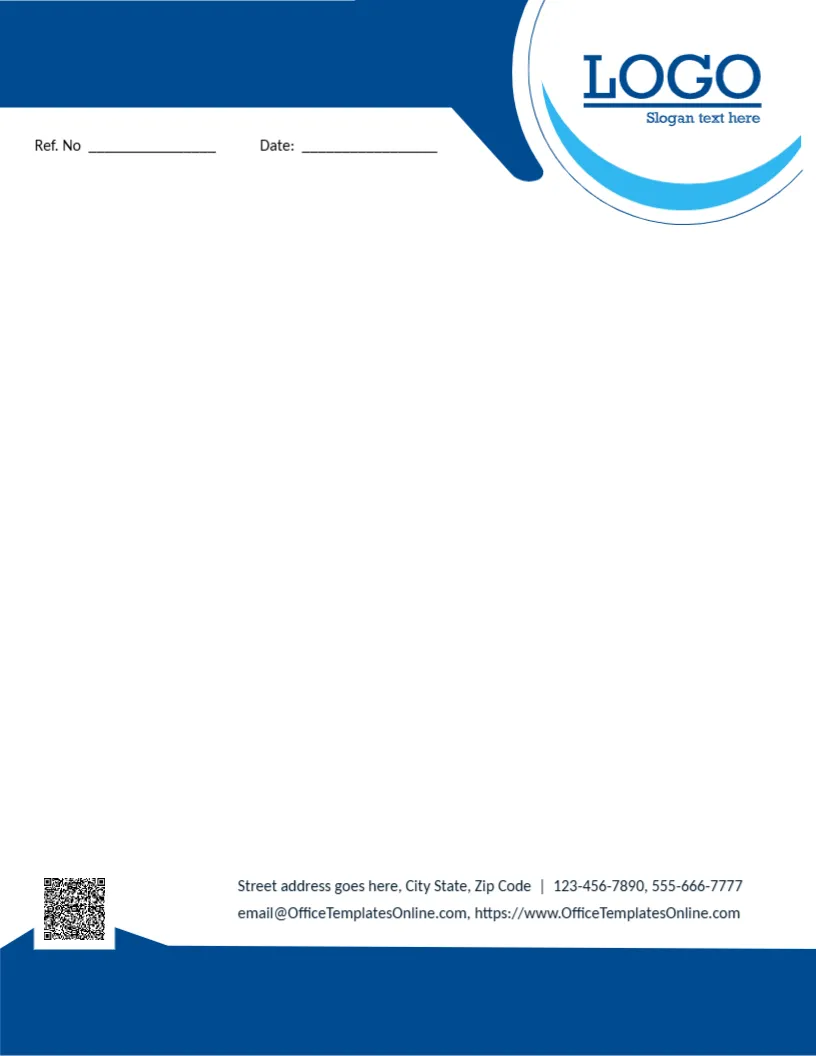
A Navy Header Curving Around a Blue Ring Logo
A navy band runs across the top left of this letterhead and curves down around a white circle edged with a light blue ring, which holds a navy LOGO with a slogan line. Ref. No and Date lines sit below the band. The page is open and white. A QR code sits on a raised tab at the lower left, contact lines sit beside it, and a solid navy band closes the foot.
Simple and Corporate
The page is 8.5 x 11 inches. Navy and light blue feel dependable, suiting finance, insurance, logistics and professional services.
Logo and Contacts
Replace LOGO and Slogan text here with your brand. The contact lines use the template site’s email and website, so type your own, and replace the sample QR code.
Setting Up the Blue Curve Letterhead
- Replace the logo and slogan.
- Type your contacts.
- Replace the QR code.
- Set the ref format.
- Export a master.
Letters for Professional Services
Insurers, accountants, recruitment agencies and law offices send policies, statements and engagement letters every day. The calm navy design gives those documents a trustworthy look without distracting from the content.
Using the Reference Line
Use the Ref. No line for client numbers, policy numbers or file codes. A consistent format, such as client initials and the year, helps staff find letters quickly.
Printing the Navy Bands
Navy prints evenly on bright white paper. Check that the light blue ring around the logo stays visible, since pale colours can fade on some printers.
Continuation Pages for Long Letters
Create a second page with only the navy footer band for letters that run over one page. It keeps every page branded without repeating the full header.
Navy Curve on Matching Envelopes
Repeat the navy curve on DL or No. 10 envelopes so letters and envelopes arrive as a matching set.
Typing Letters Into a PDF
Export the letterhead as a PDF and type letters directly into it with a PDF editor. It is quick for emailed letters and keeps the layout exact.
Using the Blue Curve Letterhead
Save it in your shared templates folder.
Step by Step Editing of the Business Blue Curve Logo Design
- On the business blue curve logo design, click the main headline and type your own words, keeping a similar length.
- Retype every name, date and contact line on the business blue curve logo design, checking each against a trusted source.
- Search the business blue curve logo design for the words Lorem and Company so that no placeholder remains.
- Click any logo or photo on the business blue curve logo design, choose Replace Image and resize the new picture to fit.
- Zoom the business blue curve logo design to full size and read each line aloud before you save it.
- Keep a clean master of the business blue curve logo design without private details, so later versions start tidy.
Have a look at the teal company letterhead. Another option is the globe letterhead. A related layout is the financial services letterhead. Find more designs next to the business blue curve logo design in letterhead templates.