A Globe in a Tan Diamond for International Companies
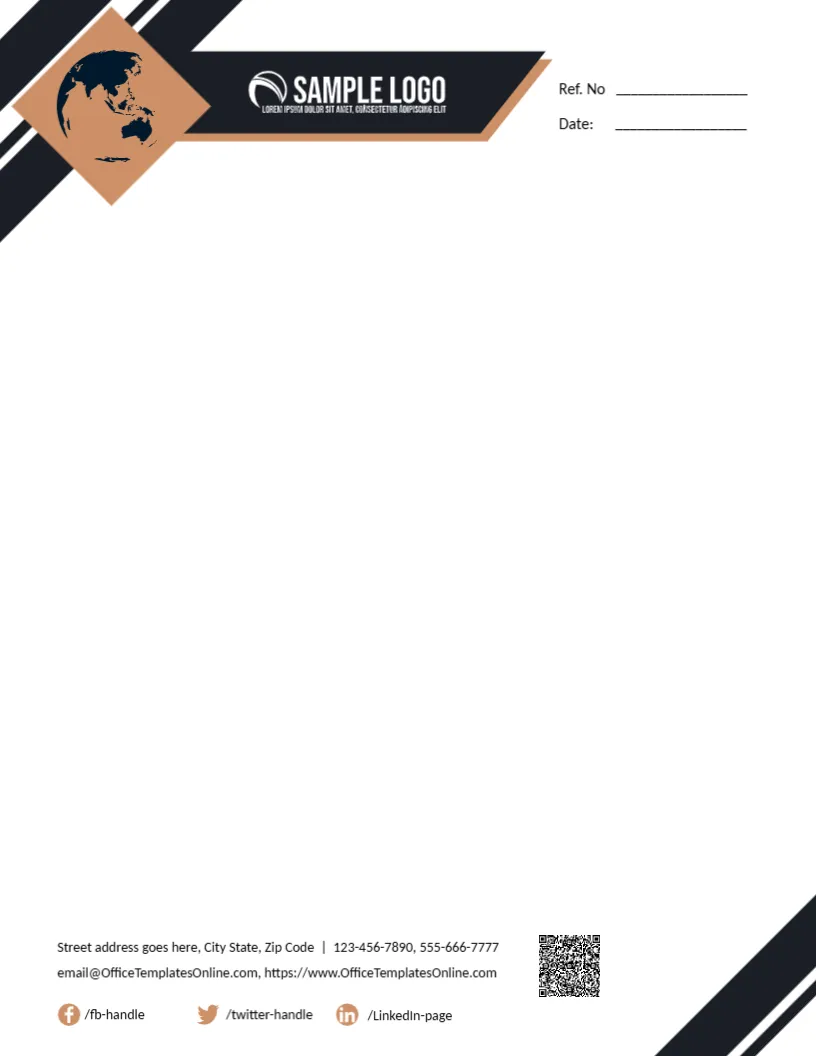
Black diagonal bands cross the top left of this letterhead, with a tan diamond holding a navy globe. A black bar edged in tan carries a white SAMPLE LOGO. Ref. No and Date lines sit at the top right. The page is open and white, and the footer holds two contact lines, a QR code, Facebook, Twitter and LinkedIn handles, and black stripes in the lower right corner. The clean white centre leaves plenty of space for long letters, quotes and contracts.
An International Feel
The page is 8.5 x 11 inches. The globe suggests international trade, which suits import and export firms, travel companies and global consultancies. The header takes about a fifth of the page, leaving most of the sheet for text.
Contacts and Social Handles
The contact lines use the template site’s domain, so replace them. Update the social handles and QR code.
Setting Up the Globe Letterhead
- Swap the logo.
- Replace contacts.
- Update social handles.
- Replace the QR code.
- Export a master.
Letters for Import, Export and Trade
Trading firms send quotes, invoices, shipping notices and supplier letters across borders. The globe in the header tells recipients at a glance that the company works internationally, which builds confidence with overseas partners.
Recolouring the Black and Tan
Black and tan feel premium and serious. If your brand uses blue or green, recolour the diamond and bands together so the header stays balanced.
Printing Large Black Bands
The black bands print cleanly but use a fair amount of ink. For large stationery runs, a print shop gives deep, even black.
Listing Overseas Offices
If you have offices in several countries, add a second address line in the footer, with the city and country for each office.
Clear Currencies and Units
Letters to overseas clients should always state currencies and units clearly, such as USD or EUR, to avoid costly misunderstandings.
Trimming the Social Handles
Keep only the social platforms your company uses, and delete the rest so the footer stays tidy.
Using the Globe Letterhead
Use it for all outgoing business letters.
Step by Step Editing of the Any Company Globe Tan Design
- On the any company globe tan design, click the main headline and type your own words, keeping a similar length.
- Retype every name, date and contact line on the any company globe tan design, checking each against a trusted source.
- Search the any company globe tan design for the words Lorem and Company so that no placeholder remains.
- Click any logo or photo on the any company globe tan design, choose Replace Image and resize the new picture to fit.
- Zoom the any company globe tan design to full size and read each line aloud before you save it.
- Keep a clean master of the any company globe tan design without private details, so later versions start tidy.
You may also like the logistics letterhead. For comparison, open the modern letterhead. Consider the business letterhead. The rest of the series around the any company globe tan design is in letterhead templates.