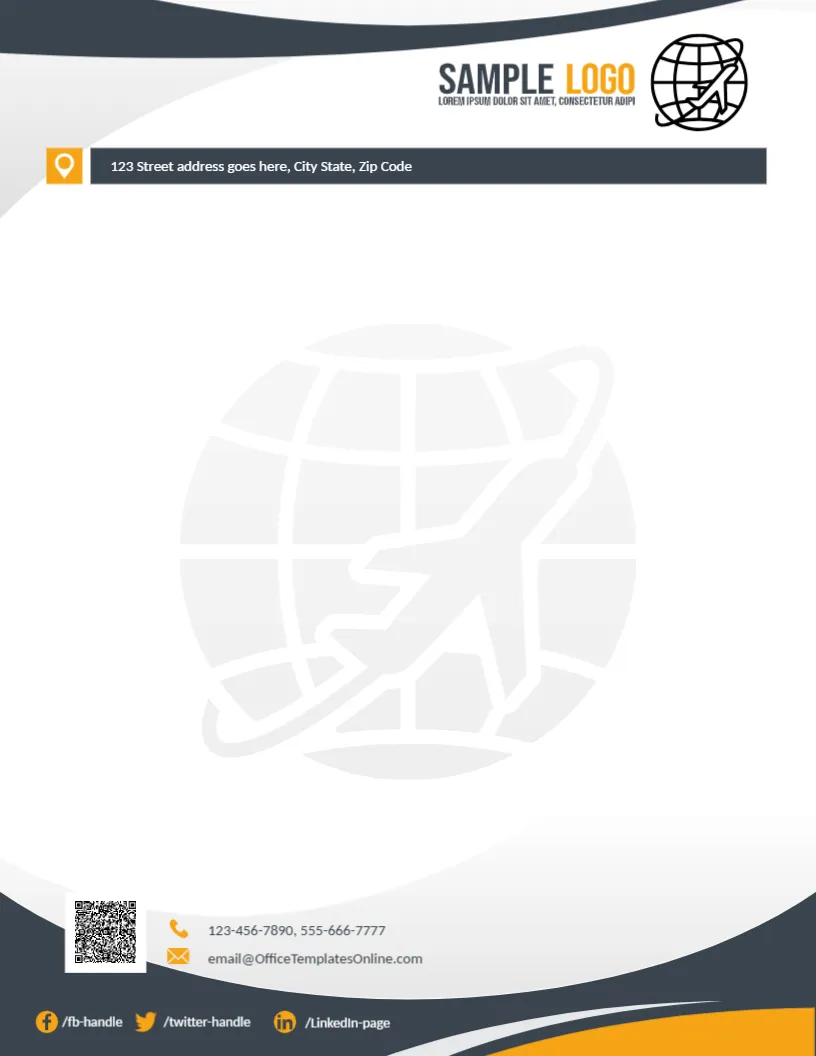
A Globe and Plane for a Logistics Company Letterhead
Charcoal and grey curves frame the top of this letterhead, with a SAMPLE LOGO in charcoal and orange beside a black globe with a plane. A charcoal bar with an orange location pin carries the street address. A large faint globe with a plane fills the middle. The footer holds a QR code, a phone and email with orange icons, social handles and charcoal and orange curves. It suits freight forwarders, courier firms and moving companies that want a professional look on every quote.
Address at the Top
The page is 8.5 x 11 inches. Placing the address bar under the logo makes the company location easy to find, which helps freight and courier clients.
Address, Contacts and Missing Date Lines
The address bar, phones and the template site’s email are placeholders, so replace them with your company details. Unlike most letterheads here, this one has no date or reference line, so add them below the address bar for business letters.
Setting Up the Logistics Letterhead
- Swap the logo.
- Type the address.
- Add date and ref lines.
- Replace contacts and QR code.
- Export a master.
Freight and Courier Paperwork
Logistics firms send quotes, delivery confirmations, customs letters and claims responses. A strong letterhead with a globe and plane helps their paperwork stand out among supplier mail.
Adding Date and Reference Lines
Type a Date line and a Ref. No line under the address bar in the same font. Reference numbers can match shipment or booking numbers for easy tracking.
Printing the Charcoal Curves
Charcoal prints evenly on white paper. Check that the orange icons stay bright, since small orange details can look brown on some printers.
Depot and Warehouse Addresses
If you run several depots, add their addresses in the footer or on the back of the page.
A QR Code for Tracking
Link the QR code to your parcel tracking page so customers can check a delivery straight from the letter.
Keeping Social Handles Current
List only the platforms you use and update the handles if they change.
Using the Logistics Letterhead
Use it for all customer letters.
Step by Step Editing of the Logistics Globe Plane Design
- On the logistics globe plane design, click the main headline and type your own words, keeping a similar length.
- Retype every name, date and contact line on the logistics globe plane design, checking each against a trusted source.
- Search the logistics globe plane design for the words Lorem and Company so that no placeholder remains.
- Click any logo or photo on the logistics globe plane design, choose Replace Image and resize the new picture to fit.
- Zoom the logistics globe plane design to full size and read each line aloud before you save it.
- Keep a clean master of the logistics globe plane design without private details, so later versions start tidy.
For comparison, open the globe diamond letterhead. Consider the construction letterhead. Similar designs include the modern letterhead. Every logistics globe plane style alternative sits in letterhead templates.