Blue and Orange Bars With a QR Code for Modern Business Letters
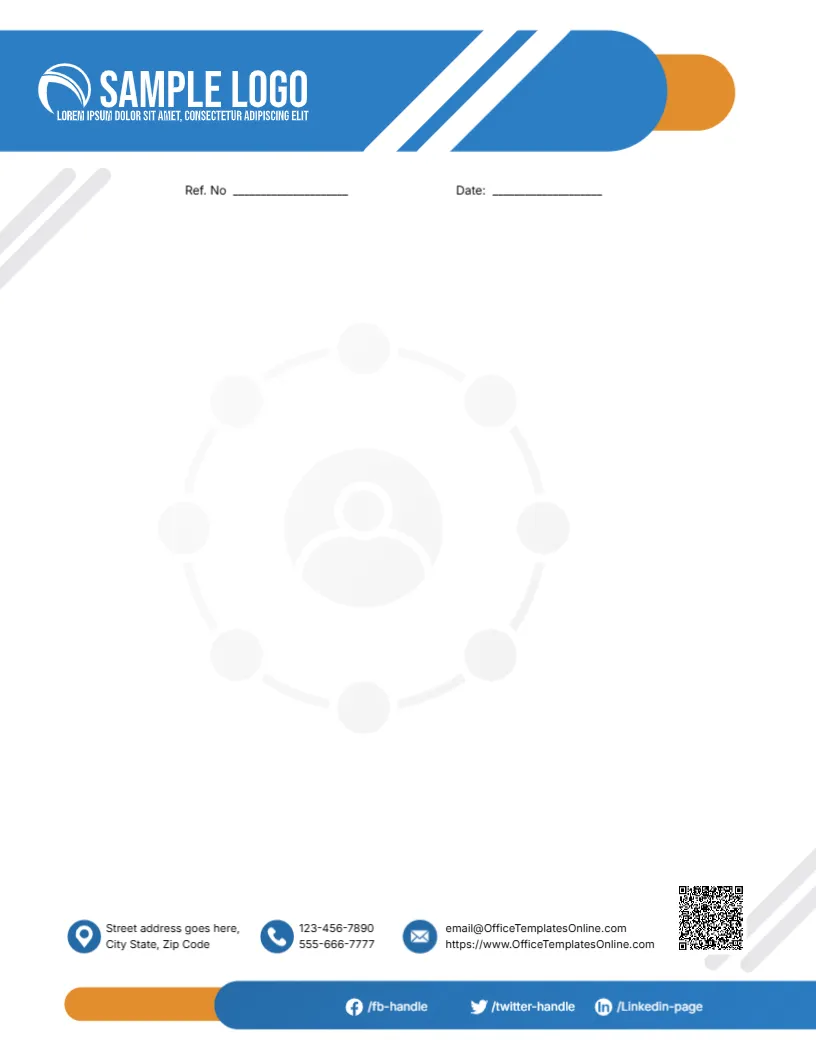
A long blue bar with a white SAMPLE LOGO and two diagonal white stripes runs across the top of this letterhead, ending in a rounded orange tab. Ref. No and Date lines sit below it. A faint grey network of circles around a person icon sits in the middle as a watermark. The footer has icons for the street, two phone numbers and an email and website, a QR code at the right, and a blue bar with orange tab carrying Facebook, Twitter and LinkedIn handles.
Reference and Date Lines
The page is 8.5 x 11 inches. The Ref. No line helps businesses that number their outgoing letters for filing, while the date line sits beside it.
Contacts, Social Handles and QR Code
The footer uses the template site’s email and web address, which you must replace with your own. The social bar shows placeholder handles such as /fb handle. The QR code is a sample image, so generate one for your website and replace it.
Setting Up the Modern Letterhead
- Swap the sample logo.
- Replace the email and website.
- Type your social handles.
- Replace the QR code.
- Export a master PDF.
Numbering Outgoing Letters
A reference number such as ABC/2027/014 makes letters easy to trace in filing systems and when replies quote it back.
A Watermark That Suits Networks
The network watermark suits consultancies, staffing agencies and HR firms. Replace it with your own logo at low opacity if it does not fit your business.
Generating a Working QR Code
Use a free QR generator to link to your website or contact page, download the image and replace the sample. Test it with two phones before printing.
Printing Blue and Orange
The blue and orange print strongly on white paper.
Social Links That Matter
Remove handles you do not use, so the footer looks tidy.
Digital Letters
Export the letterhead as a PDF and type letters directly in a PDF editor for email.
Using the Modern Letterhead
Save it as your default business template.
Step by Step Editing of the Modern Blue Orange Qr Design
- On the modern blue orange qr design, click the main headline and type your own words, keeping a similar length.
- Retype every name, date and contact line on the modern blue orange qr design, checking each against a trusted source.
- Search the modern blue orange qr design for the words Lorem and Company so that no placeholder remains.
- Click any logo or photo on the modern blue orange qr design, choose Replace Image and resize the new picture to fit.
- Zoom the modern blue orange qr design to full size and read each line aloud before you save it.
- Keep a clean master of the modern blue orange qr design without private details, so later versions start tidy.
Have a look at the globe letterhead for any company. Another option is the navy framed business letterhead. A related layout is the blue curved business letterhead. Looking beyond the modern blue orange qr design? See all letterhead templates.