A Navy Rounded Frame and Dashed Outline for Any Business
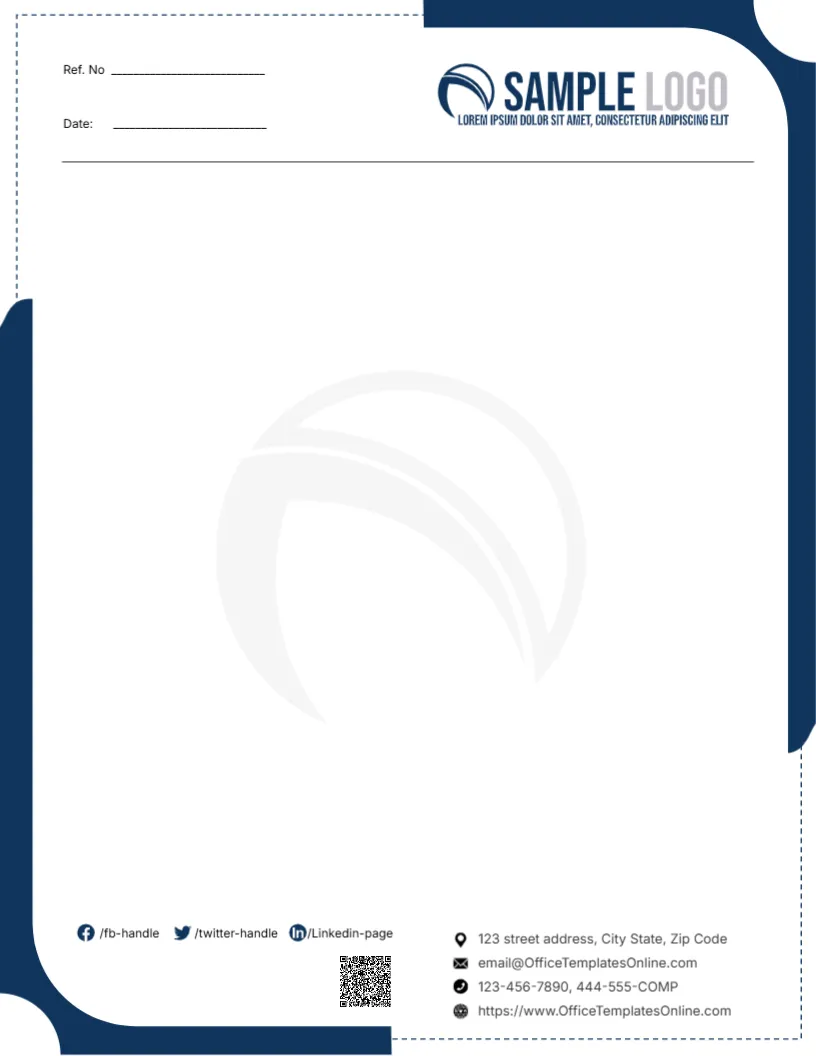
A navy frame with large rounded corners wraps the top right and bottom left of this letterhead, linked by a thin dashed outline around the rest of the page. Ref. No and Date lines sit at the top left, with a navy SAMPLE LOGO at the top right and a thin rule beneath. A faint swoosh from the logo sits as a large watermark in the middle. The footer holds social handles, a QR code and four contact lines with icons.
A Framed Writing Area
The page is 8.5 x 11 inches. The frame and dashed line define the writing area clearly, which gives letters a tidy, contained look.
Placeholder Contacts
The contact lines use the template site’s email and website and a phone ending in COMP. Replace all of them. Update the social handles or delete the ones you do not use.
Setting Up the Framed Letterhead
- Swap the logo.
- Replace contacts and phones.
- Update social handles.
- Replace the QR code.
- Export a master.
A Neutral Design for Any Sector
Navy works for accountants, consultants, agencies and small offices. The page name says it suits any business, and the restrained design backs that up.
Keeping Typed Text Inside the Dashed Frame
When you type letters on this page, set the left and right margins so the text stays inside the dashed outline. Text that runs over the frame looks untidy and can be clipped by printers. A margin of about one inch on each side usually works well.
Printing the Rounded Navy Corners
The navy corners reach the very edges of the page, and most desktop printers leave a small white margin. For a crisp finish on a full stationery order, a print shop can print to the edge on quality paper.
Swapping the Watermark for Your Logo
The large faint swoosh comes from the sample logo. Replace it with your own logo and set the transparency high, so it sits quietly behind the letter text.
Matching Envelopes
Use a navy rounded corner on DL envelopes to match.
A Working QR Code
Link the QR code to your website or a contact card.
Using the Framed Letterhead
Store the master with your office templates.
Step by Step Editing of the Any Business Navy Dashed Frame Design
- On the any business navy dashed frame design, click the main headline and type your own words, keeping a similar length.
- Retype every name, date and contact line on the any business navy dashed frame design, checking each against a trusted source.
- Search the any business navy dashed frame design for the words Lorem and Company so that no placeholder remains.
- Click any logo or photo on the any business navy dashed frame design, choose Replace Image and resize the new picture to fit.
- Zoom the any business navy dashed frame design to full size and read each line aloud before you save it.
- Keep a clean master of the any business navy dashed frame design without private details, so later versions start tidy.
Compare it with the modern blue and orange letterhead. You may also like the teal company letterhead. For comparison, open the law firm letterhead with scales. Every any business navy dashed frame style alternative sits in letterhead templates.