Teal and Grey Diagonal Stripes for a Clean Company Letterhead
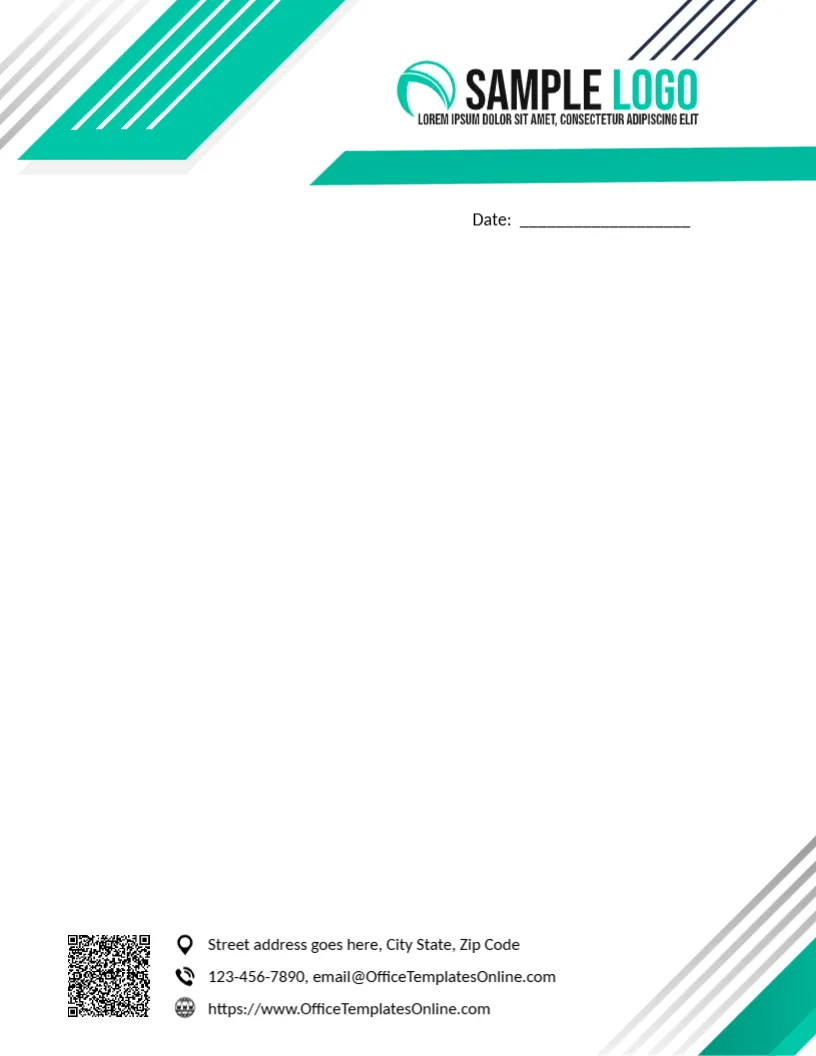
Teal and grey diagonal stripes cut across the top left corner of this letterhead, with a teal band running under a SAMPLE LOGO at the top right and a few navy lines above. A Date line sits below. The page is clean and open, with no watermark. A QR code and three contact lines with icons sit at the lower left, and grey and teal stripes return in the bottom right corner.
Open Page Without a Watermark
The page is 8.5 x 11 inches. With no watermark, the full writing area stays clean, which suits long letters and reports.
Three Contact Lines in the Teal Footer
The footer lists a street, a phone with the template site’s email and a website. Replace each with your company details, and generate a QR code that points to your own site to replace the sample image. Keep each line short so the icons stay aligned.
Setting Up the Teal Letterhead
- Swap the logo.
- Replace the address.
- Replace the phone and email.
- Replace the website and QR code.
- Export a master.
Fresh Colours for Modern Firms
Teal feels fresh and modern, suiting tech companies, clinics, consultancies and design studios.
Adding a Reference Number Line
The page has only a date line. If your company numbers its letters, add a Ref. No line to the left of the date in the same font. Reference numbers make letters easier to file and to find when a reply arrives.
Printing the Diagonal Stripes
The teal and grey stripes run into the corners. Desktop printers leave a margin there, so the stripes may stop short. A print shop can print them to the edge for a cleaner result.
Long Letters and Reports
With no watermark, the page suits long letters and short reports. Use the full letterhead for the first page and a plain page with just the footer for following pages.
One Stripe on the Business Card
Use one teal stripe and the same logo on business cards and compliment slips, so every printed item looks like part of one set.
Teal in Email Signatures
Carry the teal colour and logo into email signatures. Clients then see the same identity in printed and digital letters.
Using the Teal Letterhead
Keep it as your default company page.
Step by Step Editing of the Company Teal Stripes Design
- On the company teal stripes design, click the main headline and type your own words, keeping a similar length.
- Retype every name, date and contact line on the company teal stripes design, checking each against a trusted source.
- Search the company teal stripes design for the words Lorem and Company so that no placeholder remains.
- Click any logo or photo on the company teal stripes design, choose Replace Image and resize the new picture to fit.
- Zoom the company teal stripes design to full size and read each line aloud before you save it.
- Keep a clean master of the company teal stripes design without private details, so later versions start tidy.
Another option is the blue curved business letterhead. A related layout is the navy framed letterhead. Also worth a look: modern letterhead. Looking beyond the company teal stripes design? See all letterhead templates.