Sky Blue Waves for Product Purchase Feedback
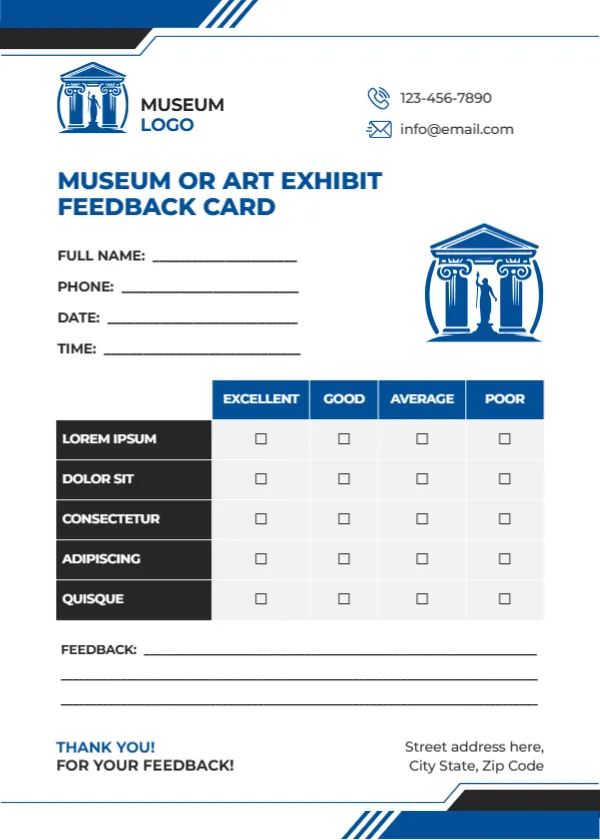
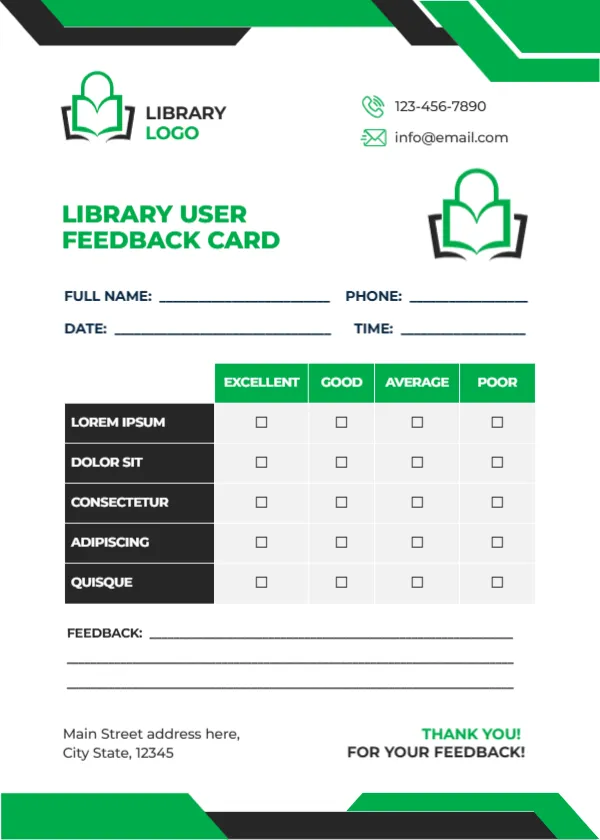
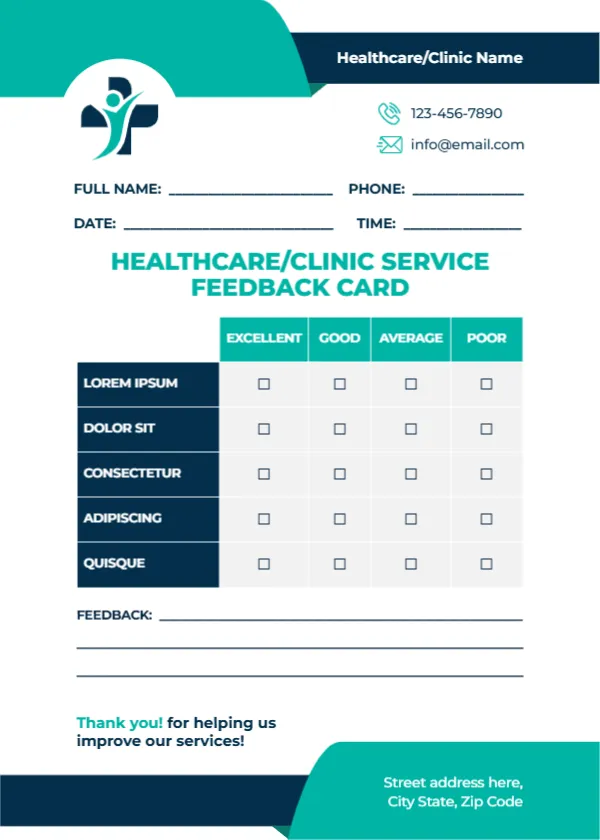
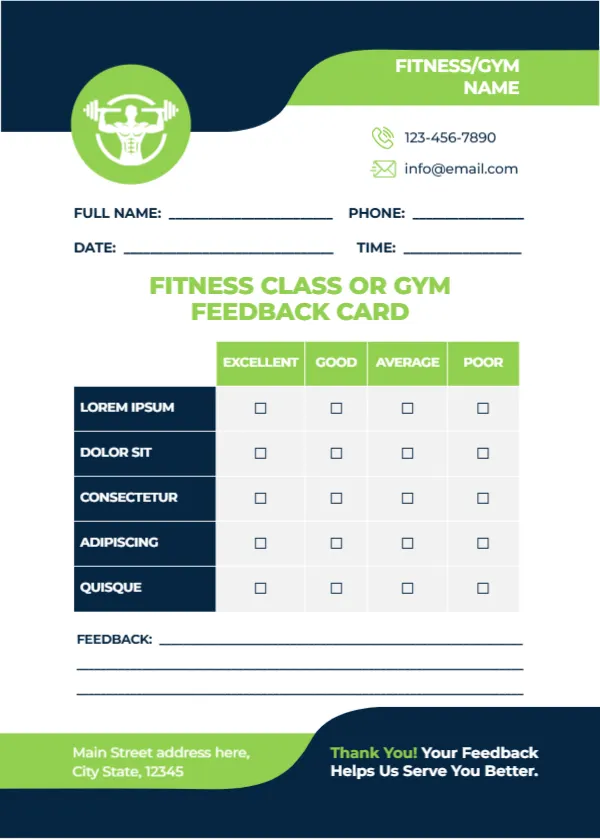
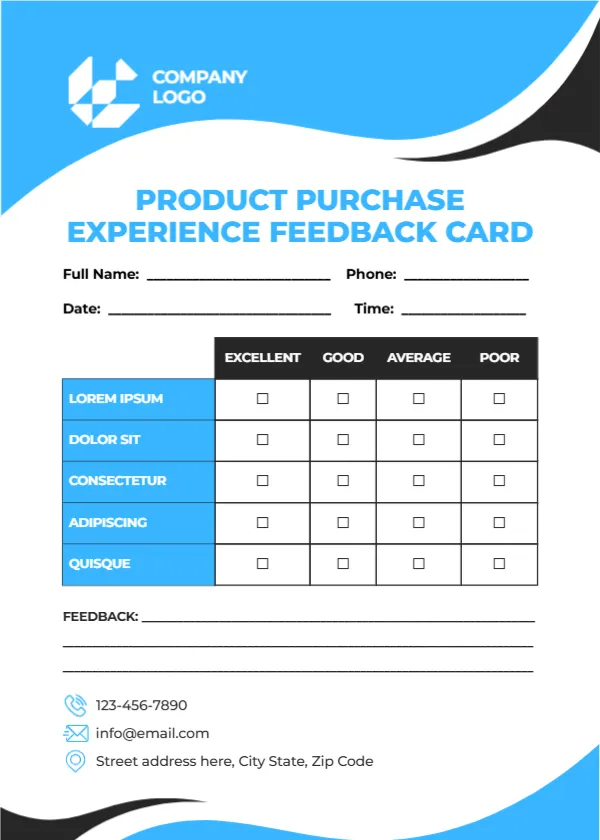
A sky blue wave with a black edge fills the top of this white card, holding a white geometric logo with COMPANY LOGO. PRODUCT PURCHASE EXPERIENCE FEEDBACK CARD runs in sky blue capitals. Name, phone, date and time lines follow, then a table with black headers rating five sky blue rows, three feedback lines, a phone, an email and an address with blue icons. A smaller blue and black wave closes the bottom. It helps brands learn how customers feel once the product is home.
Fresh and Clean
The card is 5 x 7 inches, portrait. The sky blue feels fresh, which suits electronics, home goods and tech products. The wave design leaves plenty of white space, so the card does not feel crowded.
Product Criteria to Add
The five rated rows read LOREM IPSUM, DOLOR SIT, CONSECTETUR, ADIPISCING and QUISQUE, which are placeholders. For product purchases, try Product quality, Value for money, Ease of setup, Instructions and After sales support. Replace COMPANY LOGO with your logo.
Preparing the Product Card
- Replace the Lorem rows.
- Swap the logo.
- Type contacts.
- Pack a card with each product.
- Review monthly.
Feedback Right After Setup
Customers judge a product most clearly after the first use. Put the card on top of the product in the box so they see it then. A sticker on the box flap reminding customers about the card helps too.
Warranty Registration
Combine the card with warranty registration by adding a serial number line. That way one card collects feedback and registration details together.
Printing the Sky Blue Product Card
The blue prints evenly on white card.
Improving Instructions
Low ratings for instructions point to unclear manuals that are easy to fix. Updating a manual is cheaper than handling repeated support calls.
Retail and Wholesale
The card suits products sold in shops or by wholesale. Wholesale buyers can pass cards on to their own customers.
Data Protection
Handle customer contact details securely.
Using the Product Feedback Cards
Review results with the product team.
Step by Step Editing of the Product Purchase Sky Blue Design
- On the product purchase sky blue design, click the main headline and type your own words, keeping a similar length.
- Retype every name, date and contact line on the product purchase sky blue design, checking each against a trusted source.
- Search the product purchase sky blue design for the words Lorem and Company so that no placeholder remains.
- Click any logo or photo on the product purchase sky blue design, choose Replace Image and resize the new picture to fit.
- Zoom the product purchase sky blue design to full size and read each line aloud before you save it.
- Keep a clean master of the product purchase sky blue design without private details, so later versions start tidy.
A related layout is the online shopping feedback card. Also worth a look: retail feedback card. Next to try is the business feedback card. Find more designs next to the product purchase sky blue design in feedback and comment card templates.