Teal and Navy With a Cross Logo for Clinic Feedback
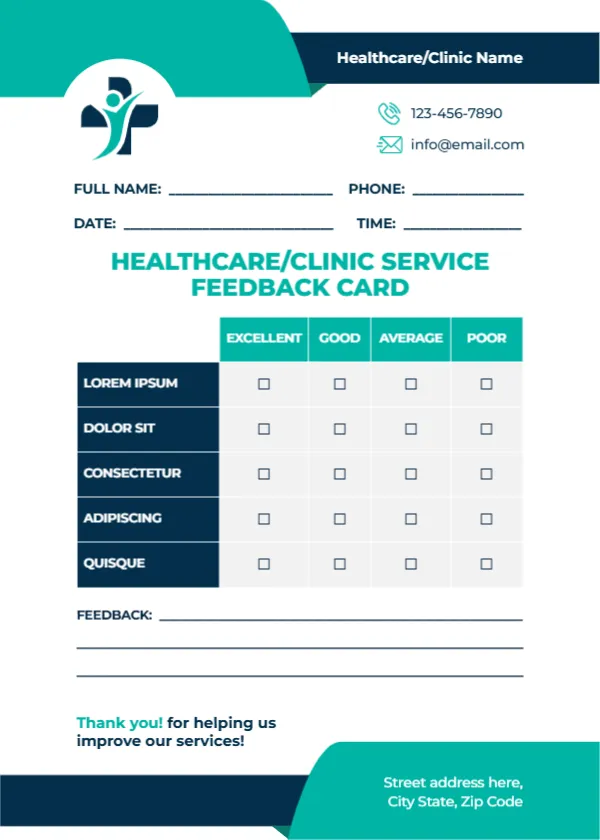
Teal and navy bands frame the top and bottom of this white card. A navy cross with a teal figure sits in a white circle at the top left, and a navy bar reads Healthcare/Clinic Name. A phone and email sit beside the logo. Name, phone, date and time lines follow, then HEALTHCARE/CLINIC SERVICE FEEDBACK CARD in teal capitals. A table with teal headers rates five navy rows, three feedback lines follow and a teal footer holds an address. It helps clinics hear from patients without adding to their stress.
Calm Clinic Colours
The card is 5 x 7 inches, portrait. Teal and navy feel clean and calm, which suits clinics, dentists and health centres.
Clinic Criteria to Add
The five rated rows read LOREM IPSUM, DOLOR SIT, CONSECTETUR, ADIPISCING and QUISQUE, which are placeholders. For a clinic, try Ease of booking, Waiting time, Staff courtesy, Clarity of explanation and Cleanliness. Replace Healthcare/Clinic Name with your clinic.
Preparing the Clinic Card
- Replace the Lorem rows.
- Type the clinic name.
- Type contacts.
- Leave cards in the waiting room.
- Provide a sealed box.
Keeping Feedback Anonymous
Patients often feel more comfortable leaving feedback anonymously. Mark the name and phone lines as optional and provide a sealed box. Anonymous feedback often reveals issues patients would not mention face to face.
Not a Medical Form
This card collects opinions about service, not medical information. Do not ask about symptoms or treatment on the card, and follow local privacy rules for any personal details.
Using Results With the Team
Share monthly results with reception and clinical staff. Small changes, such as clearer signs or reminder texts, often lift ratings.
Printing Teal and Navy
Both colours print cleanly on matte card.
Dental and Physio Clinics
The neutral design suits dental practices, physiotherapy clinics and pharmacies.
Responding to Complaints
Follow your clinic’s complaints procedure for serious concerns raised on a card.
Using the Clinic Feedback Cards
Review them at monthly team meetings.
Step by Step Editing of the Healthcare Clinic Teal Navy Design
- On the healthcare clinic teal navy design, click the main headline and type your own words, keeping a similar length.
- Retype every name, date and contact line on the healthcare clinic teal navy design, checking each against a trusted source.
- Search the healthcare clinic teal navy design for the words Lorem and Company so that no placeholder remains.
- Click any logo or photo on the healthcare clinic teal navy design, choose Replace Image and resize the new picture to fit.
- Zoom the healthcare clinic teal navy design to full size and read each line aloud before you save it.
- Keep a clean master of the healthcare clinic teal navy design without private details, so later versions start tidy.
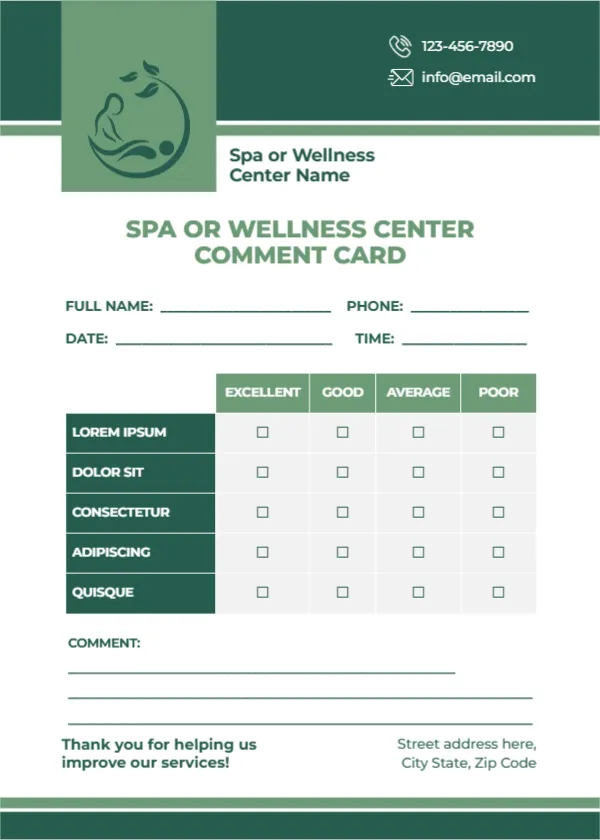
A related layout is the patient feedback card. Also worth a look: spa or wellness comment card. Next to try is the single rating service card. Find more designs next to the healthcare clinic teal navy design in feedback and comment card templates.