Open Book Logos and Green Bands for Library Feedback
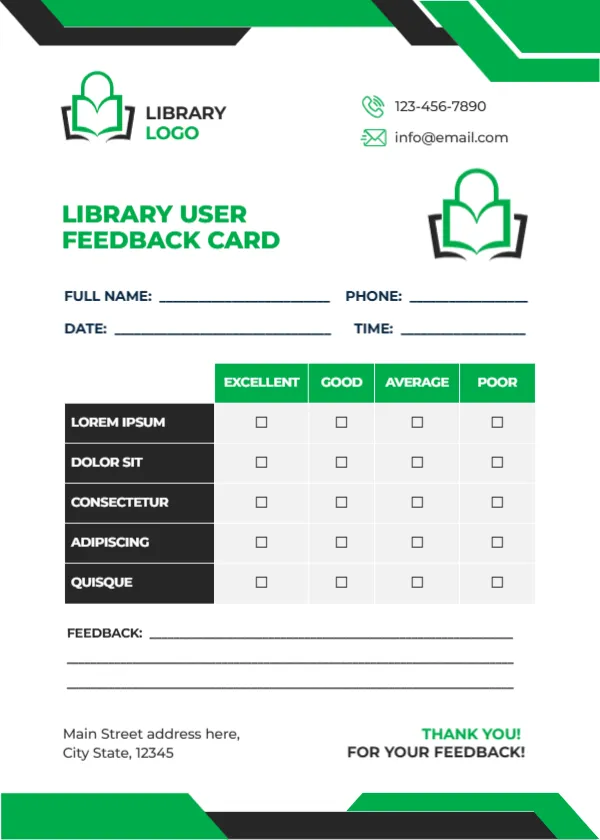
Green and black angled bands run across the top and bottom of this white card. A green open book logo with LIBRARY LOGO sits at the top left, and a larger version sits beside LIBRARY USER FEEDBACK CARD in green capitals. A phone and email sit at the top right. Name, phone, date and time lines follow, then a table with green headers rating five black rows, three feedback lines, an address and a green THANK YOU! FOR YOUR FEEDBACK!
A Card for Library Desks
The card is 5 x 7 inches, portrait. It fits neatly in a tray on the issue desk or between books on display.
Library Criteria to Add
The five rated rows read LOREM IPSUM, DOLOR SIT, CONSECTETUR, ADIPISCING and QUISQUE, which are placeholders. For a library, try Book selection, Staff helpfulness, Study space, Computers and Wi Fi and Opening hours. Replace LIBRARY LOGO with your library name.
Preparing the Library Card
- Replace the Lorem rows.
- Type the library name.
- Type contacts and address.
- Leave cards at the desk.
- Review monthly.
Public, School and University Libraries
The card suits public libraries, school libraries and university libraries alike. Change the criteria to match the services you offer, such as children’s events or research help. Academic libraries might add Database access or Research help.
Asking About New Services
Use one row to test interest in a new service, such as evening opening or e book lending. Ratings show whether users would value it.
Printing Green and Black
The green and black print boldly on white card. A black and white copy keeps costs low for large print runs.
A Drop Box by the Exit
Place a box by the exit so users can leave cards as they go.
Children and Teens
Offer a simpler version with smiley faces for young readers.
Sharing Changes
Post a short You said, we did notice to show users that feedback leads to action.
Using the Library Feedback Cards
Collect them all year round.
Step by Step Editing of the Library Green Black Book Design
- On the library green black book design, click the main headline and type your own words, keeping a similar length.
- Retype every name, date and contact line on the library green black book design, checking each against a trusted source.
- Search the library green black book design for the words Lorem and Company so that no placeholder remains.
- Click any logo or photo on the library green black book design, choose Replace Image and resize the new picture to fit.
- Zoom the library green black book design to full size and read each line aloud before you save it.
- Keep a clean master of the library green black book design without private details, so later versions start tidy.
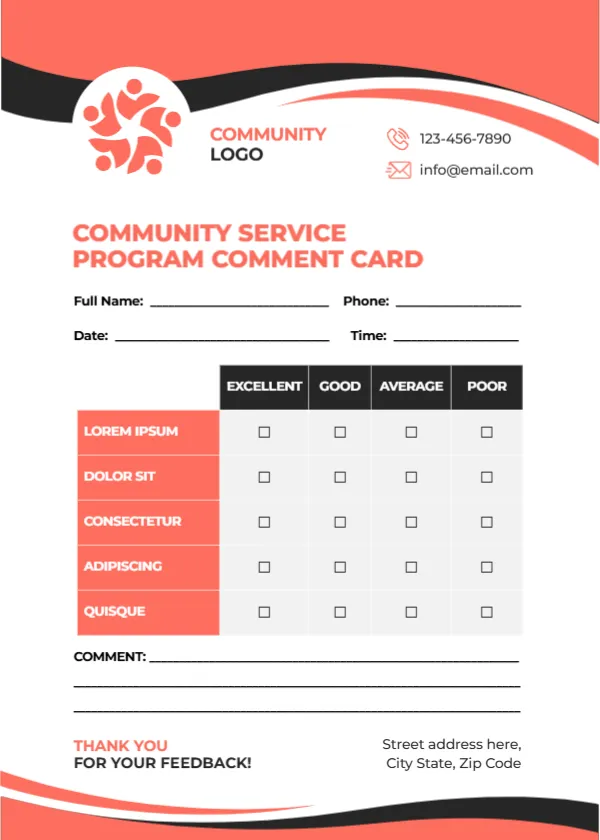
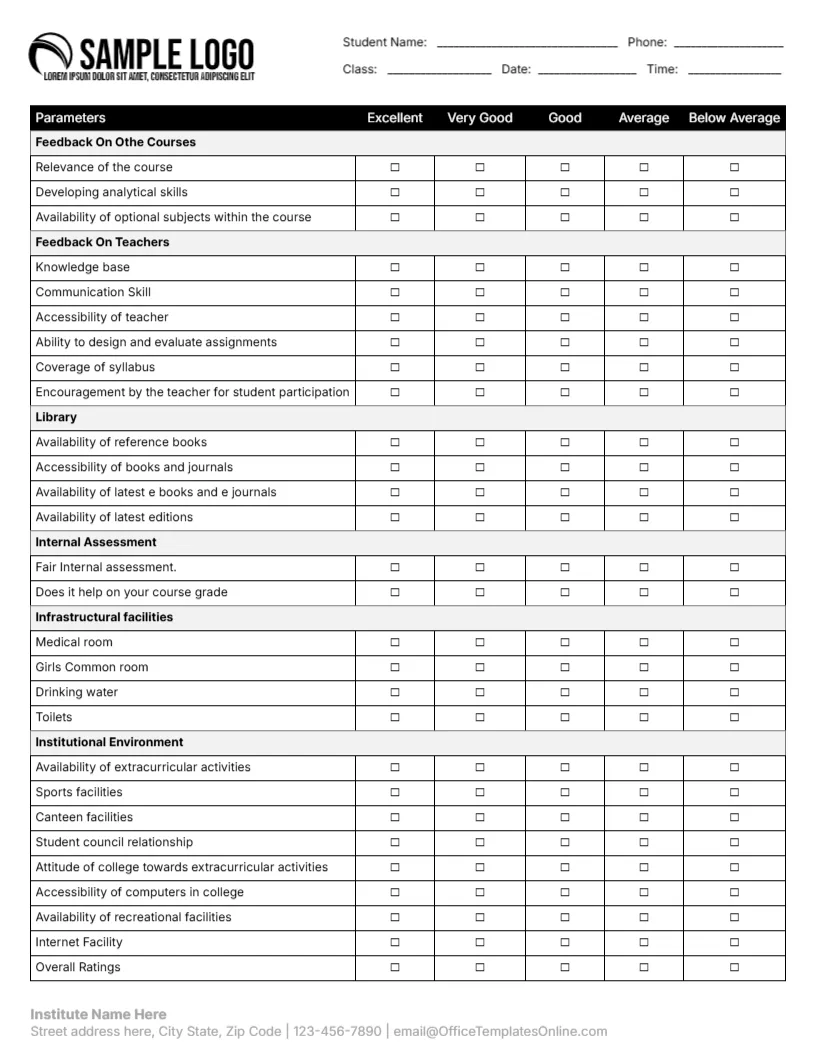
Also worth a look: student feedback form. Next to try is the museum feedback card. Have a look at the community comment card. Find more designs next to the library green black book design in feedback and comment card templates.