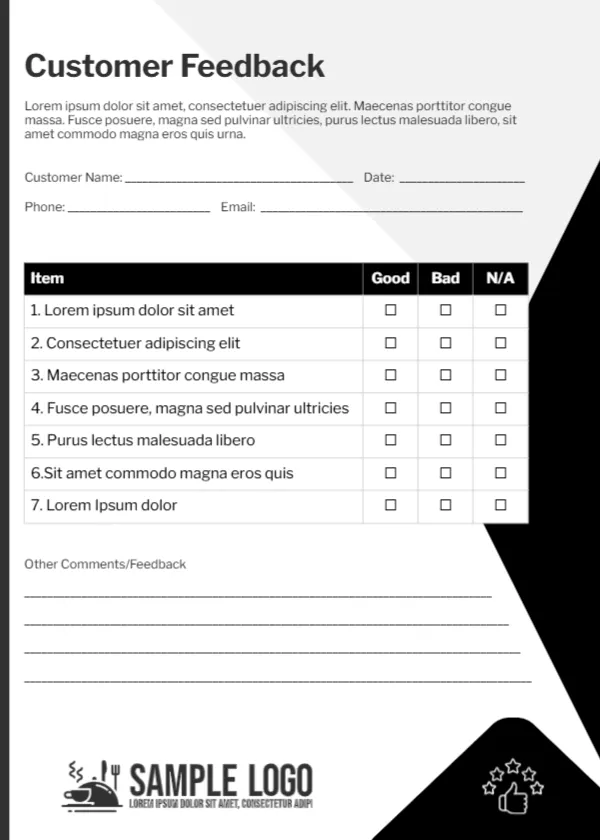
A Simple Good or Bad Customer Feedback Card
A crisp black and white card with angled black shapes down the right edge and a pale grey wedge behind the text. Customer Feedback sits at the top in bold black, followed by a short paragraph, lines for name, date, phone and email, and a table of seven numbered items with Good, Bad and N/A tick boxes. Four comment lines, a restaurant style logo with a cloche and a small thumbs up with stars close the card.
Three Choice Ratings
The card is 5 x 7 inches, portrait. Good, Bad and N/A is the simplest scale, which keeps the card quick and easy for every customer.
All Items Are Placeholders
The paragraph and all seven item rows are Lorem ipsum, so this card needs the most editing in the set. Write a one line welcome, then list the seven things you want rated, such as Speed of service, Staff friendliness, Cleanliness, Value, Product quality, Ease of finding items and Overall visit.
Preparing the Customer Card
- Write the welcome paragraph.
- Type seven items to rate.
- Swap the logo.
- Add contact details.
- Print a stack.
Why a Simple Scale Works
Customers in a hurry will tick Good or Bad far more readily than a five point scale. You still learn which areas need attention, and the comments give the detail.
Writing Clear Items
Keep each item short and about one thing. Fast and friendly service mixes two ideas, so split it into Speed of service and Friendliness.
Low Ink, Low Cost
Black and white prints cheaply on any printer, which makes it easy to keep a large supply.
A Logo That Fits
The sample logo shows a cloche, which suits restaurants. Replace it with your own logo for other businesses.
Following Up
If a customer leaves contact details with a Bad rating, a quick call or email can turn a poor experience around.
Storing Responses
Keep completed cards in a folder or type results into a spreadsheet each week.
Using the Customer Cards
Hand them out with receipts.
Step by Step Editing of the Customer Black White Good Bad Design
- On the customer black white good bad design, click the main headline and type your own words, keeping a similar length.
- Retype every name, date and contact line on the customer black white good bad design, checking each against a trusted source.
- Search the customer black white good bad design for the words Lorem and Company so that no placeholder remains.
- Click any logo or photo on the customer black white good bad design, choose Replace Image and resize the new picture to fit.
- Zoom the customer black white good bad design to full size and read each line aloud before you save it.
- Keep a clean master of the customer black white good bad design without private details, so later versions start tidy.
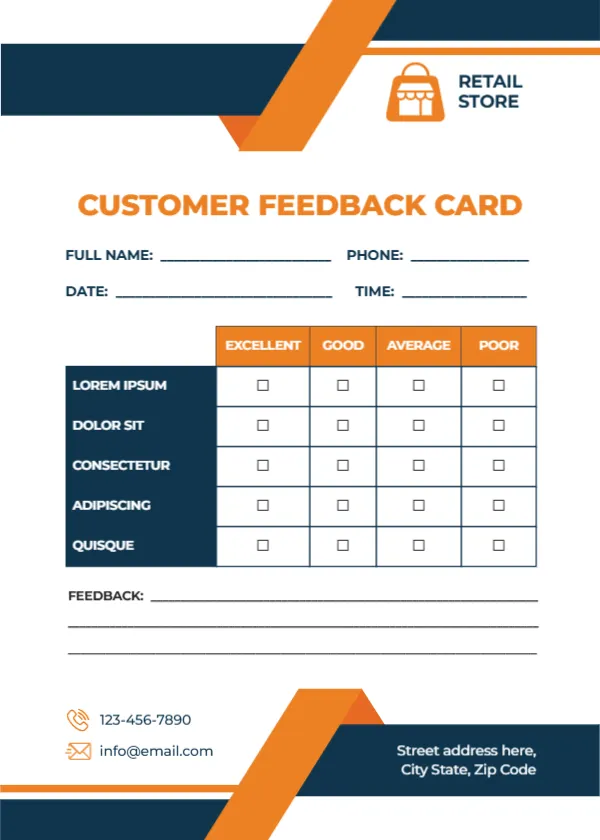
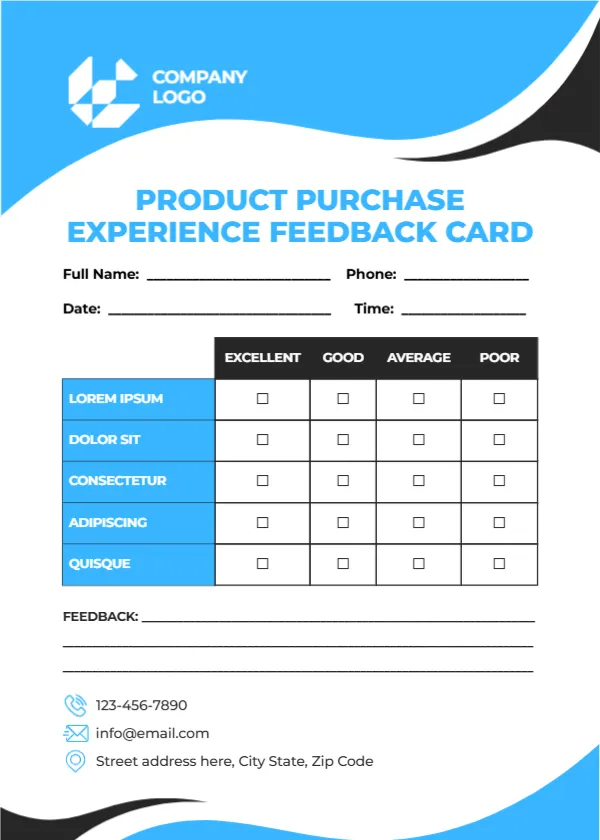
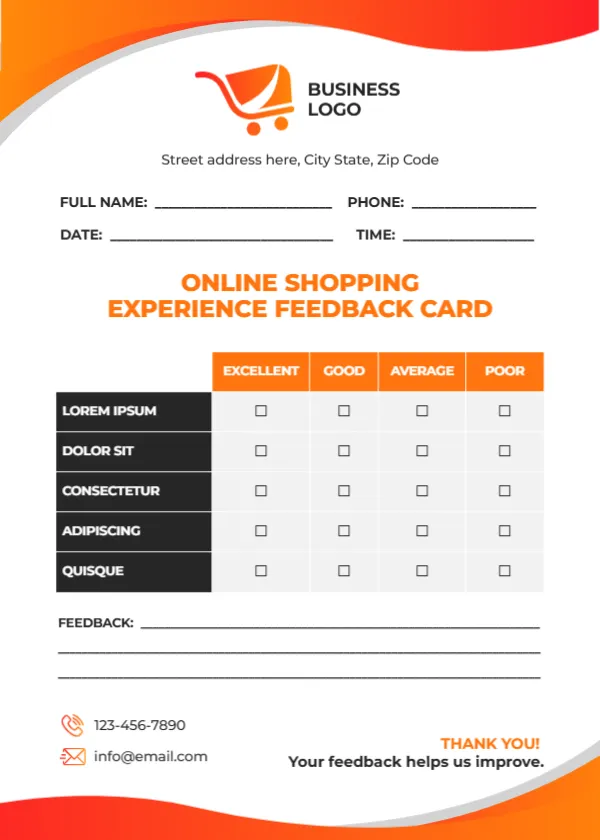
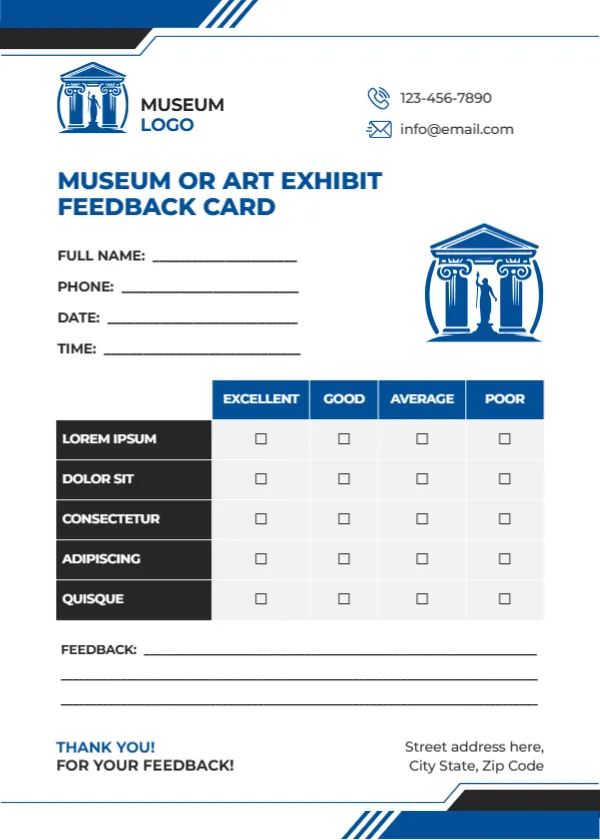
Have a look at the business thank you feedback card. Another option is the restaurant feedback card. A related layout is the product purchase feedback card. Find more designs next to the customer black white good bad design in feedback and comment card templates.