A Shopping Cart Logo for Online Shopping Feedback
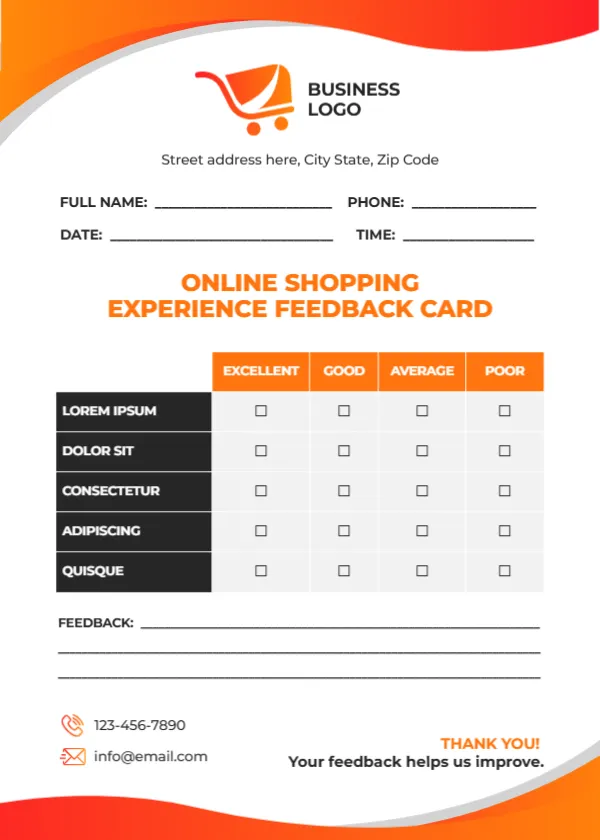
Bright orange and red waves sweep across the top and bottom of this white card. An orange and red shopping cart logo with BUSINESS LOGO sits at the top, with a street address below. Name, phone, date and time lines follow, then ONLINE SHOPPING EXPERIENCE FEEDBACK CARD in orange capitals. A table with orange headers rates five black rows, three feedback lines follow, and a phone, email and THANK YOU! Your feedback helps us improve. sit at the foot.
A Card to Slip Into Parcels
The card is 5 x 7 inches, portrait, which fits inside most parcels and padded envelopes.
Online Shopping Criteria to Add
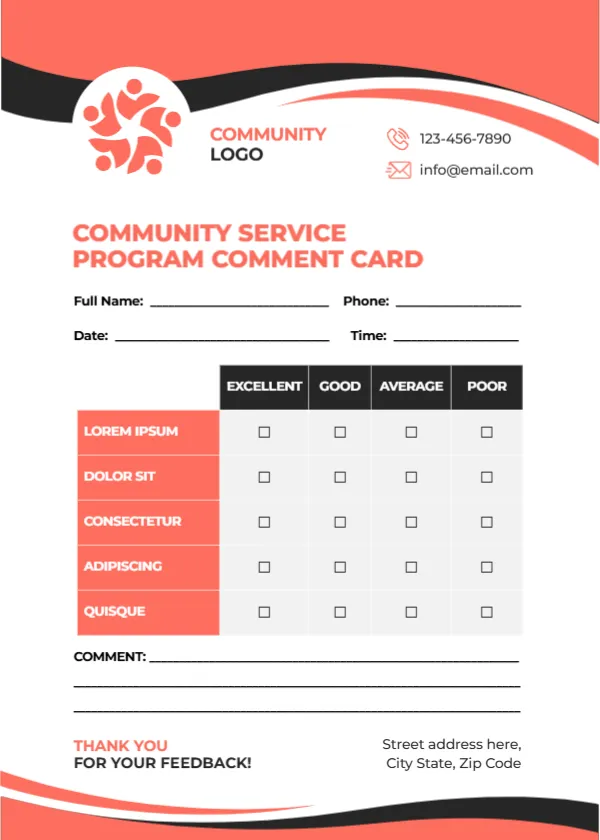
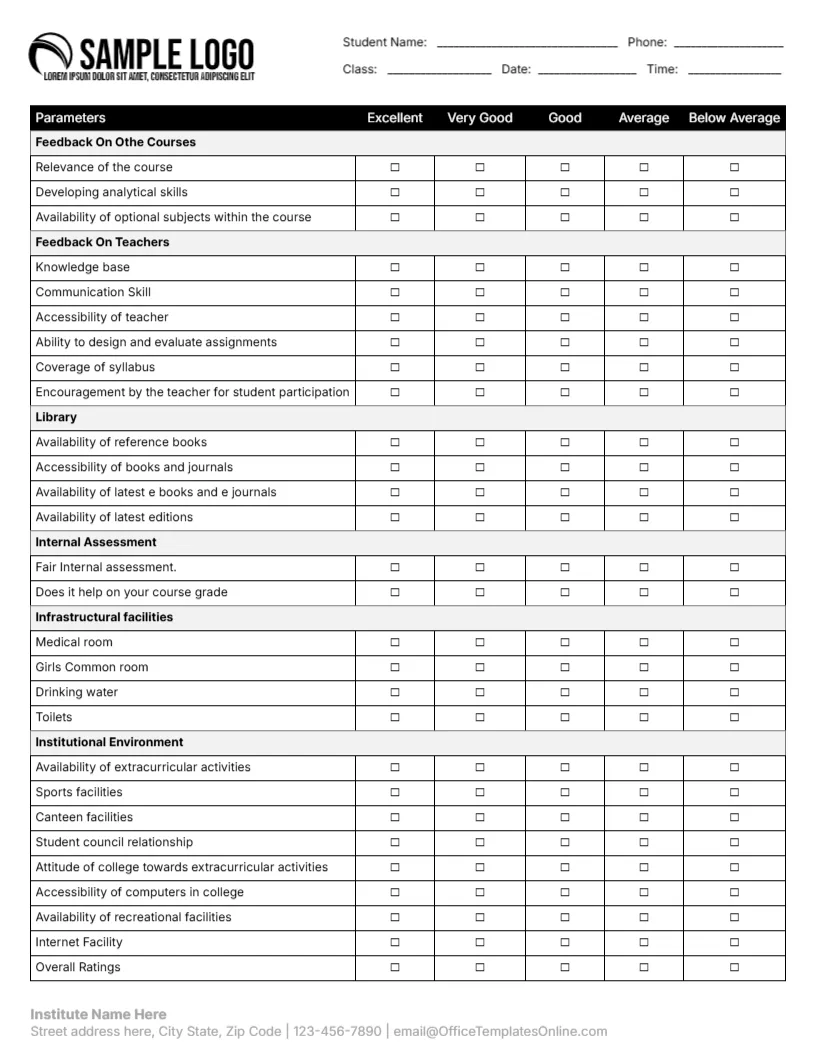
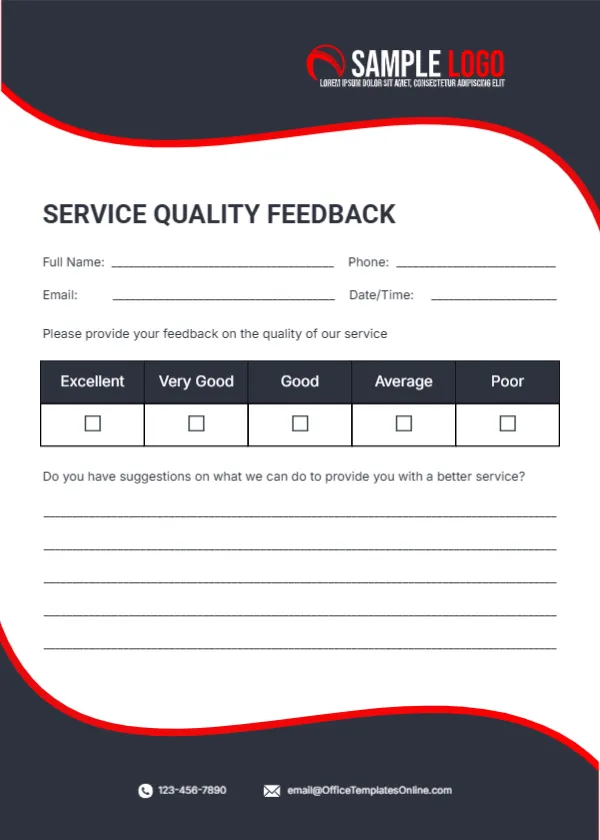
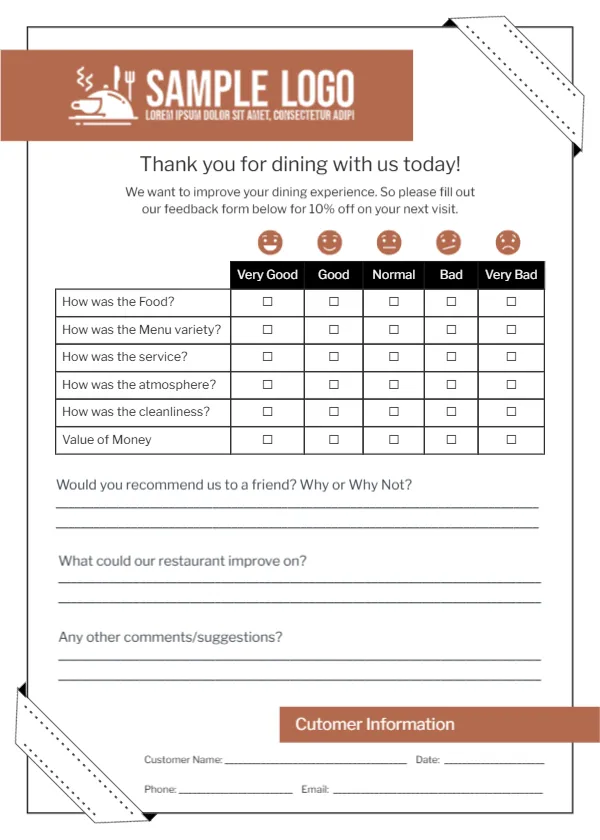
The five rated rows read LOREM IPSUM, DOLOR SIT, CONSECTETUR, ADIPISCING and QUISQUE, which are placeholders. For online shops, try Website ease of use, Product description accuracy, Delivery speed, Packaging and Customer service. Replace BUSINESS LOGO with your shop logo.
Preparing the Online Shop Card
- Replace the Lorem rows.
- Swap the logo.
- Add a website or QR code.
- Slip a card into each parcel.
- Review monthly.
Adding a QR Code for Online Replies
Most online shoppers will not post a card back. Add a QR code linking to a short online survey, and keep the printed table as a reminder of the questions. A short link printed under the code helps customers who do not scan codes.
Encouraging Reviews
A happy customer may leave a review. Add a line inviting them to review the product on your website.
Printing Orange Waves
The orange and red print brightly on white card. Bright colours also make the card stand out among packing materials.
Thank You Notes in Parcels
A card in the parcel also acts as a thank you note, which builds loyalty. A handwritten thank you on the back makes the parcel feel personal.
Discount Codes
Offer a small discount code for completed surveys.
Tracking Delivery Issues
Delivery ratings show which couriers perform best.
Using the Online Shopping Cards
Add one to every order.
Step by Step Editing of the Online Shopping Orange Cart Design
- On the online shopping orange cart design, click the main headline and type your own words, keeping a similar length.
- Retype every name, date and contact line on the online shopping orange cart design, checking each against a trusted source.
- Search the online shopping orange cart design for the words Lorem and Company so that no placeholder remains.
- Click any logo or photo on the online shopping orange cart design, choose Replace Image and resize the new picture to fit.
- Zoom the online shopping orange cart design to full size and read each line aloud before you save it.
- Keep a clean master of the online shopping orange cart design without private details, so later versions start tidy.
Also worth a look: product purchase feedback card. Next to try is the retail store feedback card. Have a look at the customer feedback card. Looking beyond the online shopping orange cart design? See all feedback and comment card templates.