A Full Page Student Feedback Form for Schools and Colleges
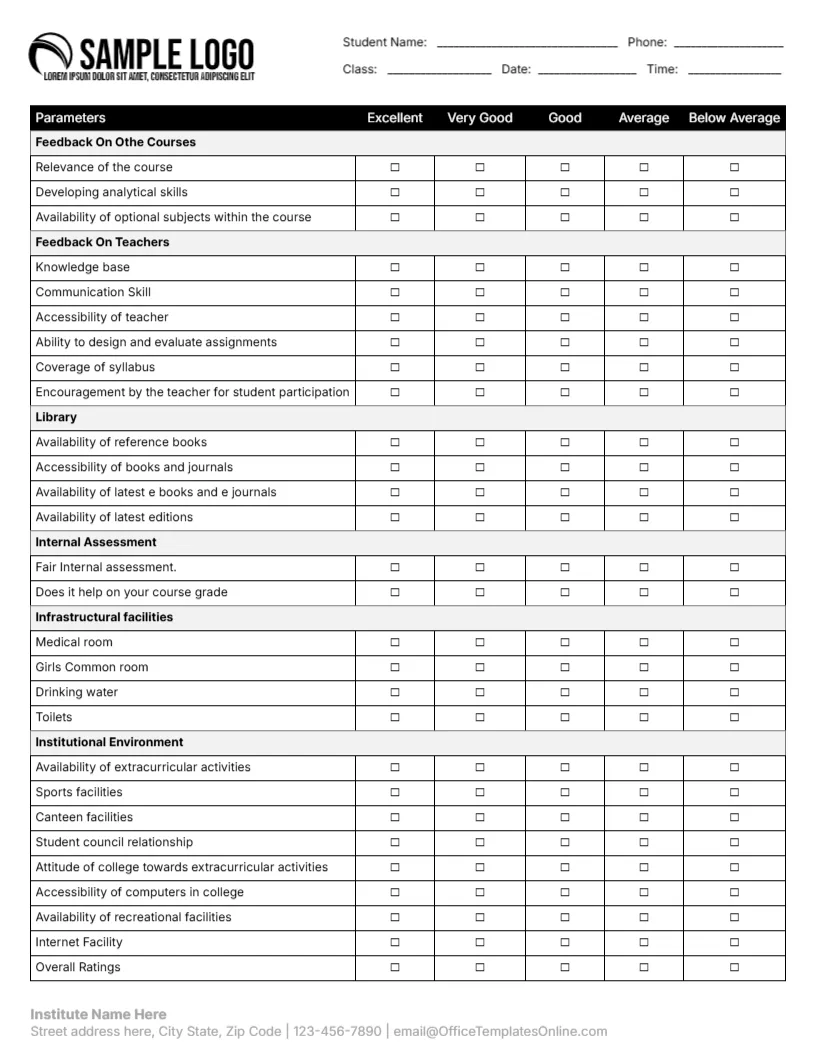
This letter size form has a SAMPLE LOGO at the top left and lines for student name, phone, class, date and time. A long table rates items from Excellent to Below Average in sections for courses, teachers, library, internal assessment, infrastructural facilities and institutional environment, such as relevance of the course, communication skill, availability of reference books, medical room, drinking water, sports facilities and internet. An institute name and contact line sits at the foot.
One Page, Many Parameters
The page is 8.5 x 11 inches, portrait. With about thirty rows, it suits an end of term survey rather than a quick card.
A Typo and Mixed Items
The first section reads Feedback On Othe Courses, which should be Feedback On The Courses. The facilities list includes Girls Common room, so consider a neutral Student Common Room. The footer shows Institute Name Here and the template site’s email, so replace both.
Preparing the Student Form
- Fix Othe to The.
- Review facility items.
- Type the institute name.
- Hand out at term end.
- Collect anonymously.
End of Term Surveys
Colleges and schools often survey students at the end of each term. A printed form in class gets a higher response rate than an email survey. Schedule ten minutes at the end of the last lesson so every student has time to complete it.
Anonymous Responses
Students answer more honestly when names are optional. Consider removing the name and phone lines.
Using Results for Improvement
Look for sections with many Average or Below Average ticks, such as library resources, and share action plans with students.
Printing Letter Size
Print on plain paper, double check the table fits within margins. Landscape printing is not needed, since the table fits on a portrait page.
Shortening the Form
Delete sections that do not apply, such as medical room for small schools.
Digital Option
Convert the table into an online survey if students study remotely.
Using the Student Feedback Form
Analyse results before planning the next term.
Step by Step Editing of the Student Course Long Table Design
- On the student course long table design, click the main headline and type your own words, keeping a similar length.
- Retype every name, date and contact line on the student course long table design, checking each against a trusted source.
- Search the student course long table design for the words Lorem and Company so that no placeholder remains.
- Click any logo or photo on the student course long table design, choose Replace Image and resize the new picture to fit.
- Zoom the student course long table design to full size and read each line aloud before you save it.
- Keep a clean master of the student course long table design without private details, so later versions start tidy.
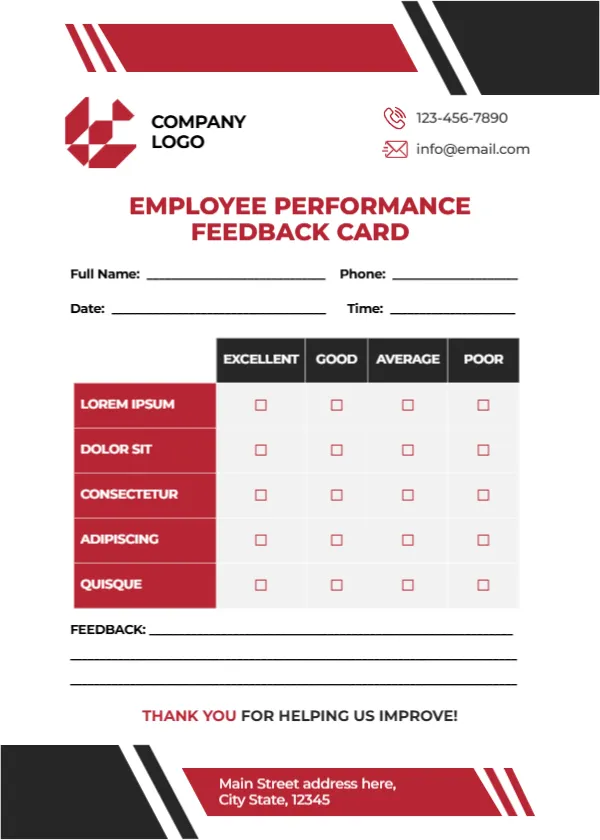
Compare it with the course evaluation card. You may also like the library user feedback card. For comparison, open the employee feedback card. The rest of the series around the student course long table design is in feedback and comment card templates.