Crimson Bands for Quick Employee Performance Feedback
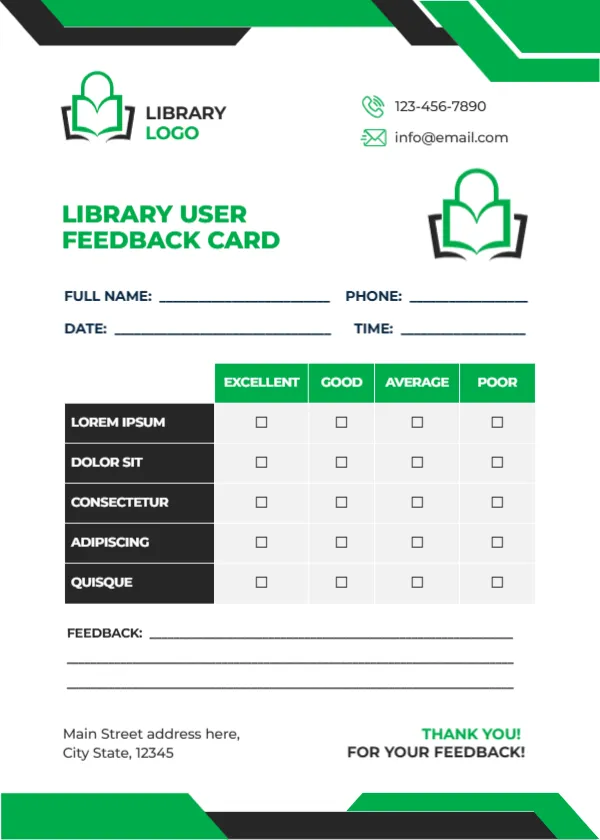
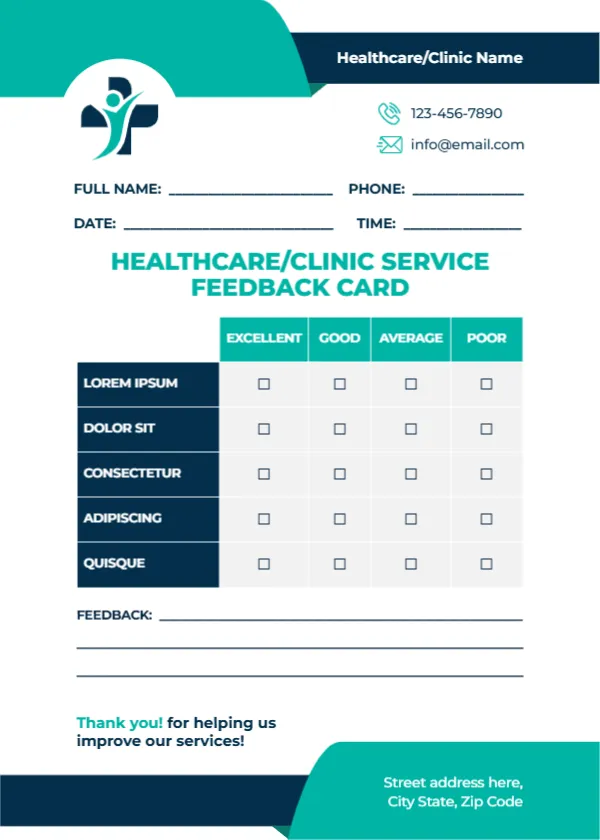
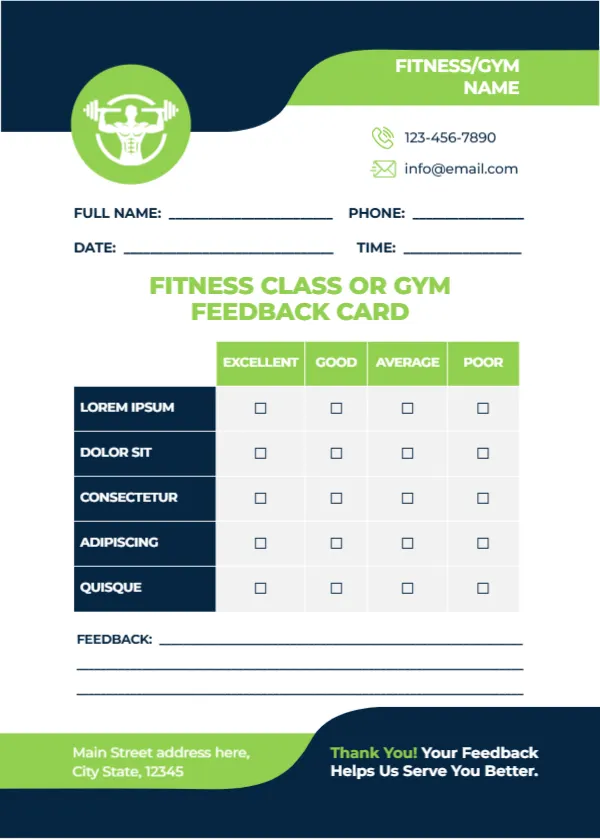
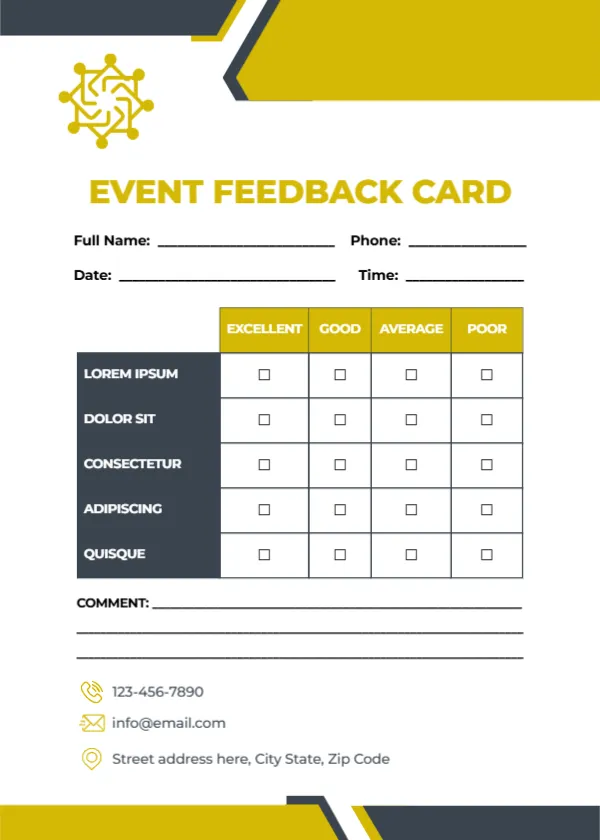
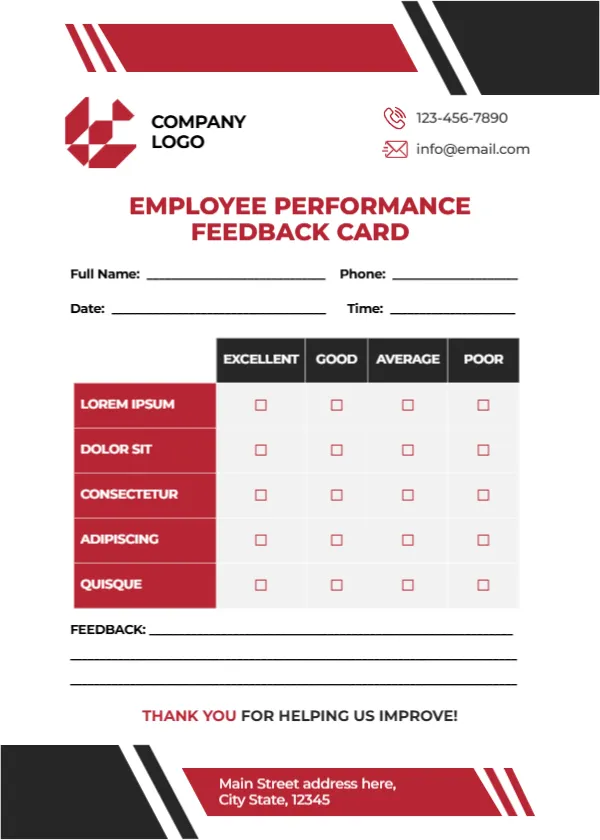
Crimson and black angled bands with white stripes cut across the top and bottom of this white card. A crimson geometric logo sits beside COMPANY LOGO, with a phone and email on the right. EMPLOYEE PERFORMANCE FEEDBACK CARD runs in crimson capitals over two lines. Name, phone, date and time lines follow, then a table with black headers rating five crimson rows from Excellent to Poor, three feedback lines and a crimson THANK YOU FOR HELPING US IMPROVE! A crimson footer band holds an address.
A Card for Quick Check Ins
The card is 5 x 7 inches, portrait. It is short enough for a quick monthly check in between formal reviews, and the bold colours make it look official.
Performance Criteria to Add
The five rated rows read LOREM IPSUM, DOLOR SIT, CONSECTETUR, ADIPISCING and QUISQUE, which are placeholders. For employee feedback, useful rows include Quality of work, Reliability, Teamwork, Communication and Initiative. Replace COMPANY LOGO with your logo and type your company details in the header and footer.
Preparing the Employee Card
- Replace the Lorem rows.
- Swap the logo.
- Type company details.
- Use it for check ins.
- File completed cards.
Peer Feedback and Self Assessment
The card works for manager feedback, peer feedback or self assessment. Using the same criteria for all three lets employees compare how they see themselves with how others see them, which often starts a useful conversation.
A Check In Tool, Not an HR Review
This card is a light check in tool. Formal appraisals and decisions about pay or promotion should follow your company’s HR process and policies, so keep the card as a supporting note rather than a final record.
Writing Constructive Feedback
In the feedback lines, mention one strength and one area to develop, with a specific example. Specific comments help employees improve far more than general praise or criticism.
Printing Crimson and Black
The crimson and black bands print boldly on matte card, and the table stays clear in black and white copies.
Keeping Feedback Confidential
Completed cards contain personal views about colleagues. Store them securely and share them only with the employee and their manager.
Recognising Good Work
Use the card to recognise good work, not only to point out problems. A card full of Excellent ticks is a simple, motivating thank you.
Using the Employee Feedback Cards
Hold short check ins each month.
Step by Step Editing of the Employee Performance Crimson Design
- On the employee performance crimson design, click the main headline and type your own words, keeping a similar length.
- Retype every name, date and contact line on the employee performance crimson design, checking each against a trusted source.
- Search the employee performance crimson design for the words Lorem and Company so that no placeholder remains.
- Click any logo or photo on the employee performance crimson design, choose Replace Image and resize the new picture to fit.
- Zoom the employee performance crimson design to full size and read each line aloud before you save it.
- Keep a clean master of the employee performance crimson design without private details, so later versions start tidy.
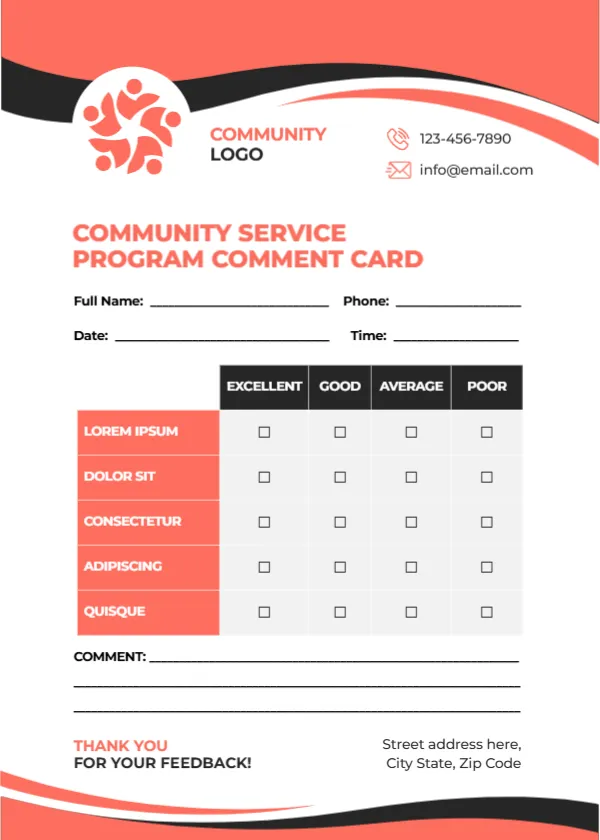
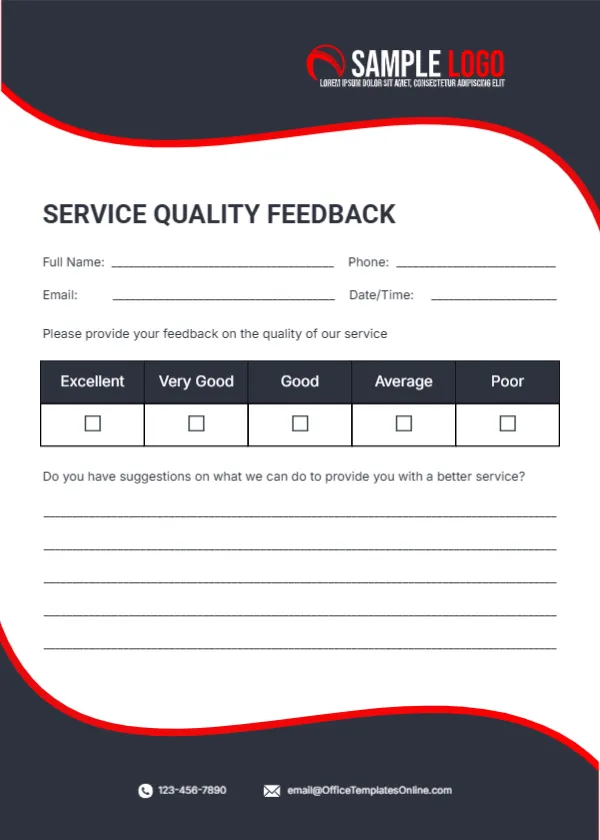
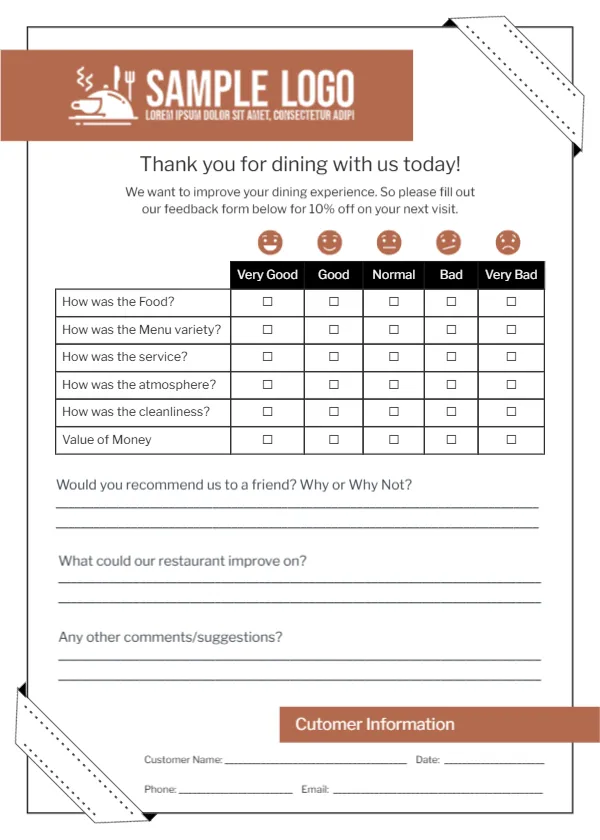
Also worth a look: service quality feedback card. Next to try is the event feedback card. Have a look at the community service comment card. Looking beyond the employee performance crimson design? See all feedback and comment card templates.