Classical Columns and Blue Stripes for Museum Feedback
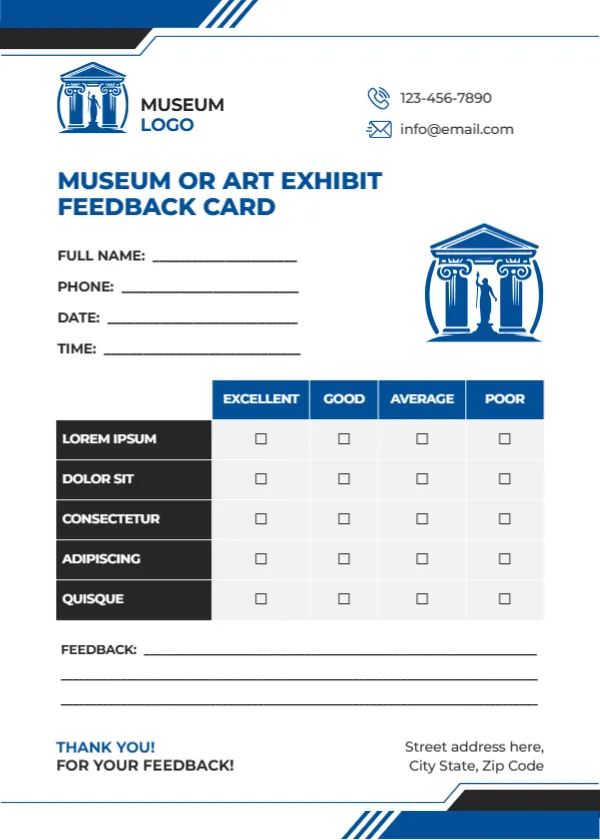
Blue and black stripes cut across the top left and bottom right corners of this white card. A blue classical building logo with a statue sits beside MUSEUM LOGO, and a larger blue temple with columns and a statue sits on the right beside the details lines. MUSEUM OR ART EXHIBIT FEEDBACK CARD runs in blue capitals. Lines for name, phone, date and time sit on the left, then a table with blue headers rating five black rows, three feedback lines, a thank you and an address. It invites visitors to share what they loved and what could be better.
Elegant and Cultural
The card is 5 x 7 inches, portrait. The columns and statue give it a cultural feel suited to museums and galleries.
Exhibit Criteria to Add
The five rated rows read LOREM IPSUM, DOLOR SIT, CONSECTETUR, ADIPISCING and QUISQUE, which are placeholders. For a museum, try Exhibit content, Information and labels, Guides and staff, Accessibility and Gift shop or cafe. Replace MUSEUM LOGO with your museum or gallery name.
Preparing the Museum Card
- Replace the Lorem rows.
- Type the museum name.
- Type contacts.
- Place cards at the exit.
- Review after each exhibit.
Feedback on Temporary Exhibits
Print a version for each temporary exhibit so you can compare how visitors rated each one. Comparing exhibits shows which topics and layouts attract and engage visitors most.
Asking About Accessibility
Ratings on accessibility help museums improve ramps, seating and large print labels for visitors with different needs. Simple fixes, such as more benches or bigger label text, often lift ratings quickly.
Printing Blue Columns
The blue prints crisply on matte card.
School Group Visits
Teachers can give feedback on school visits using the same card with different criteria. Teachers can rate how well the visit linked to their lessons.
Membership Sign Ups
Add a tick box for visitors who want to hear about membership or events.
Galleries and Heritage Sites
The design suits art galleries, castles and heritage sites too.
Using the Museum Feedback Cards
Review them after each exhibit closes.
Step by Step Editing of the Museum Blue Columns Design
- On the museum blue columns design, click the main headline and type your own words, keeping a similar length.
- Retype every name, date and contact line on the museum blue columns design, checking each against a trusted source.
- Search the museum blue columns design for the words Lorem and Company so that no placeholder remains.
- Click any logo or photo on the museum blue columns design, choose Replace Image and resize the new picture to fit.
- Zoom the museum blue columns design to full size and read each line aloud before you save it.
- Keep a clean master of the museum blue columns design without private details, so later versions start tidy.
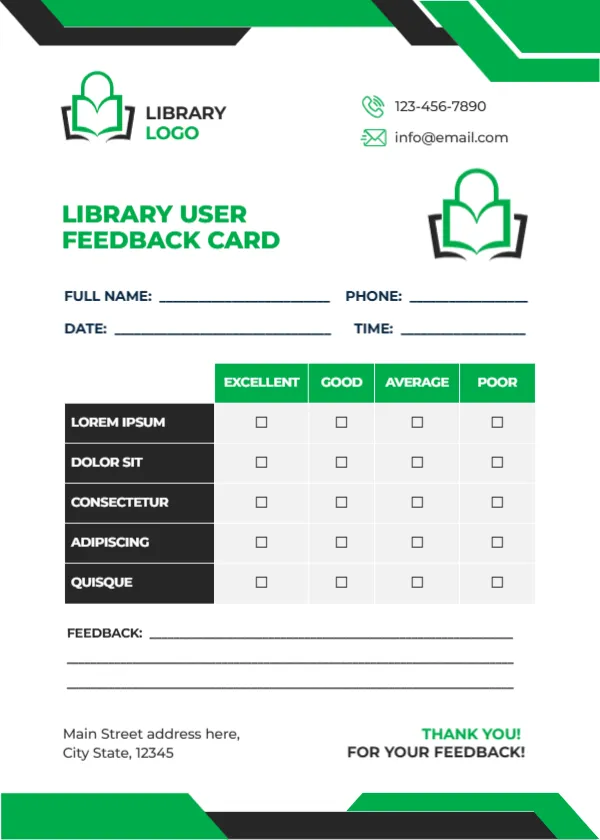
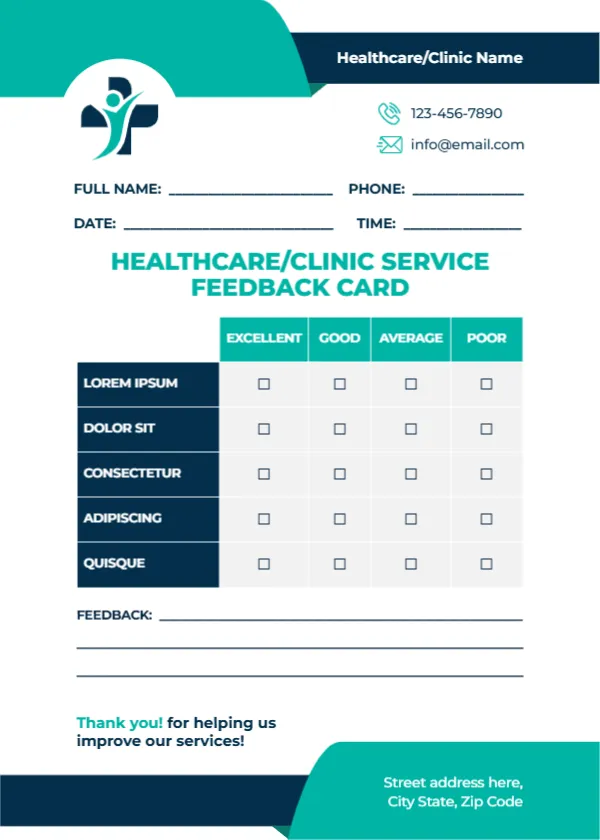
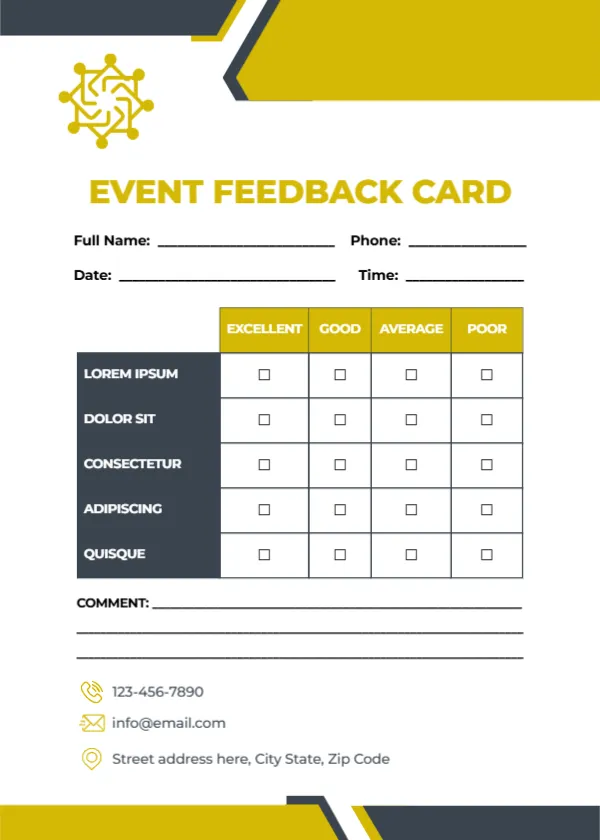
Similar designs include the library feedback card. Compare it with the event feedback card. You may also like the tour feedback card. The rest of the series around the museum blue columns design is in feedback and comment card templates.