Deep Green and Gold Swooshes for a Stock Option Grant
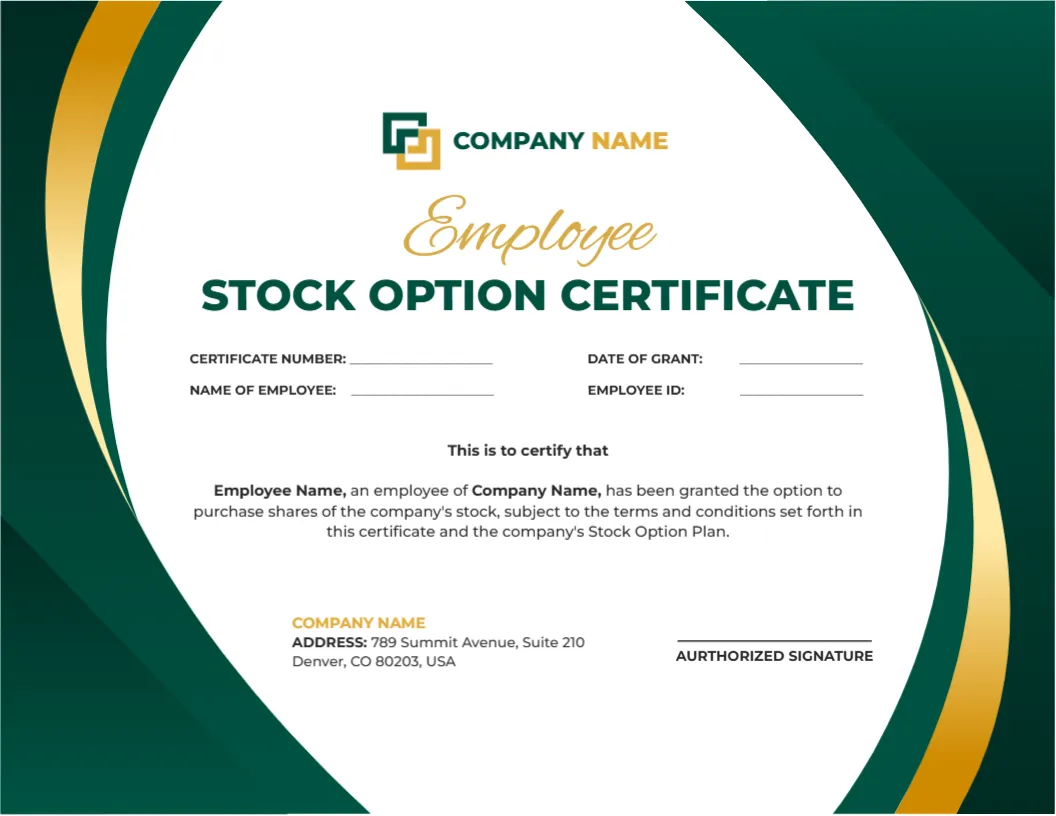
Deep green panels with gold swooshes curve down the sides of this landscape certificate. A logo and COMPANY NAME sit at the top, with Employee in gold script above STOCK OPTION CERTIFICATE in green capitals. Four fill in fields name the certificate number, grant date, employee and employee ID, followed by a short grant paragraph.
A Letter Landscape With Green Sides
The page is 11 x 8.5 inches. The green swooshes eat a little into the sides, so keep added text inside the white oval in the centre, which narrows slightly near the top and bottom.
Employee Fields and the Grant Paragraph
Fill CERTIFICATE NUMBER, DATE OF GRANT, NAME OF EMPLOYEE and EMPLOYEE ID. Replace Employee Name and Company Name in the paragraph, and correct AURTHORIZED to AUTHORIZED beside the signature line before printing.
Preparing the Option Certificate
- Swap the logo.
- Fill the four fields.
- Edit the grant paragraph.
- Fix AURTHORIZED.
- Sign and file.
A Record of an Option Grant
A stock option certificate is a summary of a grant and its key details, such as the date and the employee. The real terms live in the option plan and the grant agreement, which should match the certificate.
Not Legal or Tax Advice
The wording is sample text and the template gives no legal or tax advice. Options involve securities and tax rules that vary by country, so involve a lawyer and an accountant before you issue grants.
Green for Growth
Green and gold suggest growth and reward, which suits an equity grant to staff. The page feels warmer than a navy and blue financial layout, which can help morale.
The Employee ID Field
The Employee ID lets human resources match the grant to payroll records. Use the same format as in your HR system, so the certificate and the system never disagree.
Keeping the Paragraph Short
The grant paragraph is brief and refers to the plan. Leave detail to the plan documents, so that the certificate stays a one page summary that employees can read at a glance.
Secure Handling of Grants
Grant details are private, so hand over certificates in a sealed envelope or through a protected portal. Store a copy in the employee file with limited access.
Explaining the Grant to Staff
Offer a short meeting or a written guide when you hand out grants. Employees often need time to understand vesting and exercise, and clear help prevents confusion.
Step by Step Editing of the Employee Stock Option Certificate Green Gold Design
- On the employee stock option certificate green gold design, click the main headline and type your own words, keeping a similar length.
- Retype every name, date and contact line on the employee stock option certificate green gold design, checking each against a trusted source.
- Search the employee stock option certificate green gold design for the words Lorem and Company so that no placeholder remains.
- Click any logo or photo on the employee stock option certificate green gold design, choose Replace Image and resize the new picture to fit.
- Zoom the employee stock option certificate green gold design to full size and read each line aloud before you save it.
- Keep a clean master of the employee stock option certificate green gold design without private details, so later versions start tidy.
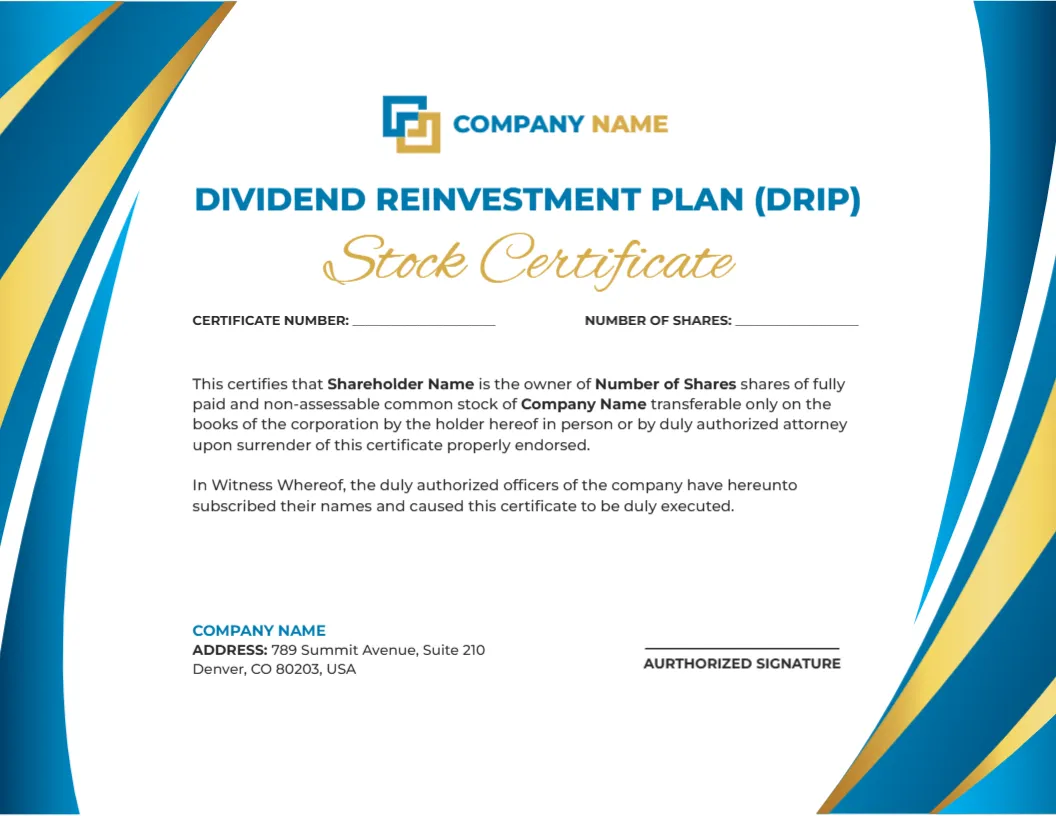
A related layout is the dividend reinvestment certificate. Also worth a look: restricted stock certificate. Next to try is the employee certificate. Every employee stock option certificate green gold style alternative sits in certificate templates.