A Clean Launch Notice With Room for Product Photos
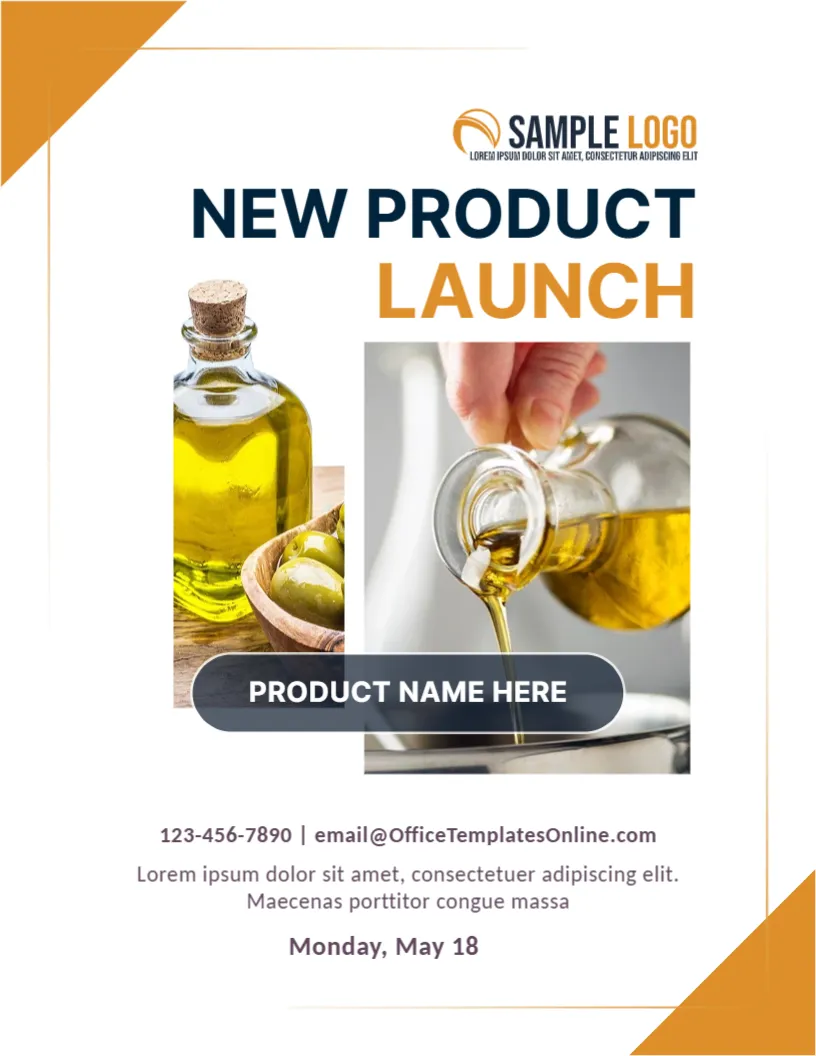
A product launch announcement should show the product and tell people when and how to buy it. This one has a white page, orange corner triangles and two overlapping photos, here a bottle of olive oil with olives and oil being poured. A dark label names the product, and the lines below give contacts and the date. It suits food, cosmetics, gadgets and any small product that needs a simple announcement.
Two Photos and a Name Tag
The page is 8.5 x 11 inches, portrait, one page. A SAMPLE LOGO sits at the top right, with NEW PRODUCT in dark navy and LAUNCH in orange beneath. Two photos overlap at the centre. A rounded dark label across them reads PRODUCT NAME HERE. Orange triangles close the upper left and lower right corners. The fonts are Inter and Carlito.
Contacts, Description and Launch Date
Under the photos, 123-456-7890 | [email protected] appears in grey, followed by two lines of placeholder text and the date Monday, May 18. Replace them with a short description of the product, such as cold pressed extra virgin olive oil from our family farm, and a launch date with a year. Add where to buy and any launch offer.
What a Launch Announcement Should Say
- Product name and what it is.
- The main benefit in one sentence.
- Launch date and where to buy.
- Price or an introductory offer.
- Contact for orders and press.
Photographing the Product Well
Use clean images with good light and a simple background. One picture should show the whole product, and one should show it in use. If you have one photo only, delete the second frame and enlarge the first.
Sending the Announcement to the Press
Local newspapers, bloggers and trade websites like a short announcement with a clear photo. Attach the design as a PDF and add two sentences in the email about why the product is new. Offer a sample for review.
Printing the Product Launch Page
Print on 120 gsm paper in colour. The photos need a colour printer to look appetising. Save a PDF for email and an image for social media.
Step by Step Editing of the Olive Oil Product Launch Design
- On the olive oil product launch design, click the main headline and type your own words, keeping a similar length.
- Retype every name, date and contact line on the olive oil product launch design, checking each against a trusted source.
- Search the olive oil product launch design for the words Lorem and Company so that no placeholder remains.
- Click any logo or photo on the olive oil product launch design, choose Replace Image and resize the new picture to fit.
- Zoom the olive oil product launch design to full size and read each line aloud before you save it.
- Keep a clean master of the olive oil product launch design without private details, so later versions start tidy.
Compare it with the product launch announcement post. You may also like the new service announcement post. For comparison, open the grand opening poster. Looking beyond the olive oil product launch design? See all announcements.