Introducing a Speaker With a Card That Shows Their Face
A well known speaker can sell tickets, so introduce them properly. This card shows the speaker in a round portrait framed by a bright yellow arc, like a pair of headphones, with the words Featured GUEST SPEAKER above. Below, the name, title, time and place stand out in white and yellow on navy. It suits conferences, webinars, campus talks and training sessions.
Round Portrait and Yellow Arc
The design is 600 x 800 pixels, portrait, one page. A deep navy page carries the faint outline of the word SPEAKER in the background. The portrait sits in a white ring with a thick yellow arch over it. The headline uses a yellow script for Featured and white capitals for GUEST SPEAKER.
Name, Title and Session Details
Michael Anderson is the name in big white type, followed by a yellow pill with AI Product Strategy Director. A yellow outlined box shows November 9, 2026 | 2:00 PM to 3:30 PM (EST). Location: New York Innovation Hub, USA, the line Join us for an insightful session on the future of AI! and Registration required, Limited seats available complete the card. Replace each with the real speaker, their role, the session and the registration method.
What to Say About a Speaker
- Full name and current role.
- One credential that matters to your audience.
- The session title or topic.
- Date, time and time zone.
- How to register.
Choosing a Strong Speaker Photo
Use a professional or high quality image, and ask the speaker to approve it. A photo in which the speaker is mid talk, as in the sample, gives a feel for their style. Crop so the face fills the circle.
Writing a Short Bio for the Caption
Add two or three sentences in the caption about the speaker’s background and what attendees will learn. Link to their profile. Readers decide to attend based on the value they expect.
Saving the Speaker Card
Create one card per speaker with the same layout, so the series looks consistent. Save images in the platform format, and share one card every few days in the weeks before the event.
Step by Step Editing of the Featured Guest Speaker Design
- On the featured guest speaker design, click the main headline and type your own words, keeping a similar length.
- Retype every name, date and contact line on the featured guest speaker design, checking each against a trusted source.
- Search the featured guest speaker design for the words Lorem and Company so that no placeholder remains.
- Click any logo or photo on the featured guest speaker design, choose Replace Image and resize the new picture to fit.
- Zoom the featured guest speaker design to full size and read each line aloud before you save it.
- Keep a clean master of the featured guest speaker design without private details, so later versions start tidy.
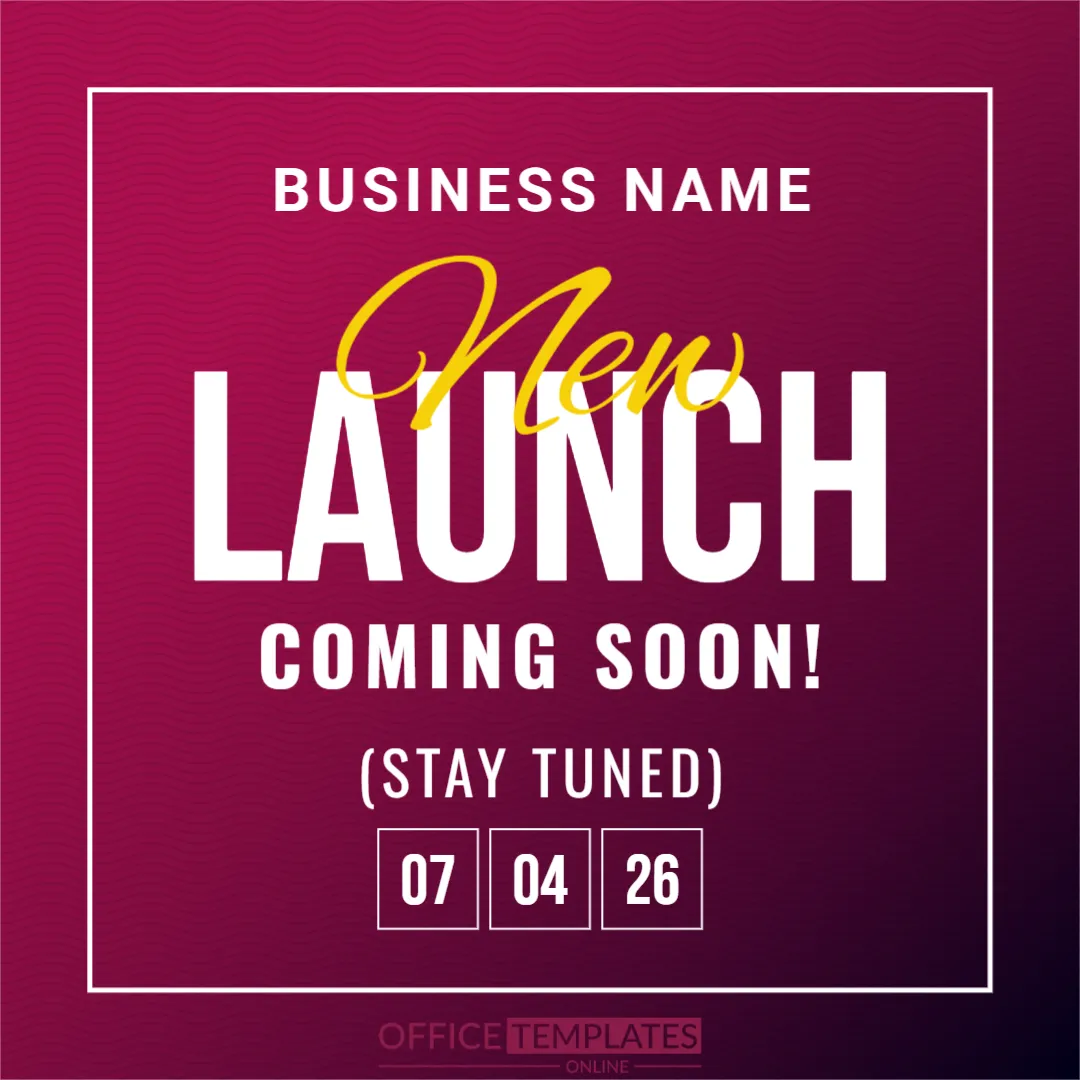
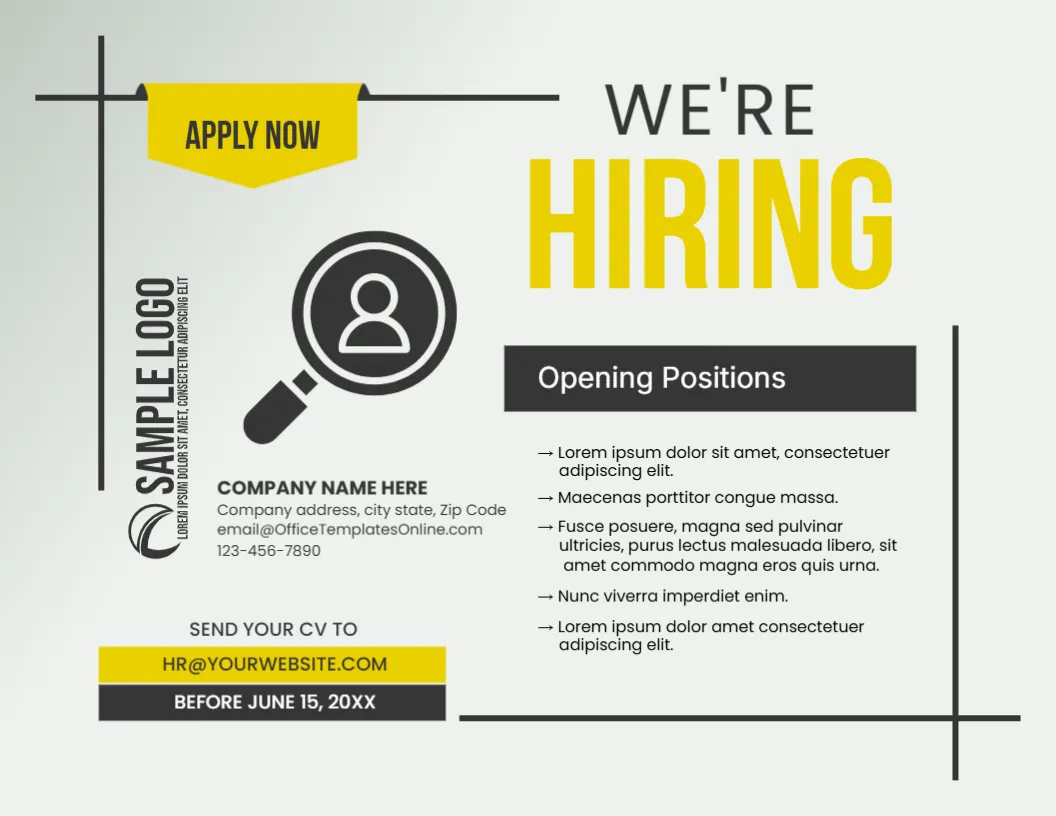
Compare it with the event launch announcement poster. You may also like the event reminder countdown. For comparison, open the employee promotion announcement. Looking beyond the featured guest speaker design? See all announcements.