Announce a Wedding With a Photo of the Two of You
A wedding announcement is more personal with a photograph. This design sets the couple in a heart shaped window against a rich brown damask pattern, with a peach ribbon that says We’re getting married. A script line for the names and a dark brown bar for the date make the information easy to read. It suits couples who want to share the news by post or online.
Heart Photo, Ribbon and Damask Pattern
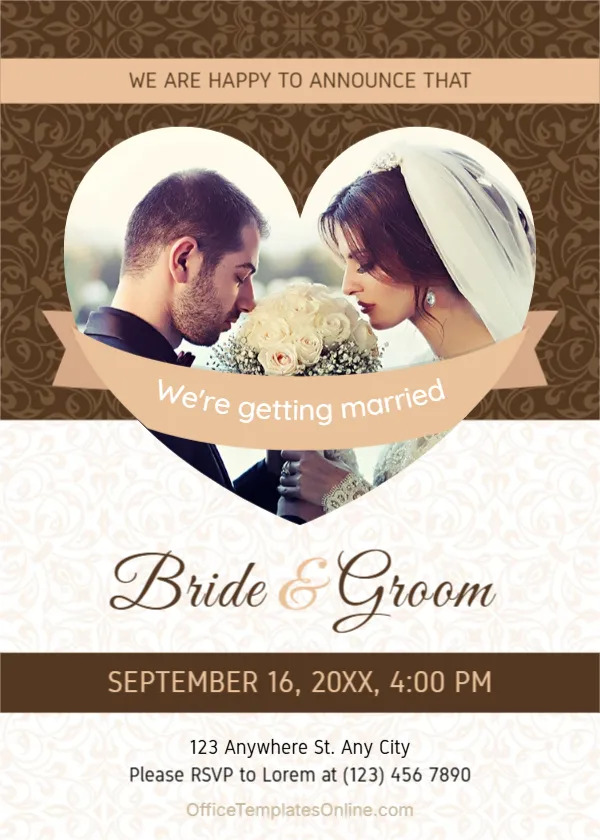
The page is 5 x 7 inches, portrait, one page. A peach band at the top reads WE ARE HAPPY TO ANNOUNCE THAT. Below it, a heart shaped photo of a bride and groom with white flowers sits over a brown ornamental pattern. A curved ribbon with white script crosses the heart. A cream floral pattern covers the lower half.
Names, Date and RSVP
Bride & Groom in dark script is the placeholder for the names. A brown bar shows SEPTEMBER 16, 20XX, 4:00 PM. Below, 123 Anywhere St. Any City and Please RSVP to Lorem at (123) 456 7890 give the place and the contact, and a faint web address sits at the foot. Replace the names with your own and the RSVP with a real name and number.
What a Wedding Announcement Often Includes
- The couple’s names.
- Date, time and city or venue.
- Whether a formal invitation will follow.
- An RSVP or contact.
- A gift or registry note, if you wish.
Picking the Right Couple Photo
Choose a warm, close photograph in which you both look relaxed. Vertical or square pictures fit the heart best. Make sure faces are in the central part of the heart, since the ribbon covers the lower middle.
Timing the Announcement
Send announcements as soon as the date is firm, and formal invitations six to eight weeks before the wedding. Guests from far away appreciate more notice.
Printing the Heart Announcement
Print on 250 gsm card with a matte finish for a keepsake. For digital use, save an image and add a personal note. Ask a friend to check names and dates.
Step by Step Editing of the Wedding Heart Photo Design
- On the wedding heart photo design, click the main headline and type your own words, keeping a similar length.
- Retype every name, date and contact line on the wedding heart photo design, checking each against a trusted source.
- Search the wedding heart photo design for the words Lorem and Company so that no placeholder remains.
- Click any logo or photo on the wedding heart photo design, choose Replace Image and resize the new picture to fit.
- Zoom the wedding heart photo design to full size and read each line aloud before you save it.
- Keep a clean master of the wedding heart photo design without private details, so later versions start tidy.
Adding Names Under the Photo
The script line Bride & Groom is only a placeholder. Type the real names in the same style, for example Priya & Daniel, and keep the ampersand in gold. If the names are long, reduce the size slightly so that they stay on one line.
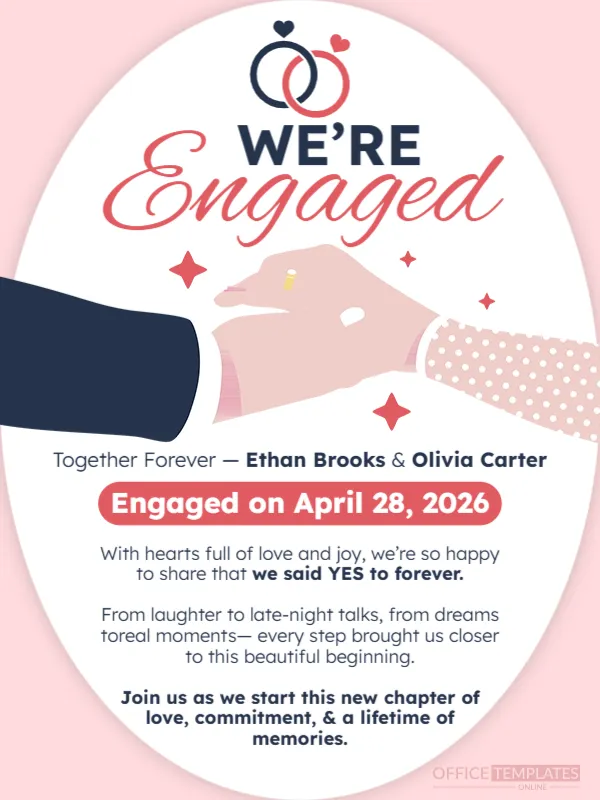
Similar designs include the wedding announcement template. Compare it with the elegant minimal wedding announcement. You may also like the engagement announcement. Find more designs next to the wedding heart photo design in announcements.