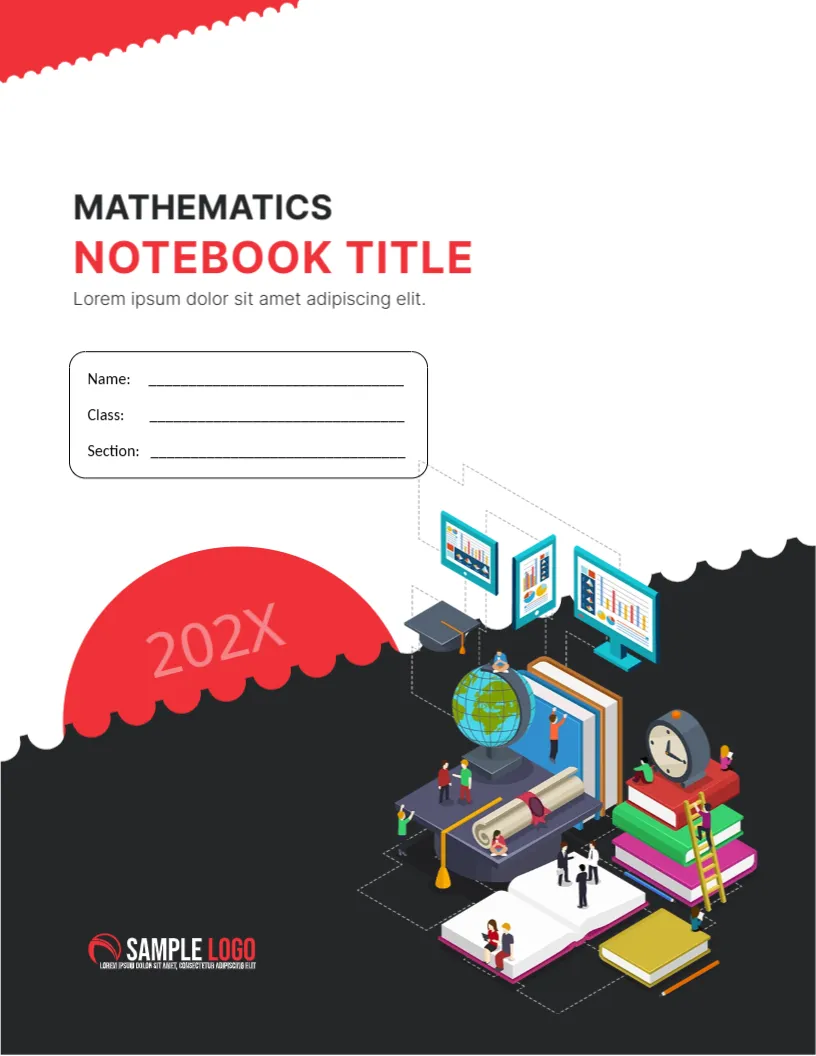
Books, Charts and a Globe on a Black Hill
An isometric scene of a giant open book, a globe, stacked books, a clock and little people with graphs on tablets sits on a scalloped black hill on this cover. The title says MATHEMATICS NOTEBOOK TITLE in black and red. It suits maths classes, tutoring and study guides.
Scalloped Red Edge and Black Hill
The page is 8.5 x 11 inches, portrait, one page. A red zigzag trim sits at the upper left. The name box is a rounded rectangle with Name, Class and Section lines. A red half circle holds 202X. The logo sits at the lower left in white.
Title and Subject Line
MATHEMATICS is in dark grey above NOTEBOOK TITLE in red. A short line of placeholder text follows. For another subject, change MATHEMATICS to Algebra, Geometry or Statistics, and keep NOTEBOOK TITLE for the specific unit. The illustration of charts suits data and statistics.
Making a Maths Notebook Set
- One cover per unit.
- Change the subject word.
- Use red for numbers and bold labels.
- Add a formula page inside.
- Print on 170 gsm.
Letter Size Notebook Covers
Letter size is common in the United States. For A4 countries use the A4 notebook cover in the same set. Printing on the wrong size can clip the zigzag.
Study Tips on the Back
Print a page of formulas or a times table on the back of the cover. Pupils often open the cover rather than the first page when they need a quick reminder.
Printing the Math Notebook Cover
Print in colour on 170 gsm. The black hill is heavy, so test a copy.
Step by Step Editing of the Math Notebook Letter Design
- On the math notebook letter design, click the main headline and type your own words, keeping a similar length.
- Retype every name, date and contact line on the math notebook letter design, checking each against a trusted source.
- Search the math notebook letter design for the words Lorem and Company so that no placeholder remains.
- Click any logo or photo on the math notebook letter design, choose Replace Image and resize the new picture to fit.
- Zoom the math notebook letter design to full size and read each line aloud before you save it.
- Keep a clean master of the math notebook letter design without private details, so later versions start tidy.
Setting Up a Maths Notebook
Divide the book into sections for notes, worked examples and homework. Number each page. Leave a margin for corrections, and glue a reference table on the inside cover.
Colour Coding Topics
Use a coloured tab for each topic, such as fractions, algebra and geometry. Colour makes revision faster, and students enjoy a tidy notebook.
Checking Work Before Handing In
Leave the last page of the notebook for a checklist: show every step, write units, and read the question again. A quick check at the end catches many careless errors.
Similar designs include the A4 notebook cover. Compare it with the academic notebook cover. You may also like the scientific notebook B5 cover. Looking beyond the math notebook letter design? See all cover pages.