Purchase Order Templates for Small Businesses and Suppliers
Part of: Business & Office
A purchase order protects both sides of a deal. It tells the supplier exactly what you want, at what price and by when, and it gives you a document to check the delivery against when the goods arrive.
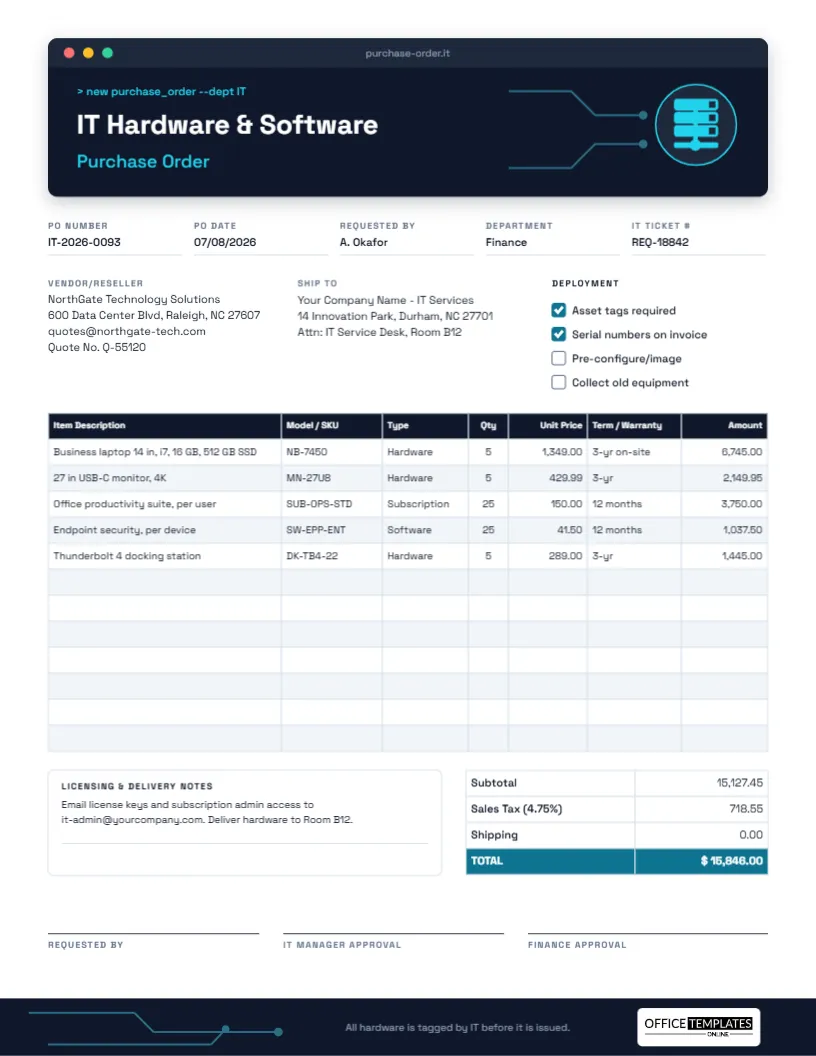
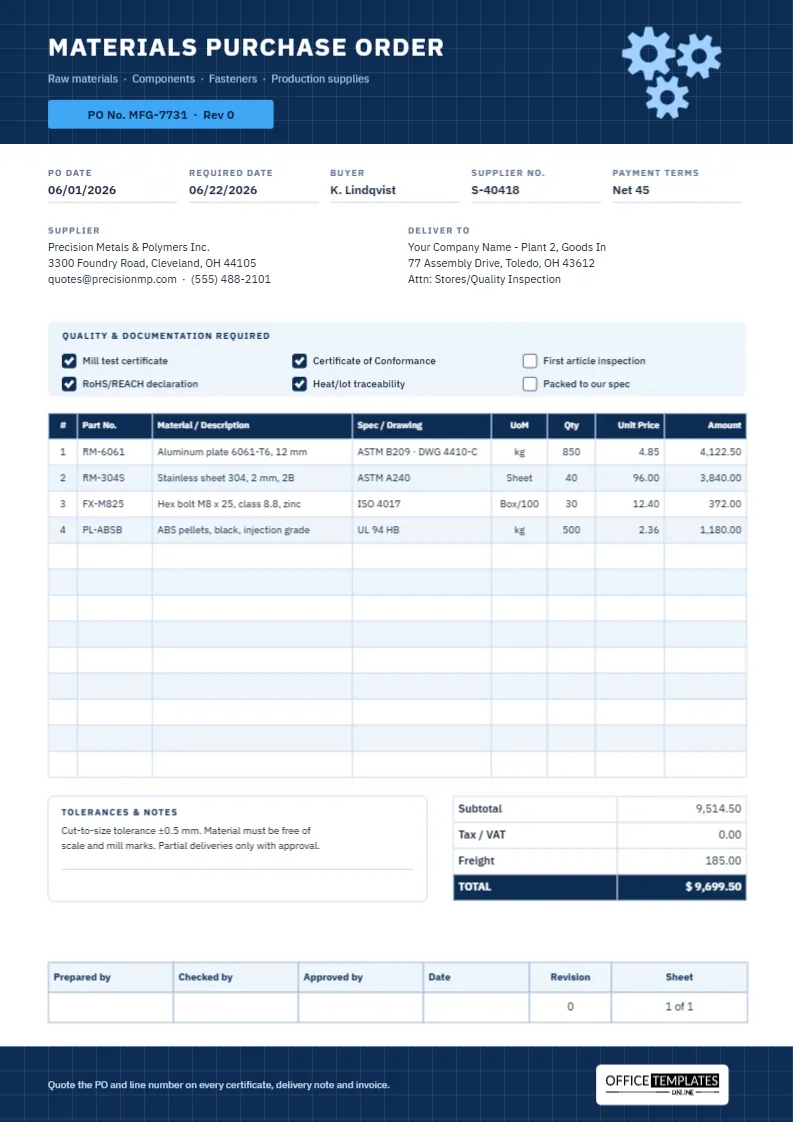
These editable purchase order templates cover simple orders and more specialized cases. Add your company details, list the items, then download a PDF, PNG or JPG ready to send to your supplier. Industry layouts help you include the details each trade needs.

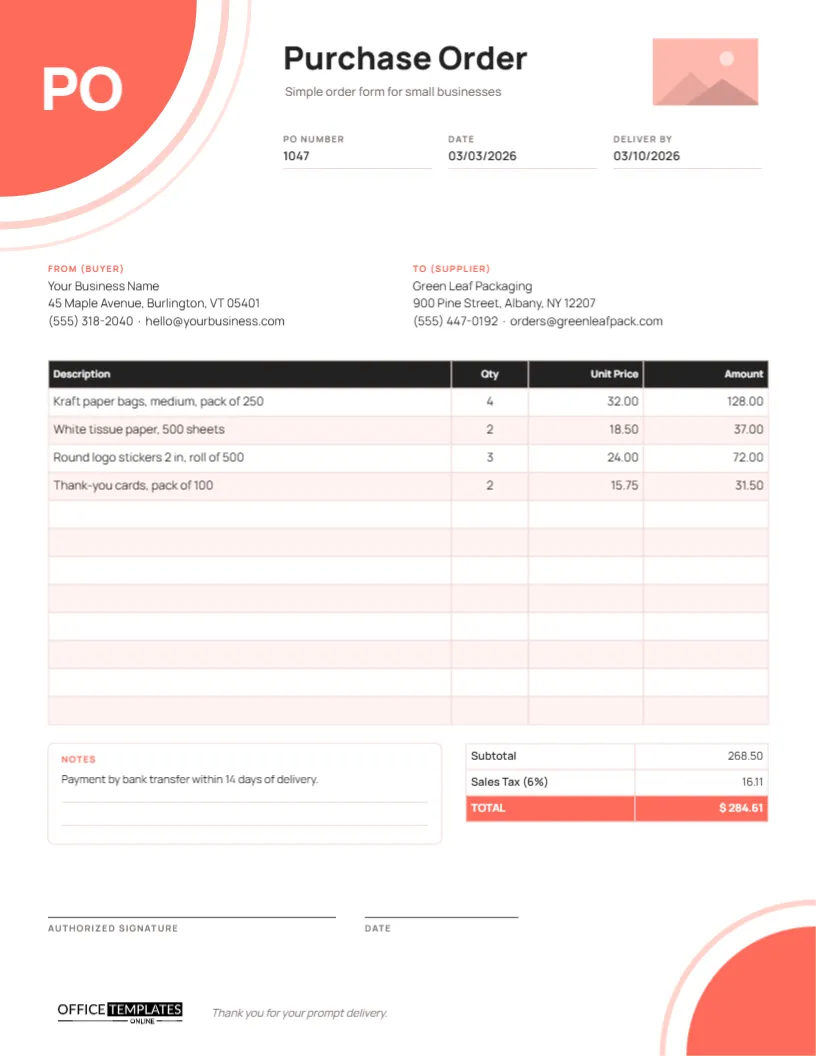
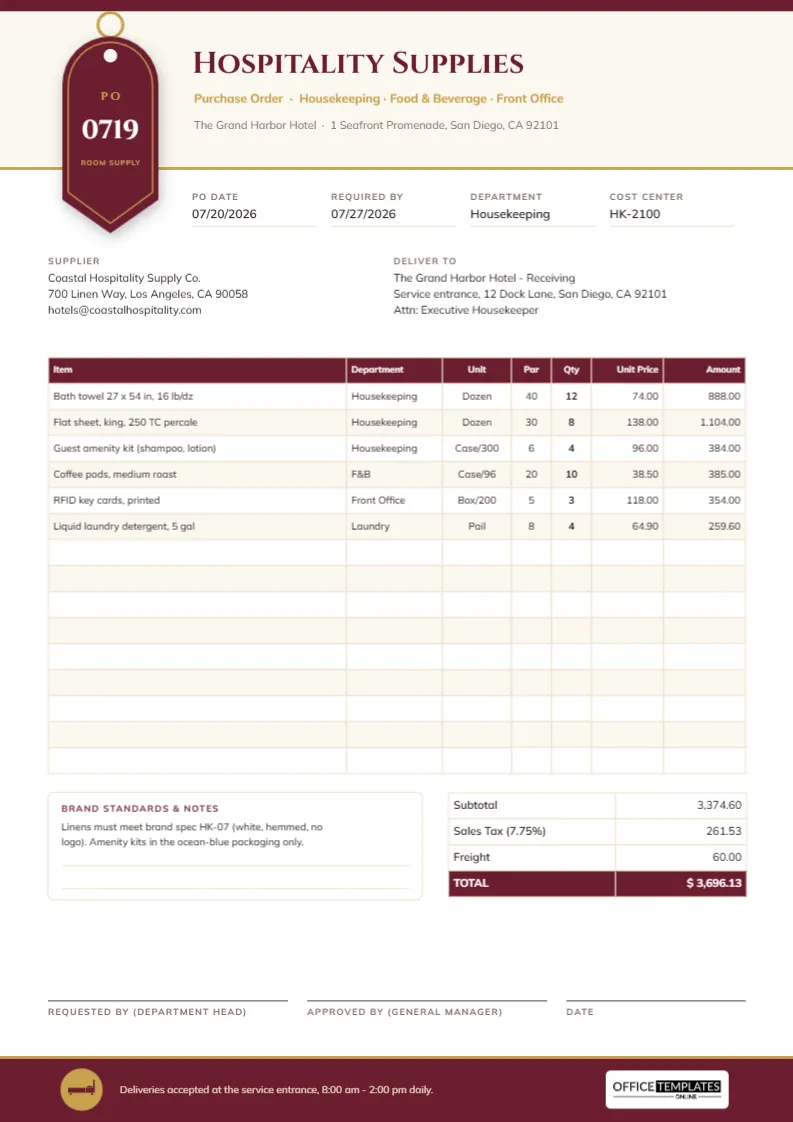
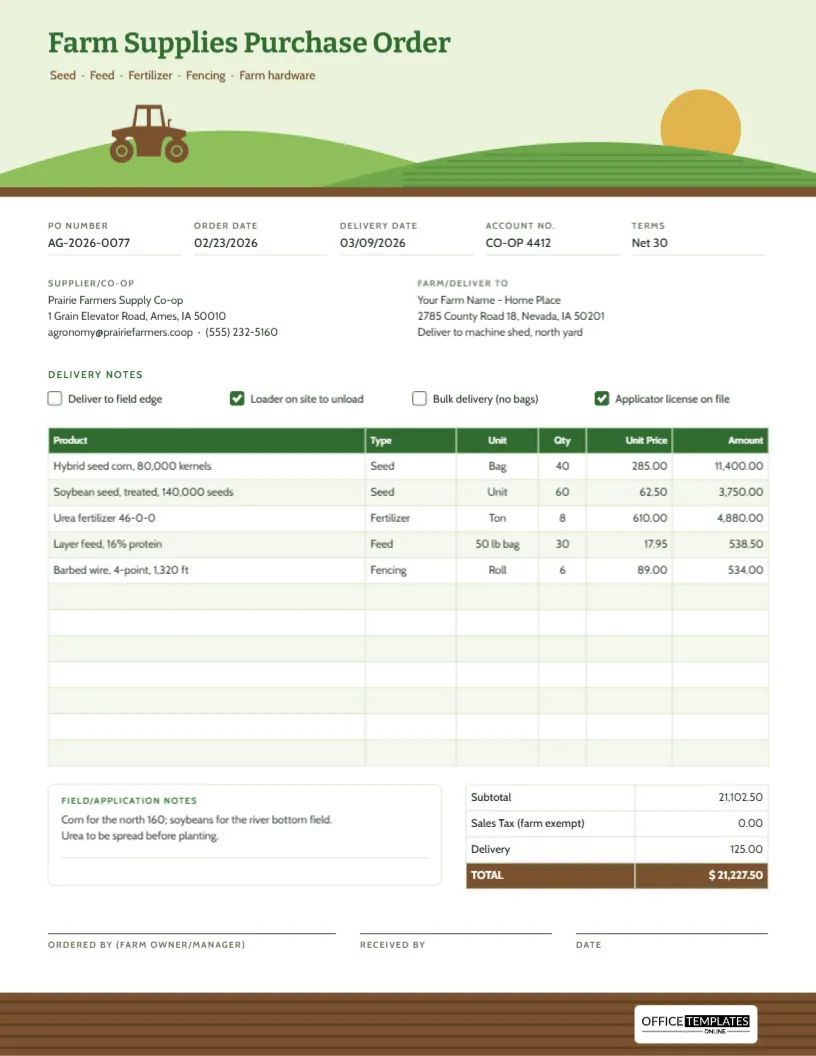
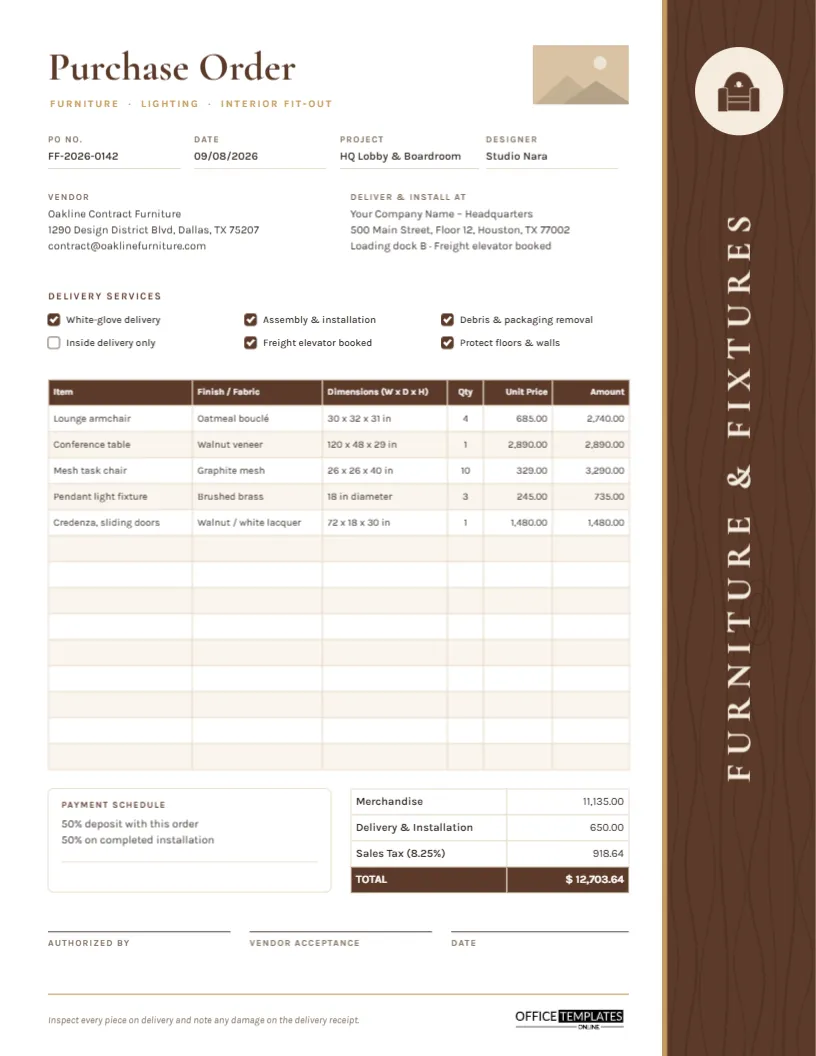
Types of Purchase Order Covered Here
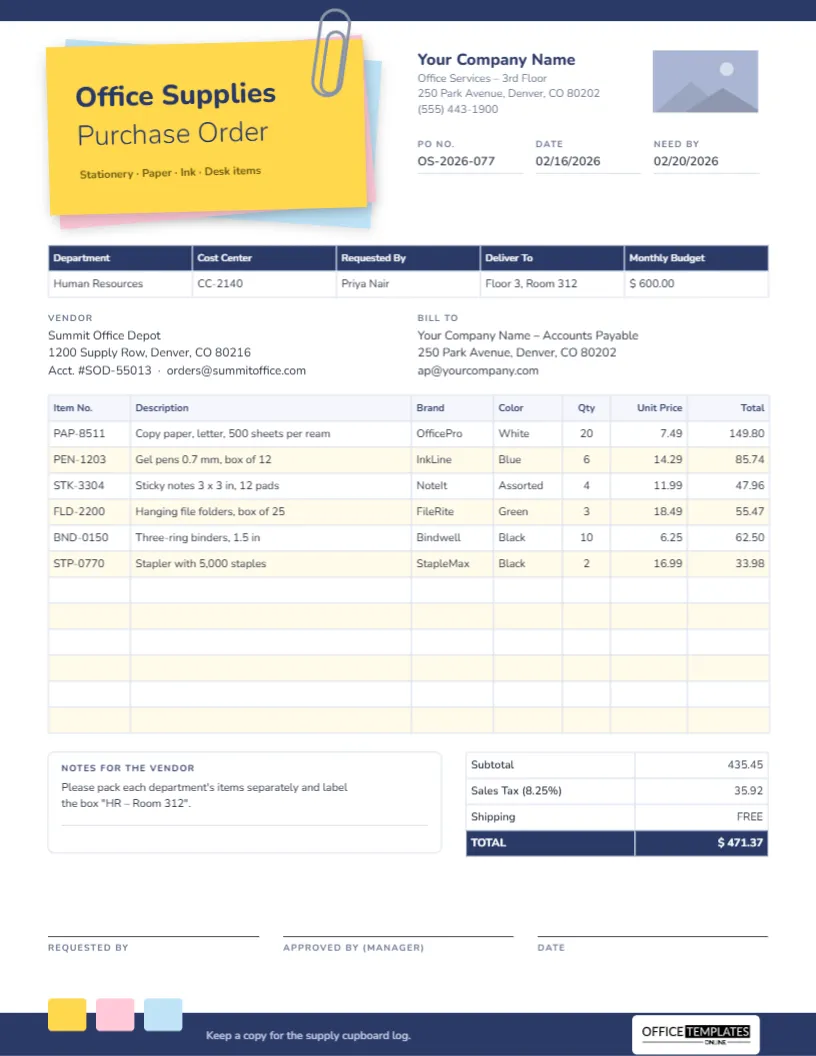
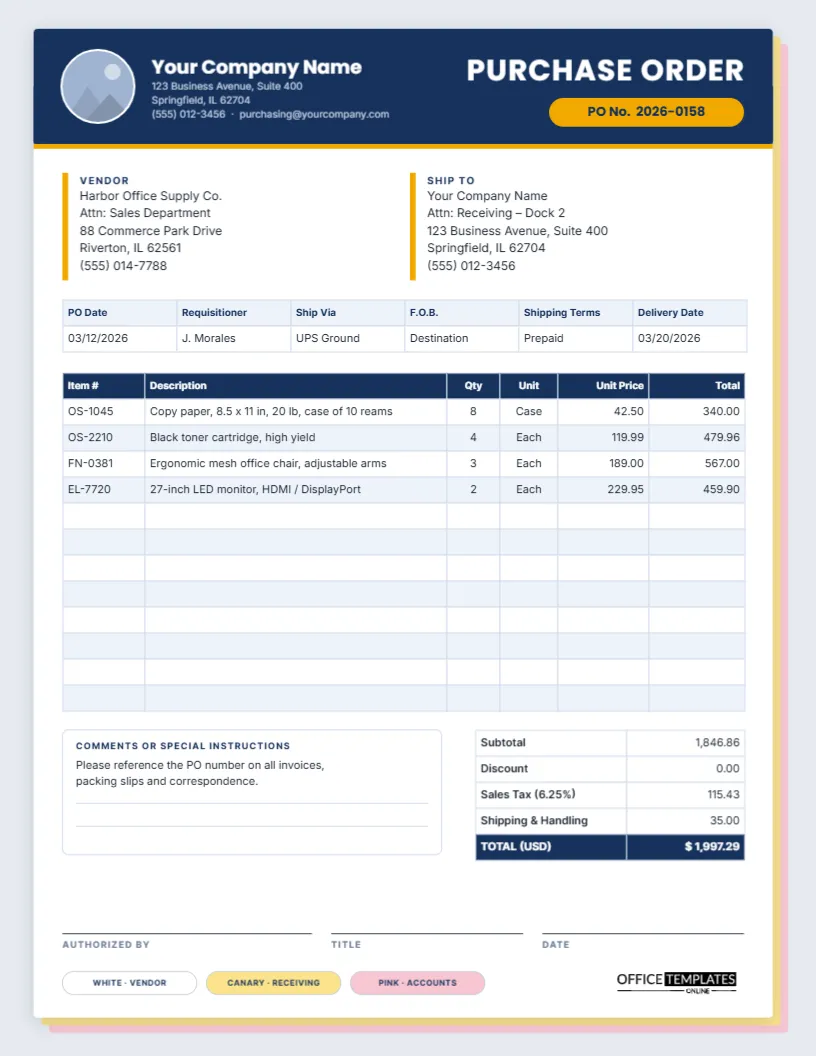
- Simple purchase order: for one-off orders in small businesses.
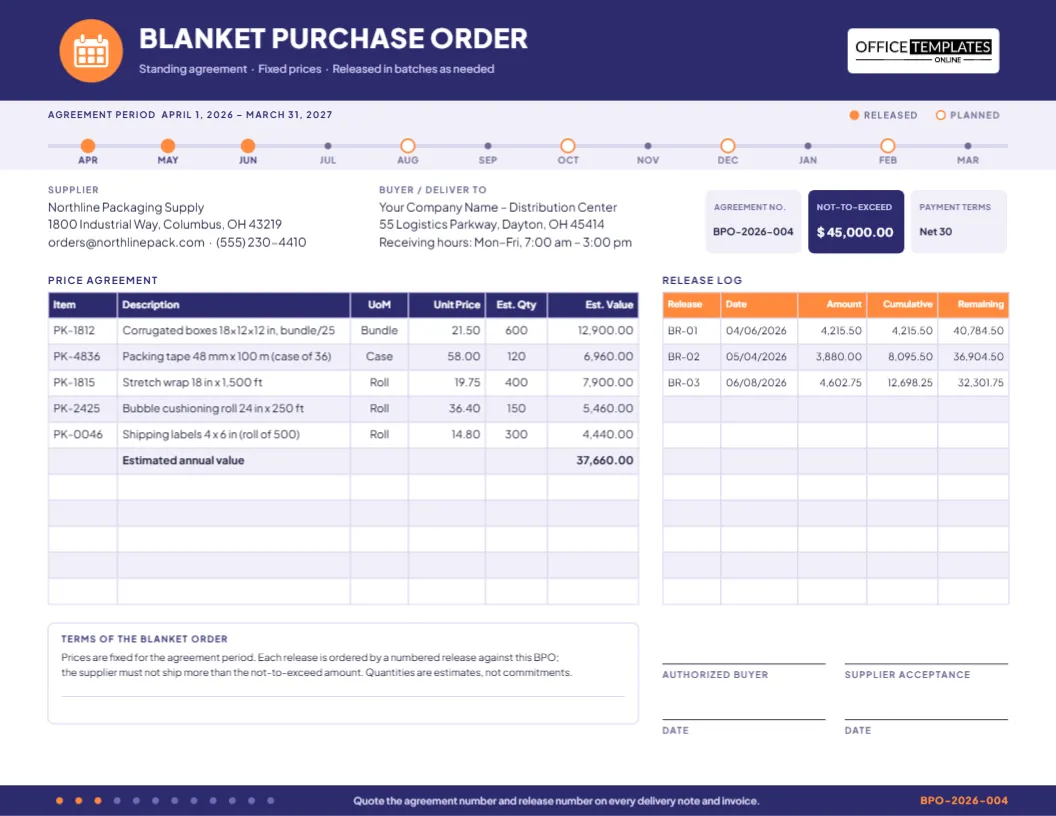
- Blanket purchase order: a standing agreement for repeat purchases over a period.
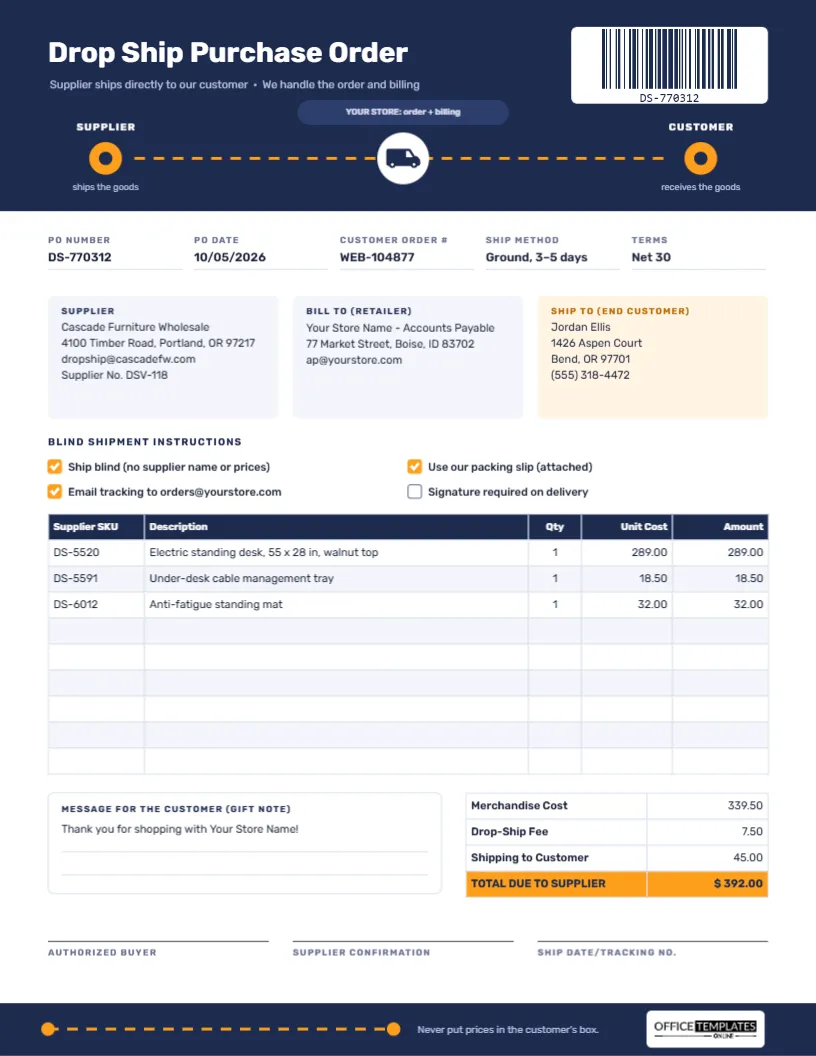
- Drop ship purchase order: when the supplier sends goods straight to your customer.
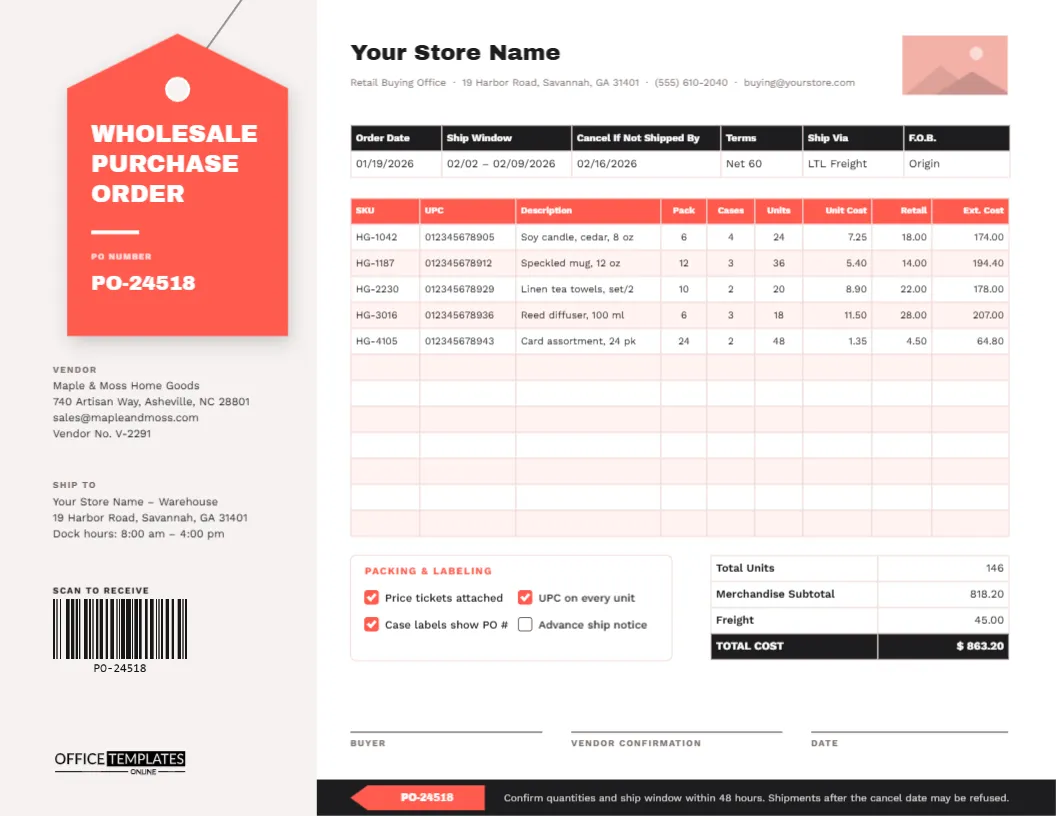
- Wholesale purchase order: for larger quantities with volume terms.
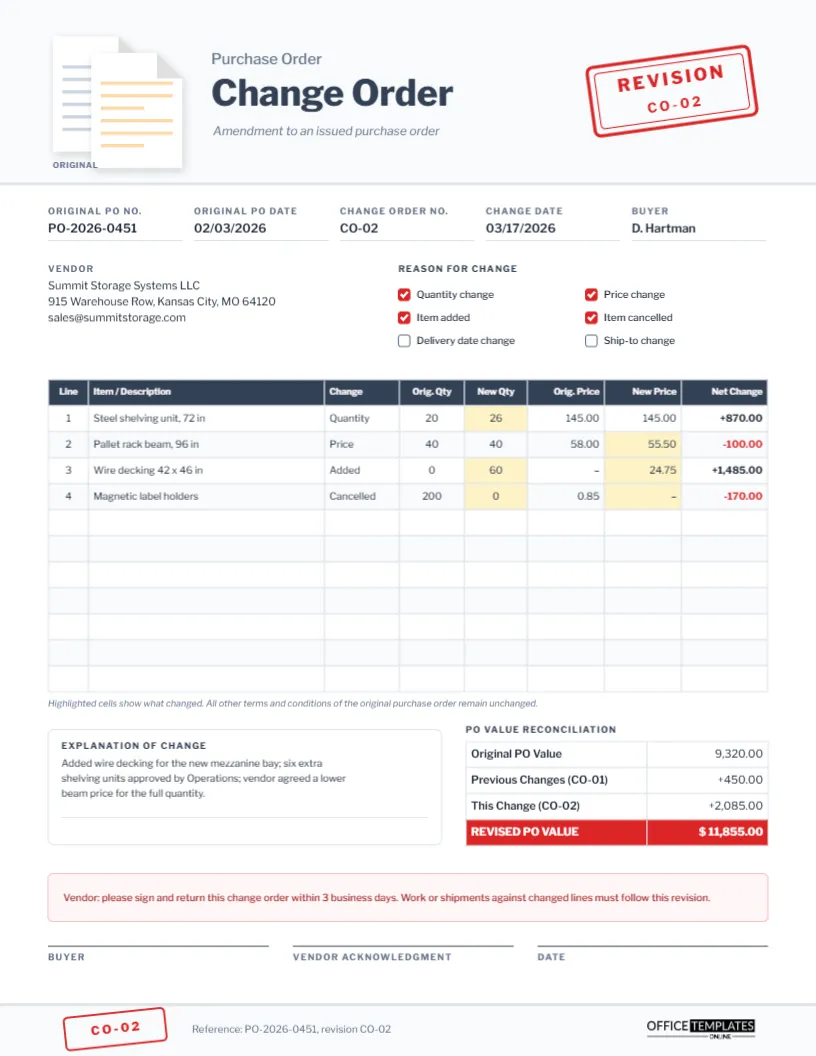
- Change order: to adjust quantities, prices or dates on an existing order.
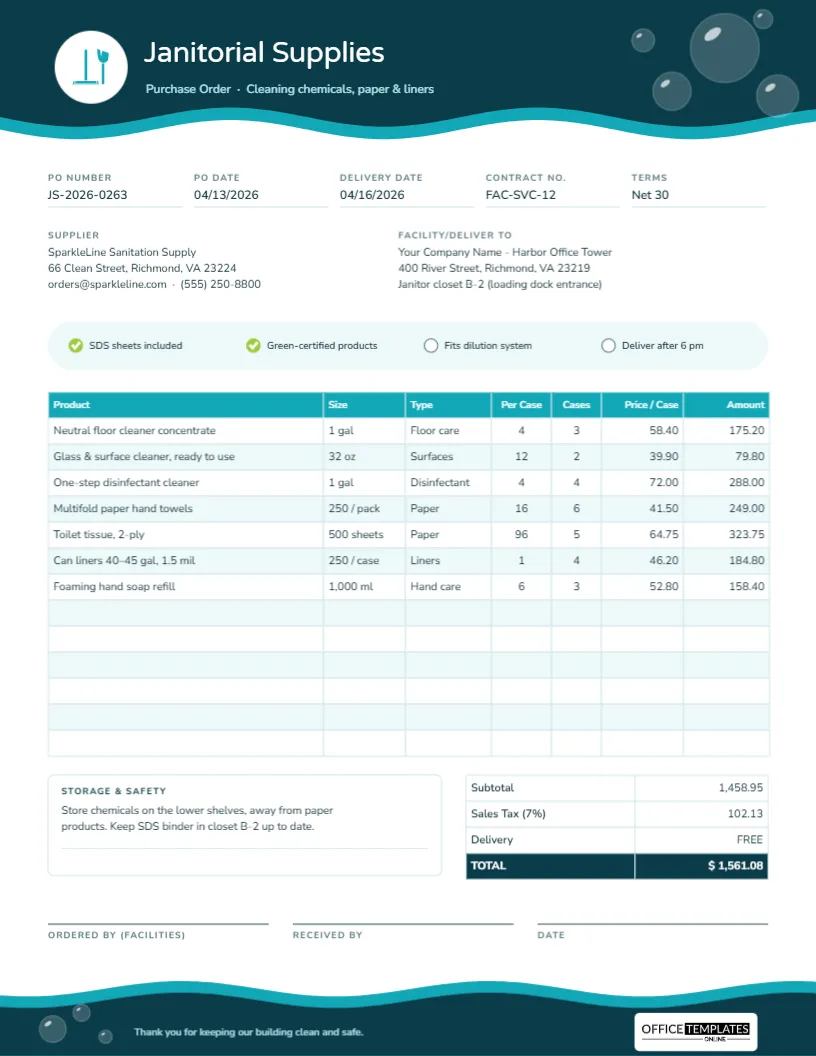
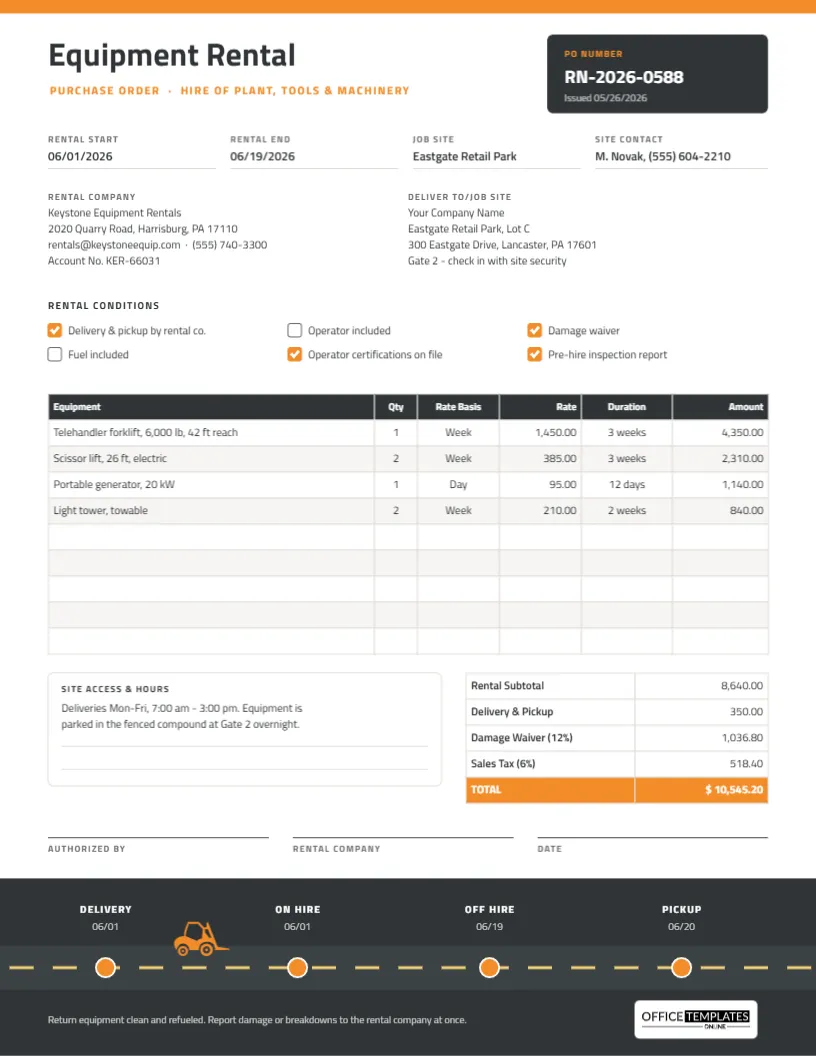
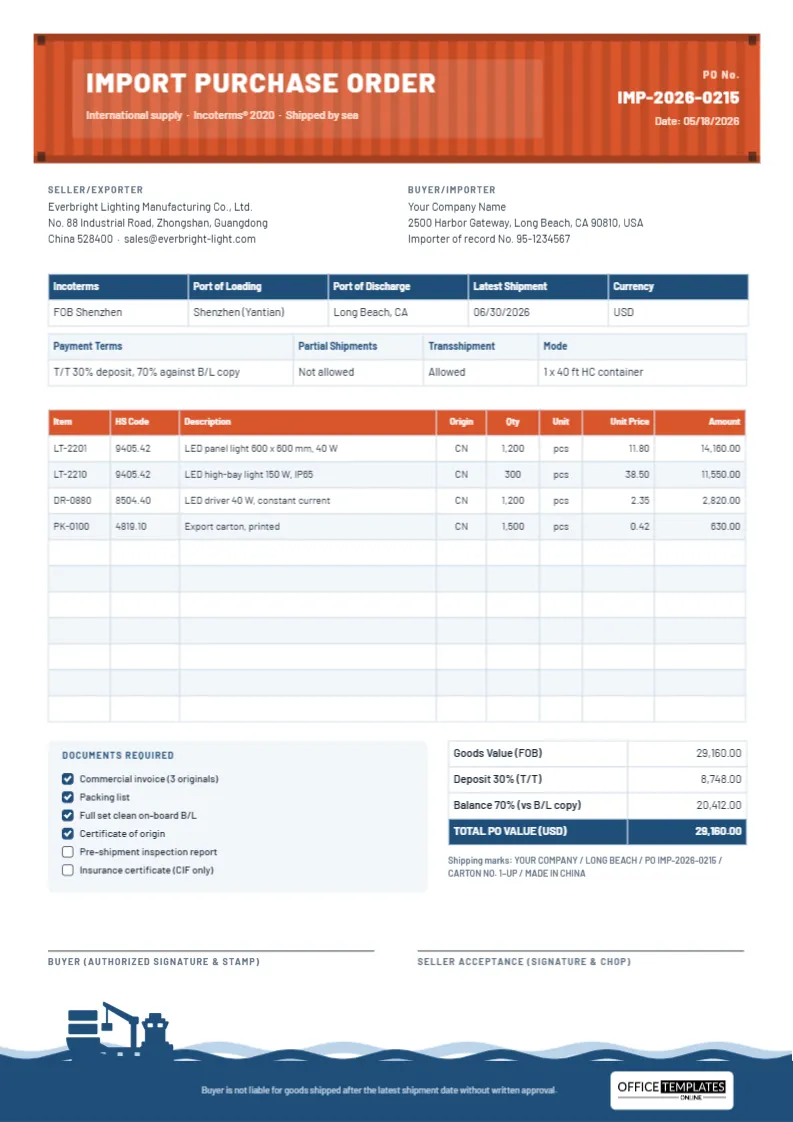
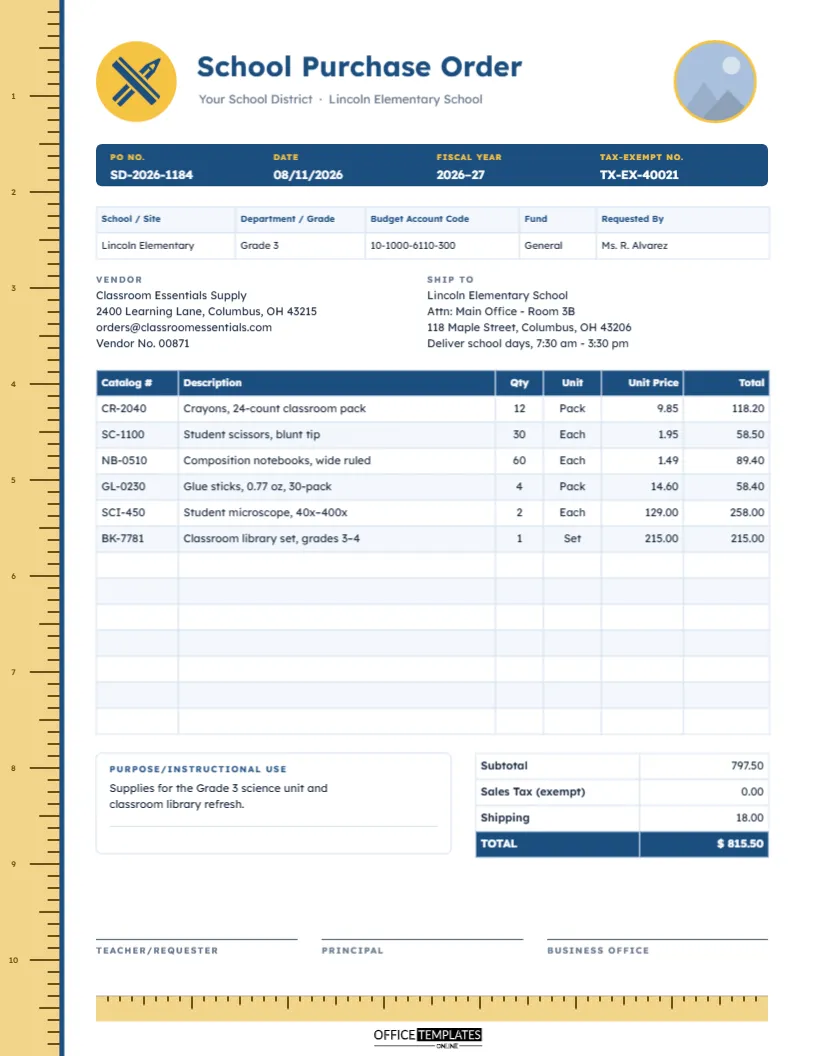
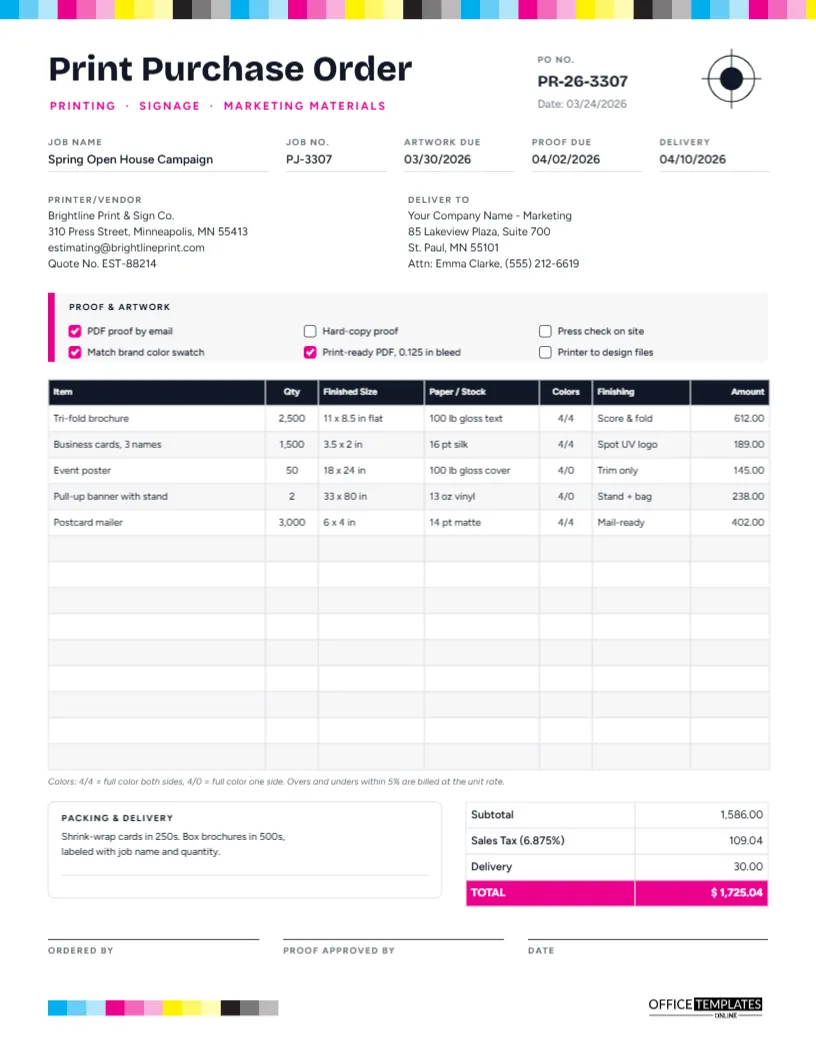
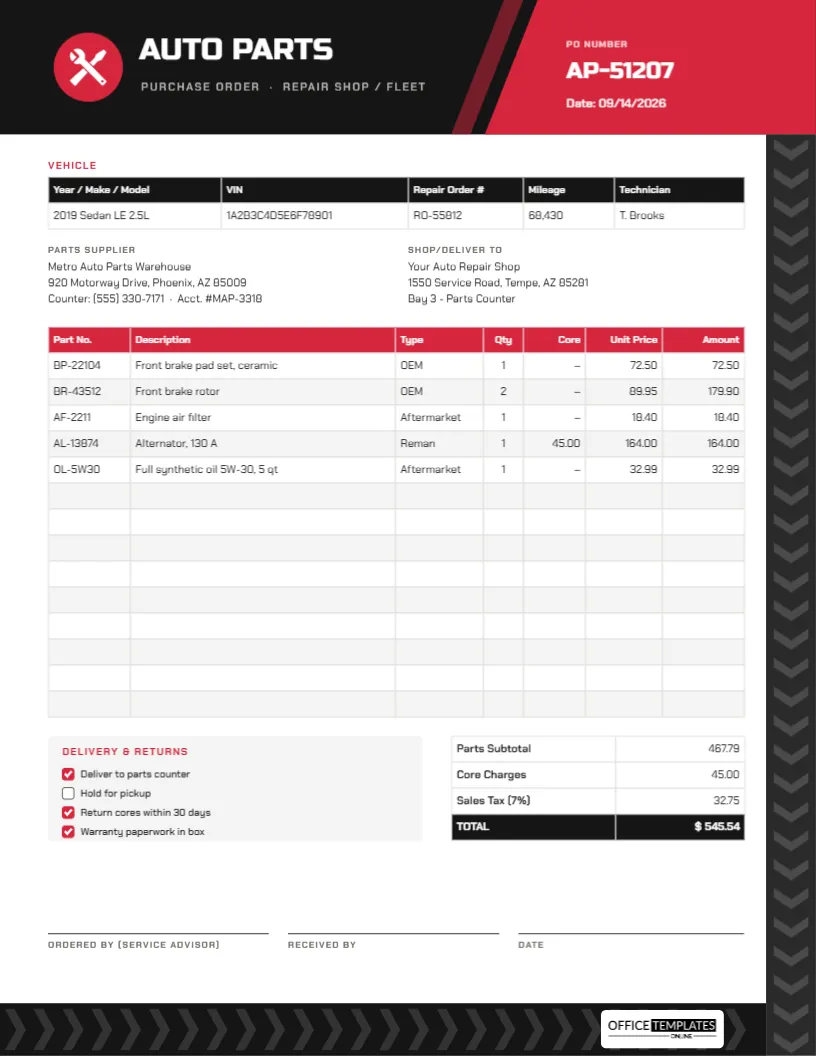
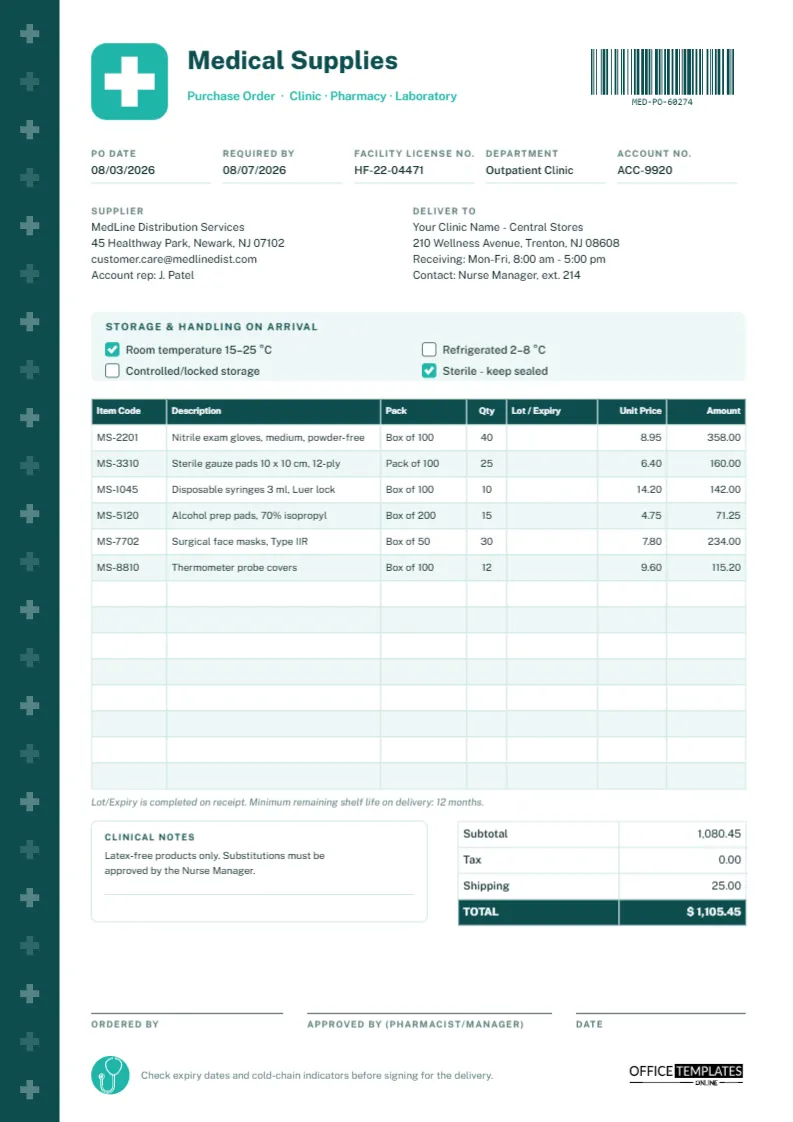
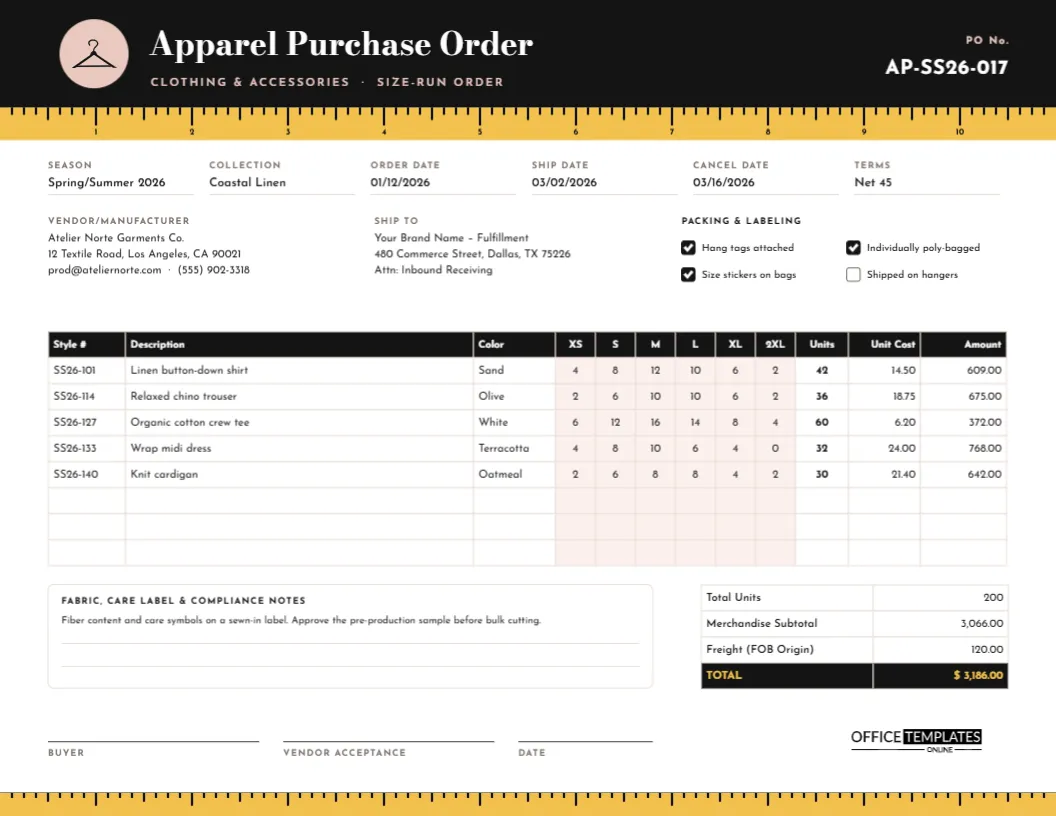
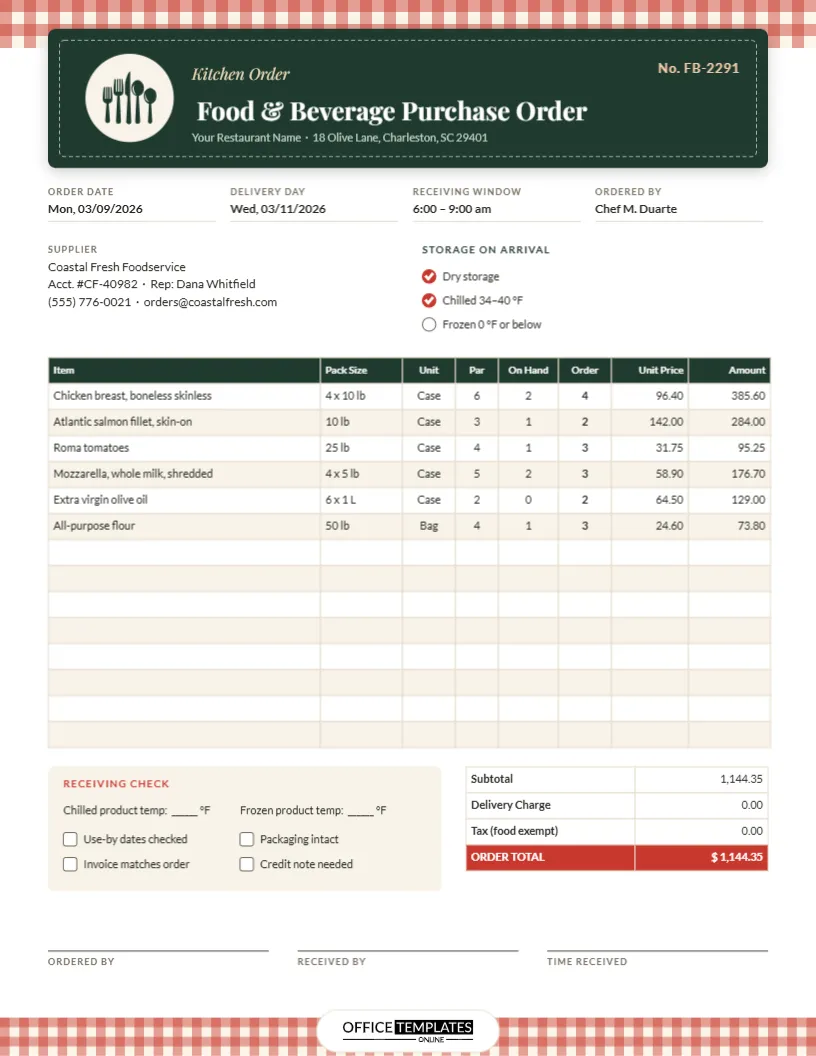
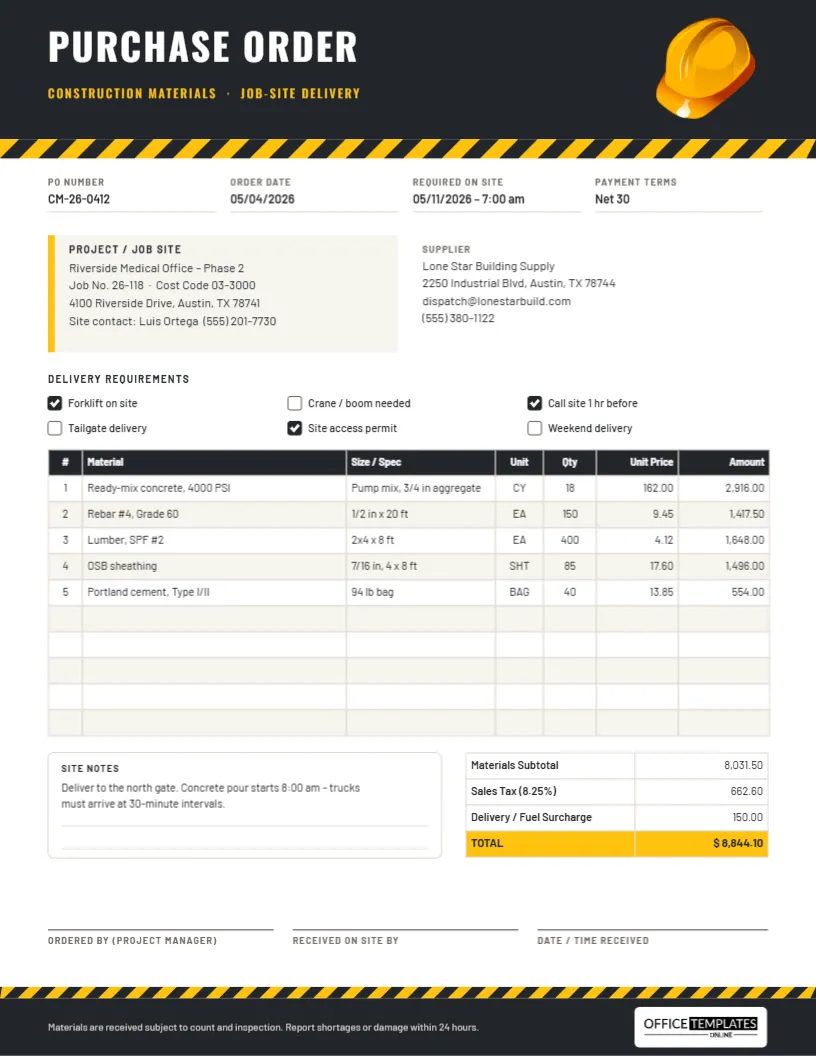
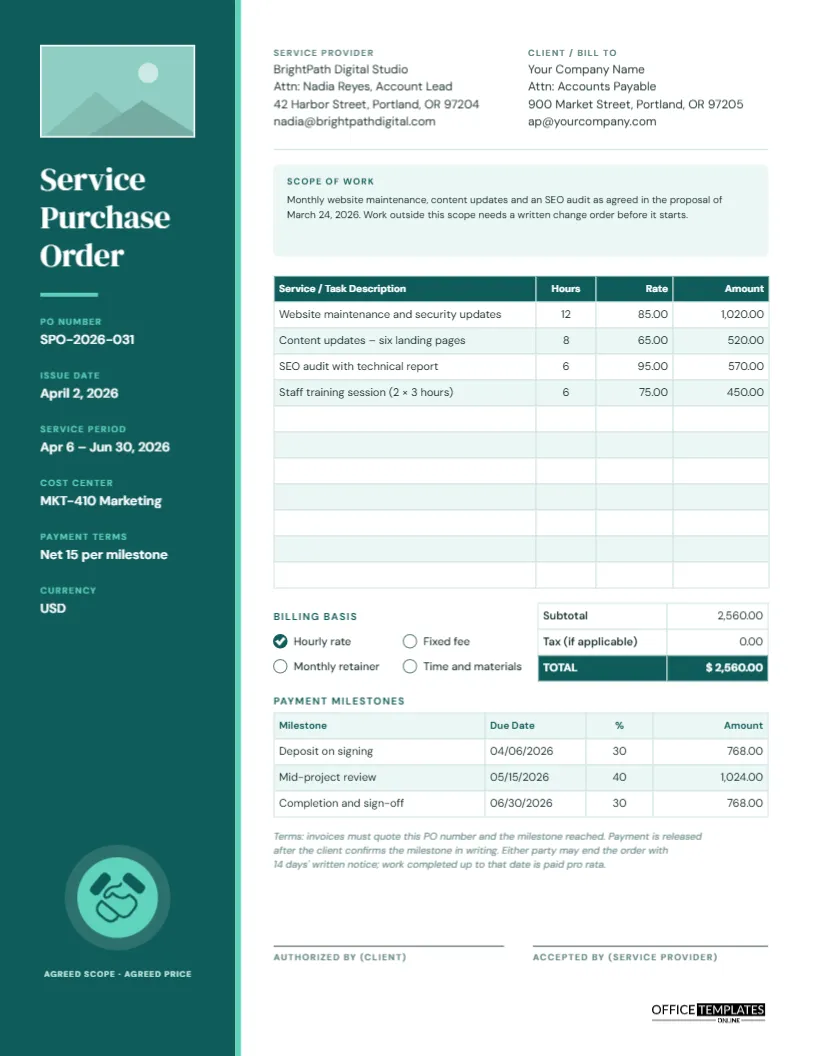
- Industry versions: apparel, furniture and fixtures, medical supplies, auto parts, hospitality, restaurant, janitorial and equipment rental.
- Farm produce vouchers: with a weighbridge and grading table.
Follow the Flow of an Order
- You send the purchase order to the supplier.
- The supplier confirms the order and the delivery date.
- The goods arrive and you check them against the order.
- The supplier sends an invoice, and you match it to the order.
- You approve the payment, ideally with a payment voucher.
Fields That Prevent Misunderstandings
| Field | Why it matters |
|---|---|
| PO number | Lets both sides refer to the same order |
| Item description and quantity | Avoids wrong or partial deliveries |
| Unit price and total | Agrees the cost before work starts |
| Delivery address and date | Sets expectations for logistics |
| Payment terms | Clarifies when and how you will pay |
| Authorized signature | Shows the order is approved |
Practical Advice
Never place an order by phone without following it up in writing. If prices change, issue a change order rather than editing the original. Keep copies together with delivery notes and invoices, so you can resolve a dispute by laying three documents side by side.
For the rest of your finance paperwork, visit business and finance templates.
A Filled-In Example
A restaurant ordering supplies might use a purchase order with the following details: PO number 2025-014, supplier Fresh Valley Produce, delivery to the restaurant's back door by 8 a.m. on Friday, payment terms net 30 days. The items table would list tomatoes, onions and lettuce with quantity, unit and price, and a total at the bottom. The order is signed by the manager and sent by email as a PDF.
| Item | Quantity | Unit price | Line total |
|---|---|---|---|
| Tomatoes, 10 kg box | 4 | 18.00 | 72.00 |
| Onions, 5 kg bag | 6 | 7.50 | 45.00 |
| Lettuce, case of 12 | 3 | 14.00 | 42.00 |
Purchase Order, Quote and Invoice: Who Sends What
The supplier sends a quote describing what they can offer and at what price. You answer with a purchase order, which confirms what you want to buy. After delivery, the supplier sends an invoice asking for payment. Keeping the three in order, and matching them line by line, protects you from paying for items you did not receive.
Choosing the Right Template for Your Industry
- Restaurants and hospitality need weight, unit and delivery time slots.
- Medical supplies need batch numbers and expiry dates.
- Apparel orders need sizes, colors and style codes.
- Auto parts orders need part numbers and fitment notes.
- Equipment rental orders need start and end dates and a deposit.
- Farm produce purchases benefit from weighbridge and grading details.
Controls for Growing Businesses
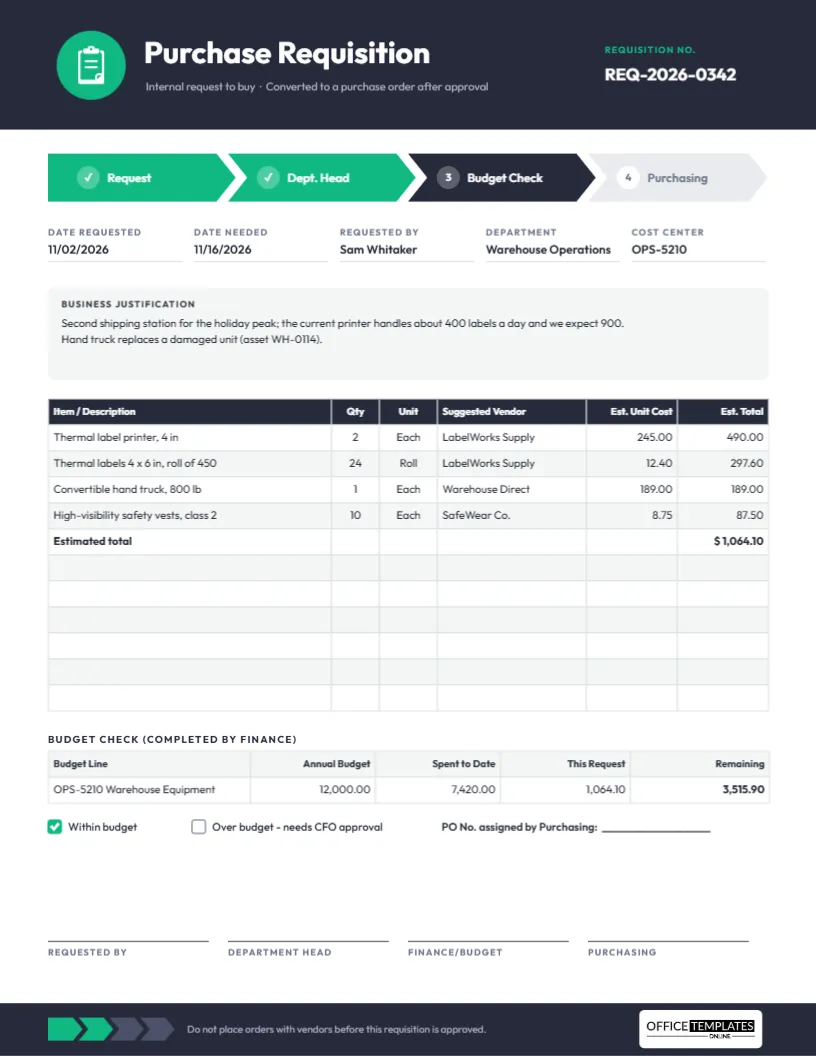
As order values rise, add simple controls. Set an approval limit for each person, number every order and keep a log of open orders. Review the log weekly to chase late deliveries. If a supplier changes prices or quantities, record it with a change order rather than editing the original document, so you keep a clear history.
Sending and Storing Orders
Download the PDF and send it by email, keeping the sent message as proof. Save a copy in a folder named by supplier and year. When goods arrive, write the date received on your copy and attach the delivery note, so the file is complete when the invoice comes in.
Purchase Order FAQs
Is a purchase order a legal contract?
Once a supplier accepts it, a purchase order usually forms part of a binding agreement. Check the terms with your own advisor if the order is large.
Can I add a logo and terms?
Yes. Add your logo and any terms and conditions in the editor.
Do I need a PO number?
It is strongly recommended. A number helps both sides find the order and prevents duplicates.
What is a blanket purchase order?
It is an agreement to buy goods repeatedly from a supplier over a period, at agreed prices, without a new order for each delivery.
What should I include in a purchase order?
PO number, supplier details, itemized goods or services, prices, delivery address and date, payment terms and an authorized signature.
Do I need a purchase order for small purchases?
It is good practice for any recurring or significant purchase. For small one-off items, a simple order or an invoice may be enough.
How should I handle price changes after an order?
Issue a change order that references the original PO number, so both sides have a written record.
Can I add terms and conditions to the order?
Yes. Add a short block of terms at the bottom, such as payment period, delivery rules and returns policy.
Explore Related Categories
Business and office templates for the documents every team needs, from letterheads, business cards and envelopes to cover pages, price lists, purchase…
Professional letterhead templates help businesses, organizations, consultants, and professionals maintain a consistent brand image across official correspondence. A well-designed letterhead enhances credibility…
Cover page templates for business reports, project proposals, marketing plans, research papers, case studies and portfolios. Add the title, company and date,…
Business card templates help professionals create a strong first impression when networking, meeting clients, and promoting their services. Our editable business card…
Cover page templates help students, professionals, researchers, and businesses create polished front pages for reports, assignments, proposals, presentations, portfolios, and academic projects.…
Fact sheet templates for products, programs, funds, venues, safety information, biographies and school projects. Put the key numbers, dates and details on…
Assignment cover page templates for subjects such as law, psychology, economics, physics, computer science, philosophy and environmental science. Add your course, name,…
Holiday and seasonal templates for every date on the calendar, from Eid and Mother's Day to Halloween, Independence Day, Labor Day and…
Card and invitation templates for the moments people remember, including birthdays, parties, get well wishes, condolences, announcements, gift tags and event tickets.…
Certificate, ID card and voucher templates for schools, businesses, clubs and events. Create award and employment certificates, student and staff ID cards,…
Marketing and promotion templates for small businesses, shops and teams, including flyers, promotion banners, signs, outdoor signs, door hangers, job hiring posters,…
Education templates for teachers, schools, tutors and homeschooling families. Build report cards, progress reports, behavior charts, classroom posters, schedules, homeschool planners and…