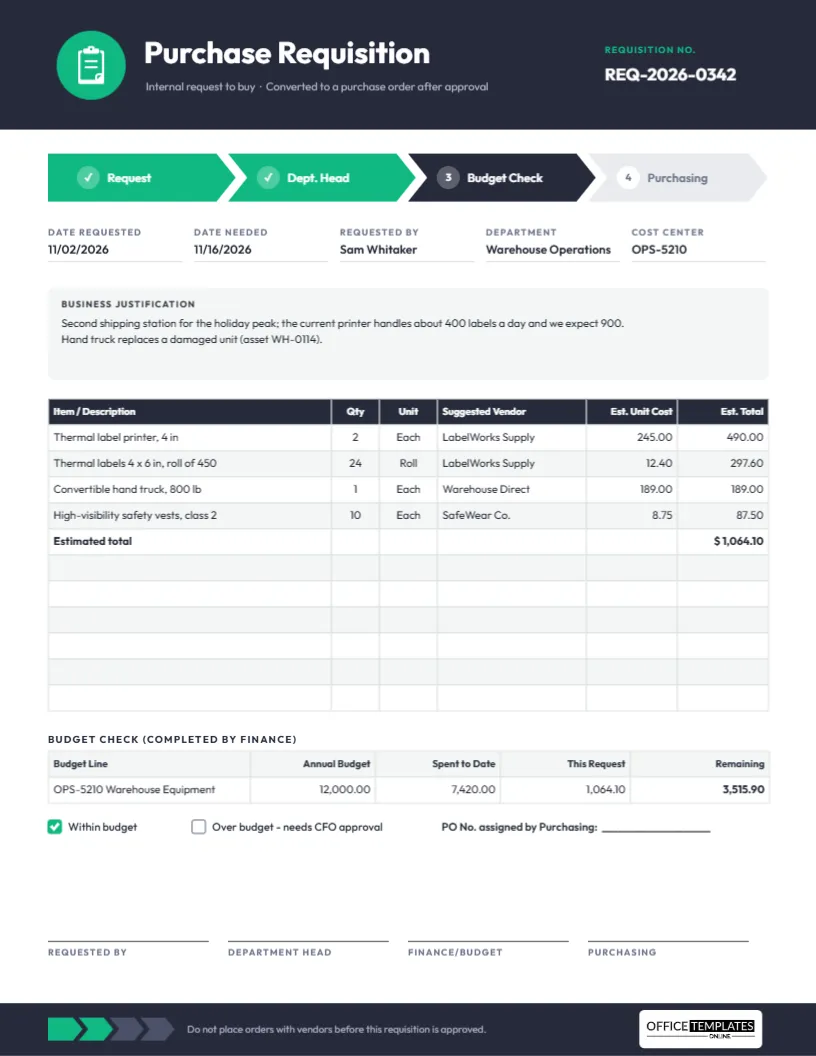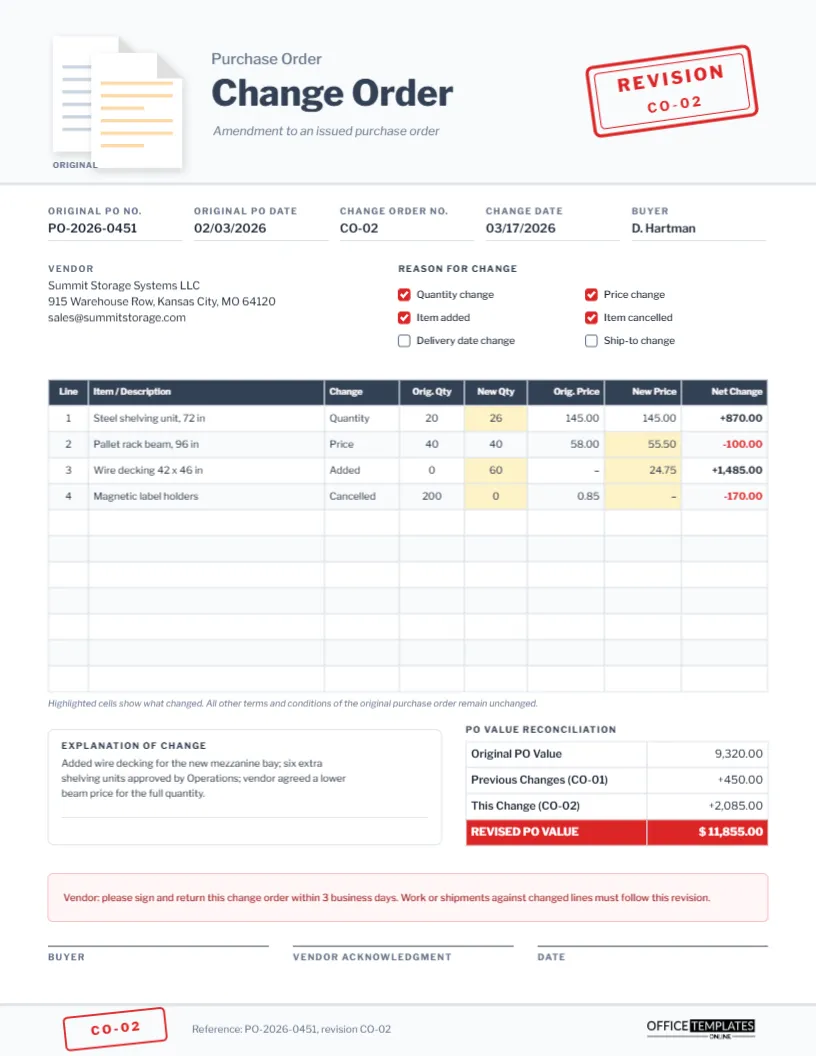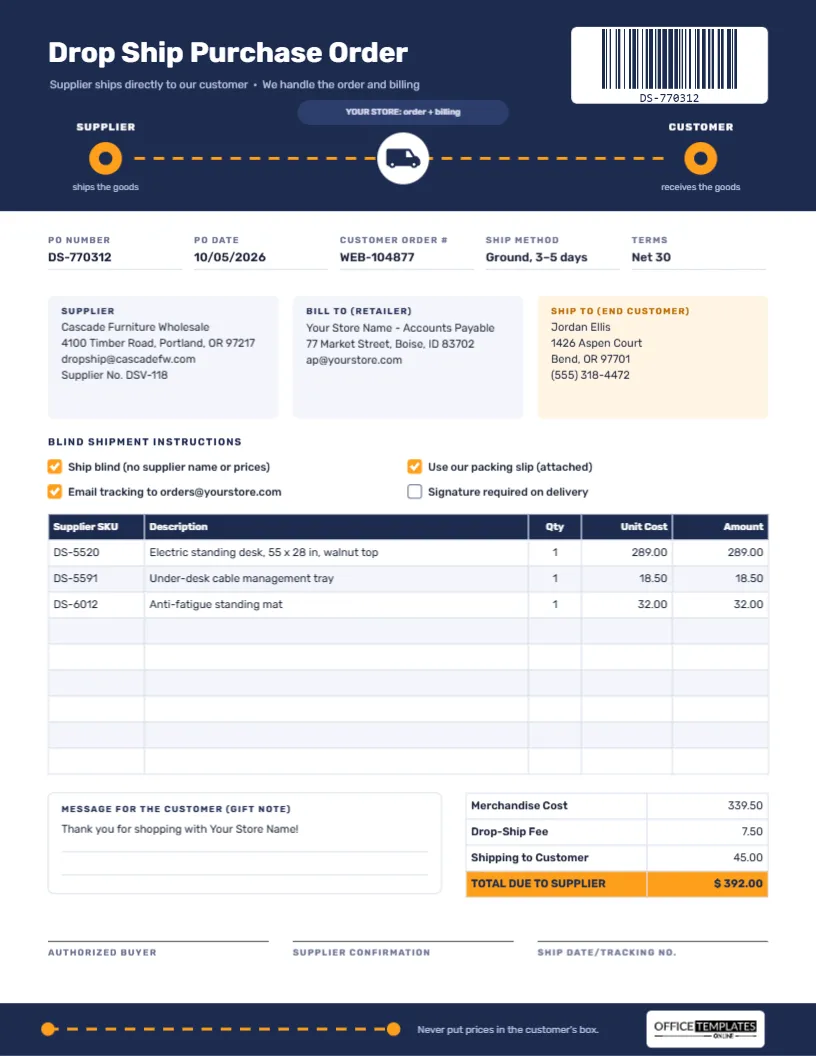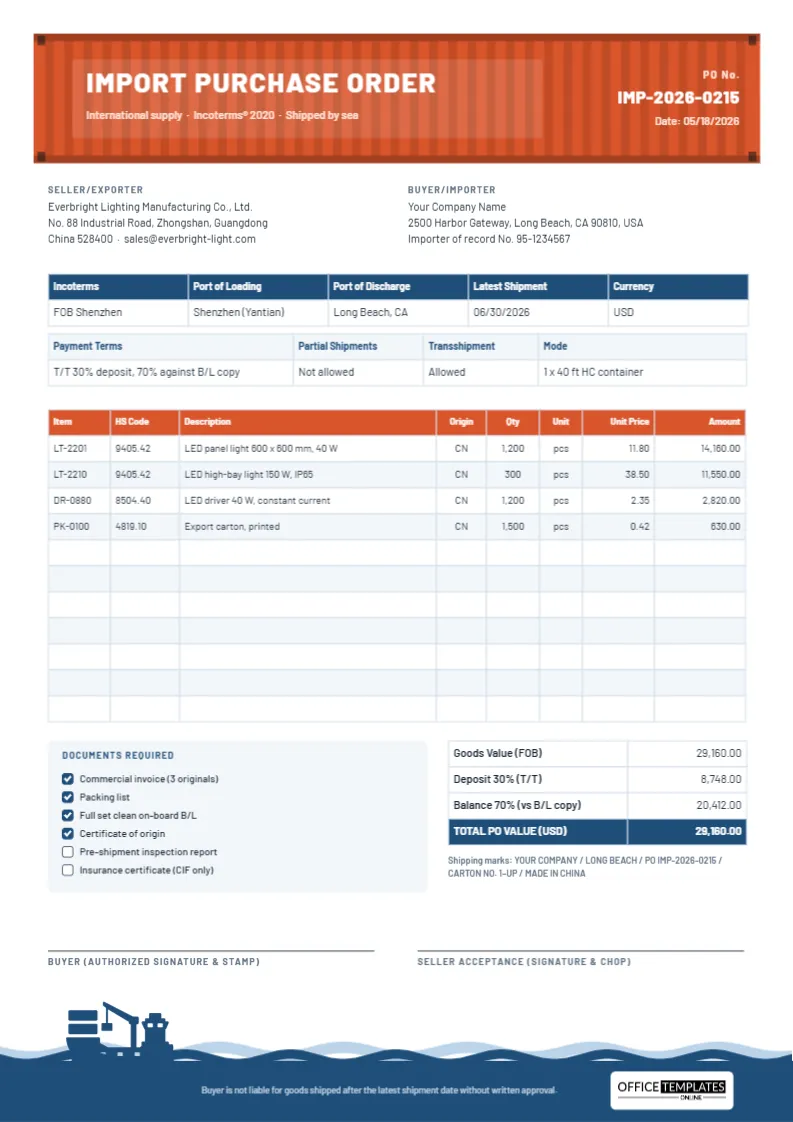
On a construction project, a missing delivery can stop a crew in its tracks, and a wrong one can be worse. Concrete that arrives at the wrong gate, rebar in the wrong size, or lumber delivered before the forklift is on site all cost time and money. A Construction Materials Purchase Order Template gives the supplier everything they need to get it right the first time: the job, the site, the specs, the delivery window, and how the load will be unloaded. This template is built around those details.
Built to Look Like the Site
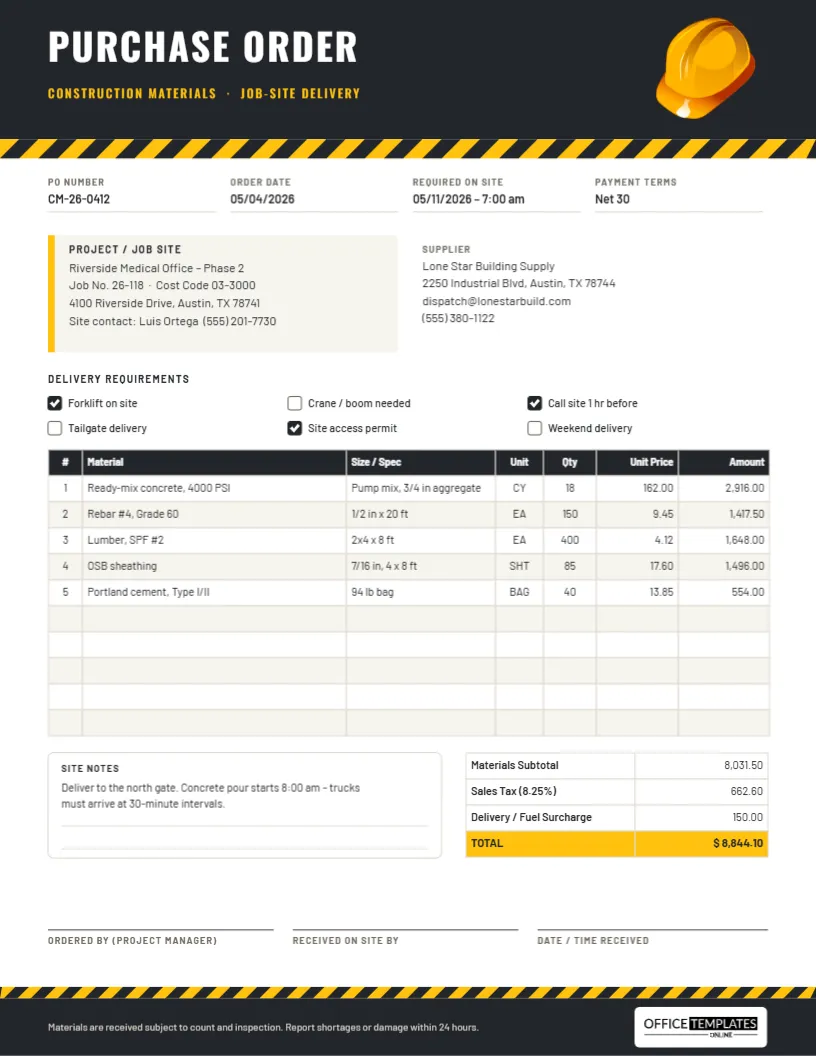
The template is US Letter portrait, 8.5 x 11 inches. A charcoal header carries PURCHASE ORDER in tall Oswald capitals, with Construction materials · Job-site delivery in safety yellow underneath. At the top right sits a glossy yellow hard hat, an editable vector illustration. Under the header runs a band of yellow and black hazard stripes, the same pattern you see on barriers and machinery, and a thinner band of stripes returns above the charcoal footer so the top and bottom of the page match.
The form itself is set in Barlow, a clean, slightly condensed typeface that stays legible on a clipboard in bright sunlight. It includes:
- PO Number, Order Date, Required On Site (with a time), and Payment Terms.
- A tinted Project/Job Site card with a yellow edge: project name, job number, cost code, site address, and site contact.
- A Supplier block.
- Six Delivery Requirements checkboxes.
- A 10-row materials table: #, Material, Size/Spec, Unit, Qty, Unit Price, Amount.
- Site Notes and totals for Materials Subtotal, Sales Tax, Delivery/Fuel Surcharge, and a yellow TOTAL row.
- Signatures for the project manager, the person receiving on site, and the date and time received.
Unit Abbreviations Used on Building Material Orders
Builders’ merchants use short units, and mixing them up is a classic ordering mistake. The sample uses several:
| Unit | Means | Typical materials |
|---|---|---|
| CY | Cubic yard | Ready-mix concrete, gravel, topsoil |
| EA | Each (single piece) | Rebar lengths, lumber, fittings |
| SHT | Sheet | OSB, plywood, drywall |
| BAG | Bag | Cement, mortar, grout |
| LF | Linear foot | Pipe, trim, edging |
| SF | Square foot | Flooring, insulation, roofing |
| TON | Ton | Aggregates, asphalt |
Put the size or specification in its own column, as the template does: 1/2 in x 20 ft for rebar or 7/16 in, 4 x 8 ft for OSB. The supplier’s yard staff read that column when they load the truck.
The Delivery-Day Checklist
The Delivery Requirements checkboxes on the form (Forklift on site, Crane/boom needed, Call site 1 hr before, Tailgate delivery, Site access permit, Weekend delivery) tell the dispatcher what to expect. Behind them sits a routine that experienced site managers follow on delivery day:
- The day before: confirm the delivery time with the supplier and make sure the unloading equipment and operator are booked.
- An hour before: the driver calls the site contact (tick Call site 1 hr before). Clear the access route and the laydown area.
- On arrival: check the delivery ticket against this PO: material, size, quantity and unit.
- While unloading: look for damage, wet cement bags, bent bar, or split sheets. Note problems on the ticket before signing.
- After signing: write the time received on the PO and send a photo of both documents to the office so the invoice can be matched.
The footer states the rule clearly: materials are received subject to count and inspection, and shortages or damage must be reported within 24 hours.
Filling In the Order for Your Project
- Type the PO number and dates. For concrete, give a precise arrival time in Required On Site.
- Complete the project card, including the cost code so the invoice lands on the right budget line.
- Tick the delivery requirements that apply. Each checkbox is a small square; the ticked ones are filled charcoal with a white check mark. Swap them by changing the fill colour, or copy a ticked box over an empty one.
- Double-click the materials table to open Edit Table Data and enter your materials, specs and prices. Use + Row for longer orders.
- Work out the totals and type them in. The sample shows a subtotal of 8,031.50, sales tax at 8.25% of 662.60, a 150.00 delivery surcharge, and a total of $8,844.10.
- Use Site Notes for gate instructions, pour sequences, or restrictions such as noise hours.
Keeping Materials Costs on Budget
Every construction PO should point to a job number and a cost code. When the invoice arrives, accounts can post it straight to the right line of the project budget, and the project manager can compare committed costs (open POs) with the budget before the money is actually spent. Numbering POs by job, for example CM-26-0412 for the 412th order of 2026, makes it easy to pull every order for a project when the job is closed out.
Customizing the Look
The hard hat is a full-colour vector illustration: select it to change its colours from the colour swatches, resize it, or delete it. The hazard stripe bands are grouped, so you can recolour the yellow to match your company colour while keeping the stripes intact. Our logo sits on a white plate in the footer. To add your own logo, upload it and place it in the header next to the title.
Printing for the Site Office
Print at actual size on US Letter; A4 works with Fit to page. The charcoal header and footer use a fair amount of toner, so for everyday copies you may prefer to lighten the header to a mid grey. Laminated clipboards and a plastic sleeve keep the receiving copy clean in wet weather.
Site Manager FAQs
Can subcontractors use this form?
Yes. Change the project card to show the main contractor and site, and the supplier block to your supplier.
Should I order concrete on this form?
You can, but many concrete suppliers also take the mix details by phone. Record the mix, slump, and aggregate in the Size/Spec column so the order is on paper too.
Is there room for more lines?
Add rows with the + Row button, or reduce the text size in Edit Table Data.
Get the Right Load, First Time
Clear specs, a firm delivery window, and a site ready to receive: that is what this construction purchase order is designed to deliver. Fill it in, send it to your supplier, and keep the crew working.