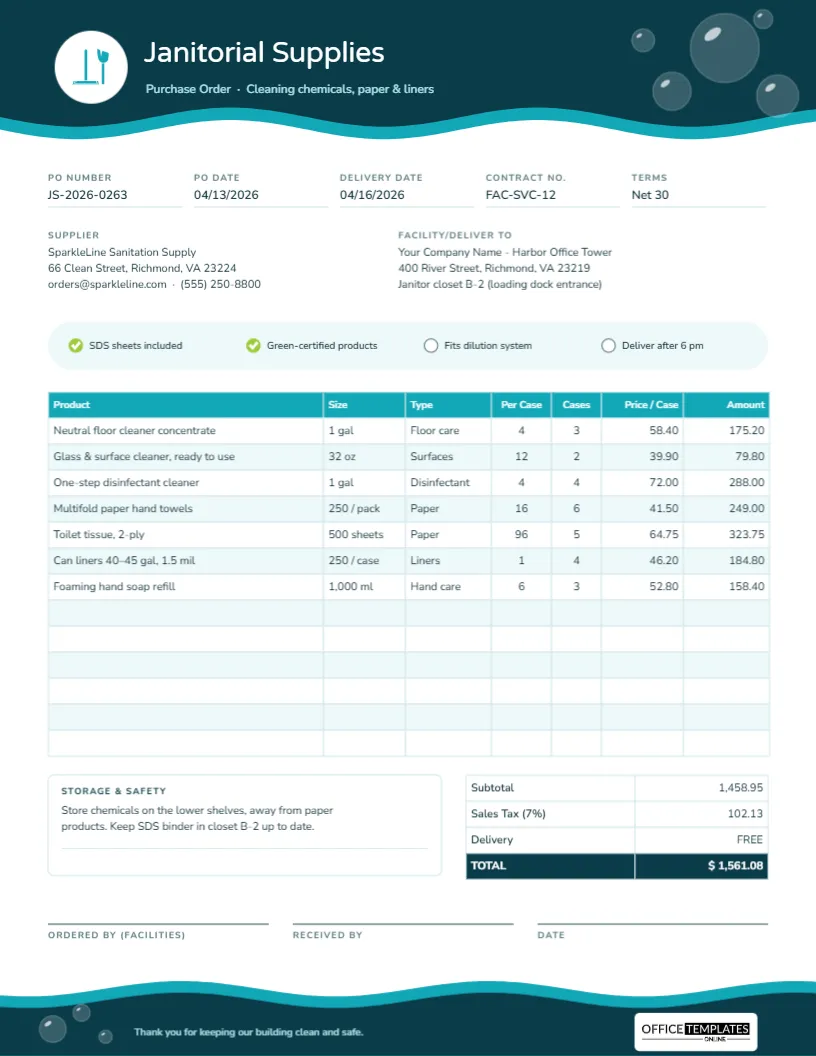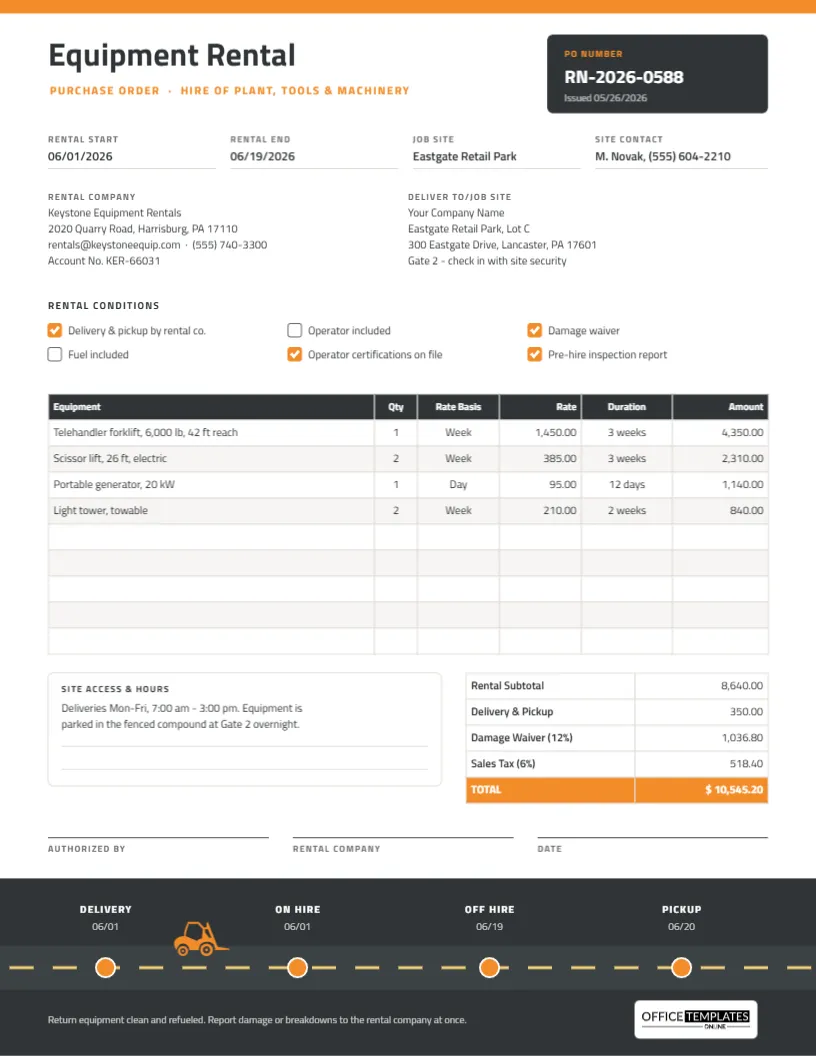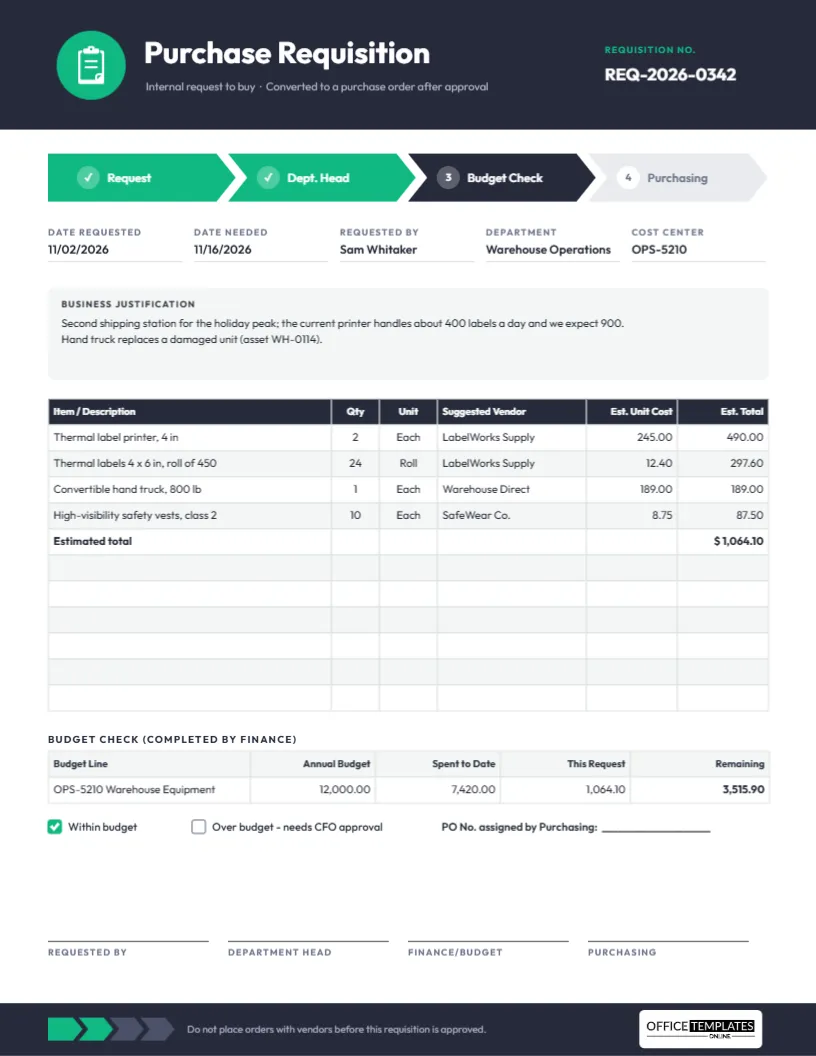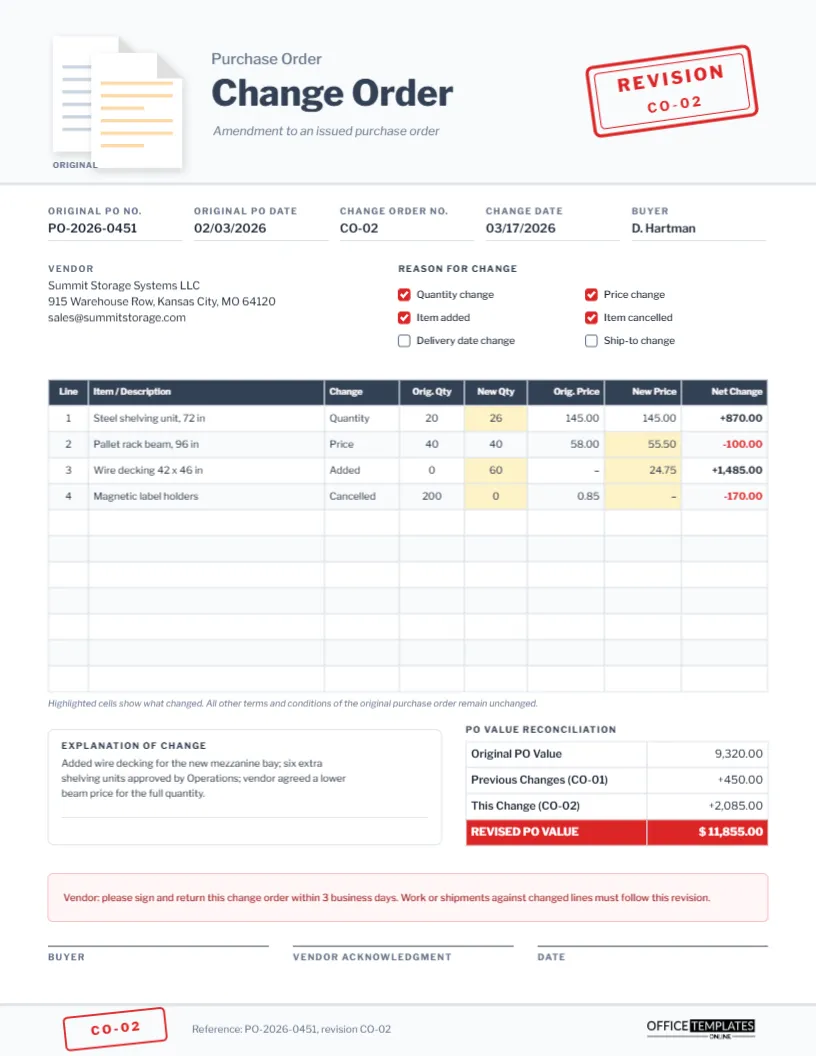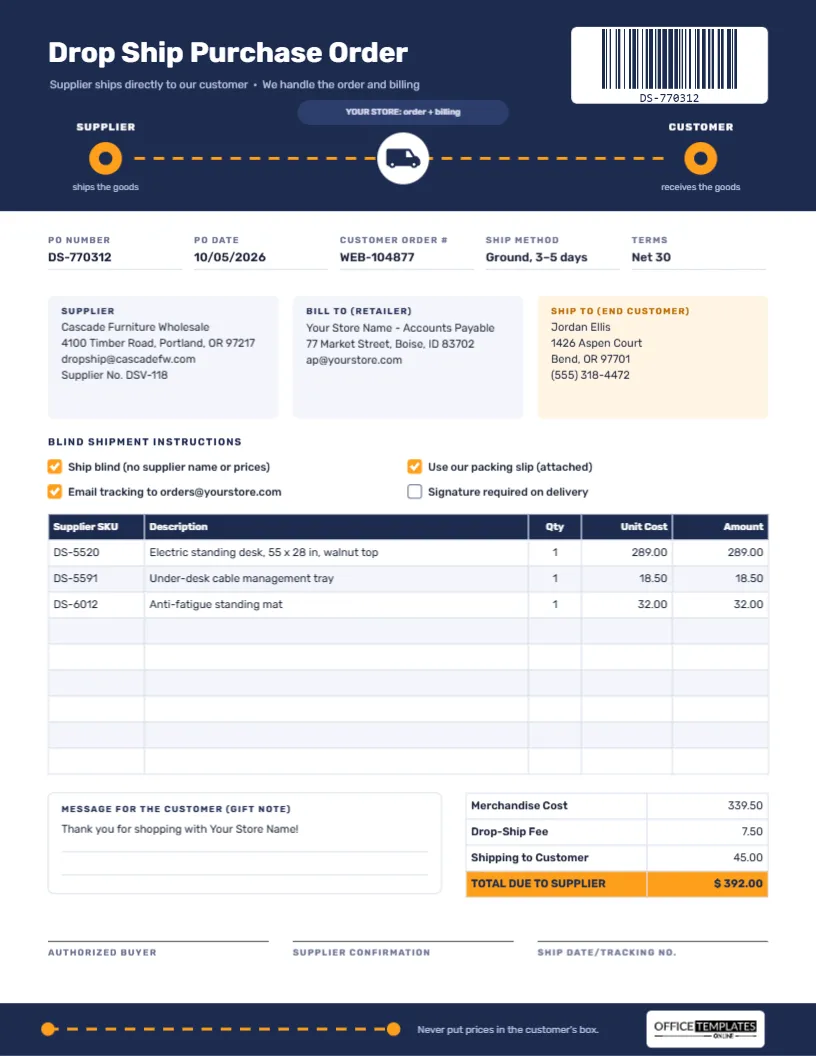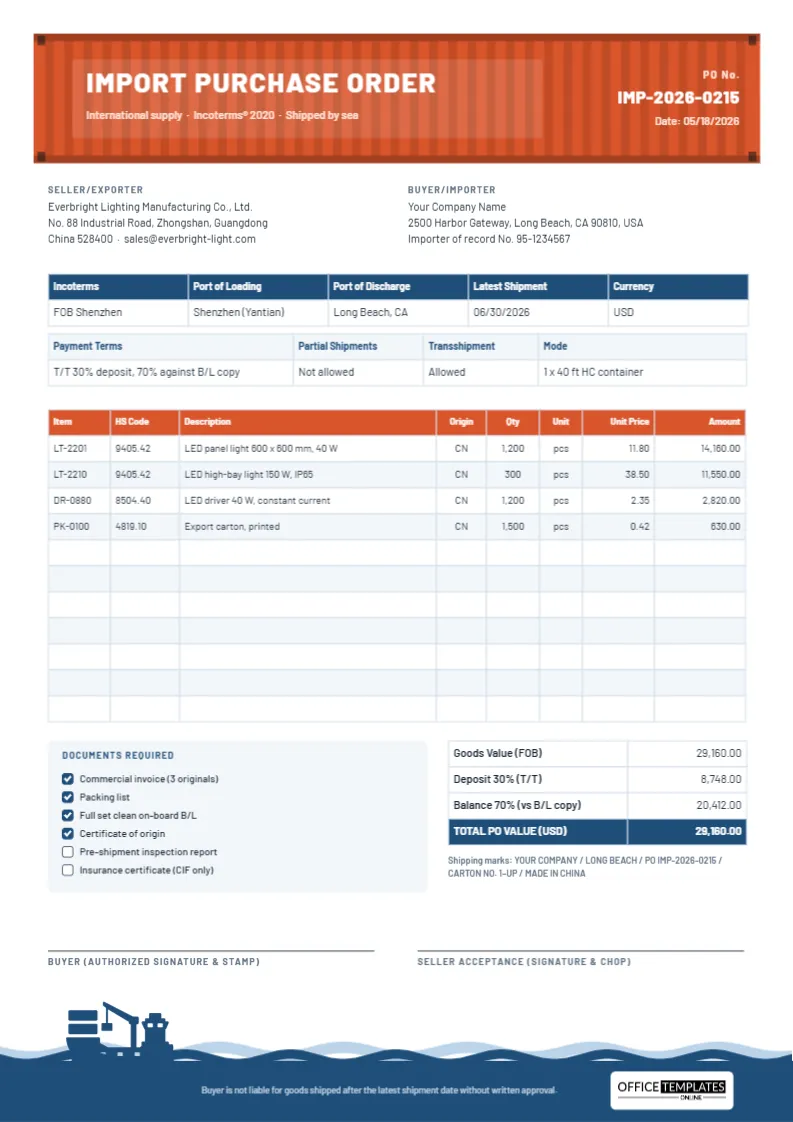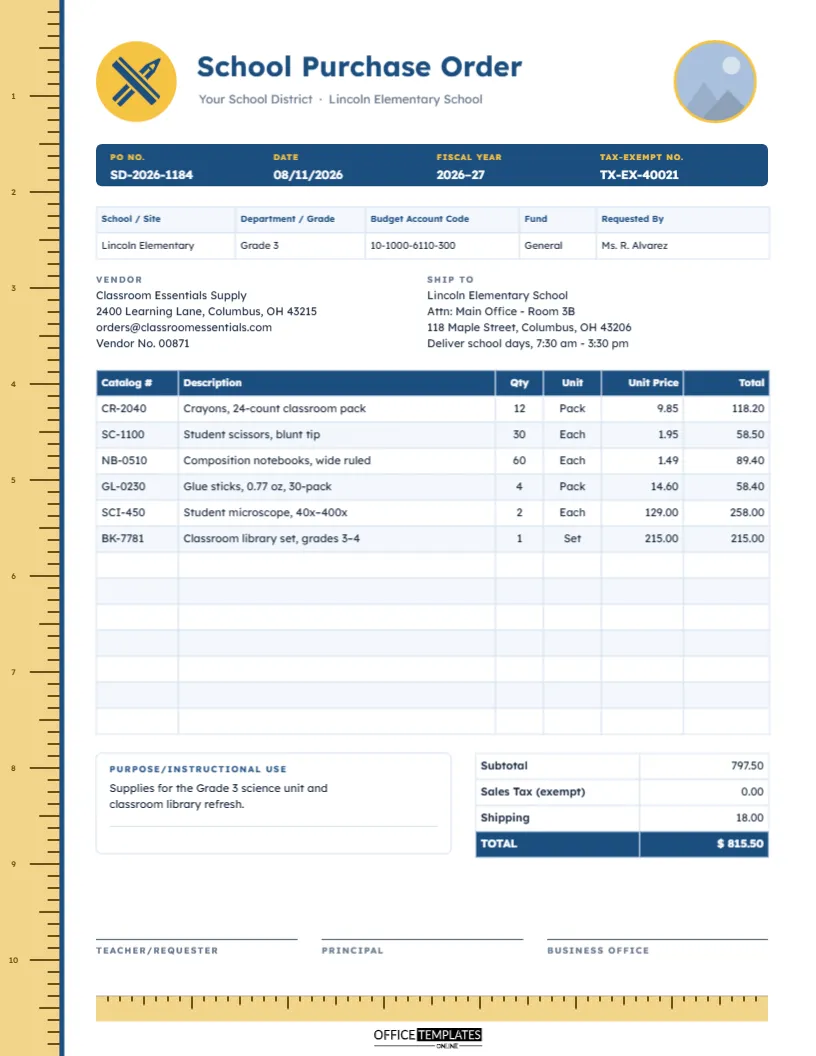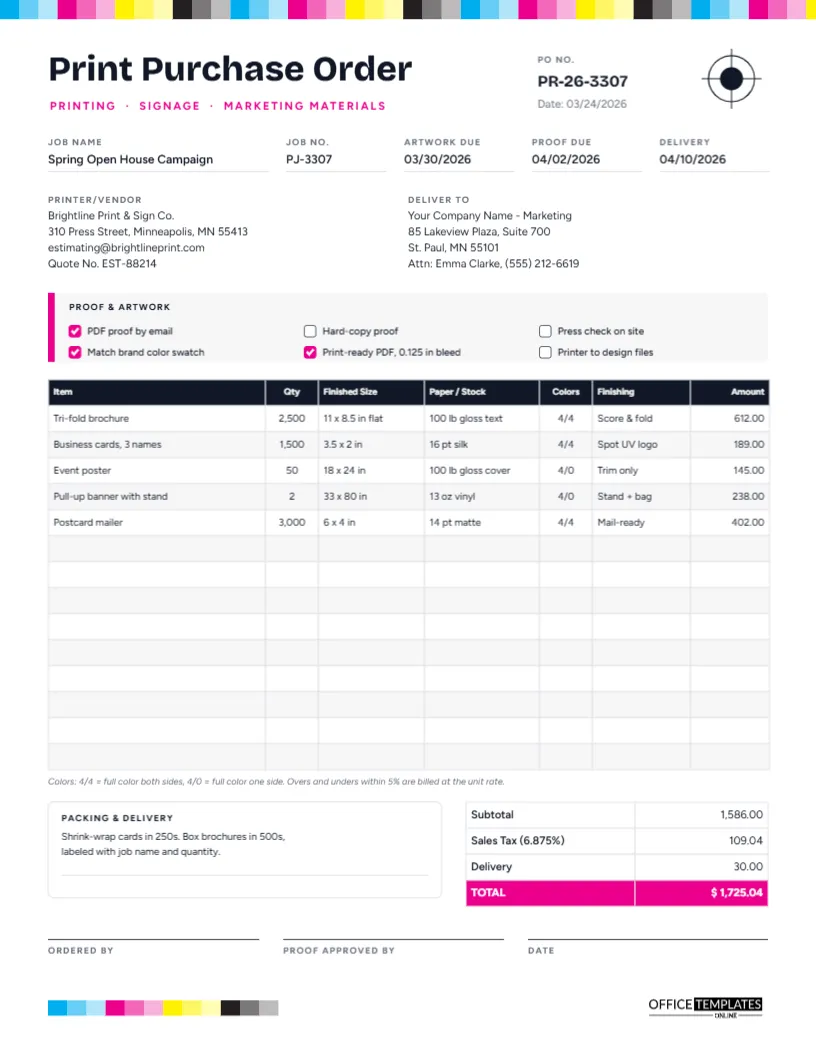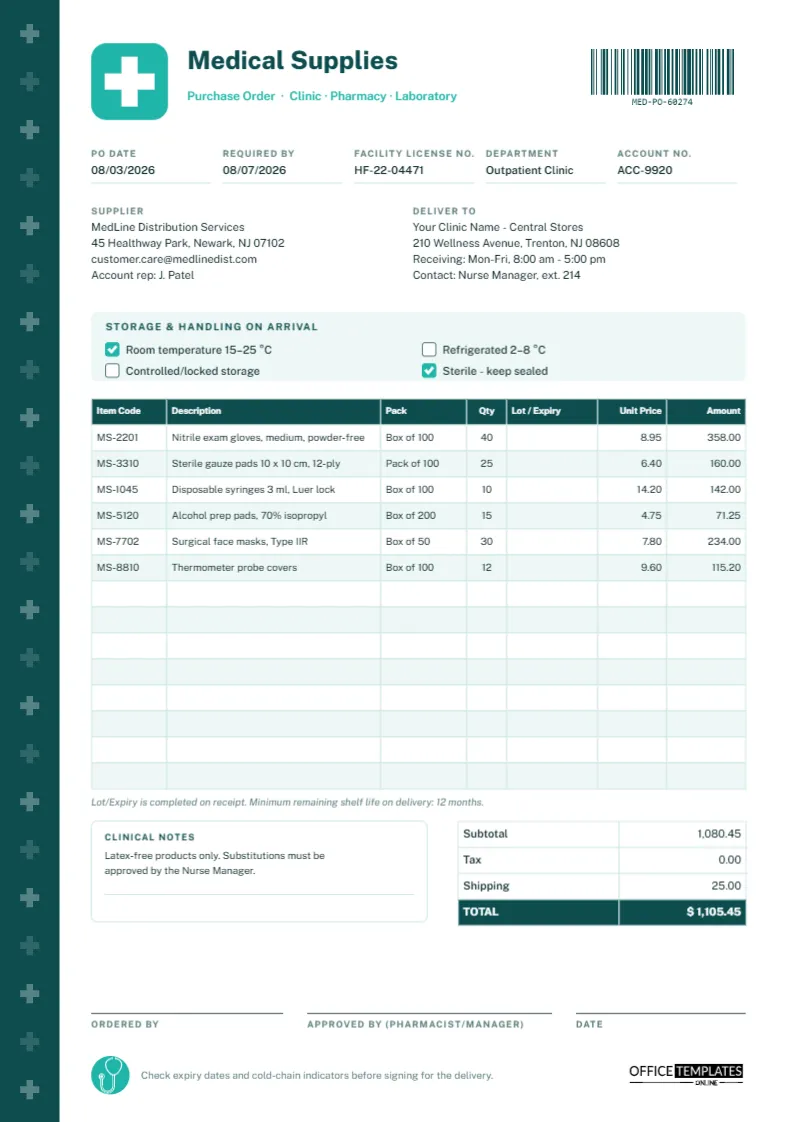
Clinics, dental practices, pharmacies, care homes and laboratories order consumables constantly, and the details matter more than in most businesses. Products must arrive sealed, in date, and stored correctly, and staff must be able to trace which batch was used if a supplier issues a recall. This Medical Supplies Purchase Order is designed around those needs: storage conditions are stated up front, a Lot/Expiry column is completed on receipt, and approval is built into the sign-off.
Clean Lines and a Column of Crosses
The template is A4 portrait (210 x 297 mm). A teal band runs down the full left edge of the page, patterned with small white crosses. The header shows a rounded teal square with a white medical cross, the title Medical Supplies in extra-bold Public Sans, and the line Purchase Order · Clinic · Pharmacy · Laboratory in a lighter teal. At the top right is a real, scannable barcode of the PO number. At the foot of the page, a stethoscope icon in a teal circle sits beside a reminder to check expiry dates and cold-chain indicators, with our logo on the right.
The page includes:
- PO Date, Required By, Facility License No., Department and Account No.
- Supplier and Deliver To blocks, with receiving hours and a named contact.
- A Storage & Handling on Arrival panel with four checkboxes.
- A 14-row table: Item Code, Description, Pack, Qty, Lot/Expiry, Unit Price and Amount.
- A shelf-life note, a Clinical Notes box, totals, and signatures for the person ordering and a pharmacist or manager approving.
A Receiving Checklist for Medical Deliveries
The Lot/Expiry column is intentionally empty on the order: it is filled in when the goods arrive. A consistent receiving routine might look like this. Adapt it to your organisation’s own procedures and any regulations that apply to you.
- Check the outer packaging for damage, water marks or broken seals before signing the courier’s paperwork.
- Put temperature-sensitive items away first, and check any temperature indicators included in the package.
- Match each item against the PO: item code, description, pack size and quantity.
- Record the lot number and expiry date for each line in the Lot/Expiry column.
- Check remaining shelf life against your minimum. The sample asks for at least 12 months on delivery.
- Store items as ticked in the storage panel, and file the completed PO with the delivery note.
Recording lots on the PO means that if a product is ever recalled, you can see at once whether the affected batch came through your door.
What the Storage Options Mean
| Option on the form | Typical use |
|---|---|
| Room temperature 15–25 °C | Most dressings, gloves, syringes, and general consumables |
| Refrigerated 2–8 °C | Items labelled for cold storage, such as many vaccines and some test kits |
| Controlled/locked storage | Items your policies or local rules require to be kept secure |
| Sterile – keep sealed | Sterile products that must not be opened until use |
Always follow the storage instructions on each product’s label and your facility’s policies; the checkboxes are a prompt for whoever receives the delivery, not a substitute for them.
Filling In Your Clinic’s Order
- Replace the facility details: department, account number with the supplier, and your facility license number.
- Update the barcode by selecting it and typing your own PO number in its options panel, so incoming boxes can be matched with a scan.
- Enter supplier and delivery details. A named receiving contact, such as the nurse manager, helps couriers.
- Tick the storage conditions that apply to this delivery.
- A double-click on the supplies table brings up Edit Table Data, where you can type or import your order lines. Leave Lot/Expiry blank for receiving.
- Type in the line amounts and totals after calculating them. The sample subtotal is 1,080.45; shipping is 25.00, and the total is $1,105.45. The tax line shows 0.00; many medical supplies are taxed differently from general goods, so confirm the rate that applies to you.
Clinical Notes Worth Adding
The notes box carries instructions that protect patients and staff. The sample specifies latex-free products only and requires any substitution to be approved by the nurse manager. Other common notes include preferred glove sizes, no product substitutions without clinical approval, deliver cold-chain items before noon, or include product safety data sheets where applicable.
Design Options
The teal cross band is grouped, so you can recolour it in one step, for example, to your practice’s colour. The stethoscope is an editable vector with a colour swatch. If your facility uses US Letter, choose Fit to page when printing; the layout scales cleanly.
Keeping Records for Audits and Recalls
Print on A4 at actual size. For audit and recall purposes, keep the completed PO, with lots and expiry dates recorded, together with the delivery note and invoice. A scanned PDF filed by PO number is easy to search later.
Setting Sensible Reorder Levels
Running out of gloves or dressings in the middle of a clinic is more than an inconvenience. Many practices set a minimum stock level for each consumable, based on how much is used in a normal week plus a buffer for the supplier’s delivery time. When a shelf drops to that level, the item goes on the next order. Keeping a master copy of this purchase order with your regular items and pack sizes already entered makes the weekly or fortnightly order quick: count, fill in the quantities that have fallen below their minimum, and send. Review the levels every few months, and before seasonal peaks such as winter, when demand for some items rises.
It also helps to agree on a single person, such as the practice manager or a senior nurse, who checks every order before it is approved. A second pair of eyes catches duplicated lines, wrong pack sizes, and quantities typed with an extra zero, which are the most common and most expensive ordering mistakes.
Healthcare Buyer Questions
Can a dental or veterinary practice use this?
Yes. Change the department and item names; the storage and lot tracking suit any clinical setting.
Can the barcode be removed?
Yes. Select it and delete it, or keep it for faster matching at goods-in.
Is the lot column required?
It is optional, but recording lots makes recalls much easier to handle.
Order Supplies With Confidence
Clear storage instructions, lot tracking, and proper approval on one page: this medical purchase order helps your team receive the right products, in date and ready for patient care.