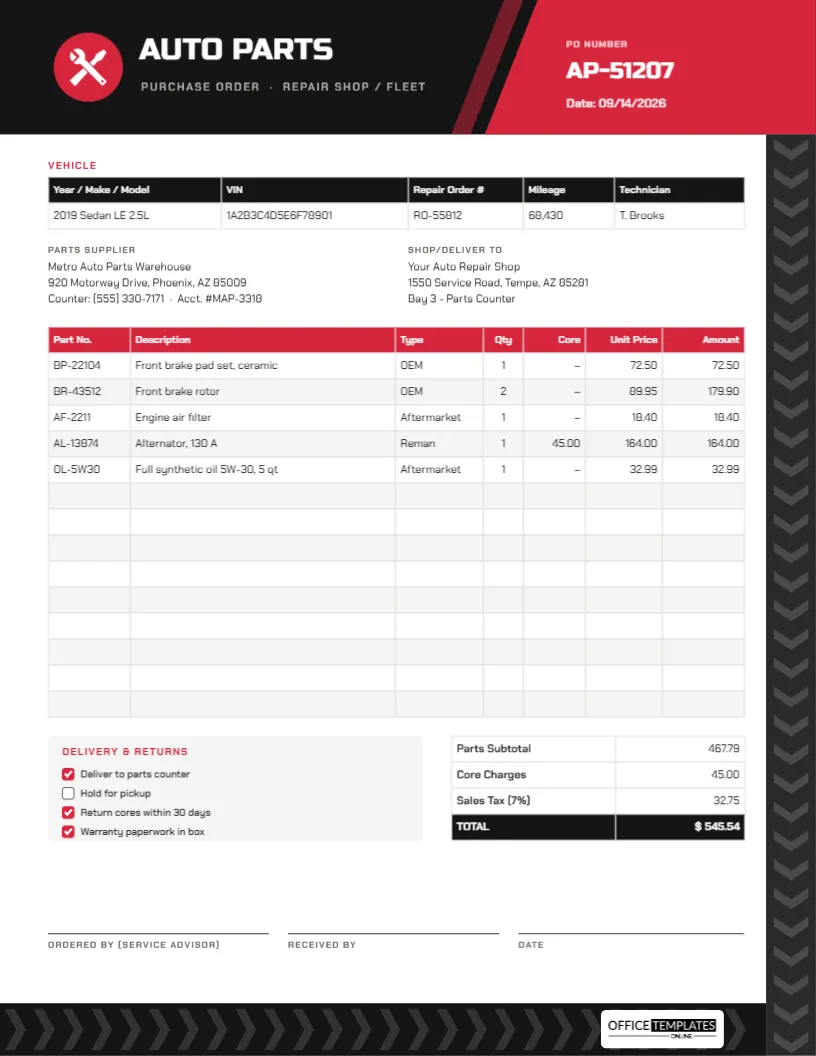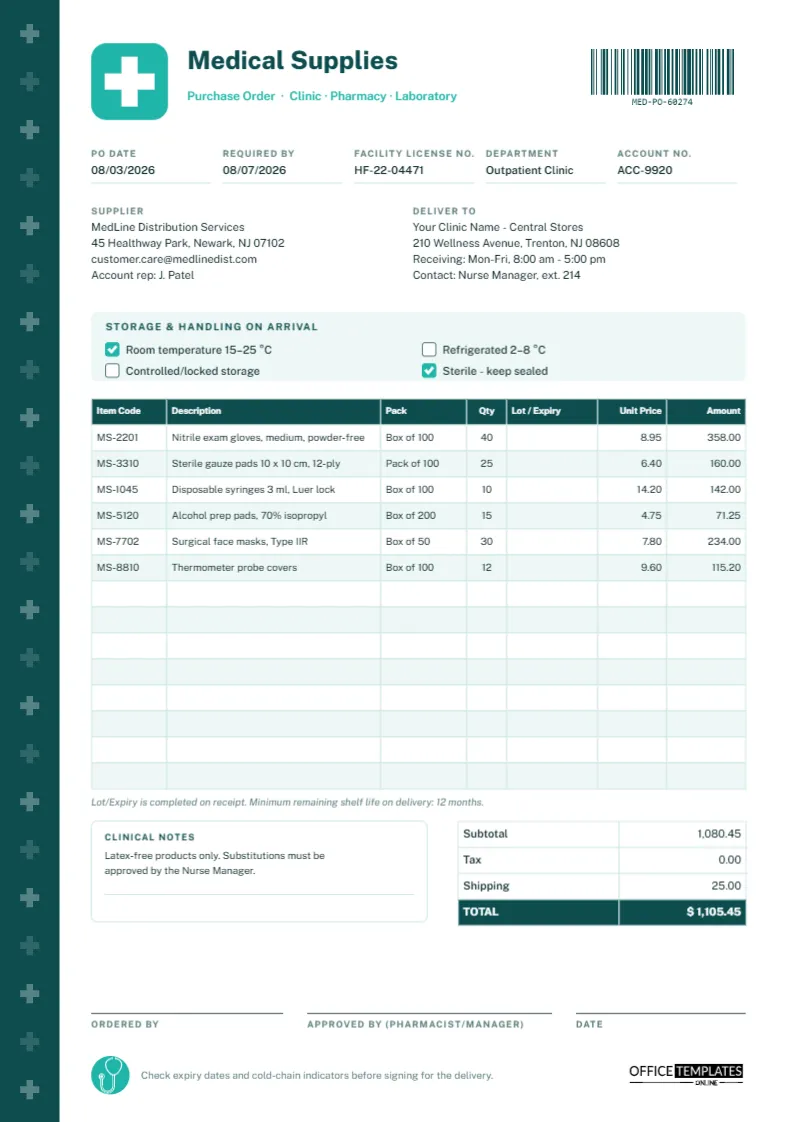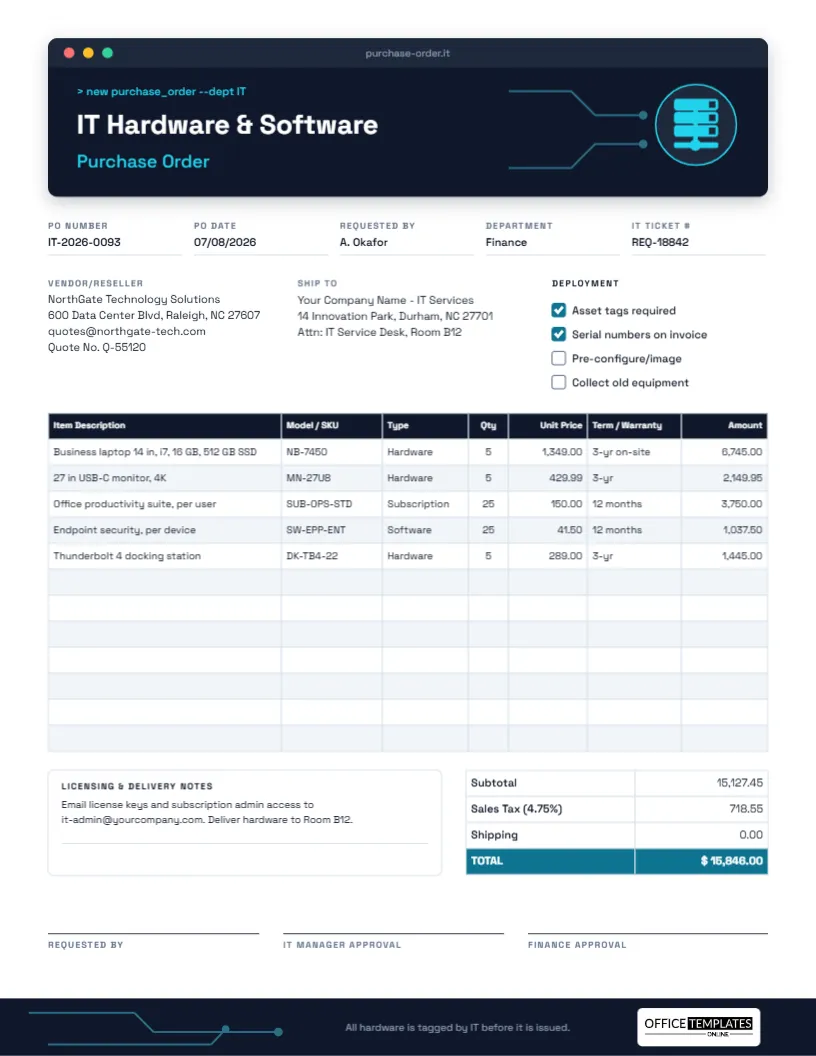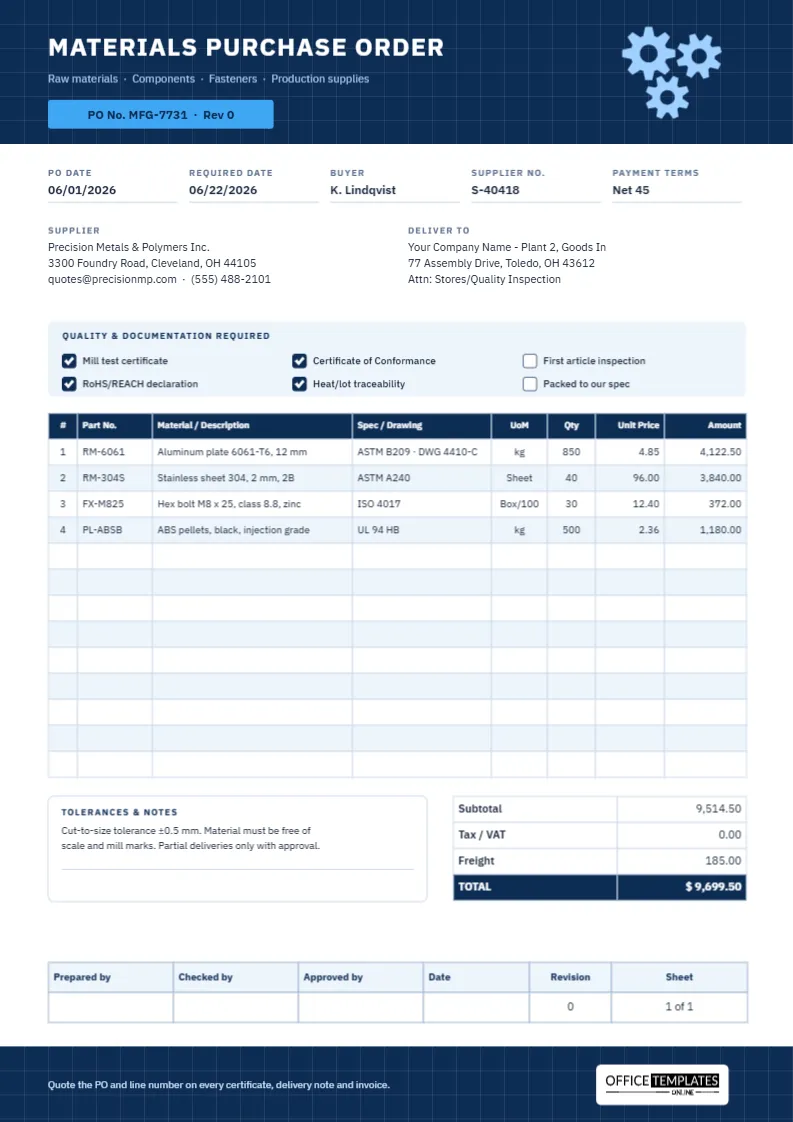
Purchase orders change. A project grows, a price is renegotiated, an item is discontinued, or a delivery has to move. What matters is that the change is recorded properly, so the supplier, your receiving team, and accounts all work from the same revised numbers. A change order (also called a PO amendment or revision) does that without cancelling the original and starting again. This Purchase Order Change Order Template shows exactly what changed, why, and what the order is now worth.
Change Order or Cancel and Reissue?
Not every change needs the same treatment. This quick guide helps you decide:
| Situation | Usual approach |
|---|---|
| Quantity up or down on existing lines | Change order |
| Agreed price change on a line | Change order |
| Adding a related item or cancelling one line | Change order |
| New delivery date or delivery address | Change order |
| Different supplier | Cancel the PO and raise a new one |
| Mostly different items or a new project | Cancel and reissue |
| Nothing delivered yet and the order is being abandoned | Written cancellation |
Keeping the original PO number and adding a revision (CO-01, CO-02…) means invoices, deliveries, and reports stay linked to one order history.
Original Sheet, Revised Sheet and a Rubber Stamp
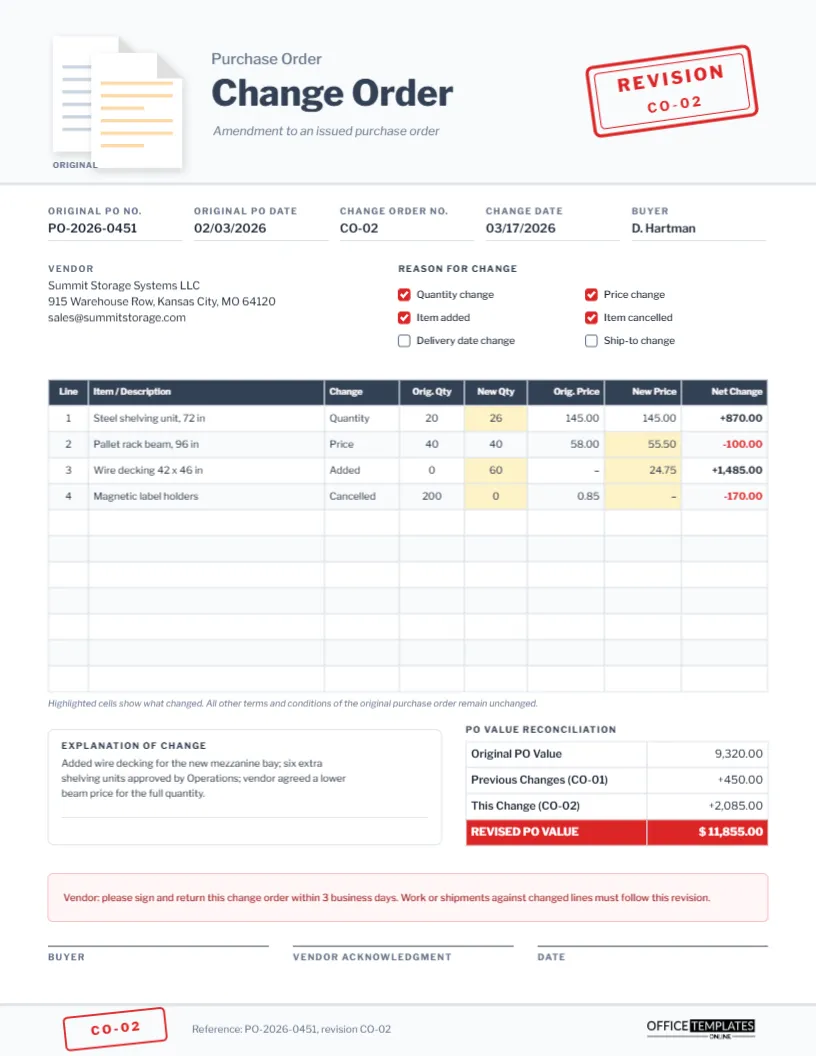
The template is US Letter portrait, 8.5 x 11 inches. Its header sits on a pale slate panel. On the left, two document icons overlap: a grey original sheet behind, and a revised sheet with amber lines in front. Beside them, a small grey line reads Purchase Order above the title Change Order in extra-bold Libre Franklin, with Amendment to an issued purchase order in italics beneath. On the right, a red rubber stamp, tilted as if pressed by hand, reads REVISION and CO-02. A smaller copy of the stamp returns in the footer beside the reference line and our logo.
The page contains:
- Original PO No., Original PO Date, Change Order No., Change Date, and Buyer.
- A Vendor block and six Reason for Change checkboxes: Quantity change, Price change, Item added, Item cancelled, Delivery date change, Ship-to change.
- An 11-row change table: Line, Item/Description, Change, Orig. Qty, New Qty, Orig. Price, New Price, and Net Change. Cells that changed are shaded pale amber, and reductions show in red.
- An Explanation of Change box beside a PO Value Reconciliation table.
- A pink notice asking the vendor to sign and return within three business days, and signature lines for the buyer, vendor acknowledgment, and date.
Reconciling the PO Value: A Worked Example
The sample amends a storage equipment order. Here is each line’s net change, calculated as (new qty × new price) minus (original qty × original price). (original qty × original price):
- Steel shelving units: quantity up from 20 to 26 at 145.00. (26 × 145.00) ? (20 × 145.00) = +870.00.
- Pallet rack beams: 40 units, price down from 58.00 to 55.50. (40 × 55.50) ? (40 × 58.00) = ?100.00.
- Wire decking: a new line, 60 at 24.75. +1,485.00.
- Magnetic label holders: cancelled, 200 at 0.85. ?170.00.
The net change for this revision is +2,085.00. The reconciliation table then carries the order’s history forward: original value 9,320.00, plus the earlier change CO-01 of +450.00, plus this change of +2,085.00, gives a revised PO value of $11,855.00. Anyone approving the change can see at once how far the order has moved from the original. The editor’s tables don’t do arithmetic, so calculate these figures and type them in.
Showing Changes So Nobody Misses Them
The highlighted cells are the heart of this design. When you prepare your own change order:
- Shade only the cells that changed: a new quantity, a new price, or both for an added line.
- Show cancelled lines with a new quantity of 0 and a dash for the new price, rather than deleting them.
- Put the kind of change in the Change column in one word: Quantity, Price, Added, Cancelled, Date.
- Show reductions in red with a minus sign, and increases with a plus sign.
To shade a cell, open Edit Table Data by double-clicking the change table and set that cell’s background colour; the table keeps per-cell colours.
Writing the Explanation
Approvers and auditors will ask why the order changed. One or two sentences are enough if they are specific. The sample explains that wire decking was added for a new mezzanine bay, six extra shelving units were approved by Operations, and the vendor agreed to a lower beam price for the full quantity. Mention who approved the change and any reference, such as an email date or quote number.
Preparing a Change Order Step by Step
- Enter the original PO number and date exactly as issued, and give this change the next number in sequence.
- Tick every reason that applies.
- List only the lines that change, using the line numbers from the original PO.
- Complete the reconciliation, including earlier change orders.
- Update the stamp text if this is a different revision: it is ordinary editable text inside a grouped shape.
- Send the PDF to the vendor and ask for a signed copy back, as the notice on the form requests.
Keeping the Revision History Straight
File each change order with the original purchase order, in order, so the whole history reads from front to back. Number revisions without gaps (CO-01, CO-02, CO-03), and never reuse a number. When the supplier’s invoice arrives, accounts should match it against the latest revised value, not the original. If you use accounting or purchasing software, enter the revised quantities and prices there too, so receiving and invoice matching use the same numbers as this document.
Styling the Page
The red stamp and document icons can be recoloured or deleted. If your organisation uses a different term, change the title to PO Amendment or Purchase Order Revision, and edit the stamp to match. Print on US Letter at actual size, or fit to A4.
Change Order Answers
Does the vendor have to sign?
It is strongly recommended. A signed acknowledgment confirms they accept the new quantities, prices, and dates.
Can I change the delivery date only?
Yes. Tick Delivery date change, leave the table empty or show the affected lines, and state the new date in the explanation.
Where do I record earlier changes?
In the Previous Changes row of the reconciliation; list each revision number if there were several.
Change the Order, Keep the Record
A clear change order protects both buyer and supplier when plans move. Show the before and after, explain the reason, reconcile the value, and get it signed.